

This page applies to payroll Data API workflows. For an updated banking report, use Re-verification.
Connection state
Ongoing refresh continues for as long as the connected payroll system allows the connection to remain active. Some payroll systems require the user to reauthenticate periodically. Existing data remains available after a disconnection, but new records stop arriving until the user completes the required reconnection.Item support
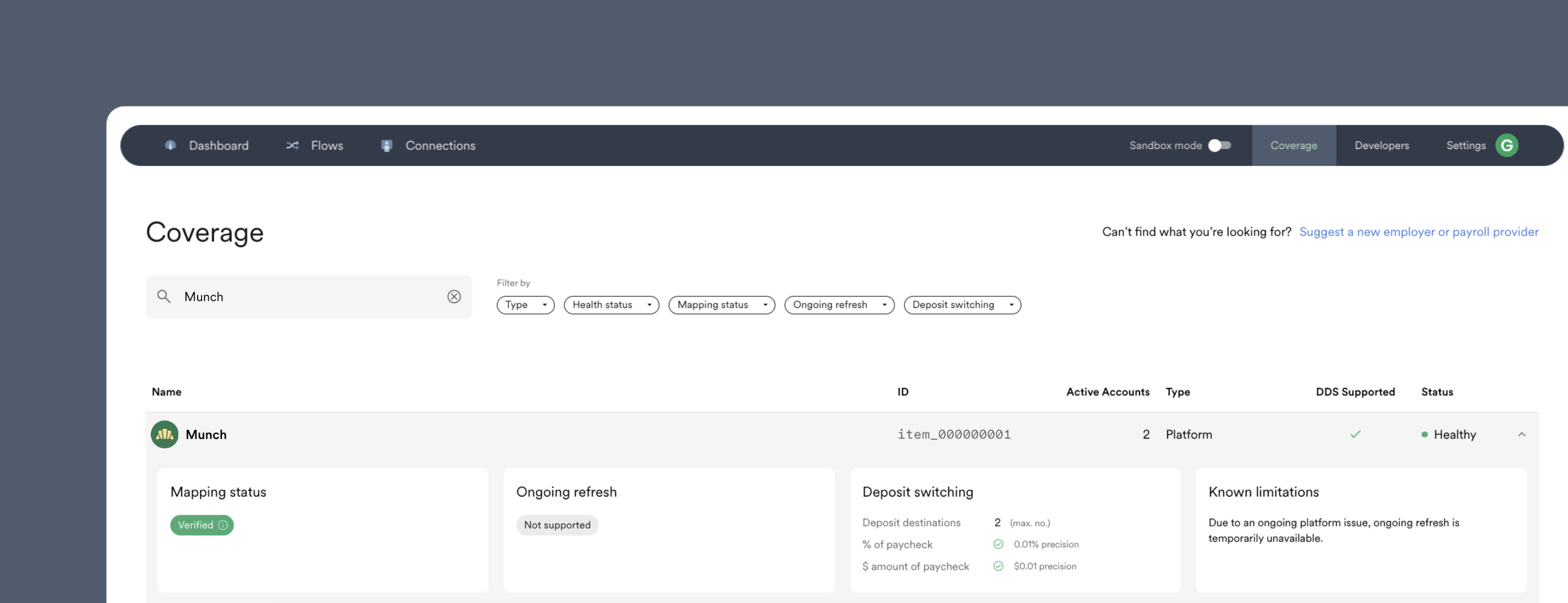
Support and known constraints can vary by Item.- In Console, select the Item in Coverage.
- In the API, retrieve the Item and inspect
known_limitations.
Refresh frequency
The refresh schedule depends on the Item and how its payroll system publishes new information. Use the Item’sfeatures.data_retrieval.refresh_frequency value for the current documented interval instead of assuming one schedule for every connected account.
Monitor new data
Subscribe to the resource events your application uses:.addedfor newly available records..updatedwhen an existing record changes..removedwhen the resource supports removal events.
accounts.updated webhook to track account-status and synchronization changes. If the account enters an error state, inspect the current error code and follow Reconnecting Accounts.