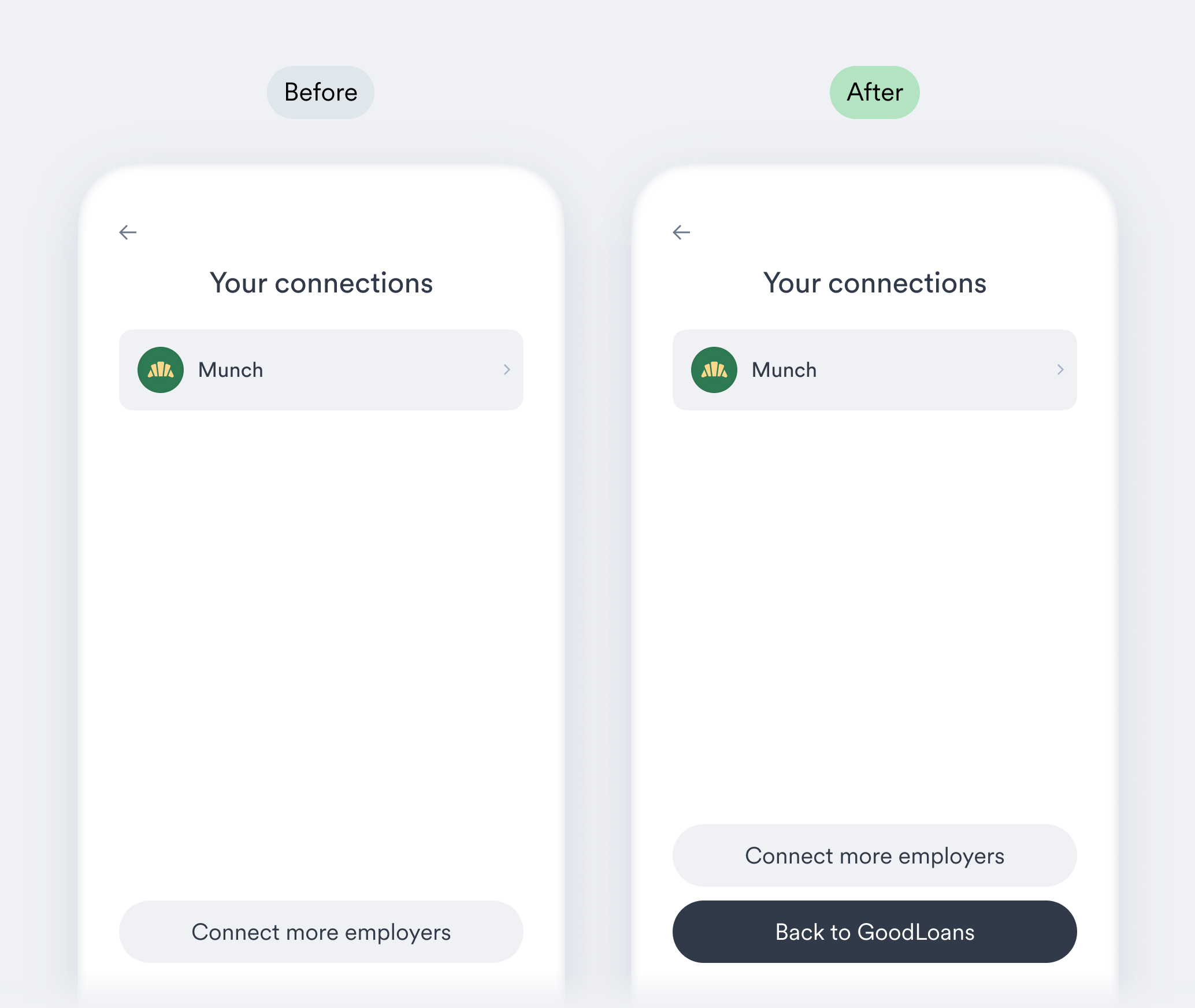
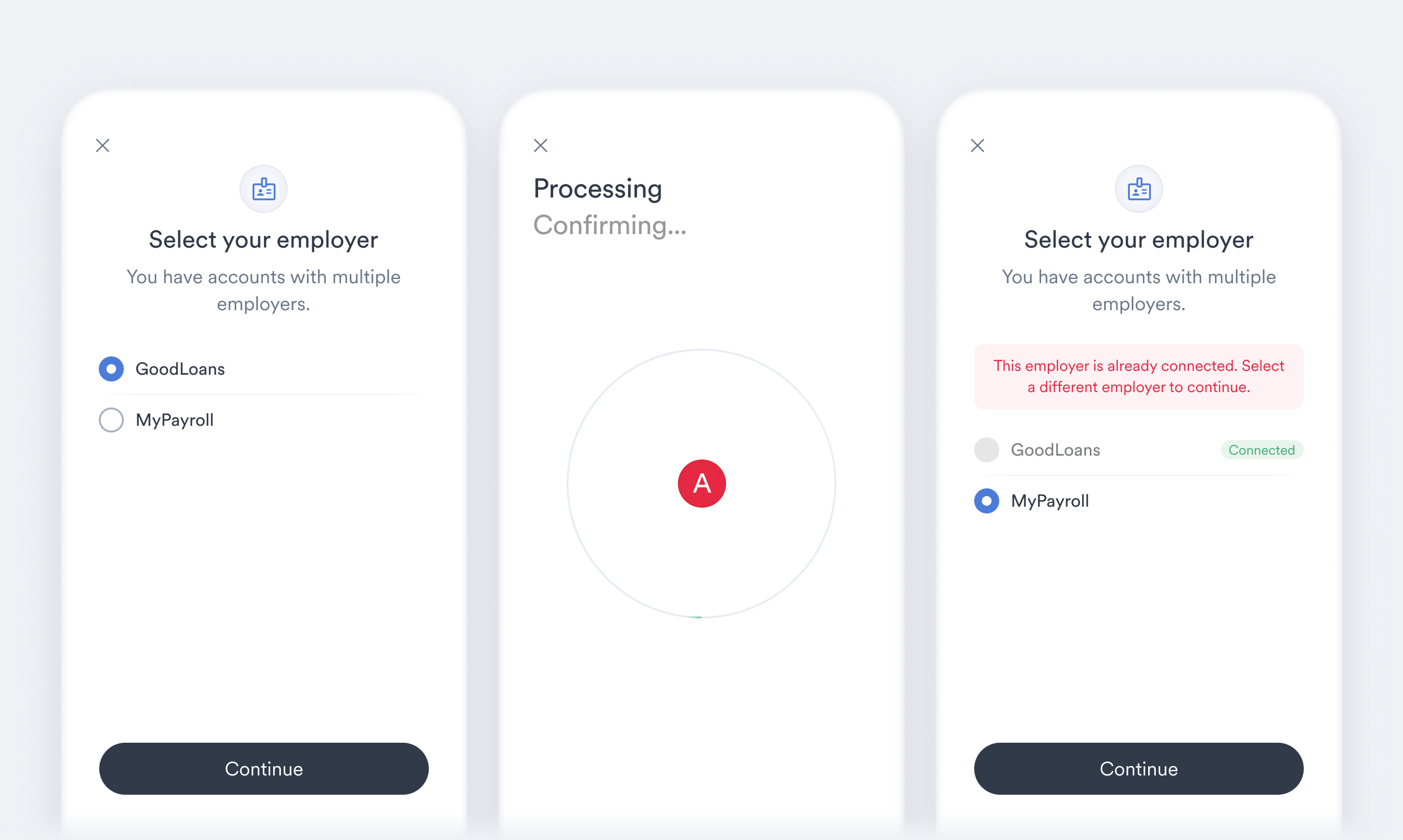
- Duplicate account connections are now prevented during the “Login help” account recovery process for certain Items.
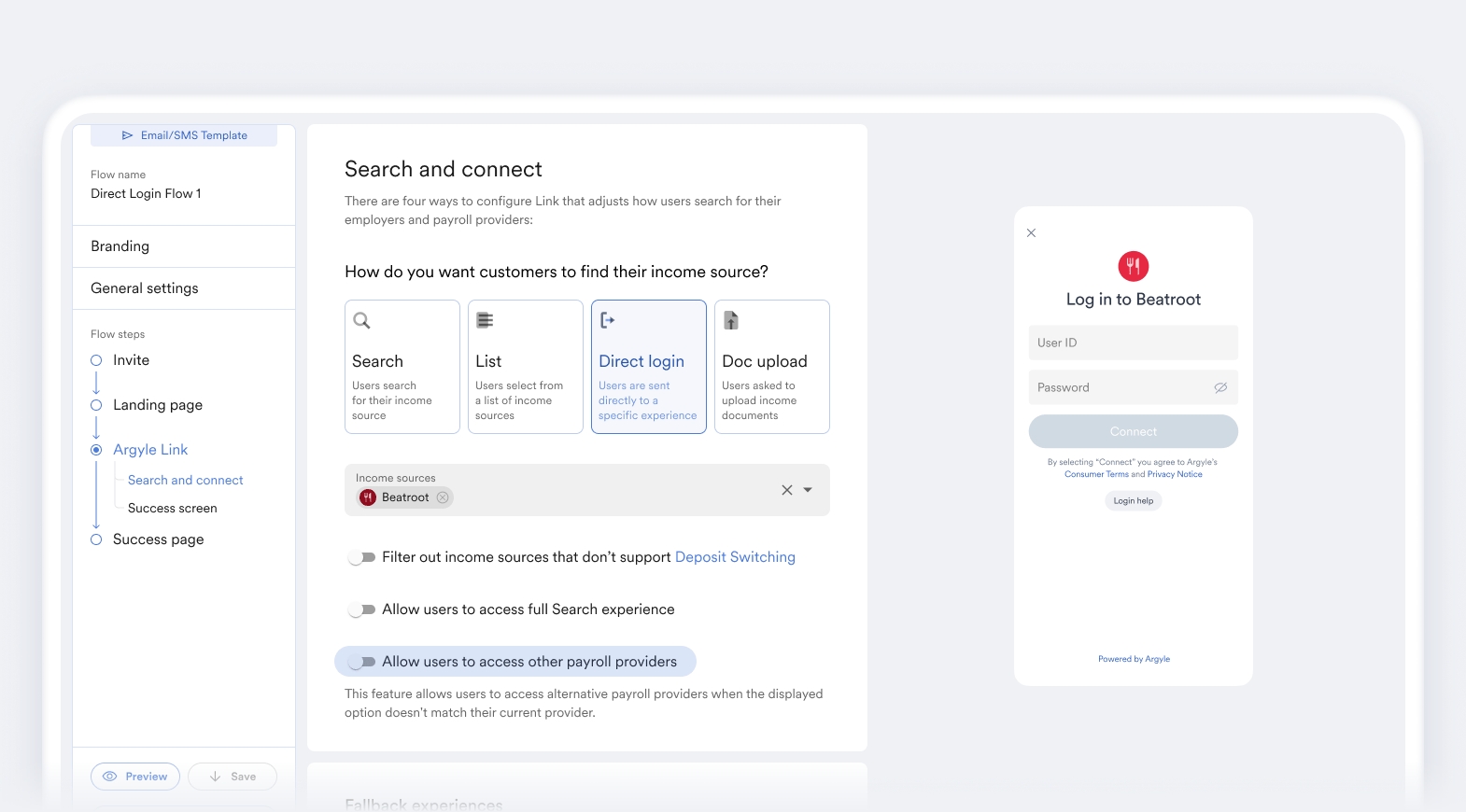
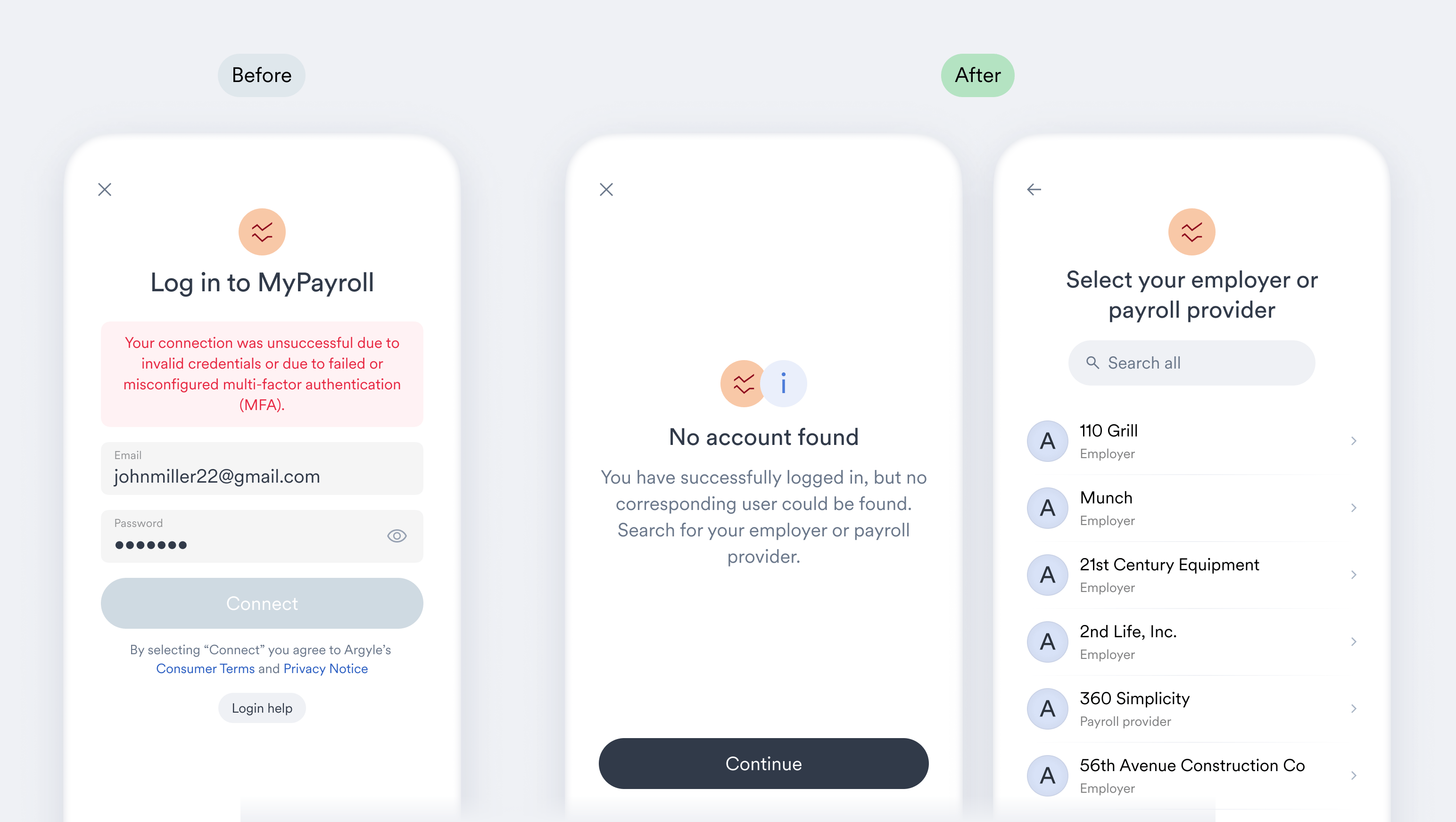
- Users can now be prevented from searching for a different payroll provider when direct login is used to connect them to a specific employer or payroll provider. This is disabled by default but can be enabled via Flow settings.
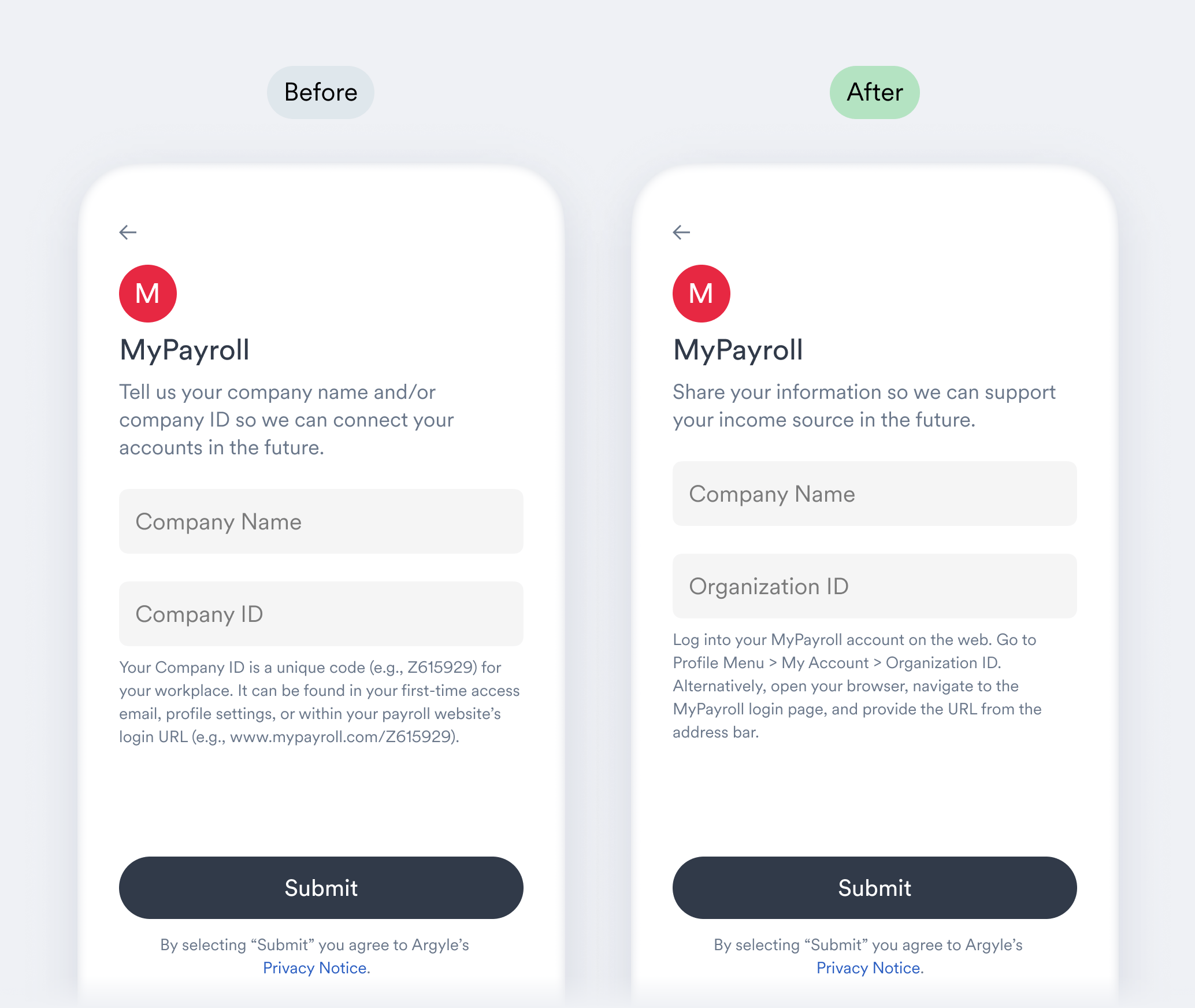
- Payroll providers that require a Company or Org-level ID now provide tailored hints on where users can find these identifiers.
- A “Done” button now appears when returning users submit additional document uploads.
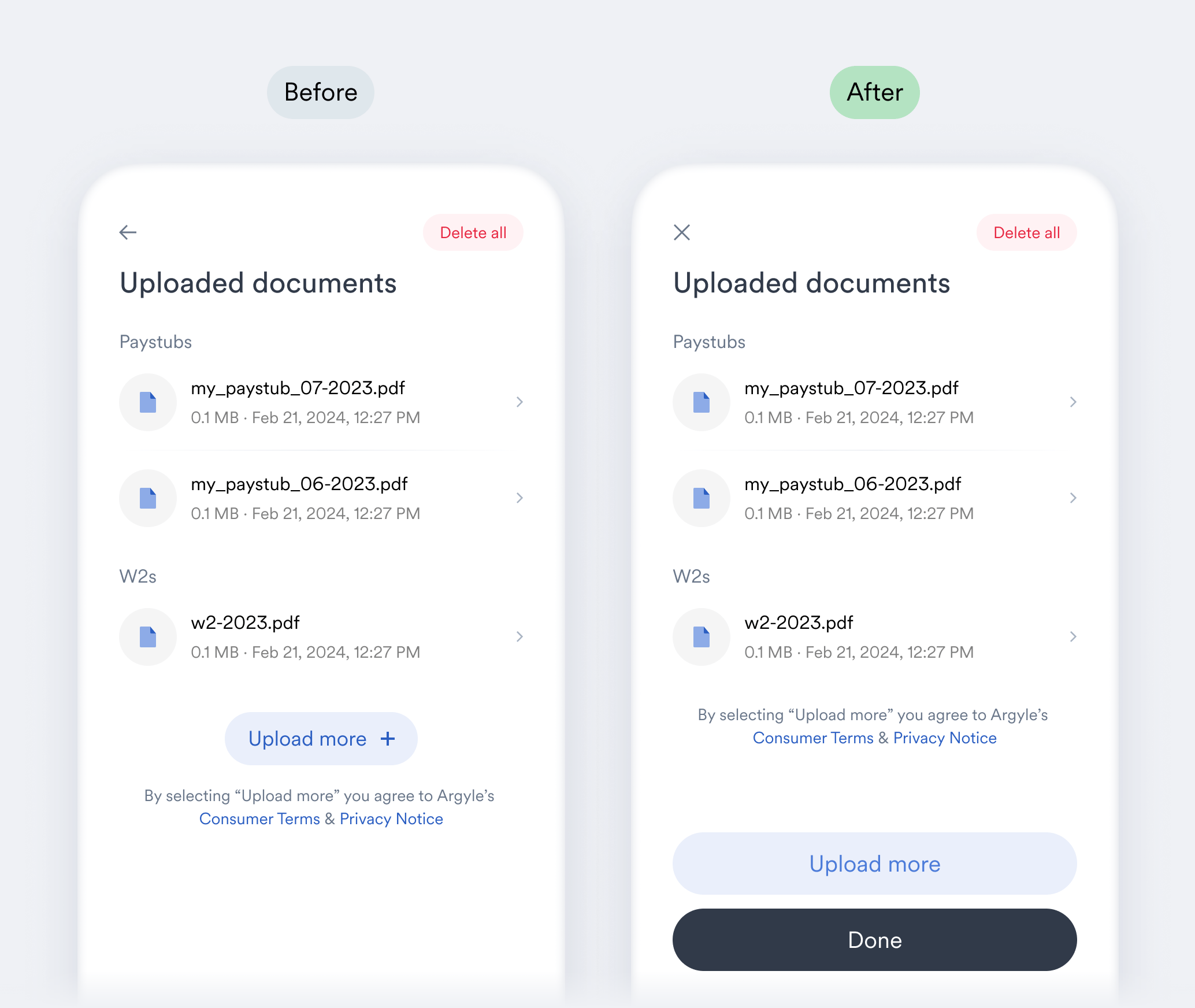
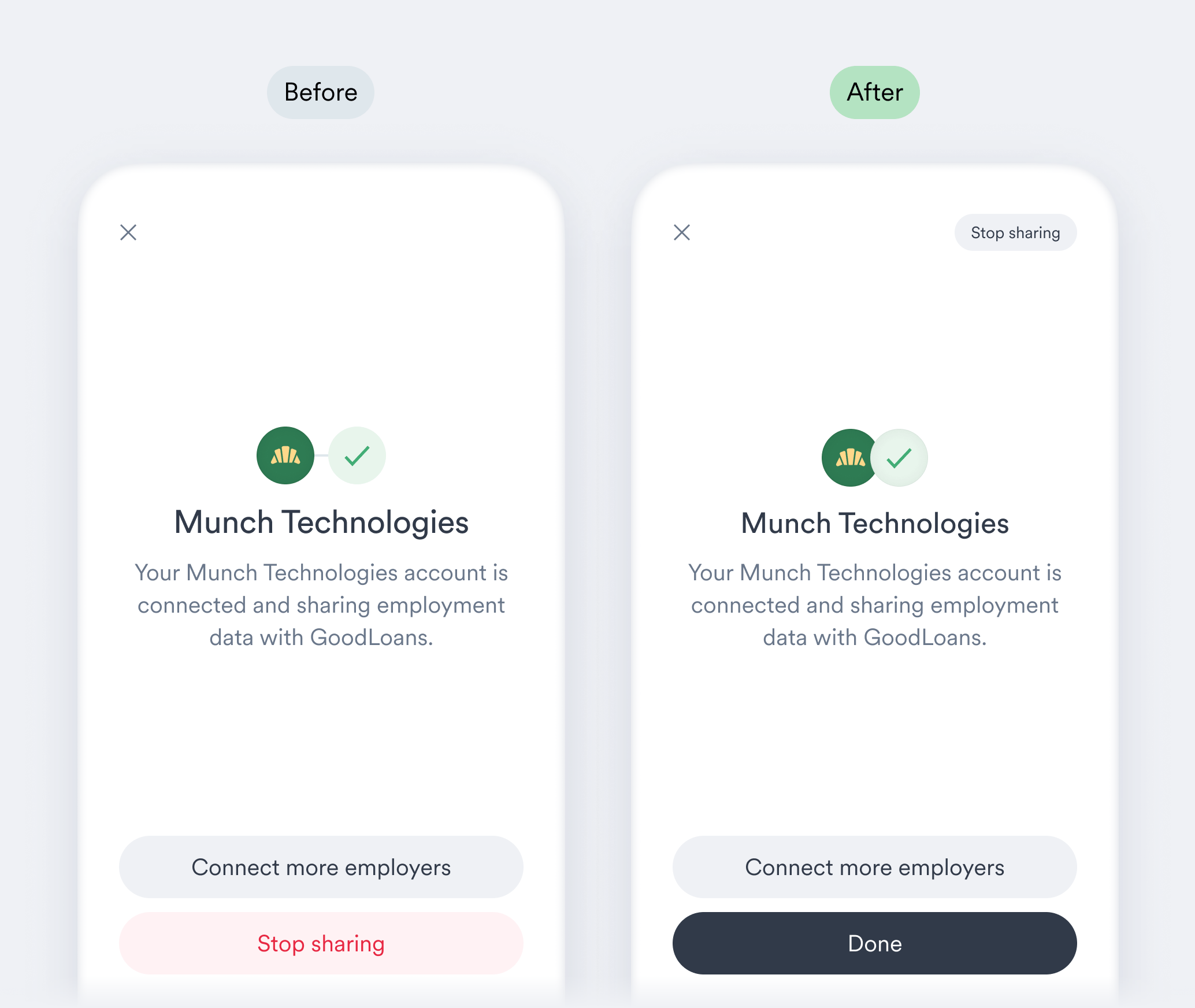
- When viewing an existing connection, users can now exit Link using the “Done” button.
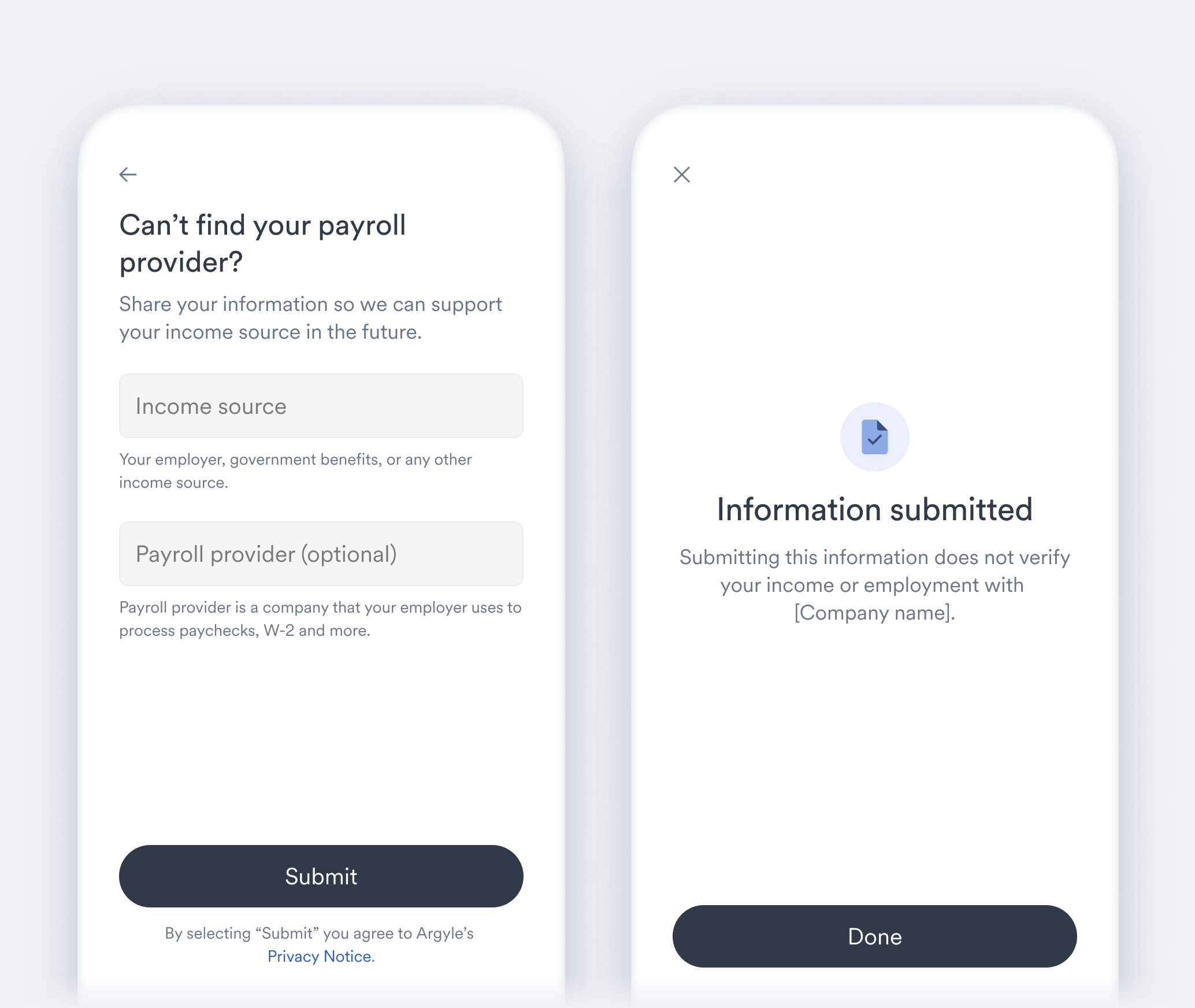
- Link’s response form submission screen has been updated to clarify that submitting a form is not equivalent to connecting a payroll account.
- (Web only) Link’s “X” exit button can now be disabled via Flow settings. This exit button remains on by default.
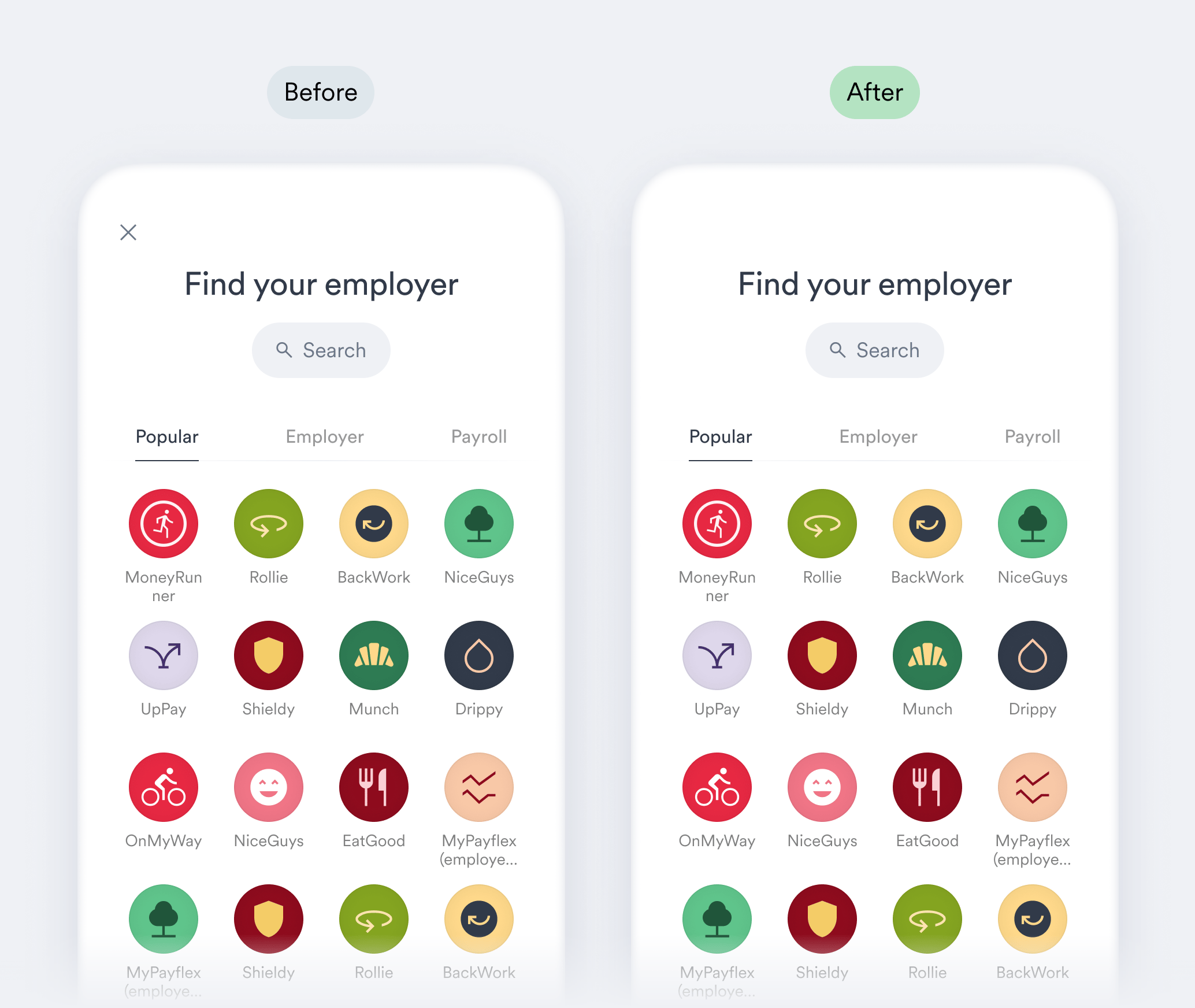
- (Web only) Users are asked to select their employer after submitting valid login credentials when connecting directly to certain payroll providers. Until a selection is made, a new account connection error
invalid_login_urlwill occur.
- (Web only) Returning users can now close Link using the new “Back to” button when viewing their existing connections.