

Choose the program inputs
Payroll Data APIs
Retrieve identities, paystubs, and payroll documents for program-specific rules.
Banking
Order income, asset, or transaction reports from financial accounts applicants connect.
Government Report
Generate a payroll income report with optional applicant self-certification.
Shared workflow
- Create or reuse an Argyle user for the applicant and retain the ID with the case record.
- Start the appropriate payroll or banking connection, or order the government report.
- Let the applicant connect every account needed for the program determination.
- Track Data API readiness with account and resource webhooks. Track report-based requests with the
verifications.updatedwebhook. - Retrieve the records or completed reports required by your eligibility system.
Payroll data
For program-specific calculations, retrieve the underlying records directly:- Identities for employer and employment information.
- Paystubs for earnings, deductions, taxes, and pay-period data.
- Payroll Documents for source documents available from connected accounts.
paystubs.partially_synced webhook when the program needs a defined history window. Use the users.fully_synced webhook only when the workflow must wait for all initial data from every newly connected payroll account.
Banking
Banking uses the same user but a separate verification and session. Choose the banking report type required by the program, listen for verification status changes, and retrieve the completed PDF or JSON from the verification resource.Government report
Setreport.type to voie-government when ordering the verification.
Applicant self-certification is enabled by default in the standard workflow. Set report.self_certification to false when applicant review and confirmation are not required.
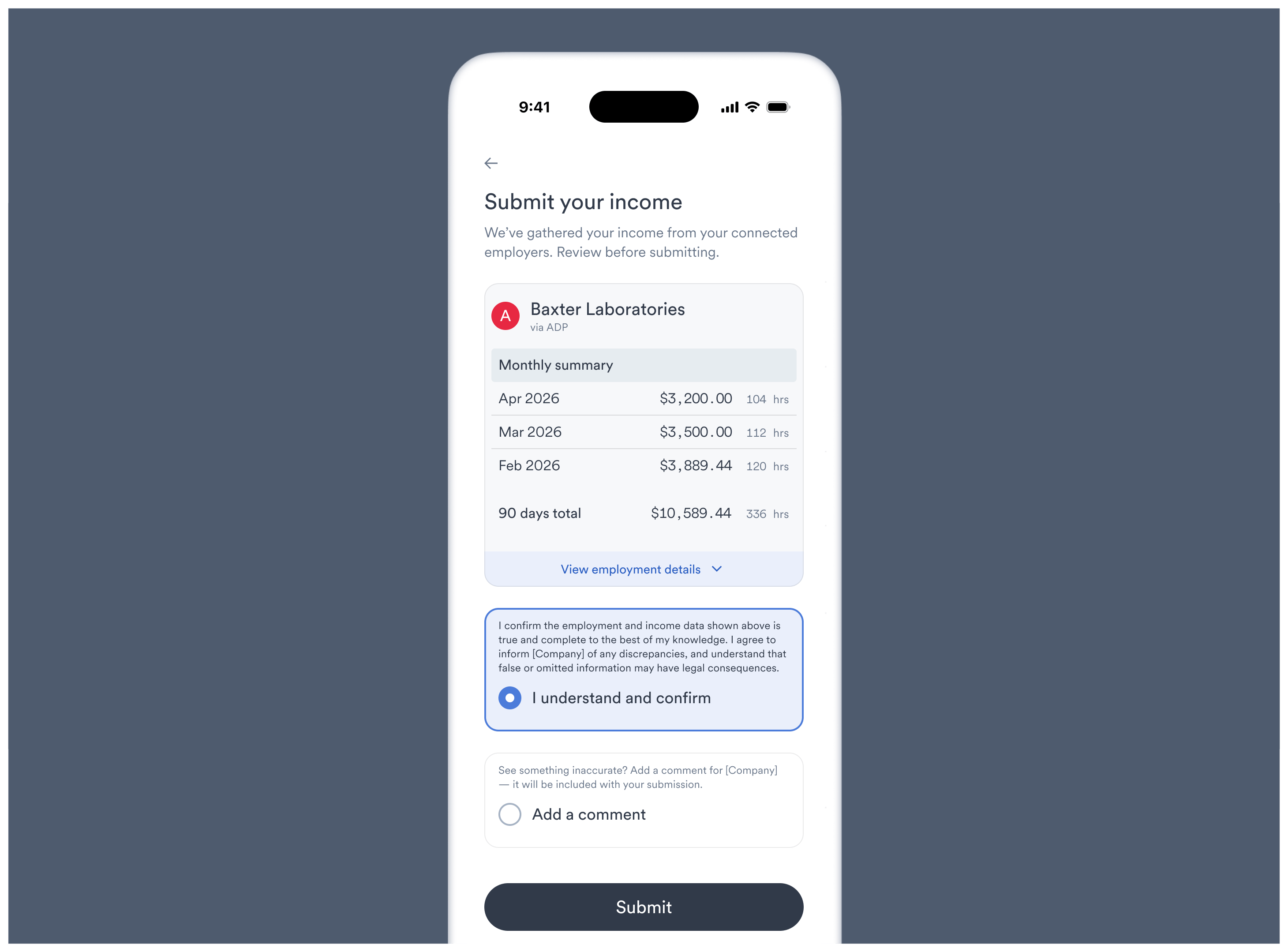
awaiting_certification after the applicant connects the required accounts. The applicant reviews the available income information in Link before submitting it.
Exceptions and returning applicants
- Track each payroll account separately so one incomplete connection does not hide records available from another.
- Monitor the
accounts.updatedwebhook for connections that require applicant action. - Return the existing user to Reconnect an Account rather than creating another case identity.
- Add Document Uploads when the program accepts documents as an alternate source.