

Create or re-use a user
If the person already has an Argyle user for the same customer, reuse that user ID across payroll, banking, and document workflows. Update the existing user with any missing banking details before ordering the verification. Banking verifications require:first_nameandlast_name.address.- Either
ssnorbirth_date. - Either
emailorphone_number.
POST /partners/v2/users. This example uses birth_date and email.
Your Argyle Customer Success Manager will provide a client ID for each customer. Include it when creating the user so their records are associated with the correct customer. The client identifies the organization, not the person sharing information.
Set
external_metadata.suppress_verification to true to prevent an automatic payroll verification when creating the user. Then explicitly order the verification you need.id and use it as user when ordering the verification below.
Order a banking verification
voa— Verification of Assets.voai— Verification of Assets and Income.voi— Verification of Income.voe-transactions— Verification of Employment based on transaction data.
POST /partners/v2/verifications. Select the report type in report.type. The optional report.configuration object can define the history start date, income confidence threshold, and report custom fields.
Choose a session type
After ordering the verification, create an embedded session, send an invite, or create an invite link.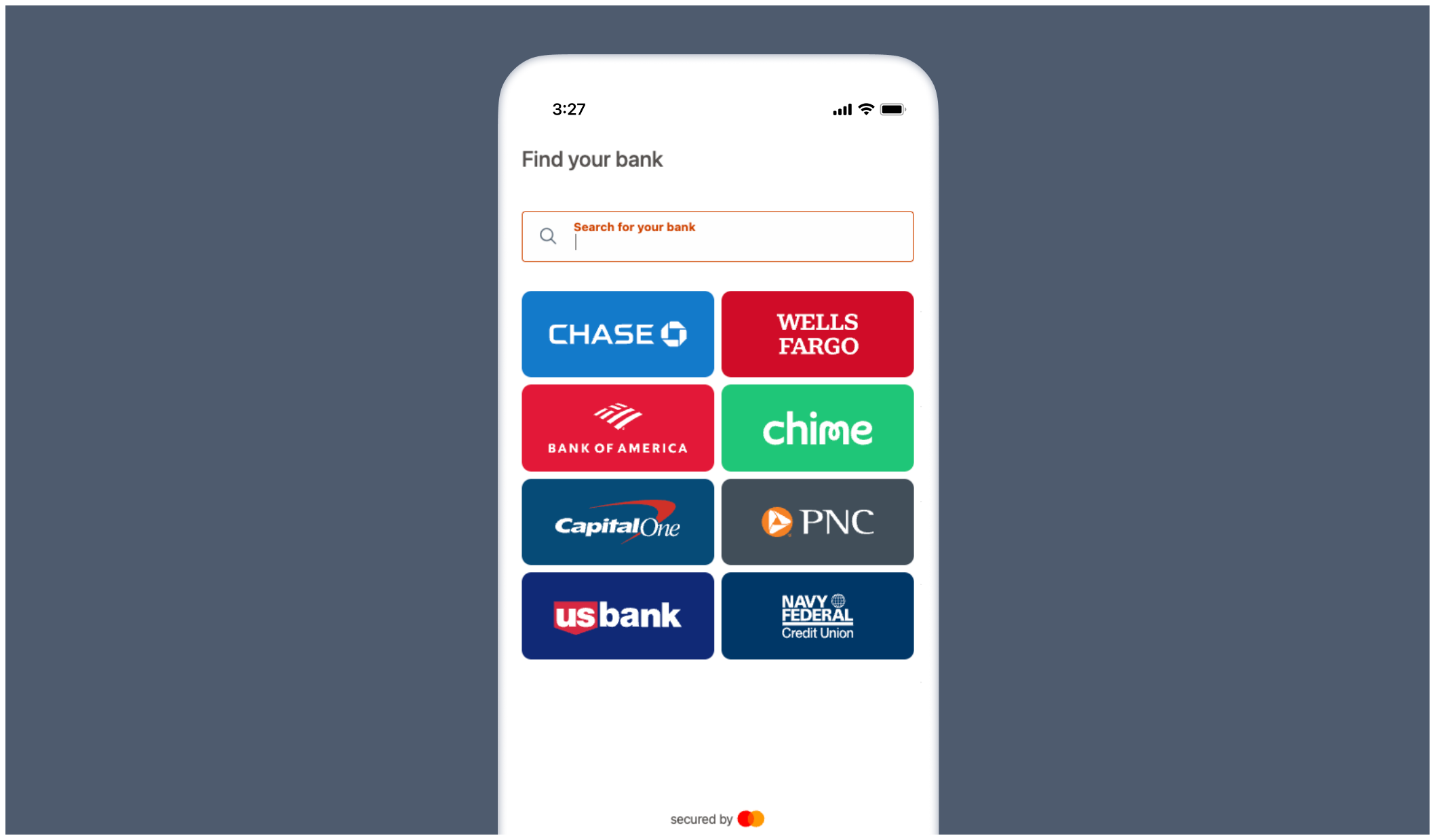
Embedded banking
Create a session withPOST /partners/v2/sessions, then pass the returned session link to the banking SDK as connectURL.
Banking SDK example
Banking SDK example
verifications.updated webhook for backend lifecycle tracking.
For SDK installation and configuration options, see the banking SDK documentation.
Invites
Create an invite session withtype = invite and the user ID. Include configuration.email, configuration.phone_number, or both to send the invite by email or SMS. Omit both to share the returned link yourself. The user must have an active banking verification. The invitation opens a hosted connection flow, so no frontend SDK initialization is required.
Banking invites and other hosted or no-SDK banking paths must be enabled by Argyle before use. Contact your Argyle Customer Success Manager before using one of these paths.
Result
Wait for theverifications.updated webhook. When the verification reaches completed or completed_with_errors, retrieve the report from report.file_url or report.json_url.
- See Verification Statuses.
- Review the banking report examples.
- Use the banking test profiles.