Report and source-document URLs require Argyle authentication headers. Store and deliver these files according to your application retention requirements.
Retrieve completed reports
When a verification reachescompleted or completed_with_errors, the verification resource contains:
report.file_url— the report PDF.report.json_url— the report data in JSON format.
Retrieve source documents
Connected payroll accounts can include paystubs, tax forms, and other source documents. Use the Payroll Documents endpoints to list or retrieve document metadata, then request the returnedfile_url with Argyle authentication headers.
Use the partner document upload endpoint when submitting files for Doc VOI. For source files from connected payroll accounts, use Partner Data Sets.
Example reports
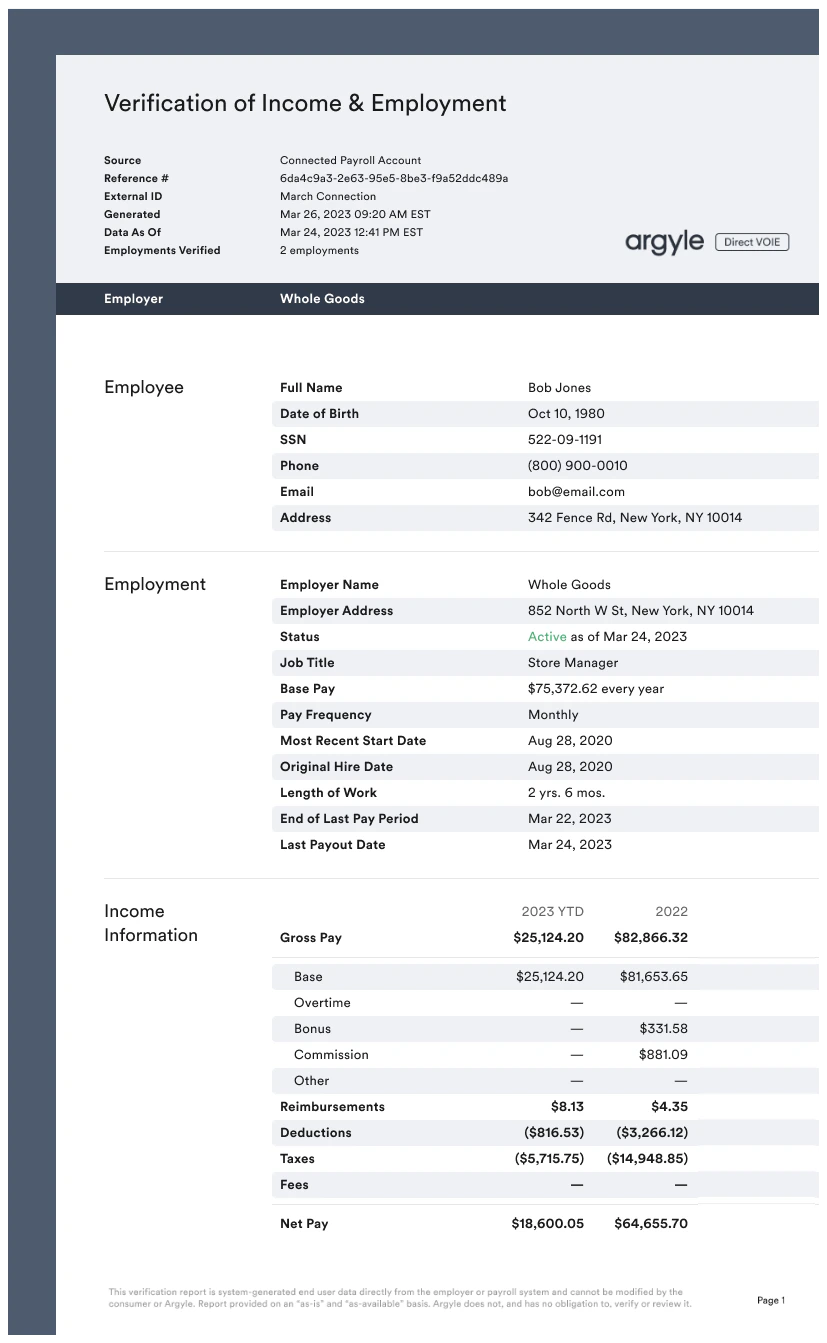
Verification of Income and Employment (Payroll VOIE) — PDF and JSON
Verification of Income and Employment (Payroll VOIE) — PDF and JSON
Verification of Income and Employment (Mortgage Payroll VOIE+) — PDF and JSON
Verification of Income and Employment (Mortgage Payroll VOIE+) — PDF and JSON
PDFWhen VOIE+ is enabled for your organization, mortgage VOIE reports include monthly income calculations from Freddie Mac when available.Continue to request 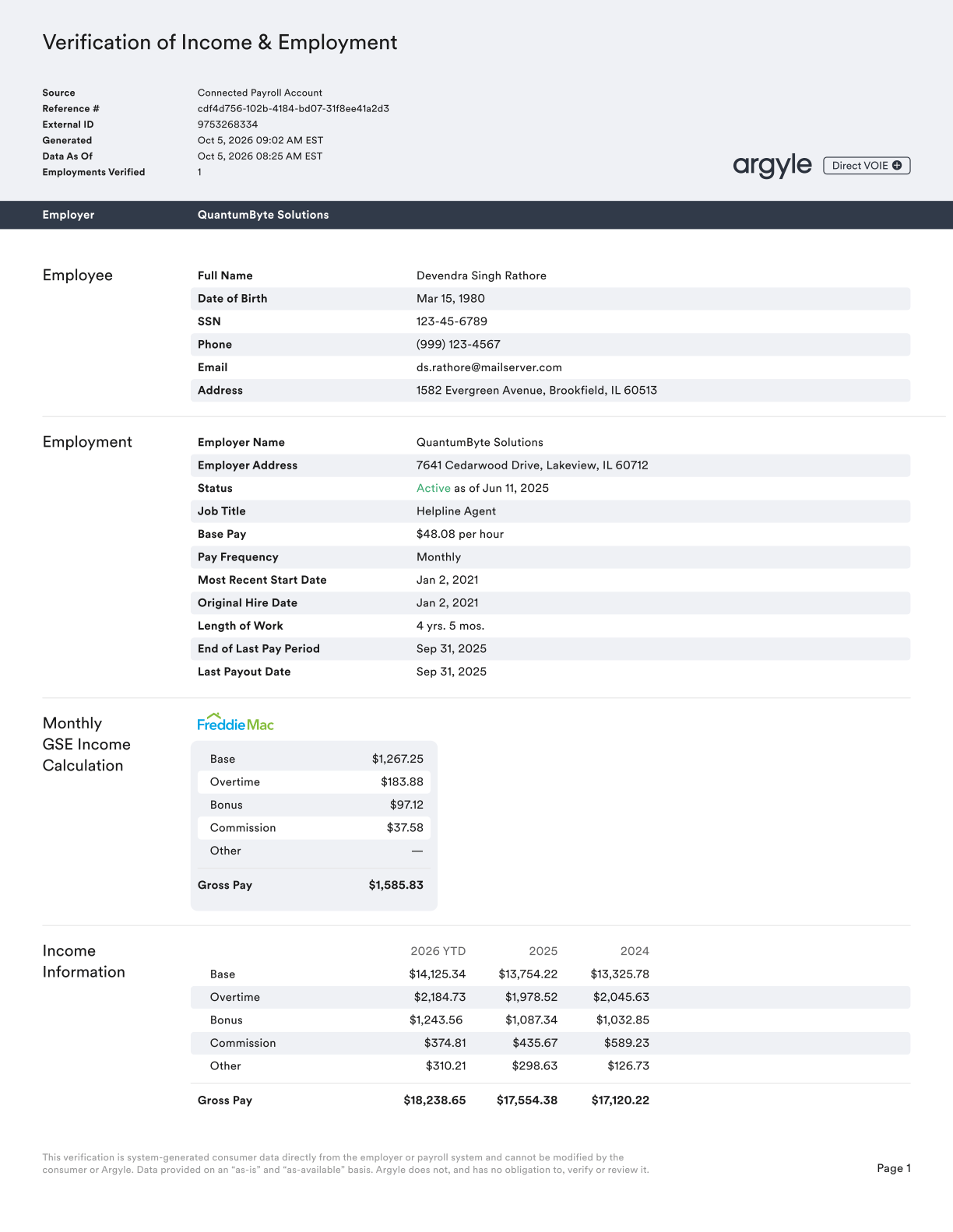
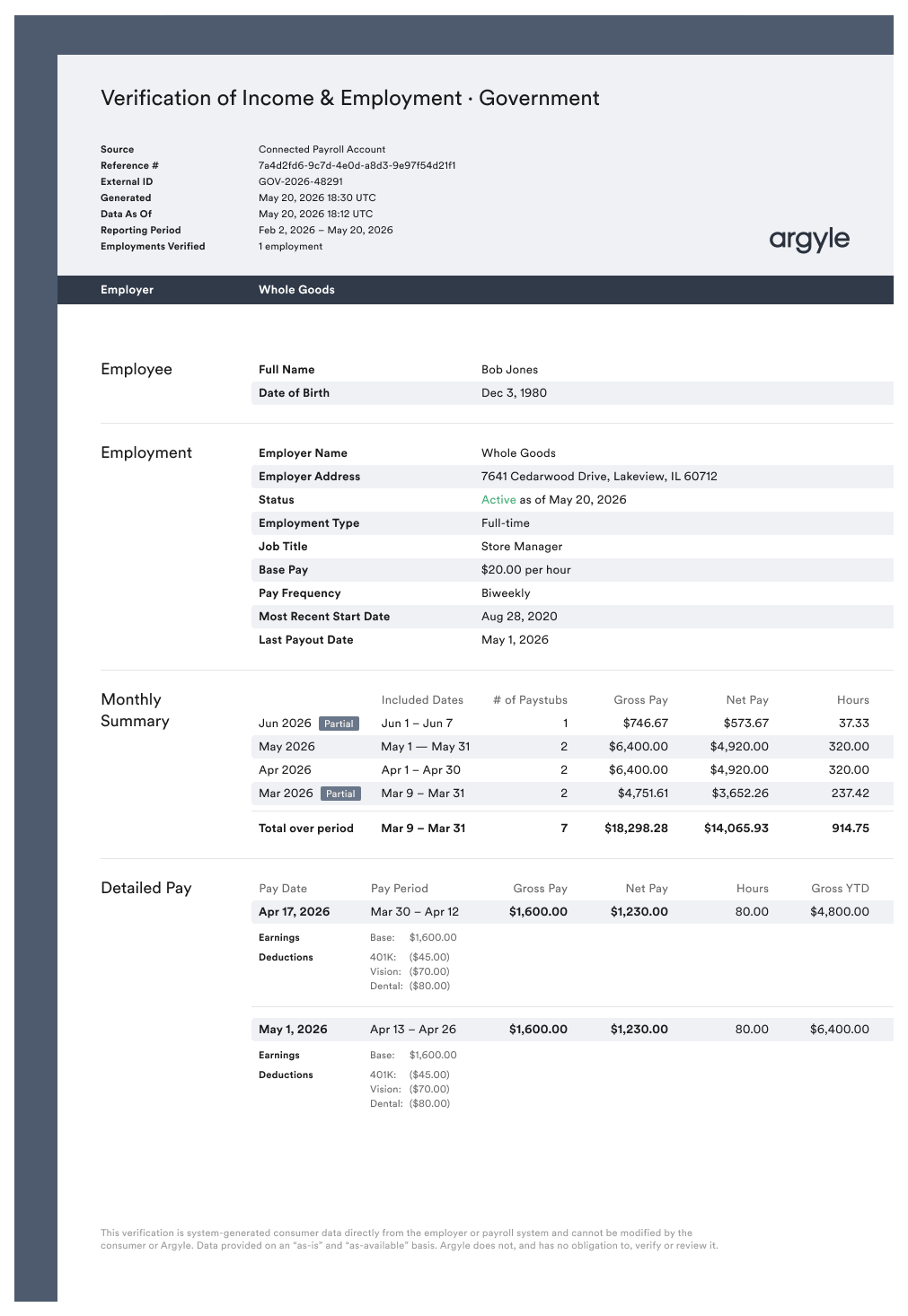
voie through the Verifications API or voie-mortgage through the classic Reports API.Report PDFFreddie Mac’s monthly income calculations appear in the corresponding employment section. Freddie Mac’s Findings Report is appended to the same PDF when available.employments[].monthly_income.aim_check, with values for total, base, overtime, bonus, commission, and other.If all values in aim_check are null, Freddie Mac did not return a monthly income calculation for that employment. Lender should still proceed to submit through the full Loan Product Advisor (LPA) process for further review.The JSON examples below show selected fields.Download complete JSONVerification of Income and Employment (Government Payroll VOIE) — PDF and JSON
Verification of Income and Employment (Government Payroll VOIE) — PDF and JSON
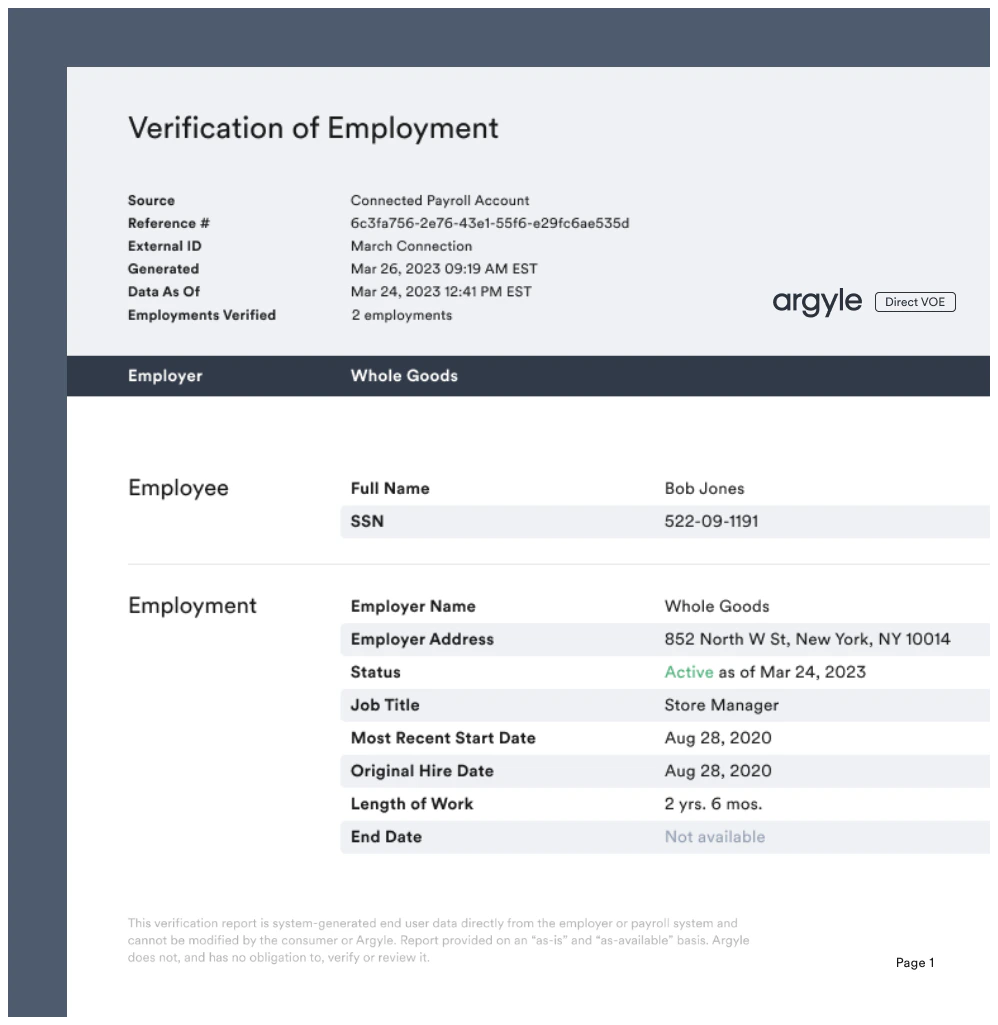
Verification of Employment (Payroll VOE) — PDF and JSON
Verification of Employment (Payroll VOE) — PDF and JSON
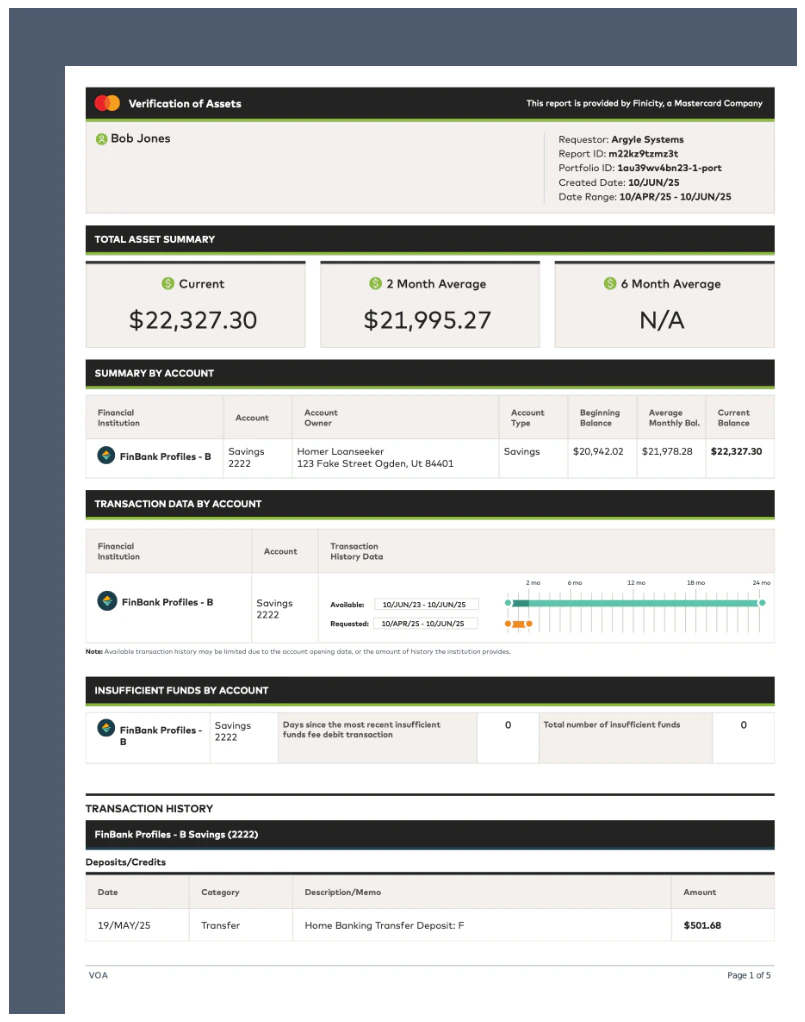
Verification of Assets (Banking VOA) — PDF and JSON
Verification of Assets (Banking VOA) — PDF and JSON
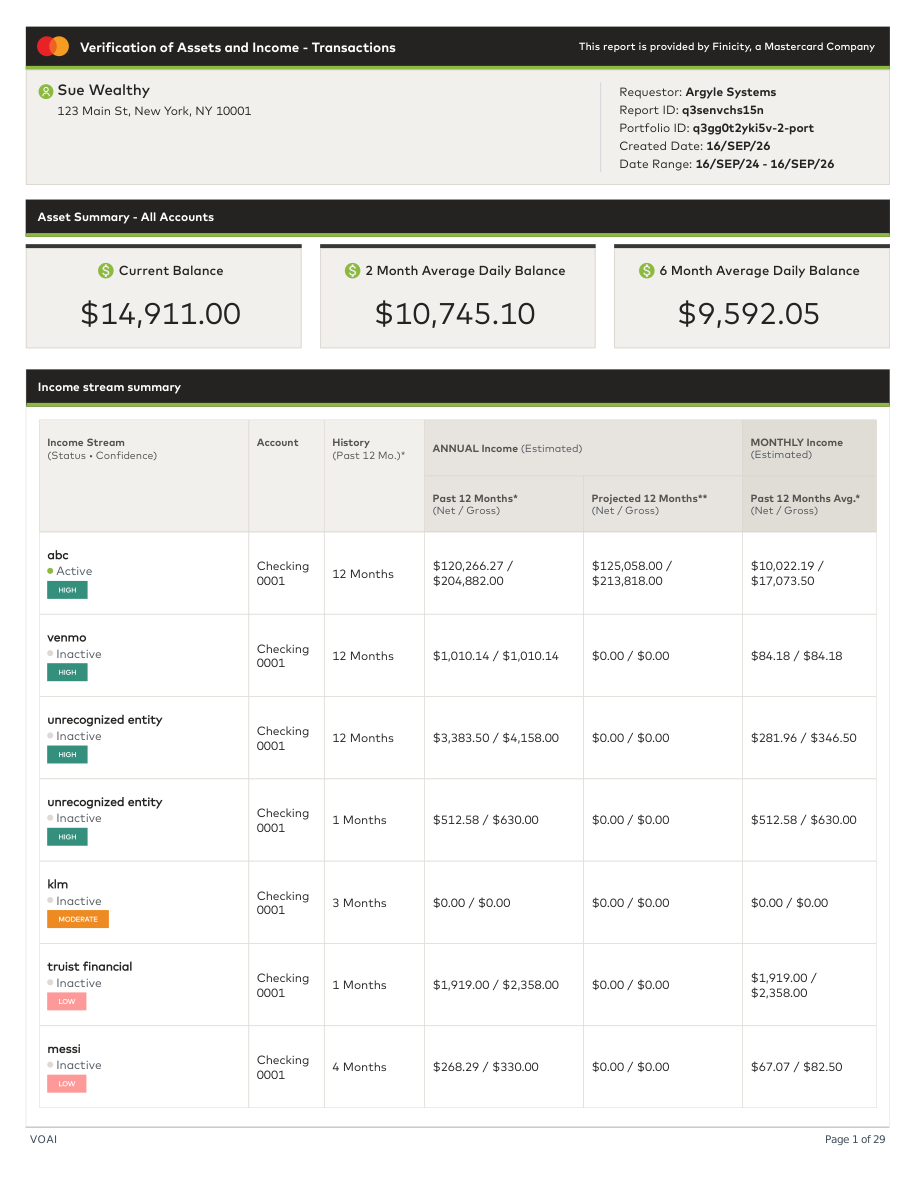
Verification of Assets & Income (Banking VOAI) — PDF and JSON
Verification of Assets & Income (Banking VOAI) — PDF and JSON
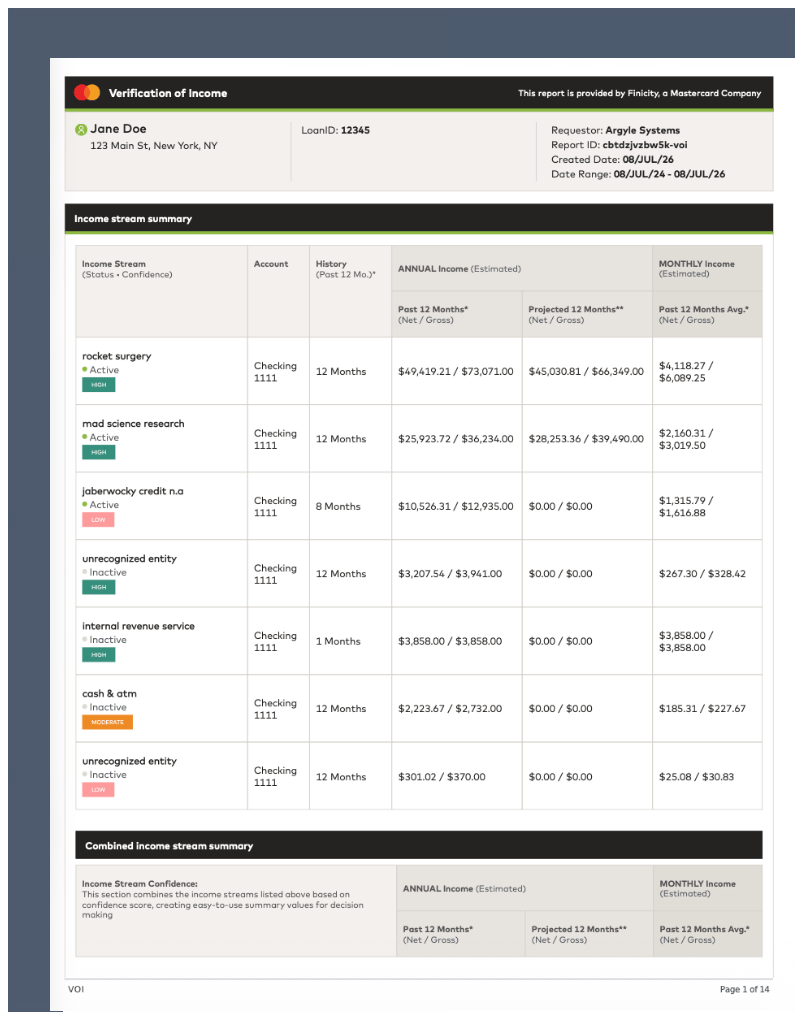
Verification of Income (Banking VOI) — PDF and JSON
Verification of Income (Banking VOI) — PDF and JSON
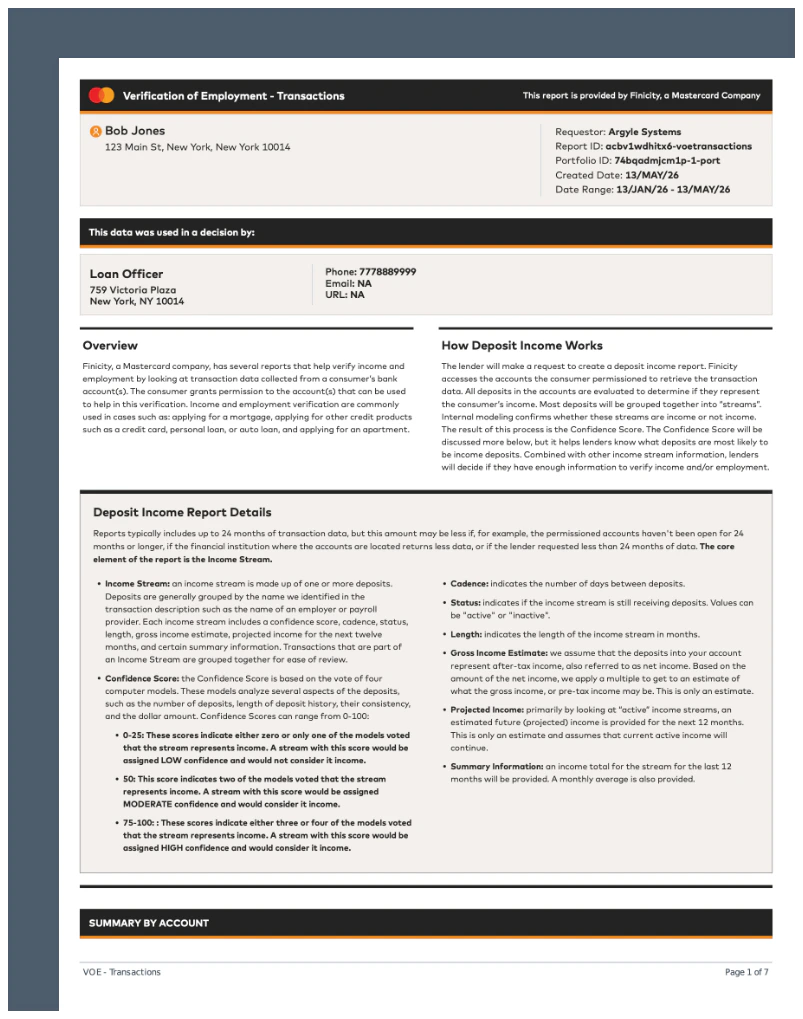
Verification of Employment (Banking VOE) — PDF and JSON
Verification of Employment (Banking VOE) — PDF and JSON
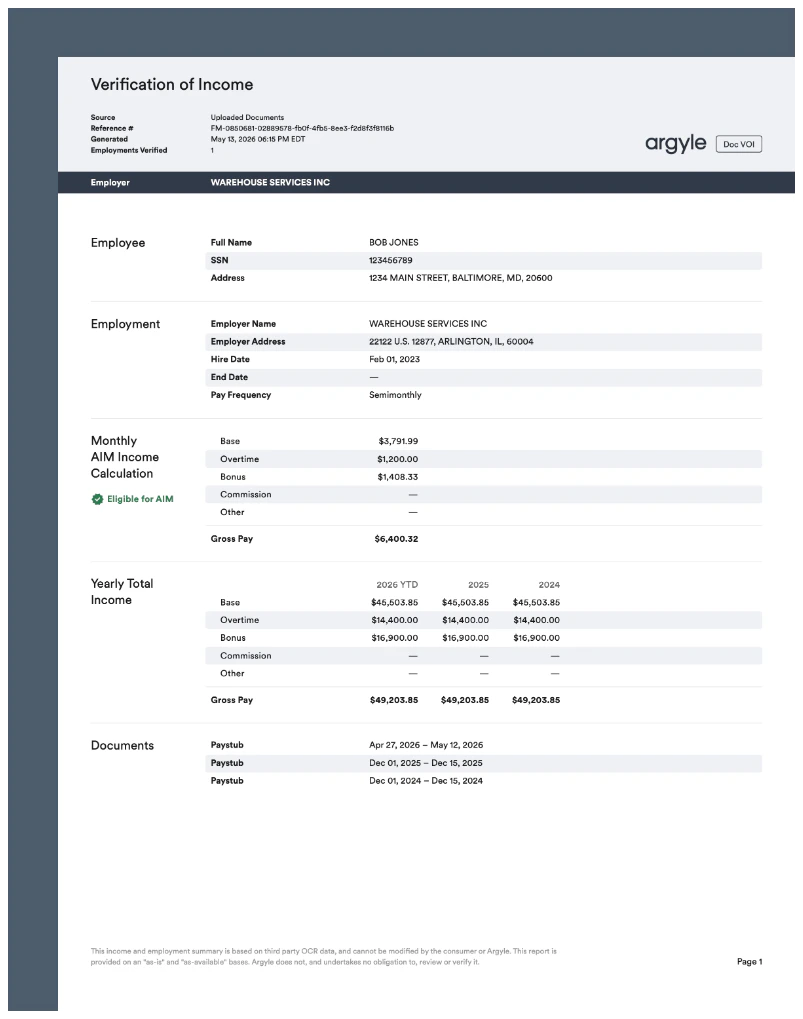
Verification of Income (Doc VOI) — PDF and JSON
Verification of Income (Doc VOI) — PDF and JSON