> ## Documentation Index
> Fetch the complete documentation index at: https://docs.argyle.com/llms.txt
> Use this file to discover all available pages before exploring further.
# Tracking
Capture how users interact with Link.
## Overview
You can track user behavior in Link by including the `onUIEvent` callback in your Link initialization.
The `onUIEvent` callback is triggered for specific UI events in Link, and although optional, including this callback can help with troubleshooting as well as optimizing conversion rates.
Callbacks are not designed to be a primary source of analytics information. For detailed metrics on step-by-step conversion success rates, visit the **Conversion** area of Console's Dashboard or contact your customer success manager.
## Callback format
Add the line below to your Link initialization:
```js theme={}
onUIEvent: (payload) => console.log('onUIEvent', payload),
```
```swift theme={}
config.onUIEvent = { data in
print("Result: onUIEvent \(data)")
}
```
```kotlin theme={}
config.onUIEvent = { data ->
Log.d("Result", "onUIEvent $data")
}
```
```js theme={}
onUIEvent: (payload) => console.log('onUIEvent', payload);
```
```dart theme={}
onUIEvent: (payload) => debugPrint('onUIEvent');
```
## Callback payload
The `onUIEvent` callback returns:
1. The `name` of the [UI-related Event](/link/reference/tracking#events) that triggered the callback.
2. A `properties` object, which can include:
* `deepLink` (always) — Whether the user was [directly connected](/workflows/account-connections#direct-login) to the Item.
* `userId` (always) — ID of the user.
* `accountId` (conditional) — ID of the user's account.
* `itemId` (conditional) — ID of the relevant Item.
* Event-specific properties (conditional) — See [Events](/link/reference/tracking#events) below.
#### Example:
```json theme={}
UIEvent (
"name": "mfa - opened",
"properties": {
"deepLink": false,
"userId": "019ac324-91b5-2e5b-dc96-c931e25da1e2",
"itemId": "item_123456789",
"type": "Login",
"mfaType": "sms_code"
}
)
```
## Events
### Intro screen
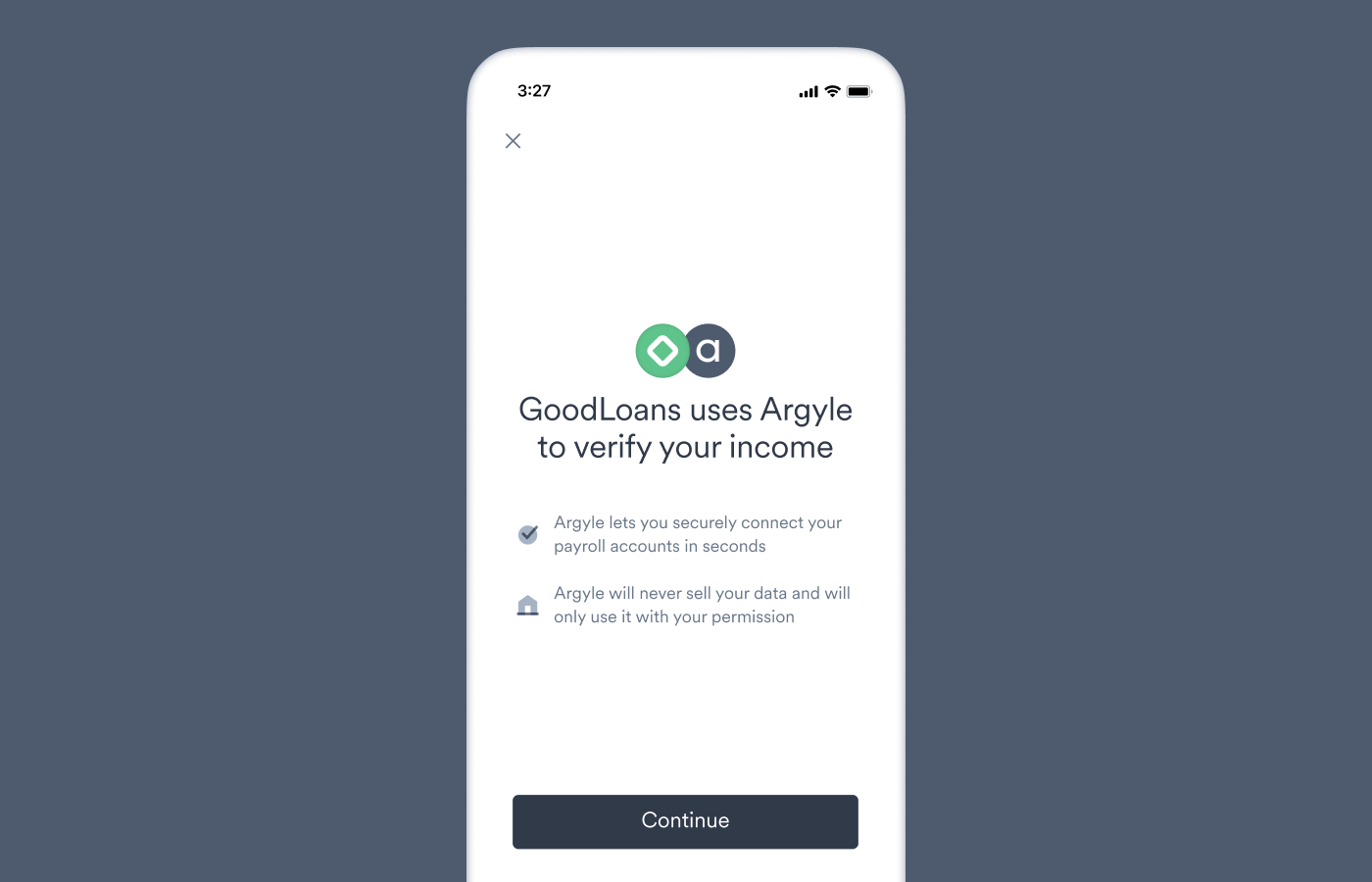 | Event Name | Event Description | Event Specific Properties |
| ---------------- | --------------------------------- | ------------------------- |
| `intro - opened` | The user opened the intro screen. | none |
### Search screen
| Event Name | Event Description | Event Specific Properties |
| ---------------- | --------------------------------- | ------------------------- |
| `intro - opened` | The user opened the intro screen. | none |
### Search screen
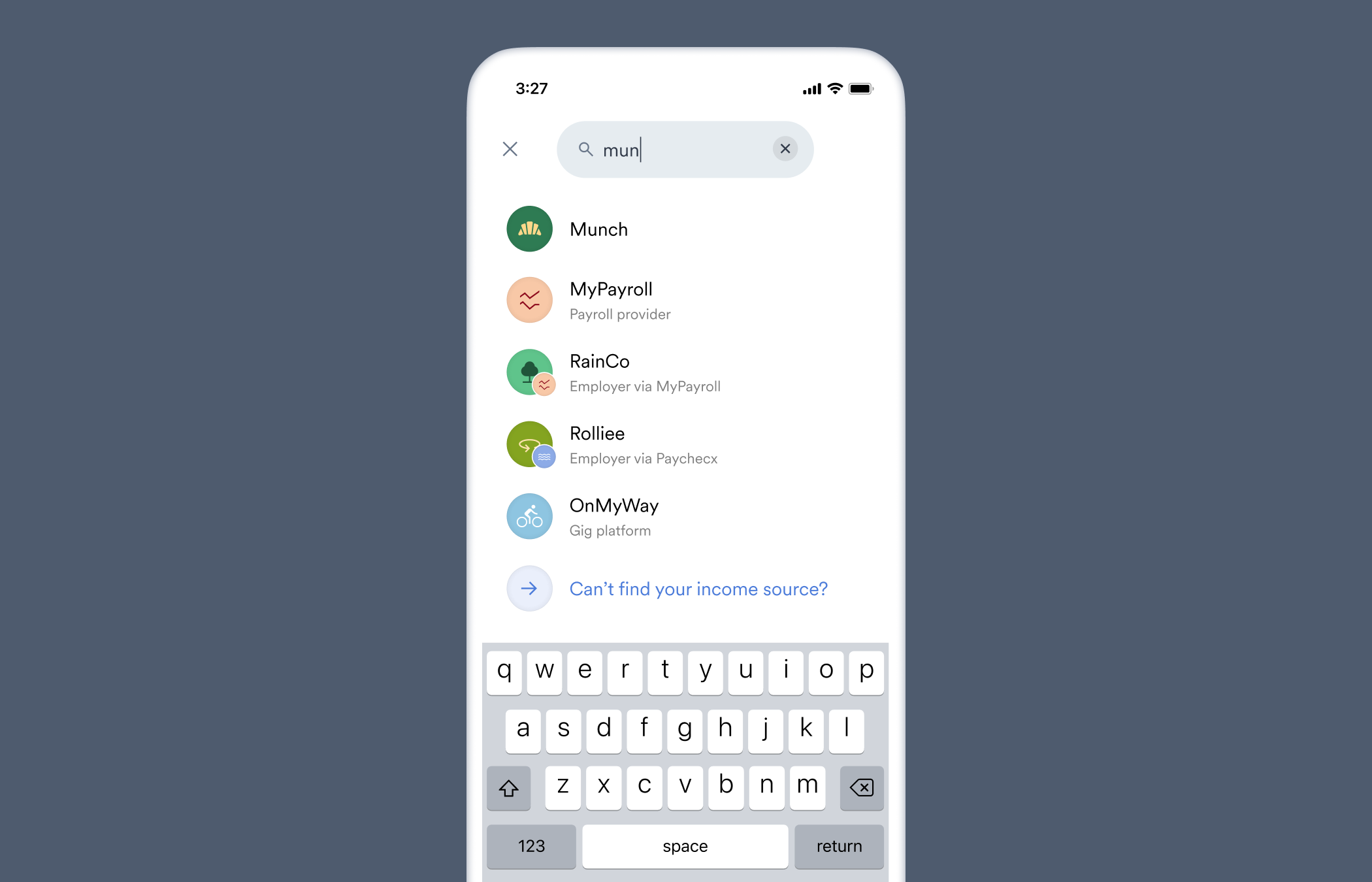 | Event Name | Event Description | Event Specific Properties |
| ----------------------------- | ------------------------------------------------- | ------------------------- |
| `search - opened` | The user opened the search screen. | none |
| `search - term updated` | The user entered a search term. | `term`, `tab` |
| `search - link item selected` | The user selected an Item from the search screen. | `term`, `tab` |
**Property definitions:**
* `term` — The text entered in the search field.
* `tab` — The tab that was open when the user entered a search term or selected an Item. Ignored for empty (or deleted) search terms. Possible values: `Popular`, `Payroll providers`, `Employers`
### Login screen
| Event Name | Event Description | Event Specific Properties |
| ----------------------------- | ------------------------------------------------- | ------------------------- |
| `search - opened` | The user opened the search screen. | none |
| `search - term updated` | The user entered a search term. | `term`, `tab` |
| `search - link item selected` | The user selected an Item from the search screen. | `term`, `tab` |
**Property definitions:**
* `term` — The text entered in the search field.
* `tab` — The tab that was open when the user entered a search term or selected an Item. Ignored for empty (or deleted) search terms. Possible values: `Popular`, `Payroll providers`, `Employers`
### Login screen
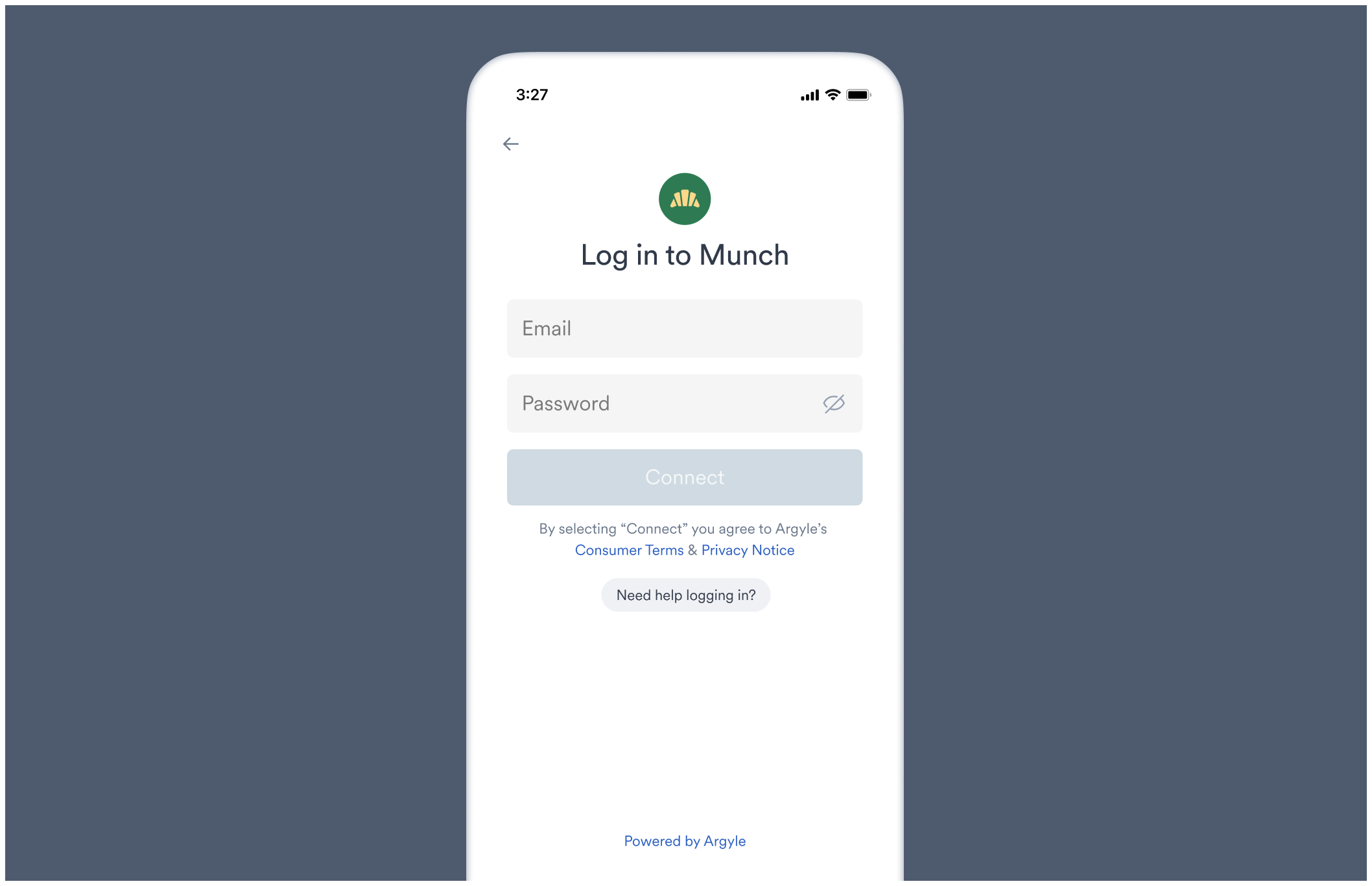 | Event Name | Event Description | Event Specific Properties |
| ---------------------------- | ---------------------------------------------------------------------------------------------- | --------------------------- |
| `login - opened` | The user opened the login screen or was returned to the login screen after a connection error. | `errorCode`, `errorMessage` |
| `login - form submitted` | The user submitted login credentials. | none |
| `login - login help clicked` | The user selected "Login help". | none |
**Property definitions:**
* `errorCode` — The [account connection error](/api-reference/account-connection-errors) relevant to the login screen that occurred. Possible values: `auth_required`, `connection_unavailable`, `expired_credentials`, `invalid_auth`, `invalid_credentials`, `mfa_cancelled_by_the_user`
* `errorMessage` — The account connection error message shown to the user.
### MFA screen
| Event Name | Event Description | Event Specific Properties |
| ---------------------------- | ---------------------------------------------------------------------------------------------- | --------------------------- |
| `login - opened` | The user opened the login screen or was returned to the login screen after a connection error. | `errorCode`, `errorMessage` |
| `login - form submitted` | The user submitted login credentials. | none |
| `login - login help clicked` | The user selected "Login help". | none |
**Property definitions:**
* `errorCode` — The [account connection error](/api-reference/account-connection-errors) relevant to the login screen that occurred. Possible values: `auth_required`, `connection_unavailable`, `expired_credentials`, `invalid_auth`, `invalid_credentials`, `mfa_cancelled_by_the_user`
* `errorMessage` — The account connection error message shown to the user.
### MFA screen
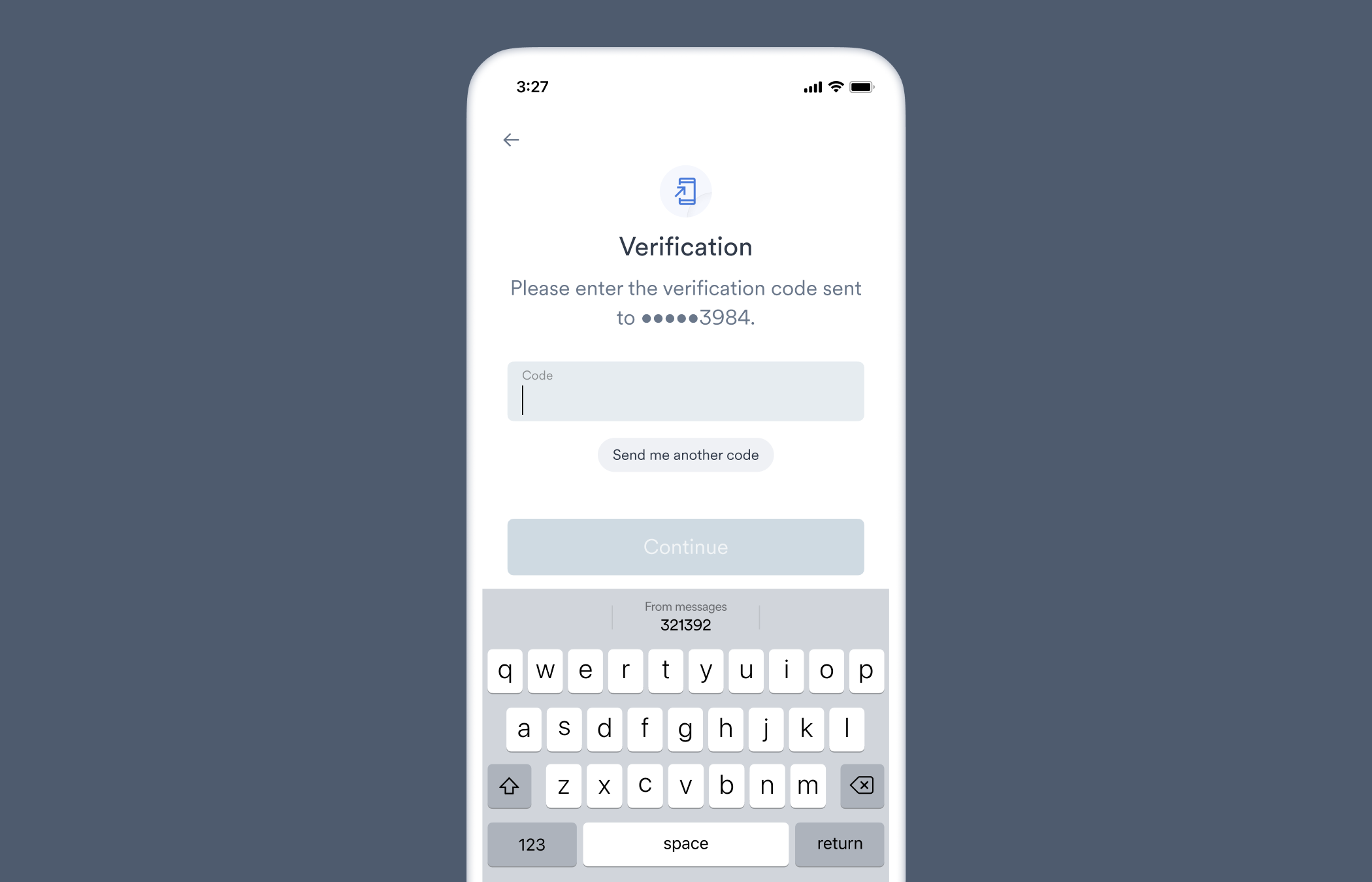 | Event Name | Event Description | Event Specific Properties |
| -------------- | ------------------------------------------------------------------------------------------------------------------------- | ------------------------- |
| `mfa - opened` | The user was routed through a [multi-factor authentication (MFA) process](/workflows/account-connections#completing-mfa). | `type`, `mfaType` |
**Property definitions:**
* `type` — Whether MFA occurred during login. Possible value: `Login`
* `mfaType` — The type of MFA. Possible values: `sms_code`, `email_code`, `secret_question`, `email_link_confirmation`, `otp_code`, `email_message_confirmation`
### Success screen
| Event Name | Event Description | Event Specific Properties |
| -------------- | ------------------------------------------------------------------------------------------------------------------------- | ------------------------- |
| `mfa - opened` | The user was routed through a [multi-factor authentication (MFA) process](/workflows/account-connections#completing-mfa). | `type`, `mfaType` |
**Property definitions:**
* `type` — Whether MFA occurred during login. Possible value: `Login`
* `mfaType` — The type of MFA. Possible values: `sms_code`, `email_code`, `secret_question`, `email_link_confirmation`, `otp_code`, `email_message_confirmation`
### Success screen
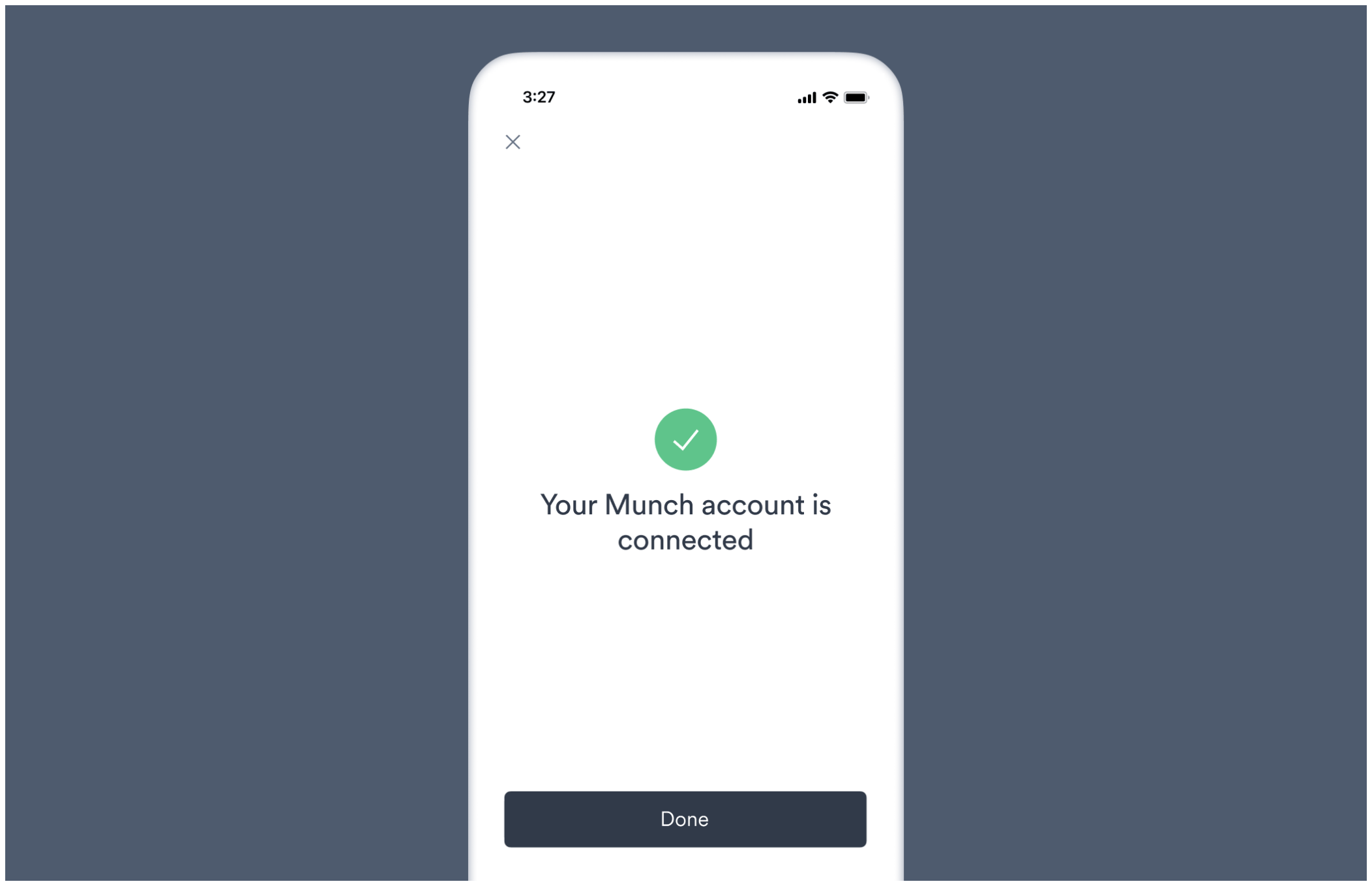 | Event Name | Event Description | Event Specific Properties |
| ------------------ | -------------------------------------------------------------------------- | ------------------------- |
| `success - opened` | The user entered the success screen after a successful account connection. | none |
### Account status screen
| Event Name | Event Description | Event Specific Properties |
| ------------------ | -------------------------------------------------------------------------- | ------------------------- |
| `success - opened` | The user entered the success screen after a successful account connection. | none |
### Account status screen
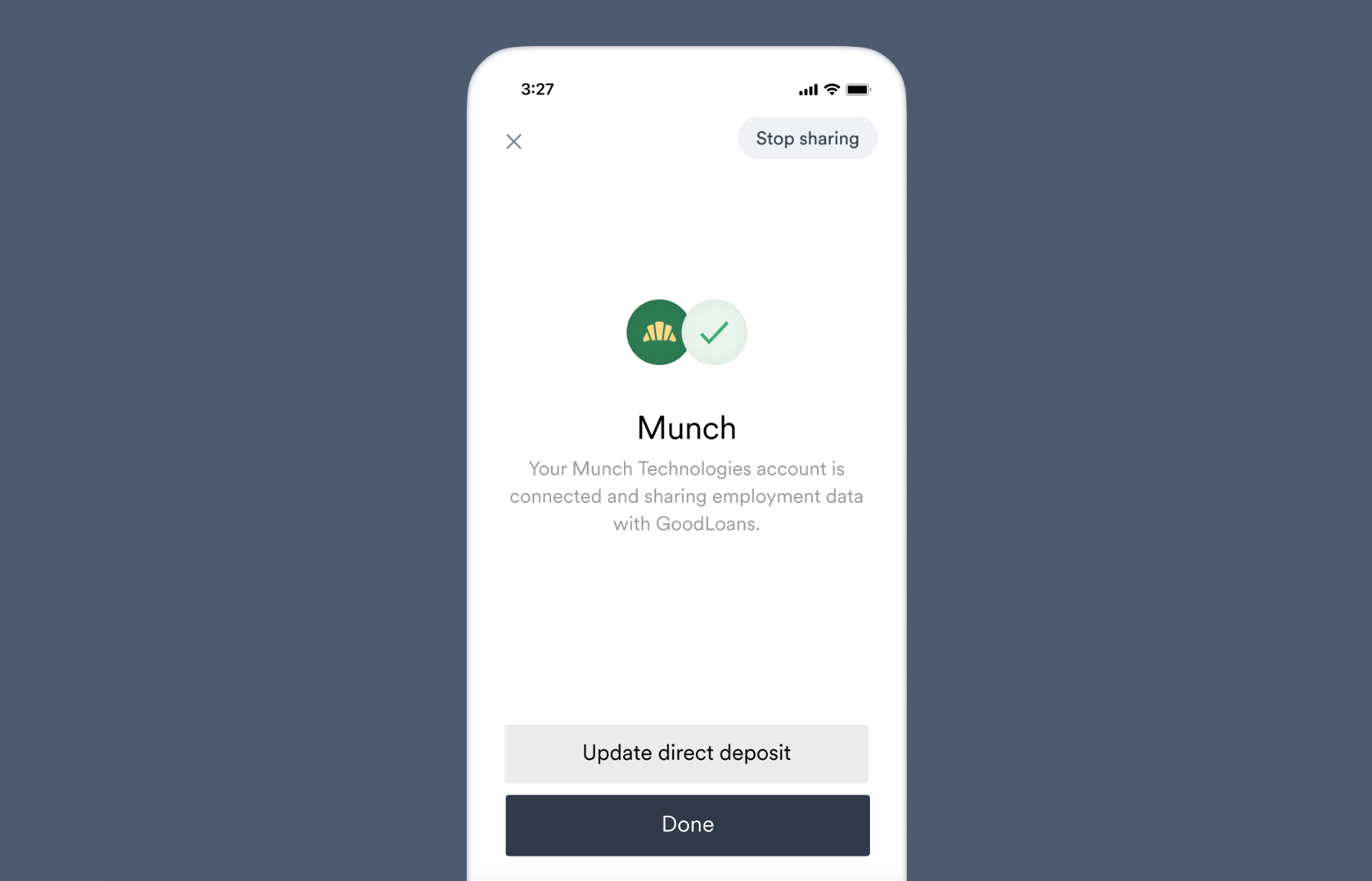 | Event Name | Event Description | Event Specific Properties |
| ------------------------------- | ------------------------------------------ | ------------------------- |
| `account status - opened` | The user opened the account status screen. | none |
| `account status - disconnected` | The user revoked access to an account. | none |
### Account error screen
| Event Name | Event Description | Event Specific Properties |
| ------------------------------- | ------------------------------------------ | ------------------------- |
| `account status - opened` | The user opened the account status screen. | none |
| `account status - disconnected` | The user revoked access to an account. | none |
### Account error screen
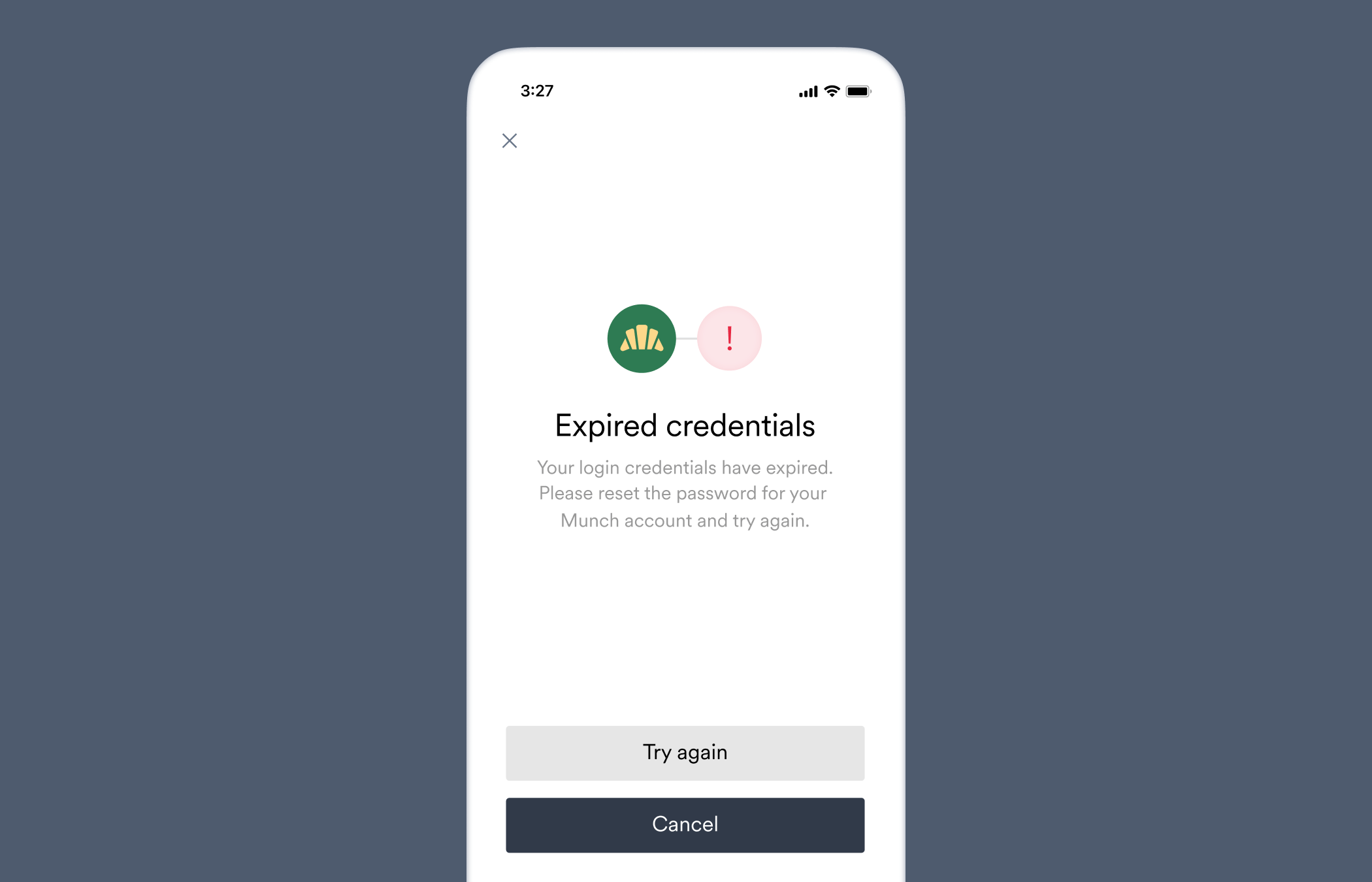 | Event Name | Event Description | Event Specific Properties |
| ------------------------ | ---------------------------------------------------------- | ----------------------------------------- |
| `account error - opened` | The user encountered an error while connecting an account. | `connectionStatus`, `connectionErrorCode` |
**Property definitions:**
* `connectionStatus` — The `connection.status` of the [Account](/api-reference/accounts#object).
* `connectionErrorCode` — The [account connection error](/api-reference/account-connection-errors) that occurred.
`connectionErrorCode` is only returned when `connectionStatus` = `error`
### Link error screen
| Event Name | Event Description | Event Specific Properties |
| ------------------------ | ---------------------------------------------------------- | ----------------------------------------- |
| `account error - opened` | The user encountered an error while connecting an account. | `connectionStatus`, `connectionErrorCode` |
**Property definitions:**
* `connectionStatus` — The `connection.status` of the [Account](/api-reference/accounts#object).
* `connectionErrorCode` — The [account connection error](/api-reference/account-connection-errors) that occurred.
`connectionErrorCode` is only returned when `connectionStatus` = `error`
### Link error screen
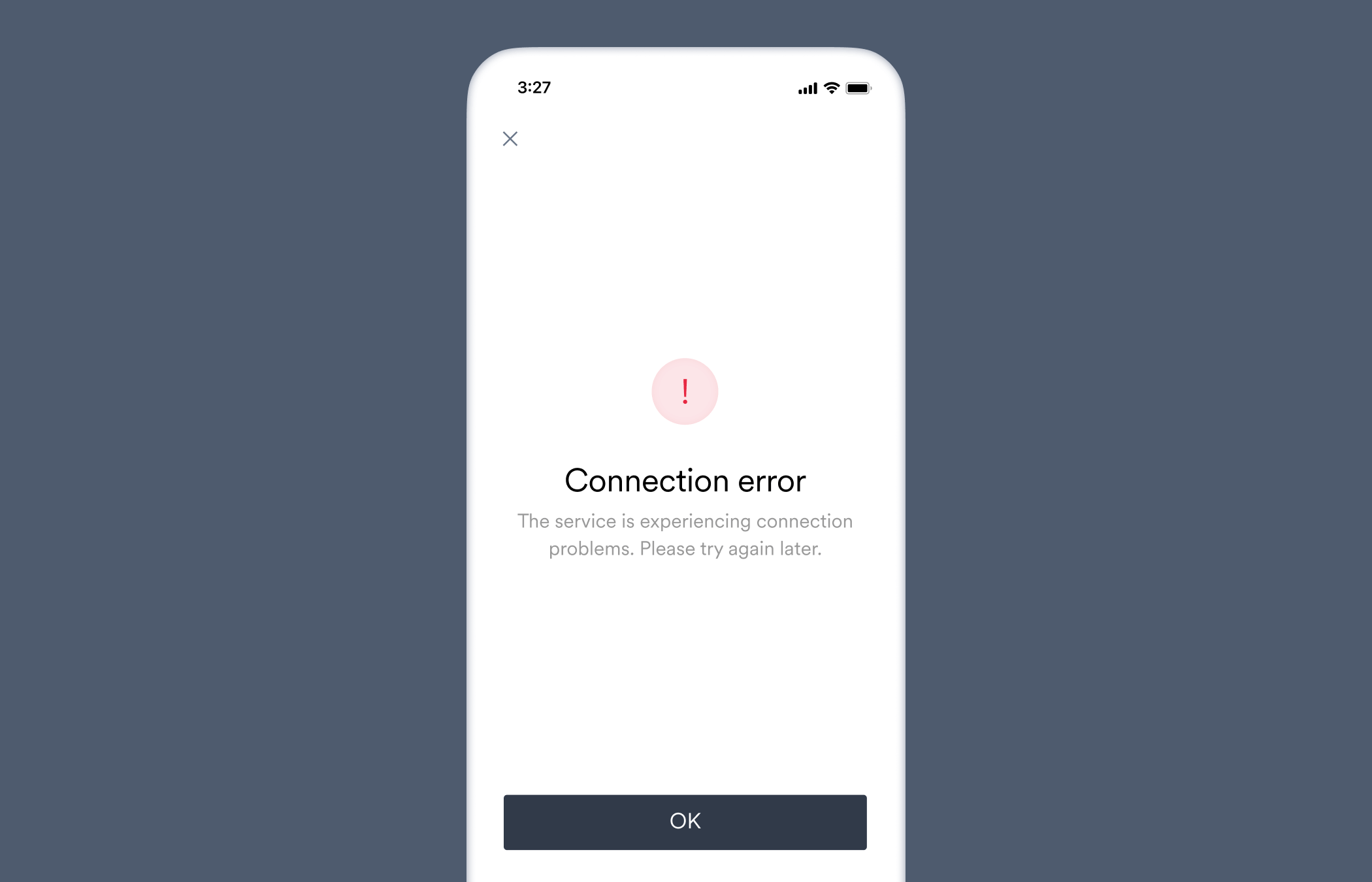 | Event Name | Event Description | Event Specific Properties |
| ---------------- | ------------------------------------------------- | ------------------------- |
| `error - opened` | The user encountered an error while opening Link. | `errorType` |
**Property definitions:**
* `errorType` — The [Link error](/link/reference/error-codes) that occurred.
### Link closed
Occurs when the user closes Link from any screen.
| Event Name | Event Description | Event Specific Properties |
| ------------- | --------------------- | ------------------------- |
| `link closed` | The user closed Link. | `closeMethod ` |
**Property definitions:**
* `closeMethod` — How Link was closed.
**Possible values:**
* `footer_button` — Link was closed by the user selecting the `Done` (re-nameable) button on a final screen.
* `x` — Link was closed by the user selecting `[X]` in the upper-left of the screen.
* `null` — Link was closed programmatically via an [Argyle SDK](/link/initialization), or when the [onCantFindItemClicked](/link/reference/callbacks#oncantfinditemclicked) callback is used, or any other event that causes Link to close.
| Event Name | Event Description | Event Specific Properties |
| ---------------- | ------------------------------------------------- | ------------------------- |
| `error - opened` | The user encountered an error while opening Link. | `errorType` |
**Property definitions:**
* `errorType` — The [Link error](/link/reference/error-codes) that occurred.
### Link closed
Occurs when the user closes Link from any screen.
| Event Name | Event Description | Event Specific Properties |
| ------------- | --------------------- | ------------------------- |
| `link closed` | The user closed Link. | `closeMethod ` |
**Property definitions:**
* `closeMethod` — How Link was closed.
**Possible values:**
* `footer_button` — Link was closed by the user selecting the `Done` (re-nameable) button on a final screen.
* `x` — Link was closed by the user selecting `[X]` in the upper-left of the screen.
* `null` — Link was closed programmatically via an [Argyle SDK](/link/initialization), or when the [onCantFindItemClicked](/link/reference/callbacks#oncantfinditemclicked) callback is used, or any other event that causes Link to close.