> ## Documentation Index
> Fetch the complete documentation index at: https://docs.argyle.com/llms.txt
> Use this file to discover all available pages before exploring further.

# Error Codes

Link errors: common causes and troubleshooting.

## Overview

When a user encounters an error in Link, they are shown an error screen that displays suggestions for resolving the particular issue. *For easier troubleshooting, we recommend you include the* `onError` *[callback](/link/reference/callbacks#onerror) in your Link initialization.*

The `onError` callback returns:

```json theme={}
LinkError (
    "userId": String,           // ID of the user
    "errorType": String (enum), // Error name
    "errorMessage": String,     // User message
    "errorDetails": String      // Error details
)
```

## Link errors

<div className="argyle-divider" />

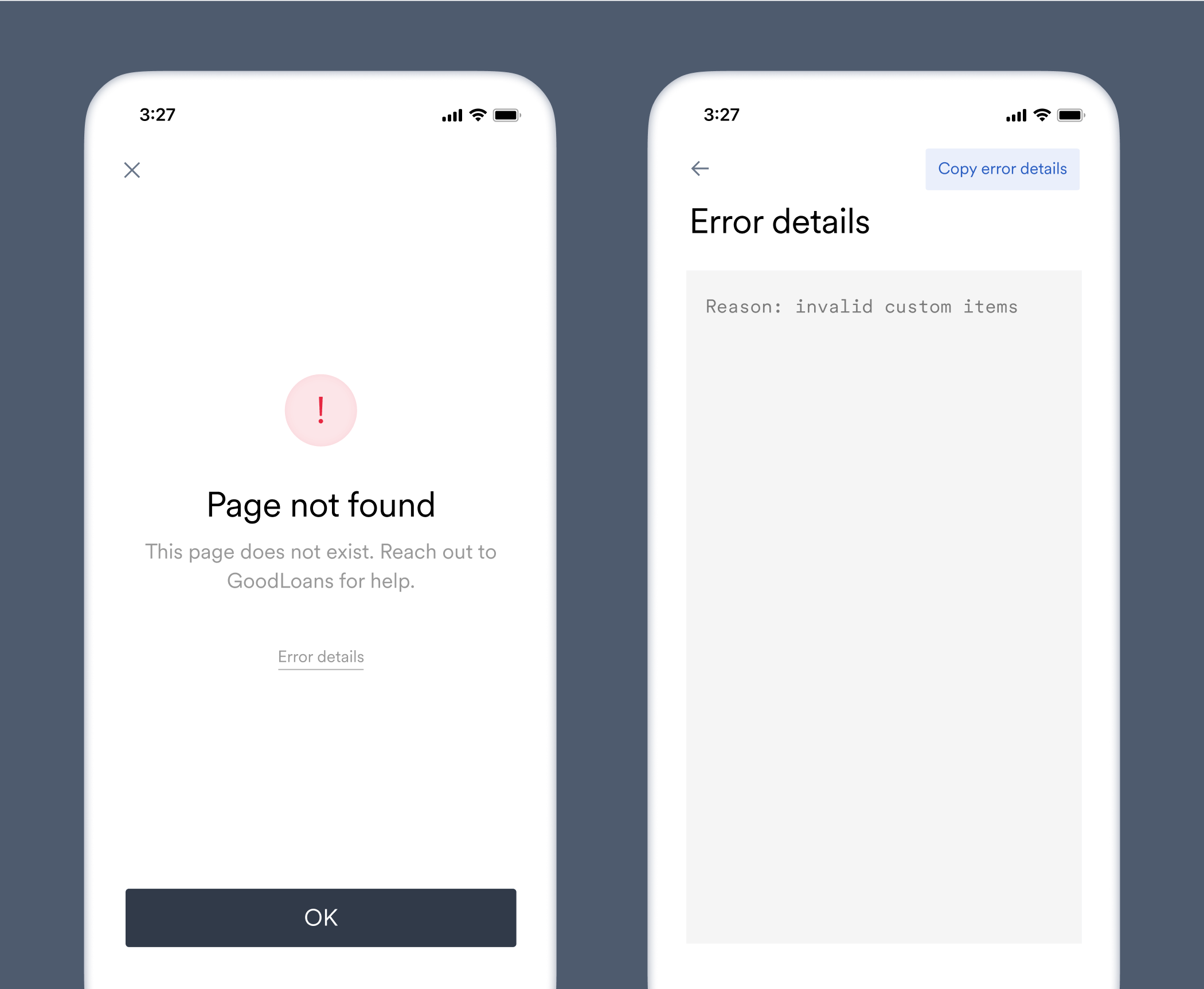
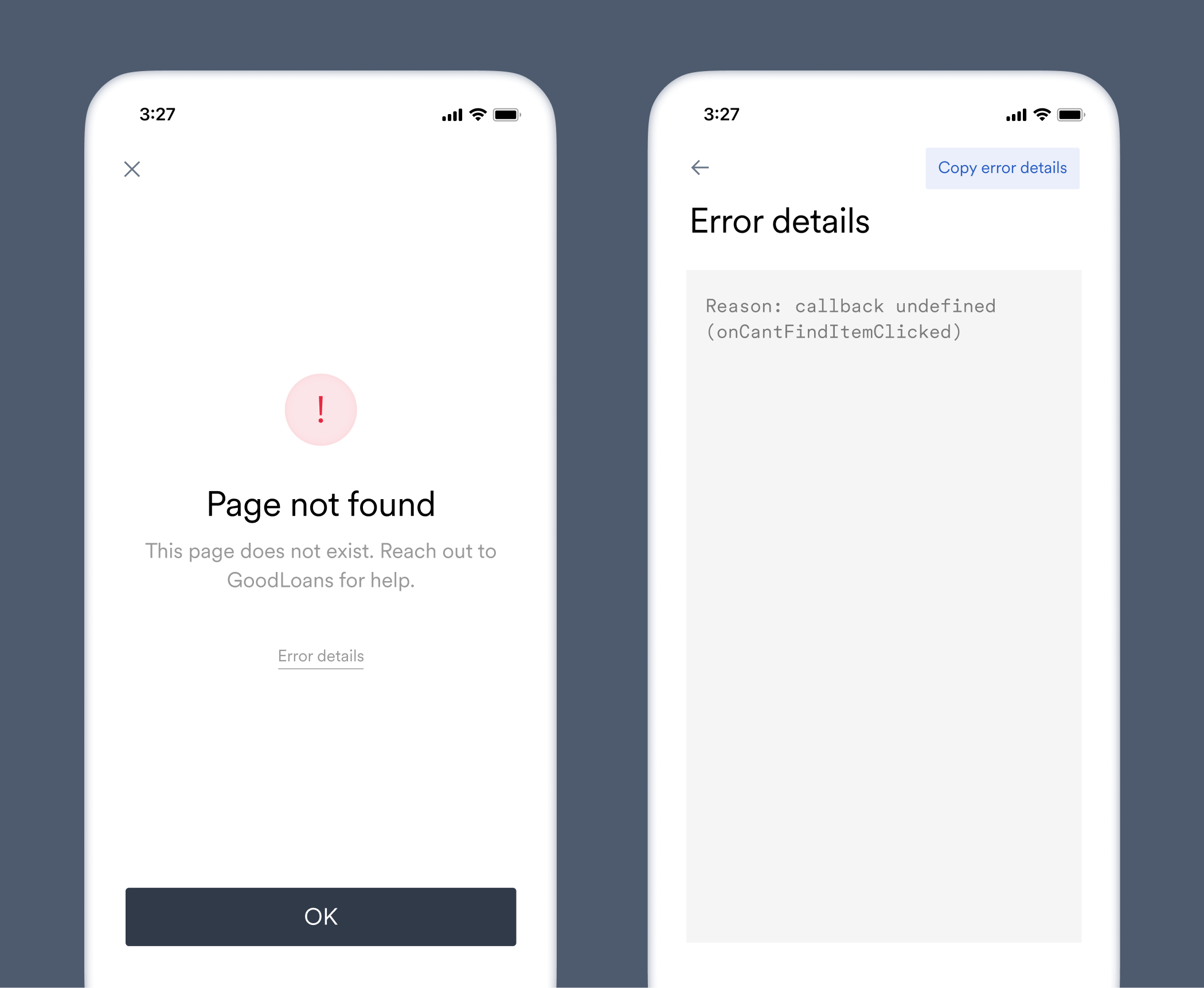
### `callback_undefined`

<Tabs>
  <Tab title="User message">
    This page does not exist. Reach out to \[Company name] for help.
  </Tab>

  <Tab title="Error details">
    Reason: callback undefined (`onCantFindItemClicked`)
  </Tab>

  <Tab title="Common causes">
    The **Callback** experience type was selected for **"If no results"** when customizing a <a href="https://console.argyle.com/flows" target="_blank">Link Flow</a>, but the `onCantFindItemClicked` callback was not included in the Link initialization.
  </Tab>

  <Tab title="Troubleshooting">
    Include the `onCantFindItemClicked` callback in your Link initialization.
  </Tab>
</Tabs>

<Frame>
  <img src="https://mintcdn.com/argyle/0Z2zBY-iD5Q5BvPN/images/argyle-guides/link/error-codes/1-callback-undefined.png?fit=max&auto=format&n=0Z2zBY-iD5Q5BvPN&q=85&s=8190946f48b2528a1bd366b8521a119e" alt="callback_undefined Link error" width="2100" height="1724" data-path="images/argyle-guides/link/error-codes/1-callback-undefined.png" />
</Frame>

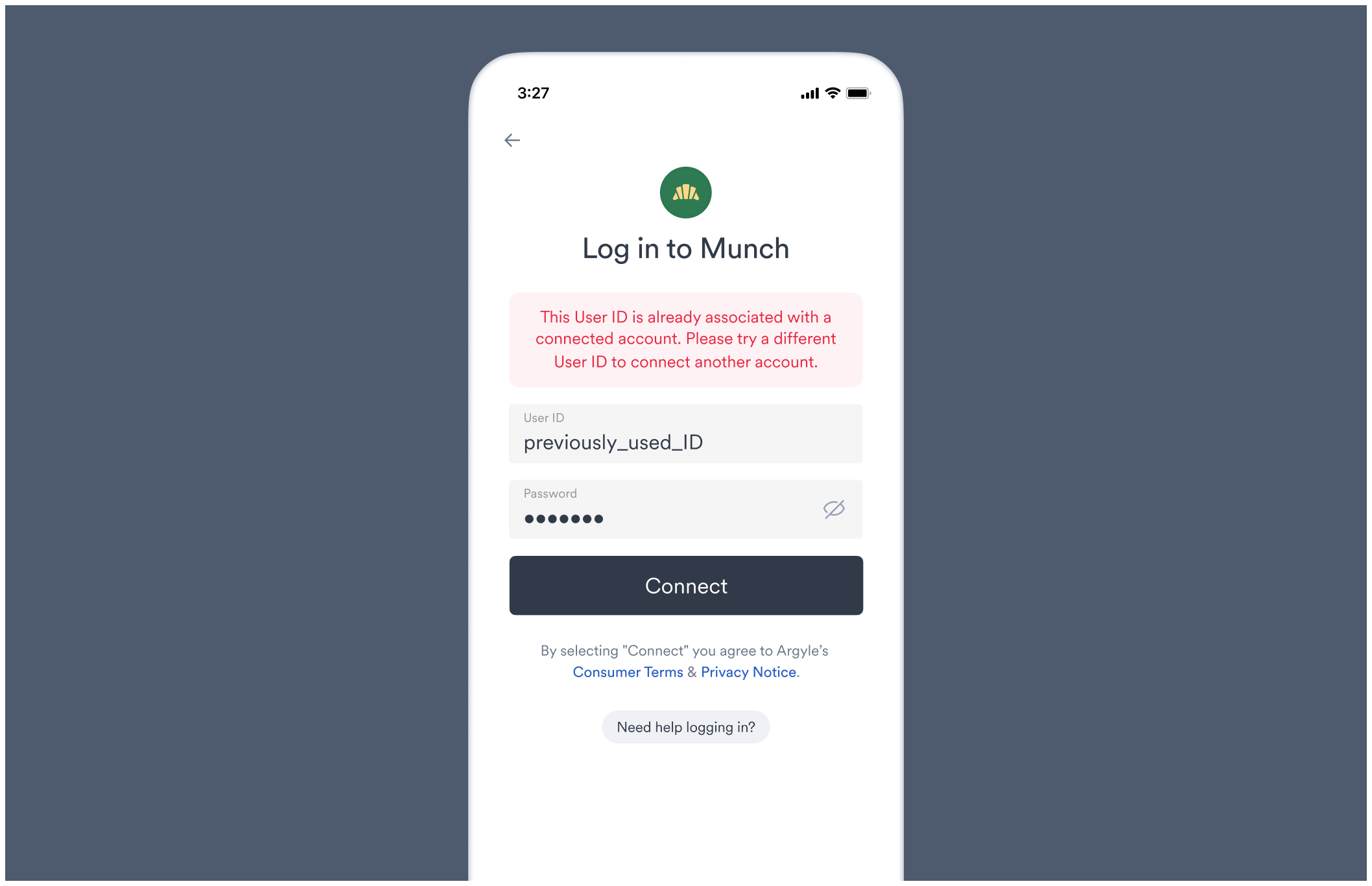
### `duplicate_account`

<Tabs>
  <Tab title="User message">
    This User ID is already associated with a connected account. Please try a different User ID to connect another account.
  </Tab>

  <Tab title="Error details">
    none
  </Tab>

  <Tab title="Common causes">
    The user attempted to connect an already-connected account.
  </Tab>

  <Tab title="Troubleshooting">
    Advise the user to double-check which log in credentials they currently or originally used for the intended employer.
  </Tab>
</Tabs>

<Frame>
  <img src="https://mintcdn.com/argyle/0Z2zBY-iD5Q5BvPN/images/argyle-guides/link/error-codes/13-duplicate-account.png?fit=max&auto=format&n=0Z2zBY-iD5Q5BvPN&q=85&s=bde21c89bda94211004d811e37940da6" alt="duplicate_account Link error" width="2116" height="1366" data-path="images/argyle-guides/link/error-codes/13-duplicate-account.png" />
</Frame>

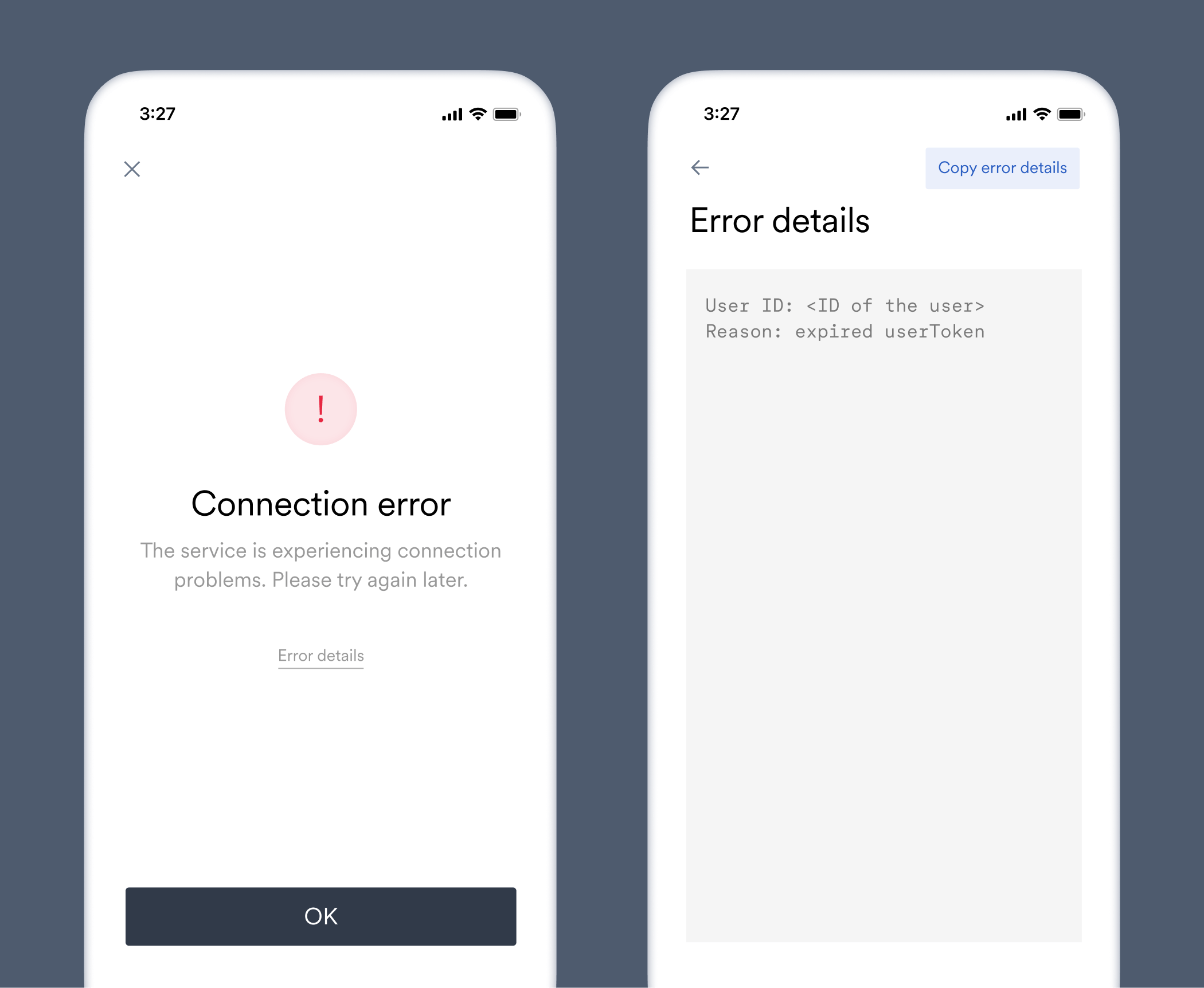
### `expired_user_token`

<Tabs>
  <Tab title="User message">
    The service is experiencing connection problems. Please try again later.
  </Tab>

  <Tab title="Error details">
    User ID: `<ID of the user>` (see [user ID](/api-reference/users))

    Reason: expired `userToken`
  </Tab>

  <Tab title="Common causes">
    Link was initialized with an expired user token, or the user token expired during the Link session.
  </Tab>

  <Tab title="Troubleshooting">
    Create a new user token, and either:

    1. Re-initialize Link with the new user token.
    2. Pass the new user token to the `onTokenExpired` [callback](/link/reference/callbacks#ontokenexpired) to continue the existing Link session.
  </Tab>
</Tabs>

<Frame>
  <img src="https://mintcdn.com/argyle/0Z2zBY-iD5Q5BvPN/images/argyle-guides/link/error-codes/4-expired-user-token.png?fit=max&auto=format&n=0Z2zBY-iD5Q5BvPN&q=85&s=063a02ef72fe1816e66c966de4bd1c20" alt="expired_user_token Link error" width="2100" height="1724" data-path="images/argyle-guides/link/error-codes/4-expired-user-token.png" />
</Frame>

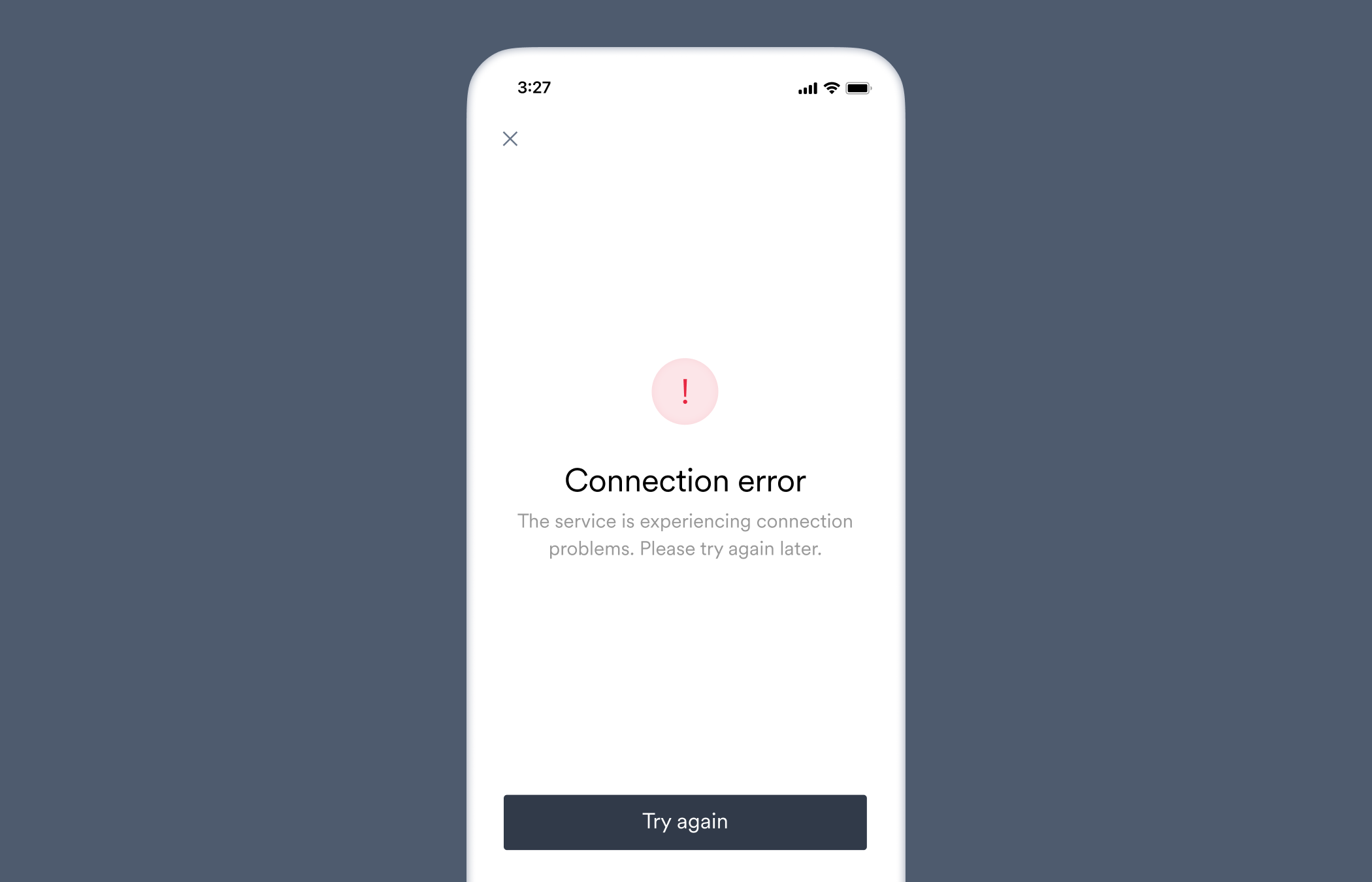
### `generic`

<Tabs>
  <Tab title="User message">
    The service is experiencing connection problems. Please try again later.
  </Tab>

  <Tab title="Error details">
    none
  </Tab>

  <Tab title="Common causes">
    An unexpected error occurred. We are looking into it.
  </Tab>

  <Tab title="Troubleshooting">
    Contact our support team for more details.
  </Tab>
</Tabs>

<Frame>
  <img src="https://mintcdn.com/argyle/0Z2zBY-iD5Q5BvPN/images/argyle-guides/link/error-codes/5-generic.png?fit=max&auto=format&n=0Z2zBY-iD5Q5BvPN&q=85&s=dae9f9d04b669553c5d3a7d09d78712f" alt="generic Link error" width="2100" height="1350" data-path="images/argyle-guides/link/error-codes/5-generic.png" />
</Frame>

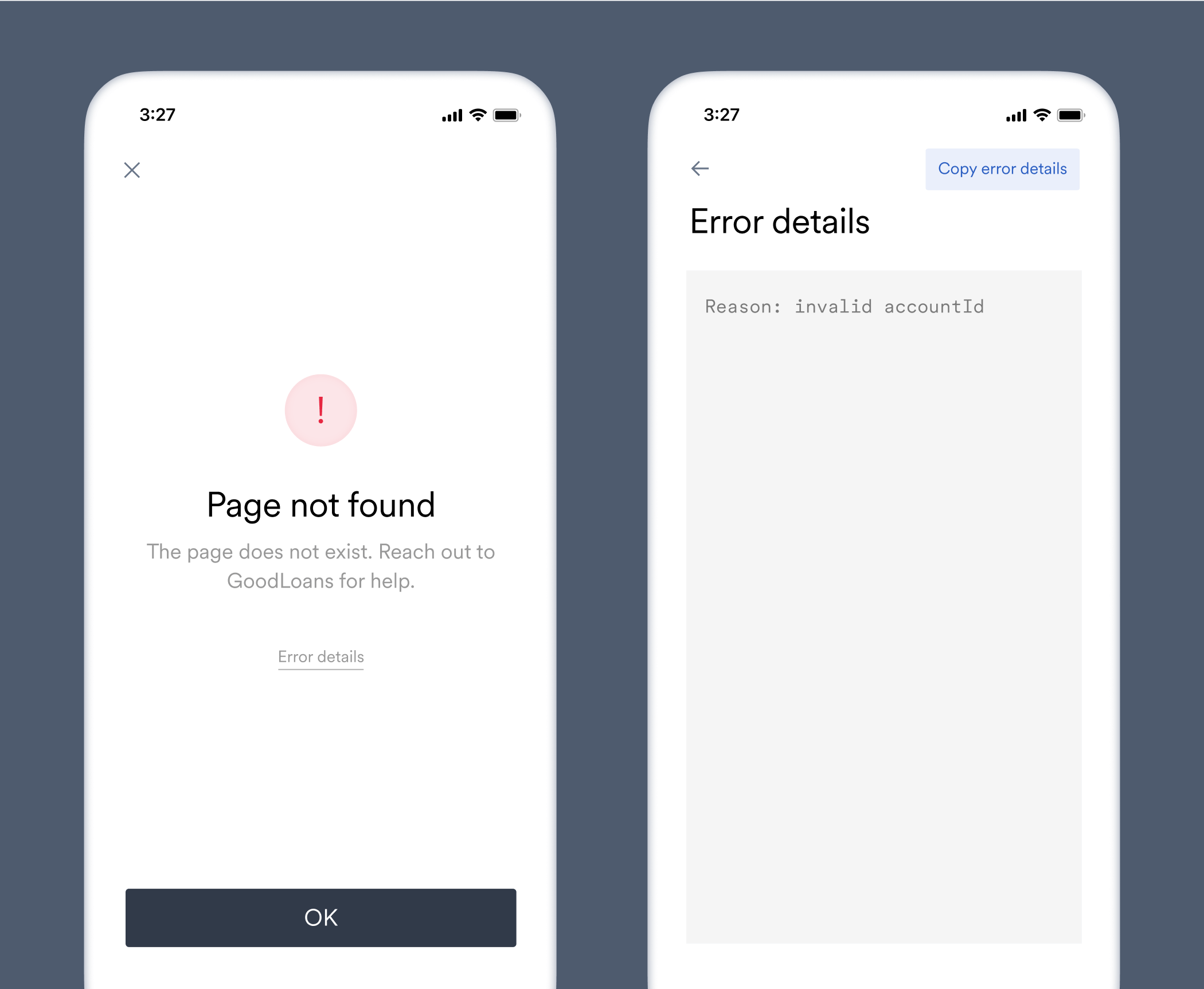
### `invalid_account_id`

<Tabs>
  <Tab title="User message">
    The page does not exist. Reach out the \[Company] for help.
  </Tab>

  <Tab title="Error details">
    Reason: invalid accountId
  </Tab>

  <Tab title="Common causes">
    An invalid `accountId` was used for [direct login to an existing account](/workflows/account-connections#existing-connections) when initializing Link.
  </Tab>

  <Tab title="Troubleshooting">
    Use the [accounts API endpoint](/api-reference/accounts#list) with the user's `id` as a query parameter to see a list of valid `accountId`'s for the user.
  </Tab>
</Tabs>

<Frame>
  <img src="https://mintcdn.com/argyle/0Z2zBY-iD5Q5BvPN/images/argyle-guides/link/error-codes/7-invalid-account-id.png?fit=max&auto=format&n=0Z2zBY-iD5Q5BvPN&q=85&s=0fa500248769b6d9b4e56ce730533fc0" alt="invalid_account_id Link error" width="2100" height="1725" data-path="images/argyle-guides/link/error-codes/7-invalid-account-id.png" />
</Frame>

### `invalid_items`

<Tabs>
  <Tab title="User message">
    This page does not exist. Reach out to \[Company name] for help.
  </Tab>

  <Tab title="Error details">
    Reason: invalid custom items
  </Tab>

  <Tab title="Common causes">
    * [Direct login](/workflows/account-connections#direct-login) was used for an Item that does not exist.
    * Link search was constrained to Items that do not exist.
    * Link was initialized with the optional `items` [initialization parameter](/link/initialization/overview#optional-initialization-parameters) but an empty array was present.
  </Tab>

  <Tab title="Troubleshooting">
    Use the Items endpoint and Console's <a href="https://console.argyle.com/coverage" target="_blank">Coverage</a> page to check Item availability.
  </Tab>
</Tabs>

<Frame>
  <img src="https://mintcdn.com/argyle/lpddaw6ggr_B1oHD/images/argyle-guides/link/error-codes/9-invalid-items.png?fit=max&auto=format&n=lpddaw6ggr_B1oHD&q=85&s=2725968c93db08f171343bfd009a1d2e" alt="invalid_items Link error" width="2100" height="1725" data-path="images/argyle-guides/link/error-codes/9-invalid-items.png" />
</Frame>

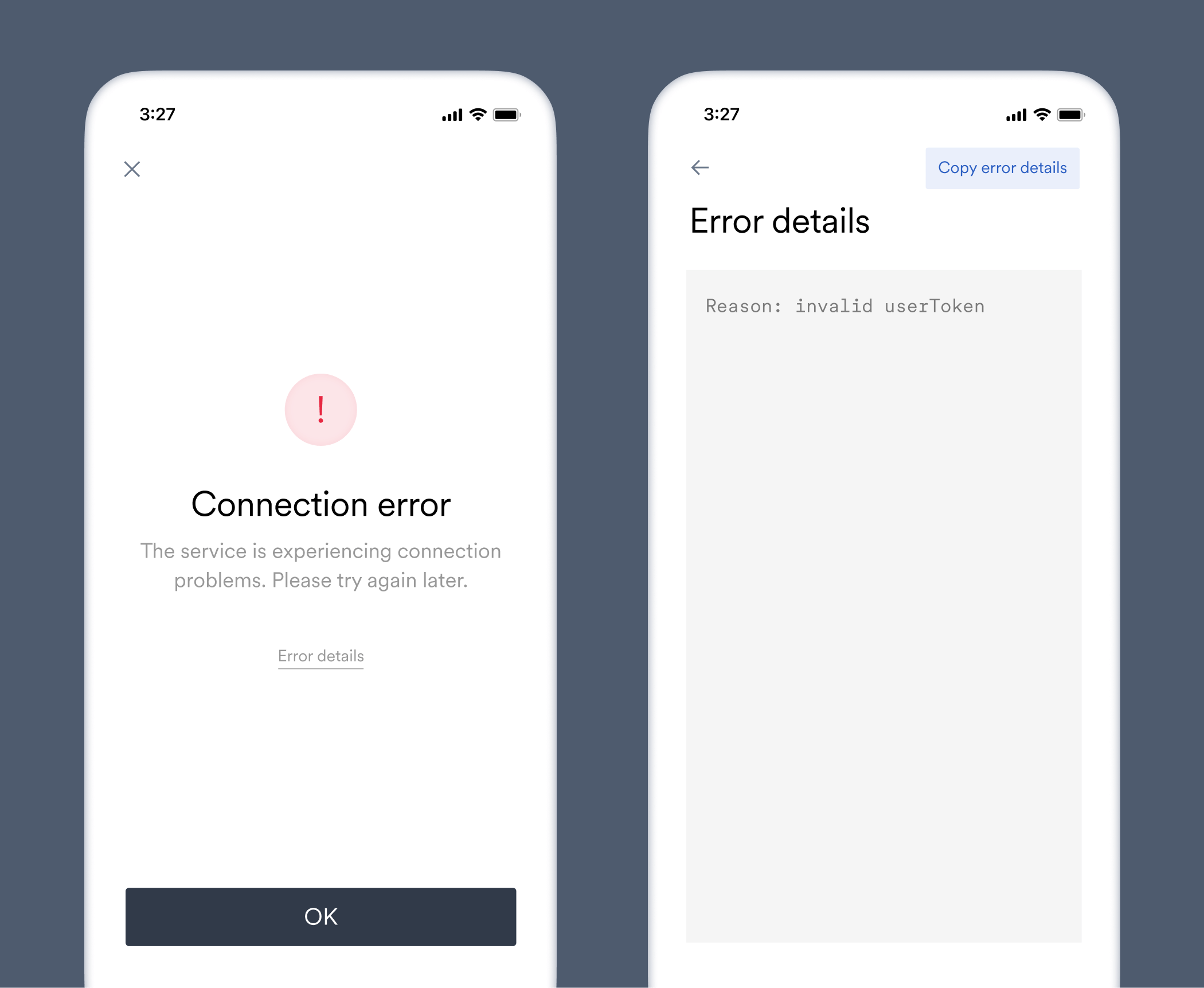
### `invalid_user_token`

<Tabs>
  <Tab title="User message">
    The service is experiencing connection problems. Please try again later.
  </Tab>

  <Tab title="Error details">
    Reason: invalid userToken
  </Tab>

  <Tab title="Common causes">
    The [user token](/link/user-tokens) provided in the Link initialization was not valid.
  </Tab>

  <Tab title="Troubleshooting">
    Check the user token was provided correctly in the Link initialization. See our [user tokens guide](/link/user-tokens) for more information.
  </Tab>
</Tabs>

<Frame>
  <img src="https://mintcdn.com/argyle/0Z2zBY-iD5Q5BvPN/images/argyle-guides/link/error-codes/11-invalid-user-token.png?fit=max&auto=format&n=0Z2zBY-iD5Q5BvPN&q=85&s=a9215360f8038f8161491ea1477b90c7" alt="invalid_user_token Link error" width="2100" height="1724" data-path="images/argyle-guides/link/error-codes/11-invalid-user-token.png" />
</Frame>