> ## Documentation Index
> Fetch the complete documentation index at: https://docs.argyle.com/llms.txt
> Use this file to discover all available pages before exploring further.
# Overview
Link is where payroll connections are made.
## Introduction
Users connect their payroll accounts, upload documents, and manage their connections in Link.
There are several ways to direct users to Link:
* Create standalone [shareable URL's](/console/flows/shareable-urls) or [session URL's](/api-reference/verifications-guide#create-a-connection-session) that link your users to Argyle.
* Send email or text [invites](/console/flows/email-sms-templates#sending-invites) using Console or our API.
* [Embed Link](/link/initialization) on your website or in your iOS, Android, React Native, or Flutter applications.
## Standard connection process
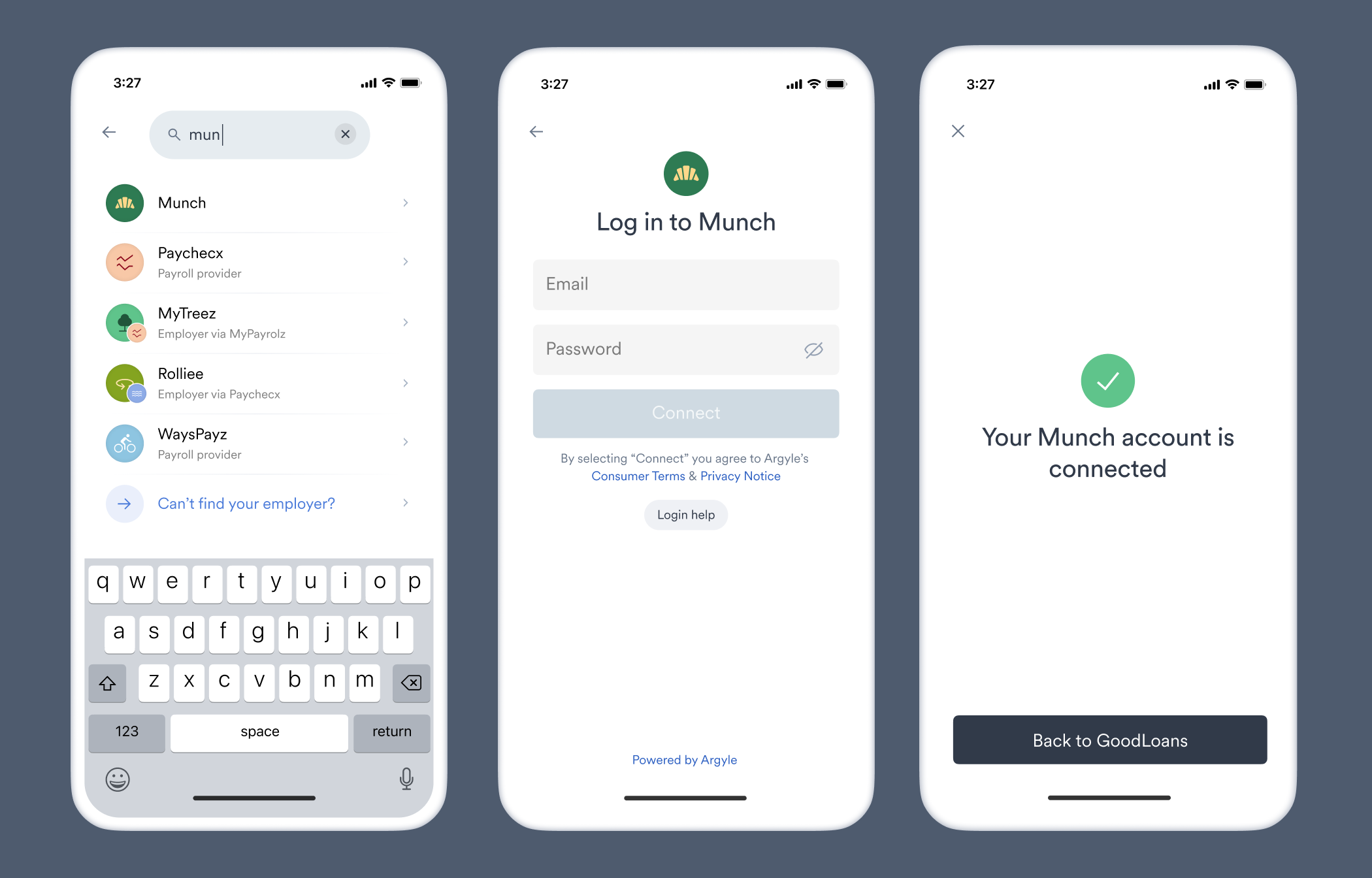
Without any [customizations](/console/flows/embedded-experiences), the standard payroll connection process in Link is as follows:
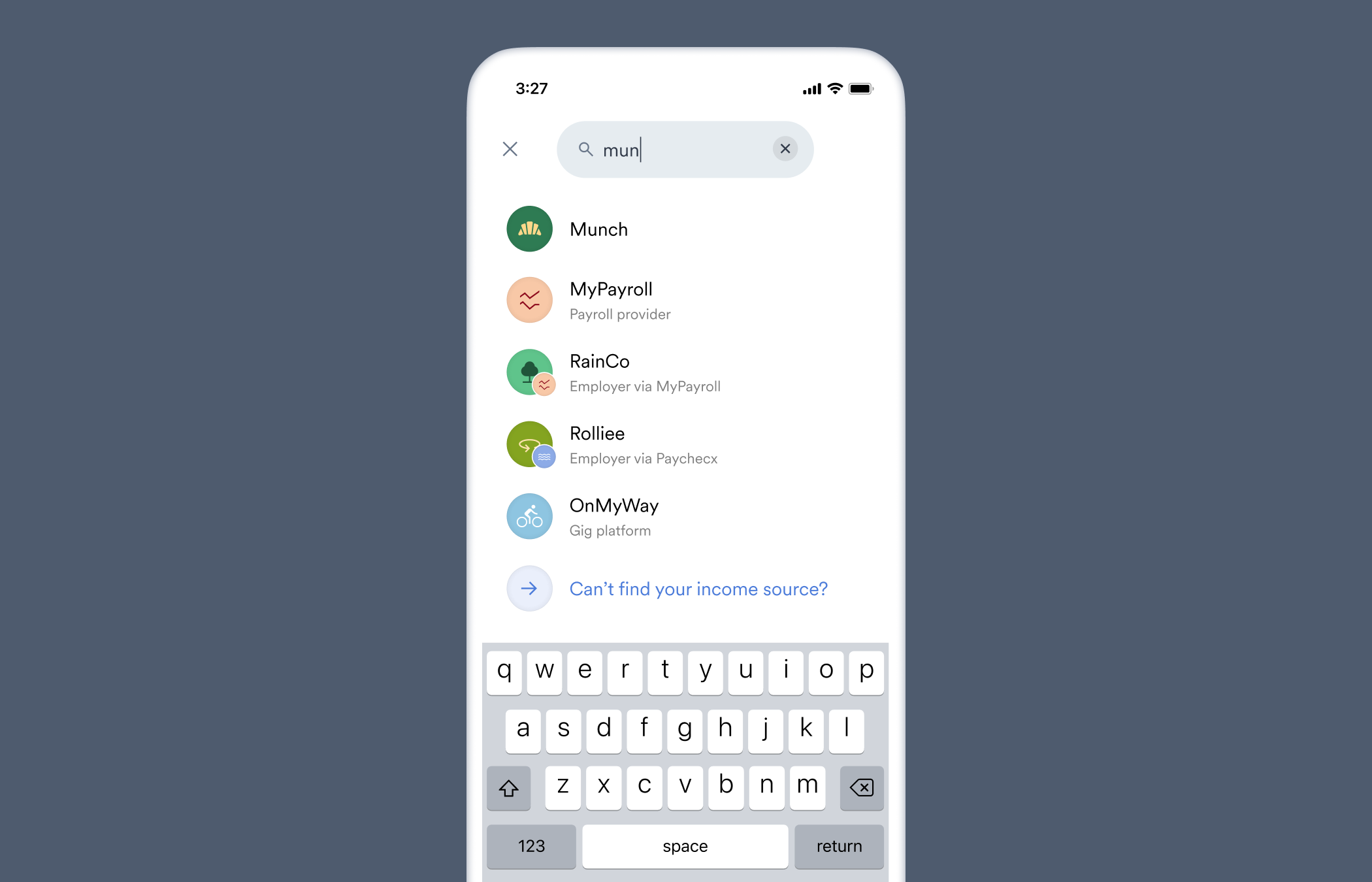
The user searches from a general list of potential incomes sources. This includes employers, government entities, and payroll services.
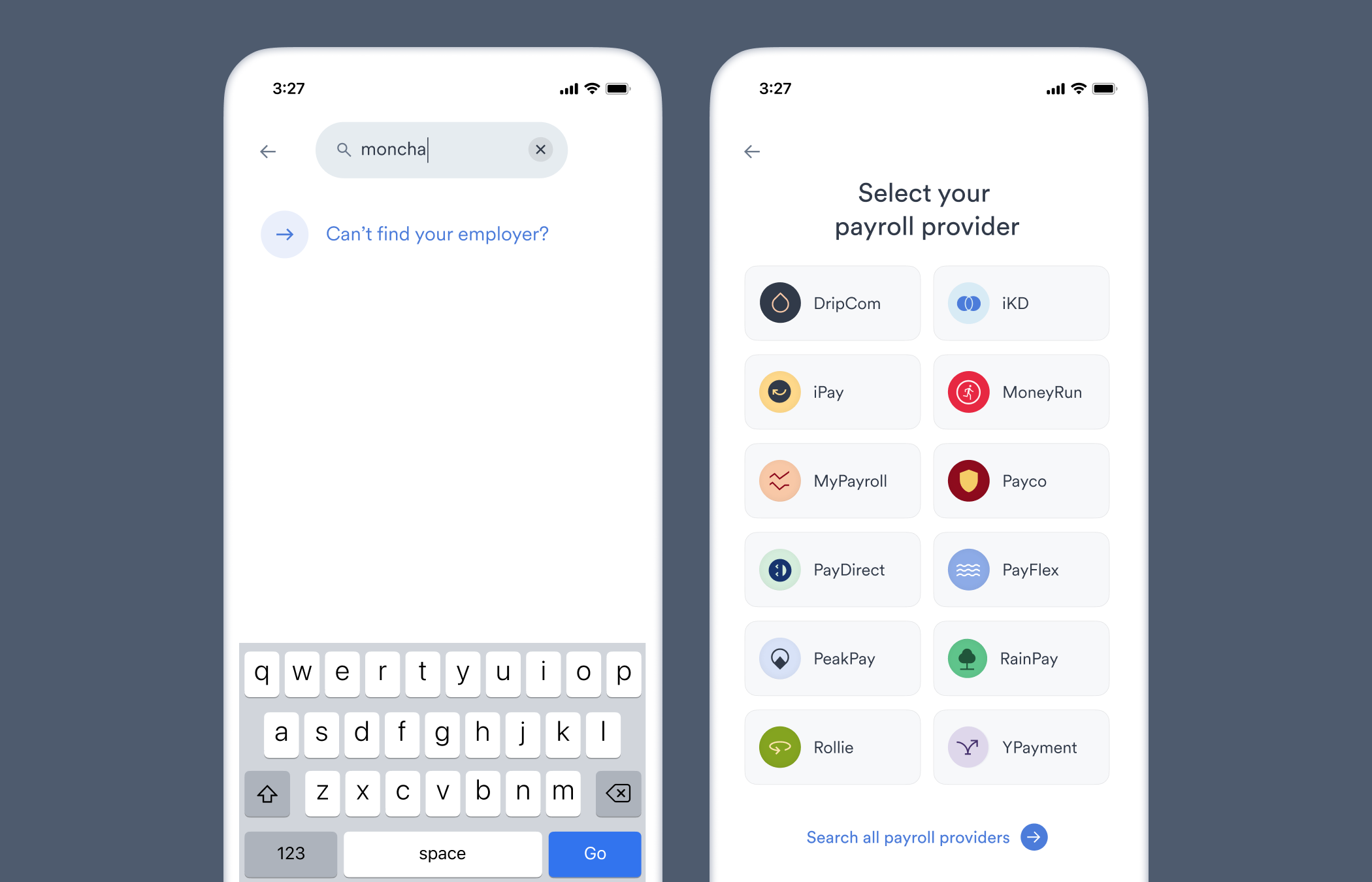
If the user cannot find their source of income from this general list, they will be prompted to search from a list of only payroll providers that service multiple employers.
These payroll providers are searchable in step 1, but we have found narrowing the search focus to payroll providers improves the connection success rate for users.
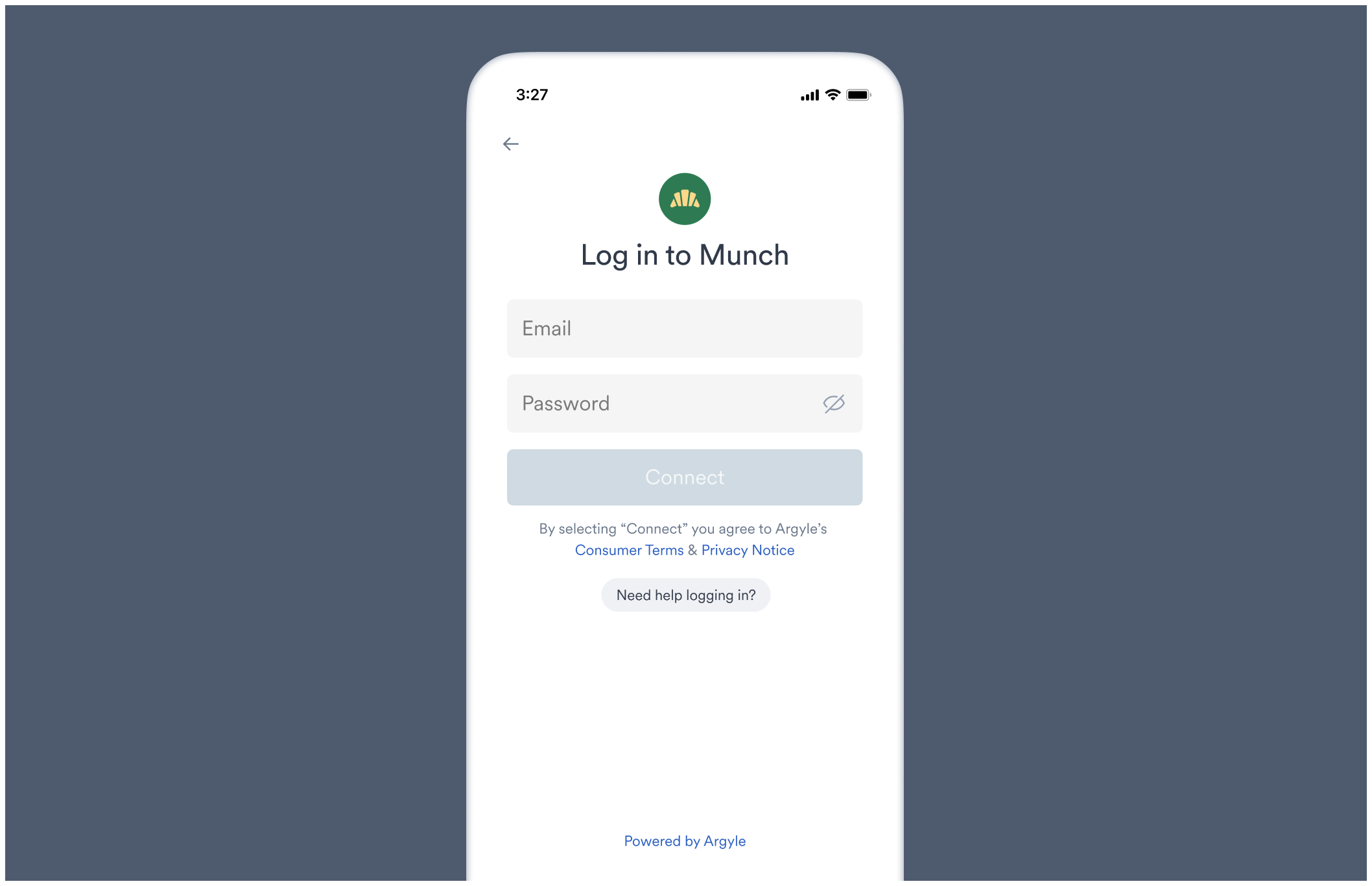
If the user successfully finds their source of income, they are taken to its respective login screen. From the login screen, the user can enter their login credentials to connect their account.
* If the user cannot remember their login credentials, the login screen provides a link to the platform's username/password reset process.
* Each login screen is tailored to match the input fields used by the underlying payroll system. For example, some systems require a username and password, others an email and password, while others may use SSO methods to login. You can preview the login screen for any employer or payroll system in the Flows section of Console.
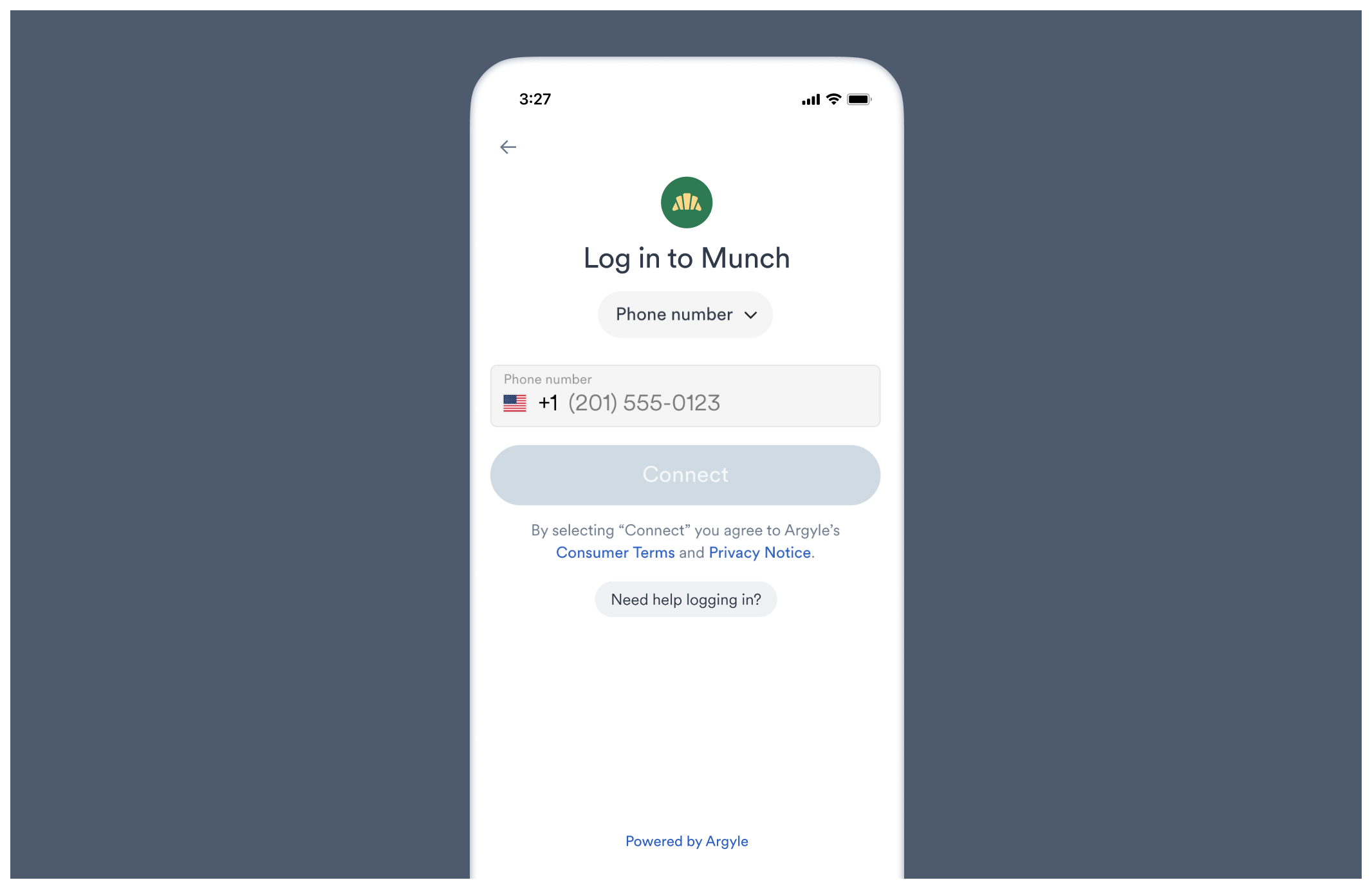
For phone number logins, Link will automatically adjust the country code and input format based on the user's device settings:
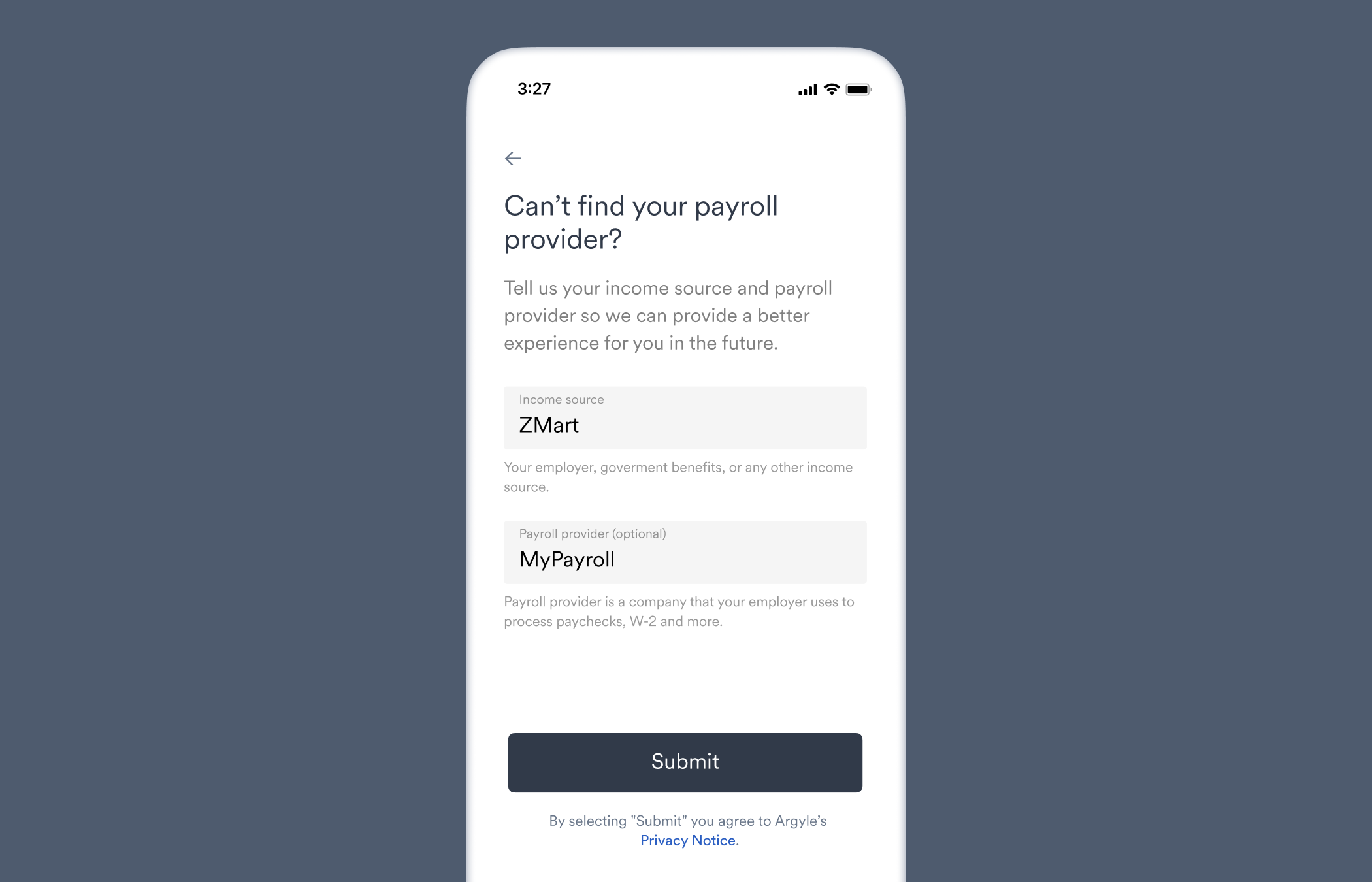
If the user cannot ultimately find their source of income, they are asked to submit a response form and list their employers or payroll providers.
## Link screens
Our UI Toolkit in Figma provides screen mockups of the user experience in Link for common flows:
* Verification of income and employment
* Paycheck-linked lending
* Earned wage access
* Direct login
* Account re-authentication
* Fallback flows
* Revoking account access
* Connecting multiple accounts
* Document upload from the intro screen
* Document upload as a fallback flow
* Go directly to document uploading, bypassing Link search
You can also preview and test different flows in the Flows section of Console.
## Additional resources
* Visit our [Workflows Guides](/workflows/account-connections) to learn how to adjust Link's payroll account connection process and enable document upload.
* Branding and customizing Link is discussed in our [Flows Guides](/console/flows/embedded-experiences).
* (Embedded Link) Create automations using [Link Callbacks](/link/reference/callbacks).
* (Embedded Link) Capture how users interact with Link using our [Tracking Guide](/link/reference/tracking).