> ## Documentation Index
> Fetch the complete documentation index at: https://docs.argyle.com/llms.txt
> Use this file to discover all available pages before exploring further.
# Link errors
> Learn about errors your users may see in Link.
This page provides common causes and troubleshooting suggestions for Link errors. All errors (except `generic`) occur due to invalid Link configuration and are not expected to reach the production environment. Link errors are also returned with `onError` [callback function](/legacy/api-reference/callbacks), which is passed the type of the `error` that occurred.
Some error messages shown to the user have placeholders for `[Link item name]` and `[Company name]`. In such cases, for the screens samples below, they were replaced by Starbox and GoodLoans, respectively.
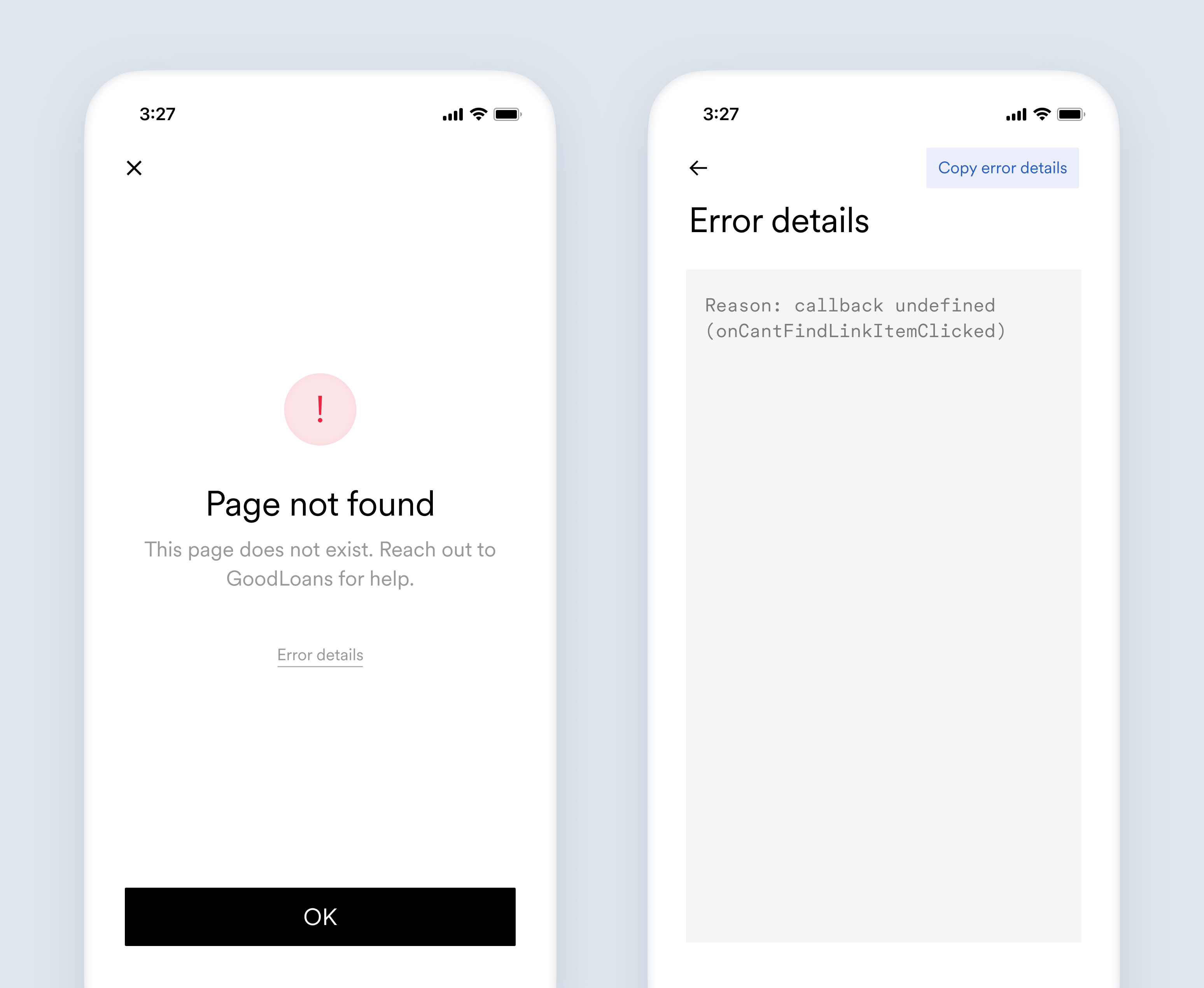
## `callback_undefined`
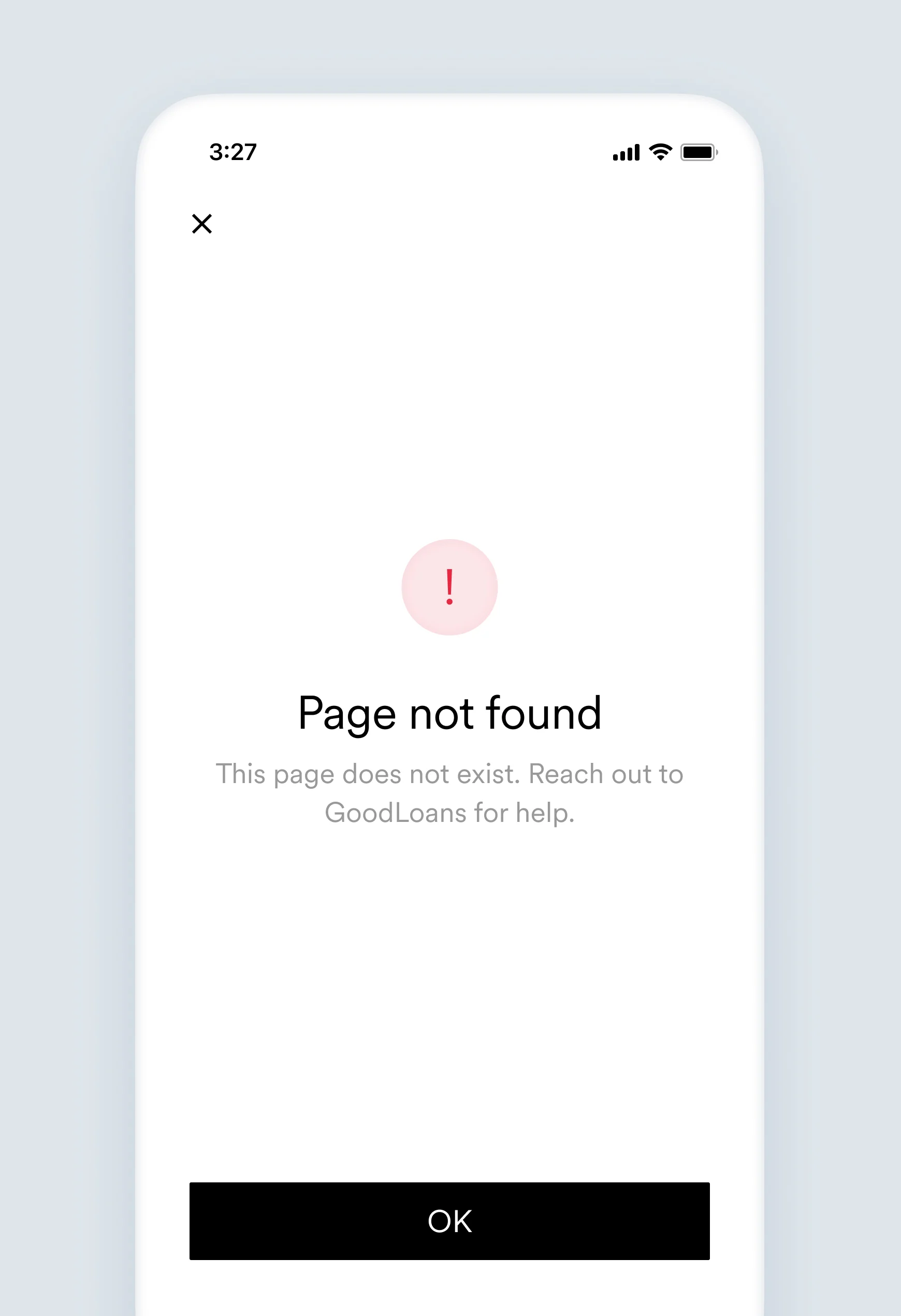
This page does not exist. Reach out to \[Company name] for help.
Reason: callback undefined (`onCantFindLinkItemClicked`)
*Callback triggering* was selected for the **"If no results" experience**, but the `onCantFindLinkItemClicked` callback function is not defined.
Define the `onCantFindLinkItemClicked` callback in your implementation.
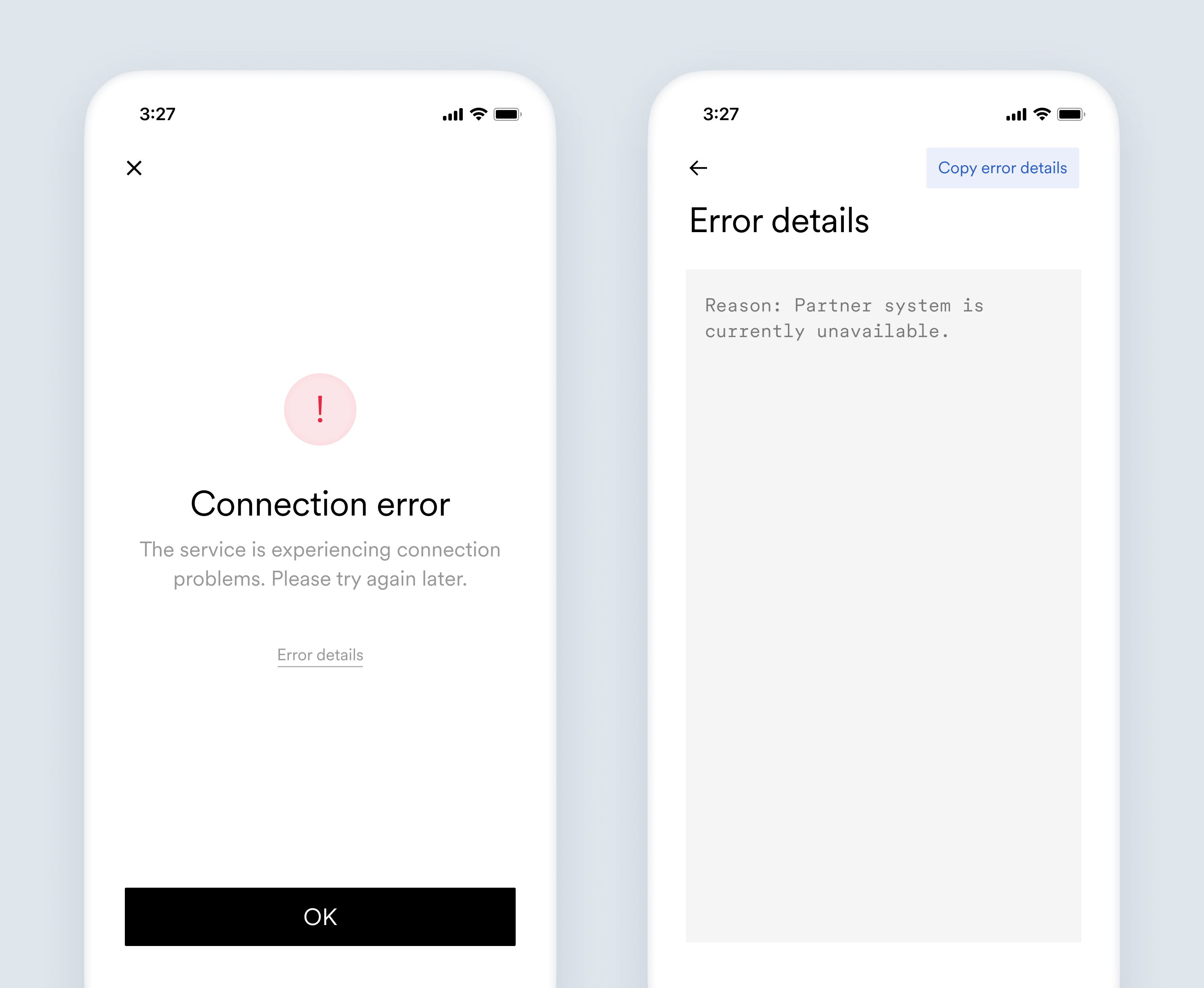
## `card_issuer_unavailable`
The service is experiencing connection problems. Please try again later.
Reason: Partner system is currently unavailable.
Third party system (Unit) failed to respond when retrieving card details required for a deposit update.
Reach out to [Unit](https://www.unit.co/) for help.
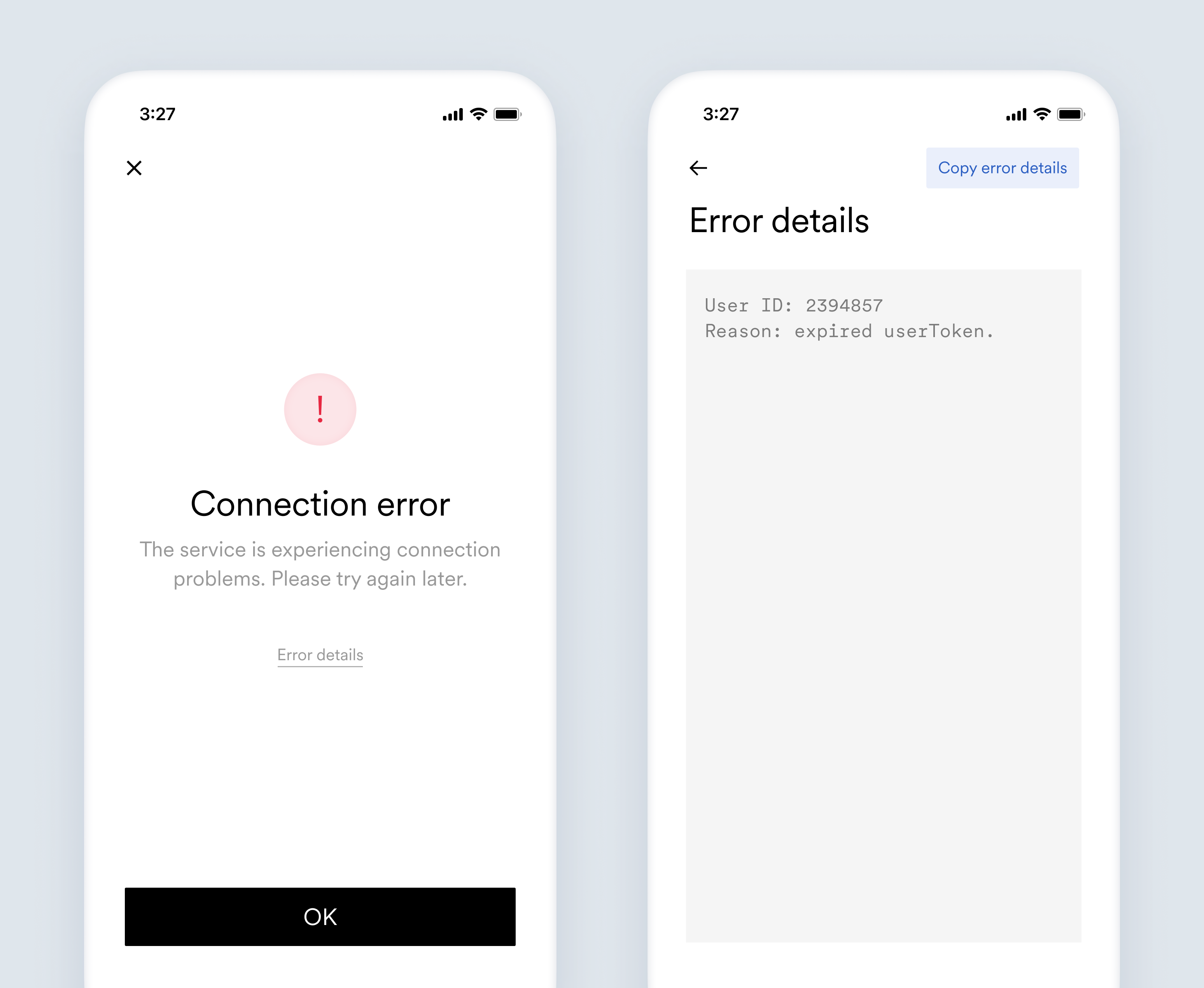
## `expired_user_token`
The service is experiencing connection problems. Please try again later.
User ID: `{userId}`
Reason: expired `userToken`.
`userToken` is a temporary access token that contains an expiration date. This error occurs when Link is initialized for a user with an expired `userToken`.
[Create](/legacy/api-reference/users#create-token) a new `userToken` every time Link is initialized for a user.
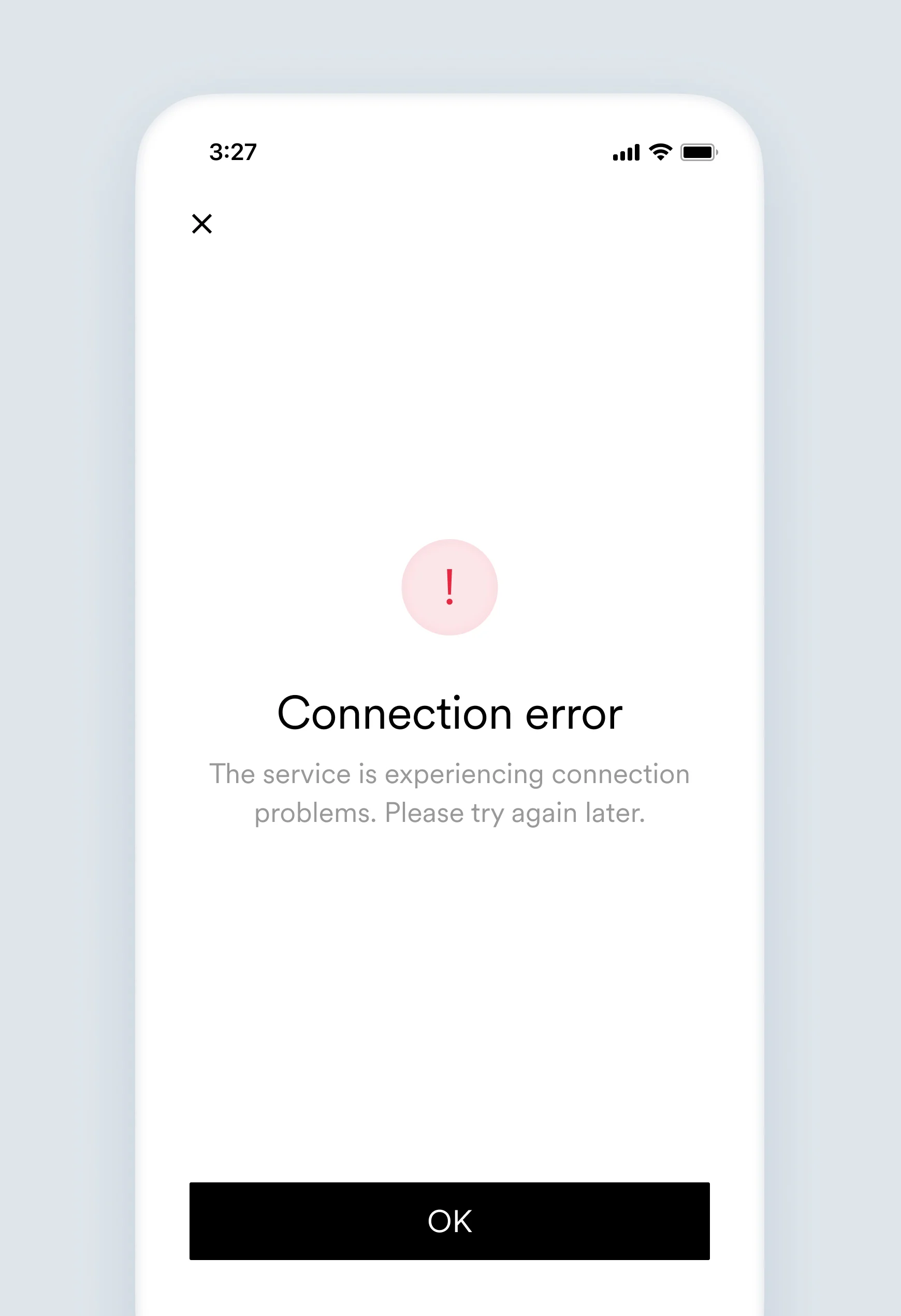
## `generic`
The service is experiencing connection problems. Please try again later.
N/A
Something unexpected happened. Argyle is investigating.
Contact Argyle's support team for more details.
## `invalid_link_items`
This page does not exist. Reach out to `[Company name]` for help.
N/A
* The user was deep linked to a Link item that does not exist. See our [Deep Linking Guide](/legacy/guides/argyle-link/flows/deep-linking) for additional information.
* A constrained list of Link items was provided in the Link configuration, but all of the provided Link items do not exist.
Check if the Link item is available by calling the GET `/link-items/:id` [endpoint](/legacy/api-reference/link-items#retrieve) each time before initializing Link when deep linking or constraining a Link item list. In the case where you are keeping a map of available Link items on the backend, occasionally call the GET `/link-items` [endpoint](/legacy/api-reference/link-items#list) to sync the newest updates.
## `invalid_link_key`
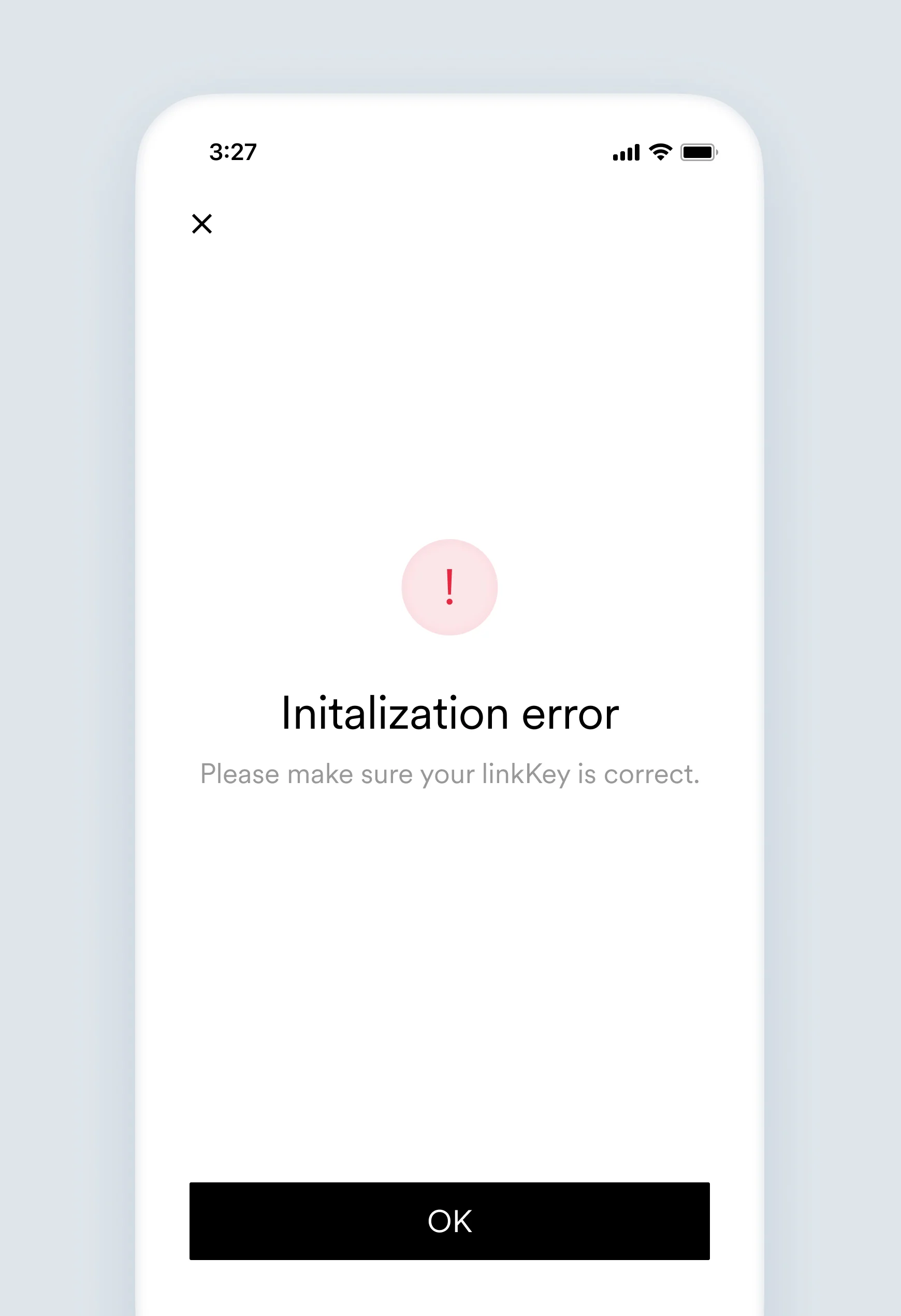
Please make sure your `linkKey` is correct.
N/A
The Link key used when initializing Link is invalid.
Check if you are using an appropriate Link key for the selected environment. There are separate Link keys for the sandbox and production environment. Link keys can be found in the [API keys section](https://console.argyle.com/api-keys) of the Argyle Console.
## `invalid_pd_config`
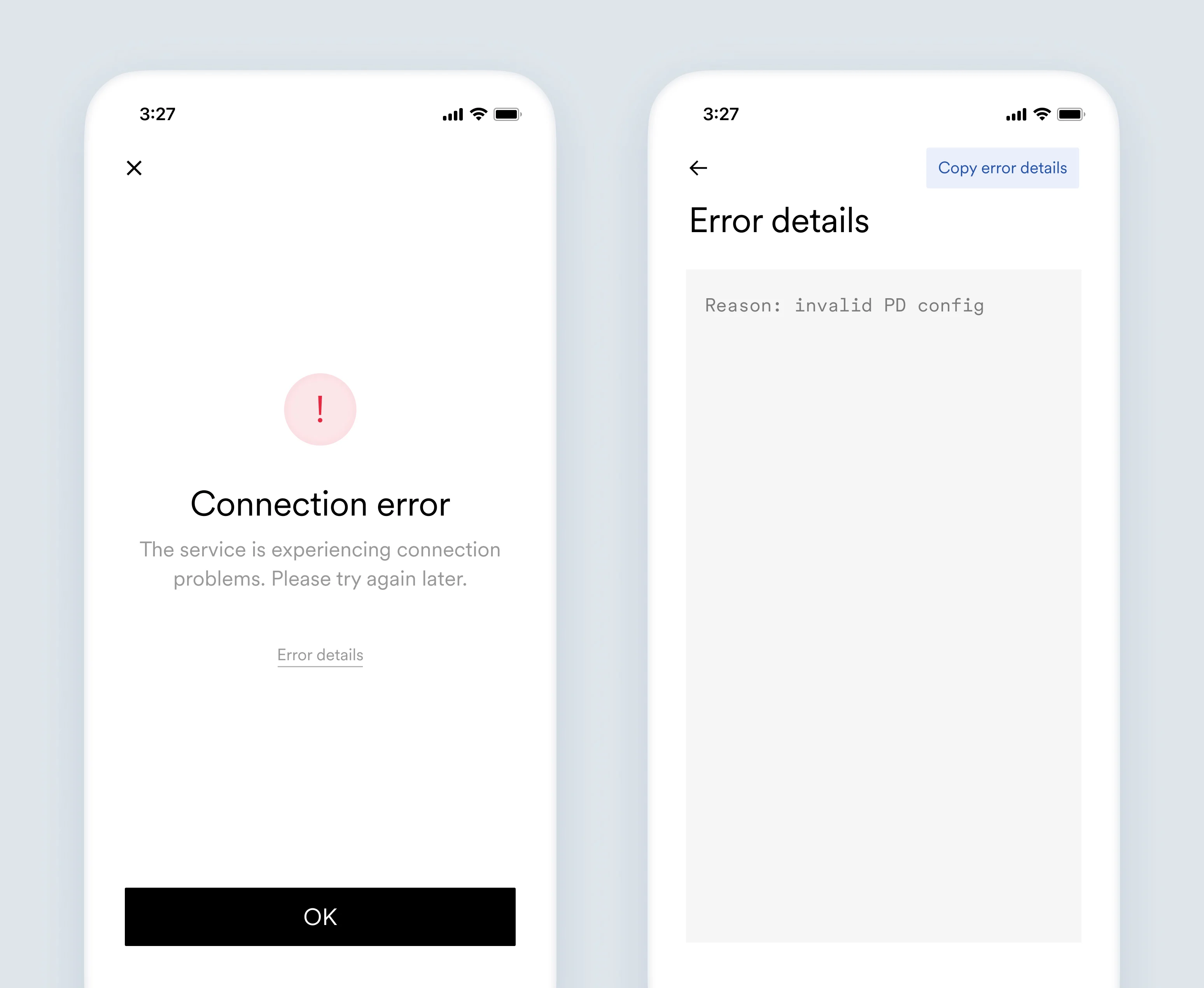
The service is experiencing connection problems. Please try again later.
Reason: invalid PD config.
The `payDistributionConfig` provided when initializing Link is invalid.
* Check the configuration parameters of the provided `payDistributionConfig`. See [DDS configurations](/legacy/api-reference/dds-configurations) for additional information.
* Check that the `payDistributionConfig` is encrypted correctly using the Argyle [encryption endpoint](/legacy/api-reference/dds-configurations#encrypt). See our [direct deposit switching guide](/legacy/guides/argyle-link/flows/direct-deposit-switching) for additional information.
## `invalid_user_token`
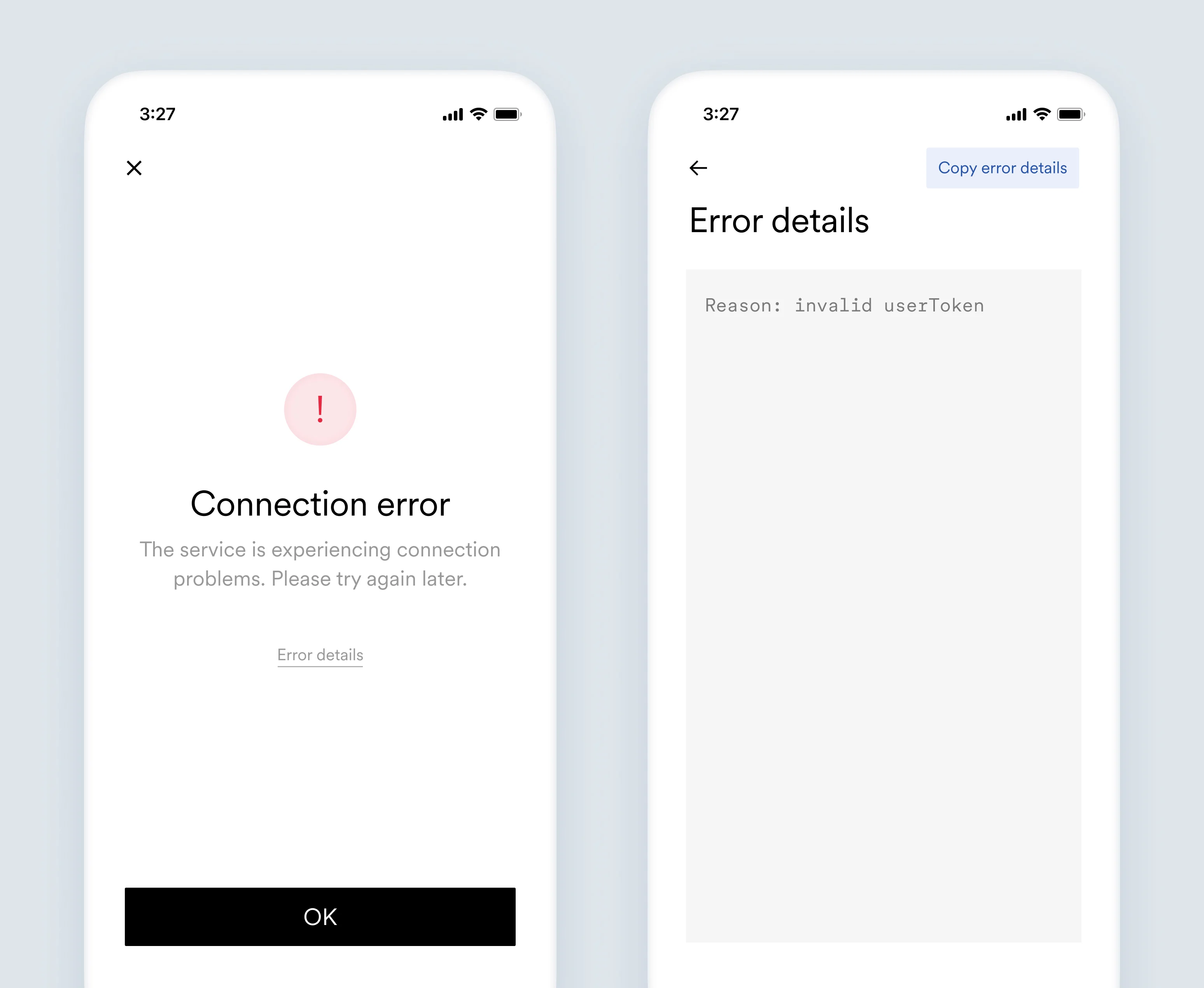
The service is experiencing connection problems. Please try again later.
Reason: invalid `userToken`.
User token provided during Link initialization is not a valid [JTW token](https://jwt.io/) and could not be decoded.
* Check if the used `userToken` is the same provided by [`/user-tokens`](/legacy/api-reference/users#create-token) endpoint.
* Check if the user token is not modified (for example, additionally encoded) before being passed to Argyle during Link initialization.
## `unsupported_android_version`
The page does not exist. Reach out to `[Company name]` for help.
Reason: unsupported Android version. Forms are supported from Android SDK 26 (Oreo) and above.
Upgrade your Android version to Android SDK 26 (Oreo) or higher.
Contact Argyle's support team for more details.
