> ## Documentation Index
> Fetch the complete documentation index at: https://docs.argyle.com/llms.txt
> Use this file to discover all available pages before exploring further.
# Account connection errors
> Learn about errors that may occur during the account connection flow.
This page provides common causes and troubleshooting suggestions for account connection errors. Error codes are returned as part of the [accounts object](/legacy/api-reference/accounts#account-object) when a connection error occurs:
* [`accounts.connection.status`](/legacy/api-reference/accounts#object-status) returns error
* [`accounts.connection.error_code`](/legacy/api-reference/accounts#object-error_code) shows the error code
* [`accounts.connection.error_message`](/legacy/api-reference/accounts#object-error_message) will provide additional information about the error
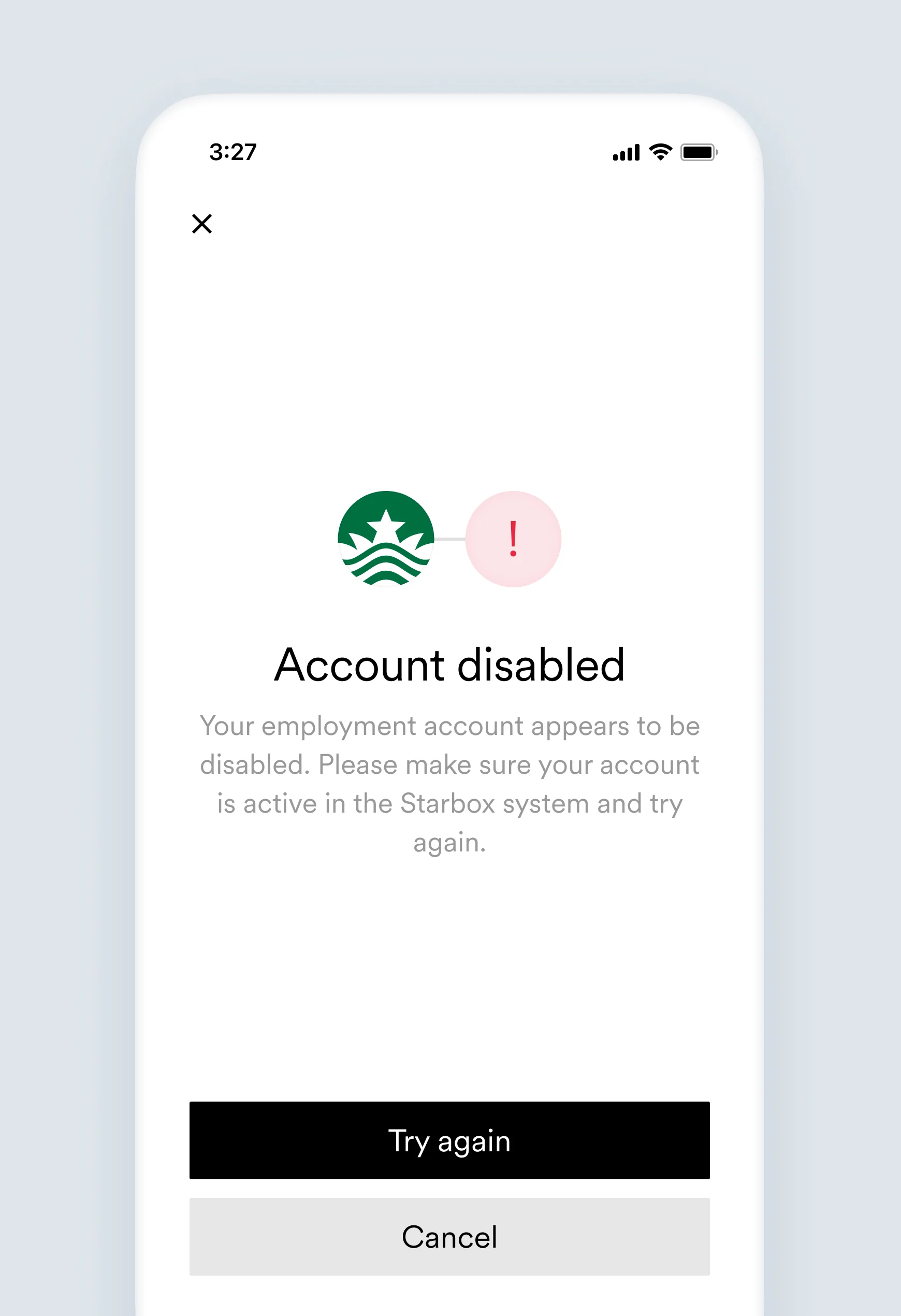
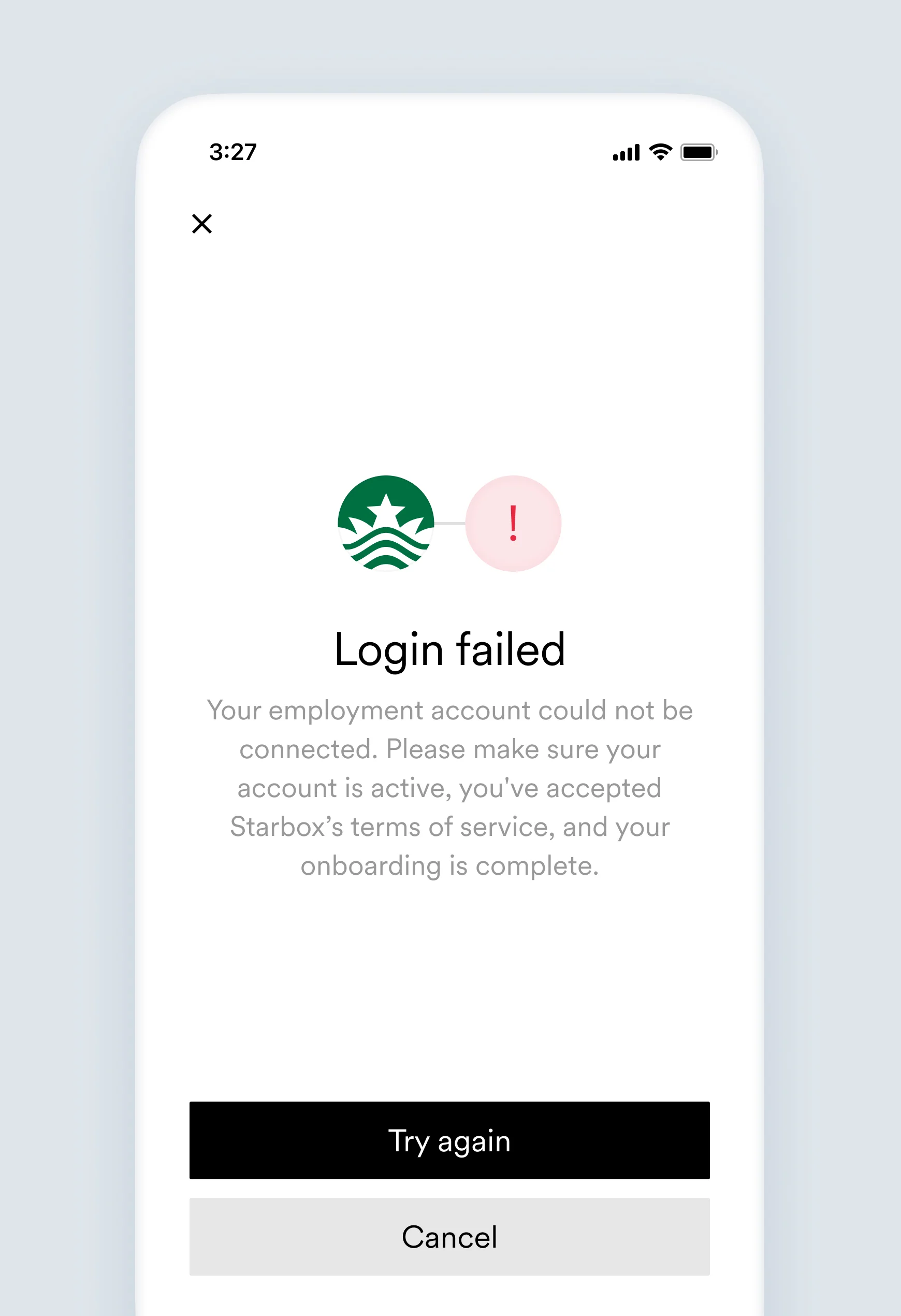
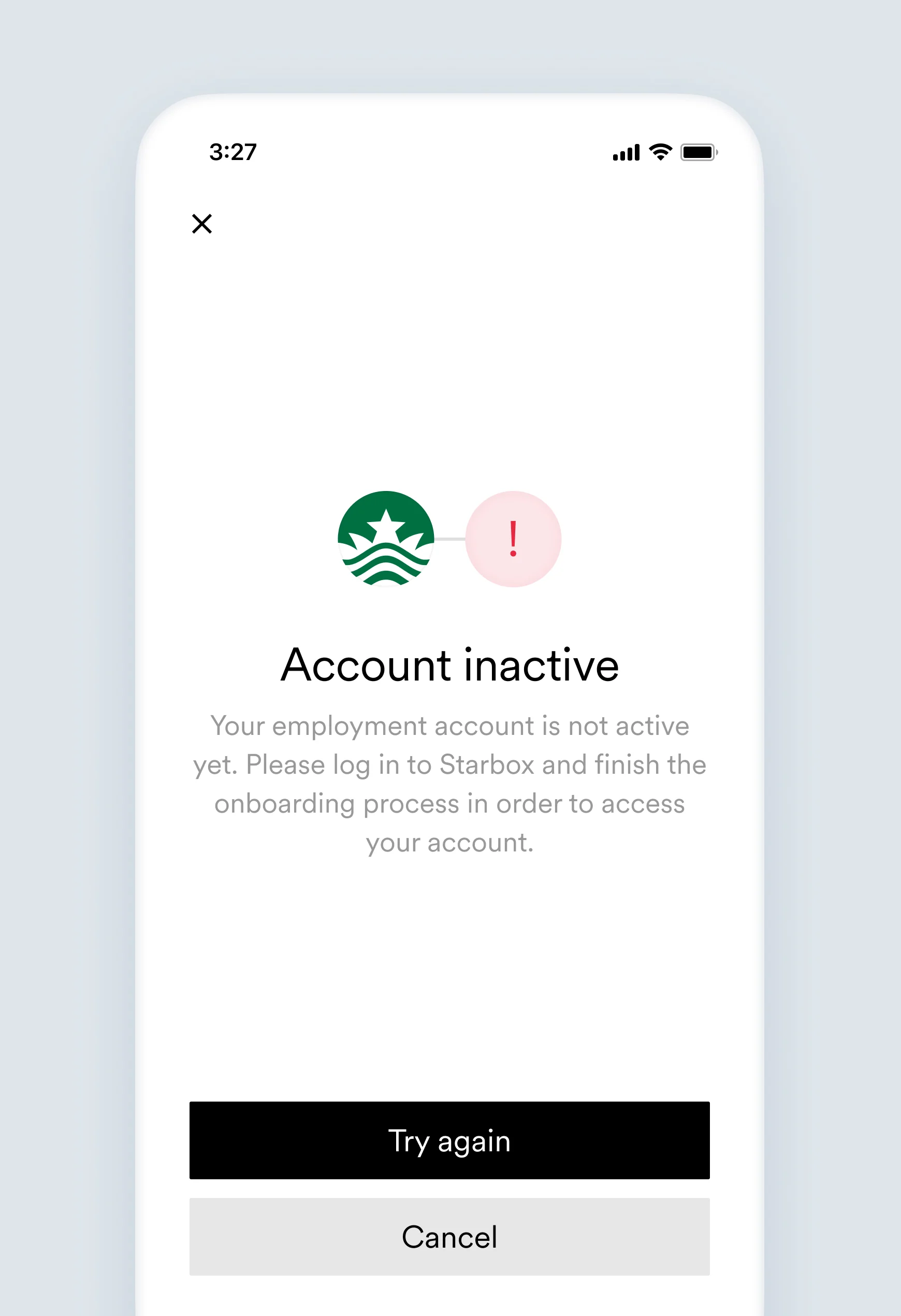
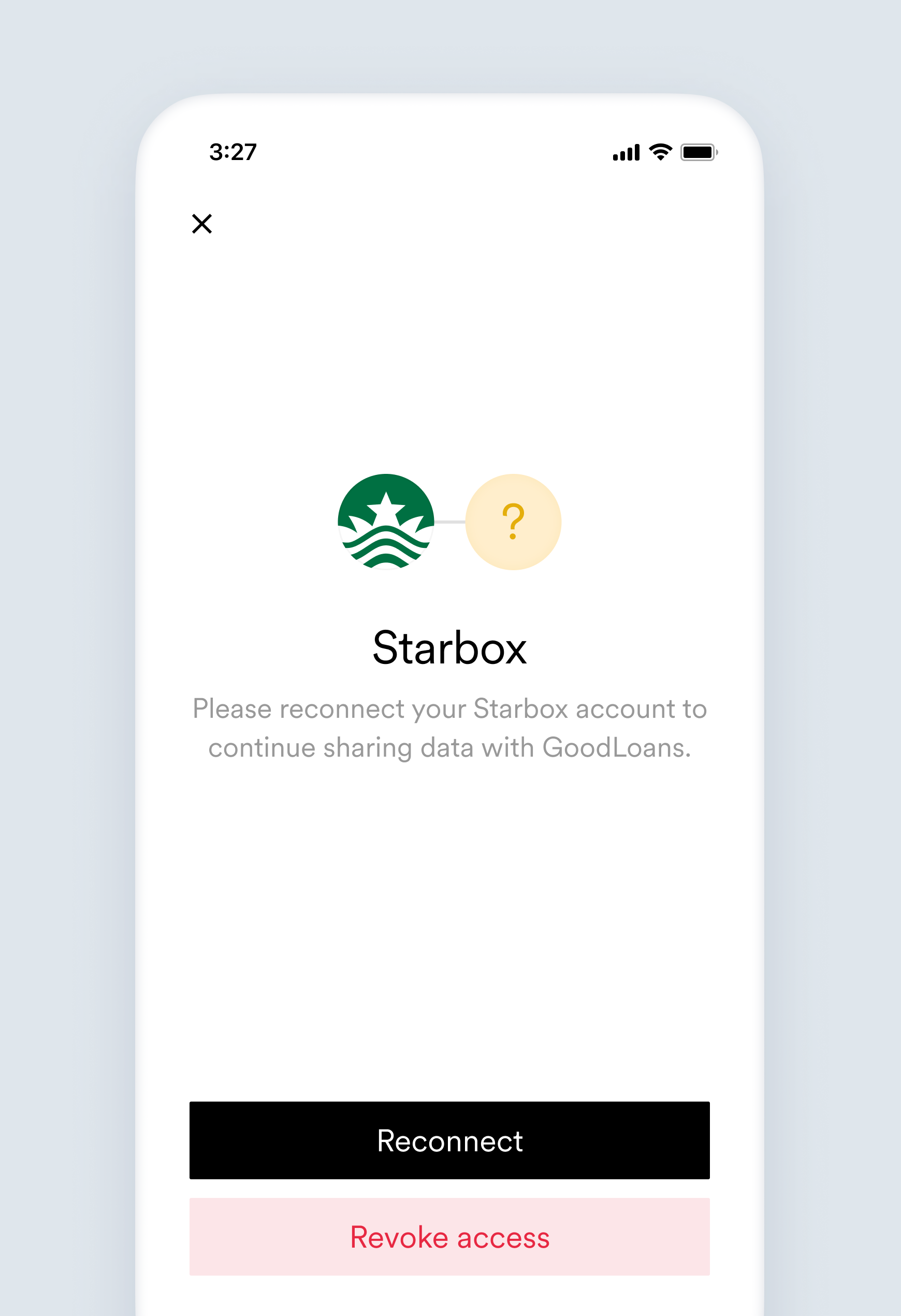
Some error messages shown to the user have placeholders for `[Link item name]` and `[Company name]`. In such cases, for the screens samples below, they were replaced by Starbox and GoodLoans, respectively.
#### Error example in an account object:
```json theme={}
{
"id": "ac81e2bc-2157-4535-8ca4-fb1f068df1fc",
...
"connection": {
"status": "error",
"error_code": "account_disabled",
"error_message": "This user's employment account appears to be suspended or disabled.",
"updated_at": "2019-11-29T08:37:42.112859"
}
...
}
```
## `account_disabled`
This error triggers the [`accounts.failed`](/legacy/api-reference/accounts-webhooks#failed) webhook.
This user's employment account appears to be suspended or disabled.
Your employment account appears to be disabled. Please make sure your account is active in the `[Link item name]` system and try again.
There are various reasons a platform may disable or suspend an employment account (e.g. violation of Terms of Service, account inactivity).
Advise the user to contact their payroll provider for further clarification.
#### Account object:
```json theme={}
{
...
"connection": {
"status": "error",
"error_code": "account_disabled",
"error_message": "This user's employment account appears to be suspended or disabled.",
"updated_at": "2019-11-29T08:37:42.164Z"
}
...
}
```
## `account_inaccessible`
This error triggers the [`accounts.failed`](/legacy/api-reference/accounts-webhooks#failed) webhook.
This user's account is not currently accessible. Our team has been notified and is investigating.
Your employment account could not be connected. Please make sure your account is active, you've accepted `[Link item name]` terms of service, and your onboarding is complete.
Something unexpected happened. Argyle is investigating.
No action needed. Someone from Argyle is checking what happened. Please contact our support team for more details.
#### Account object:
```json theme={}
{
...
"connection": {
"status": "error",
"error_code": "account_inaccessible",
"error_message": "This user's account is not currently accessible. Our team has been notified and is investigating.",
"updated_at": "2019-11-29T08:37:42.164Z"
}
...
}
```
## `account_incomplete`
This error triggers the [`accounts.failed`](/legacy/api-reference/accounts-webhooks#failed) webhook.
This user's employment account is not yet active.
Your employment account is not active yet. Please log in to `[Link item name]` and finish the onboarding process in order to access your account.
The user's employment account has not been set up yet.
* Advise the user to complete the onboarding process in their payroll system.
* Advise the user to contact their payroll provider for further support.
#### Account object:
```json theme={}
{
...
"connection": {
"status": "error",
"error_code": "account_incomplete",
"error_message": "This user's employment account is not yet active.",
"updated_at": "2019-11-29T08:37:42.164Z"
}
...
}
```
## `auth_required`
This user's connection has expired and requires re-authentication.
Please reconnect your `[Link item name]` account to continue sharing data with `[Company name]`.
The platform has disconnected a previously connected account. Some platforms have short-living sessions and require users to re-authenticate more often.
Advise the user to reconnect.
#### Account object:
```json theme={}
{
...
"connection": {
"status": "error",
"error_code": "auth_required",
"error_message": "This user's connection has expired and requires re-authentication.",
"updated_at": "2019-11-29T08:37:42.164Z"
}
...
}
```
## `expired_credentials`
This error triggers the [`accounts.failed`](/legacy/api-reference/accounts-webhooks#failed) webhook.
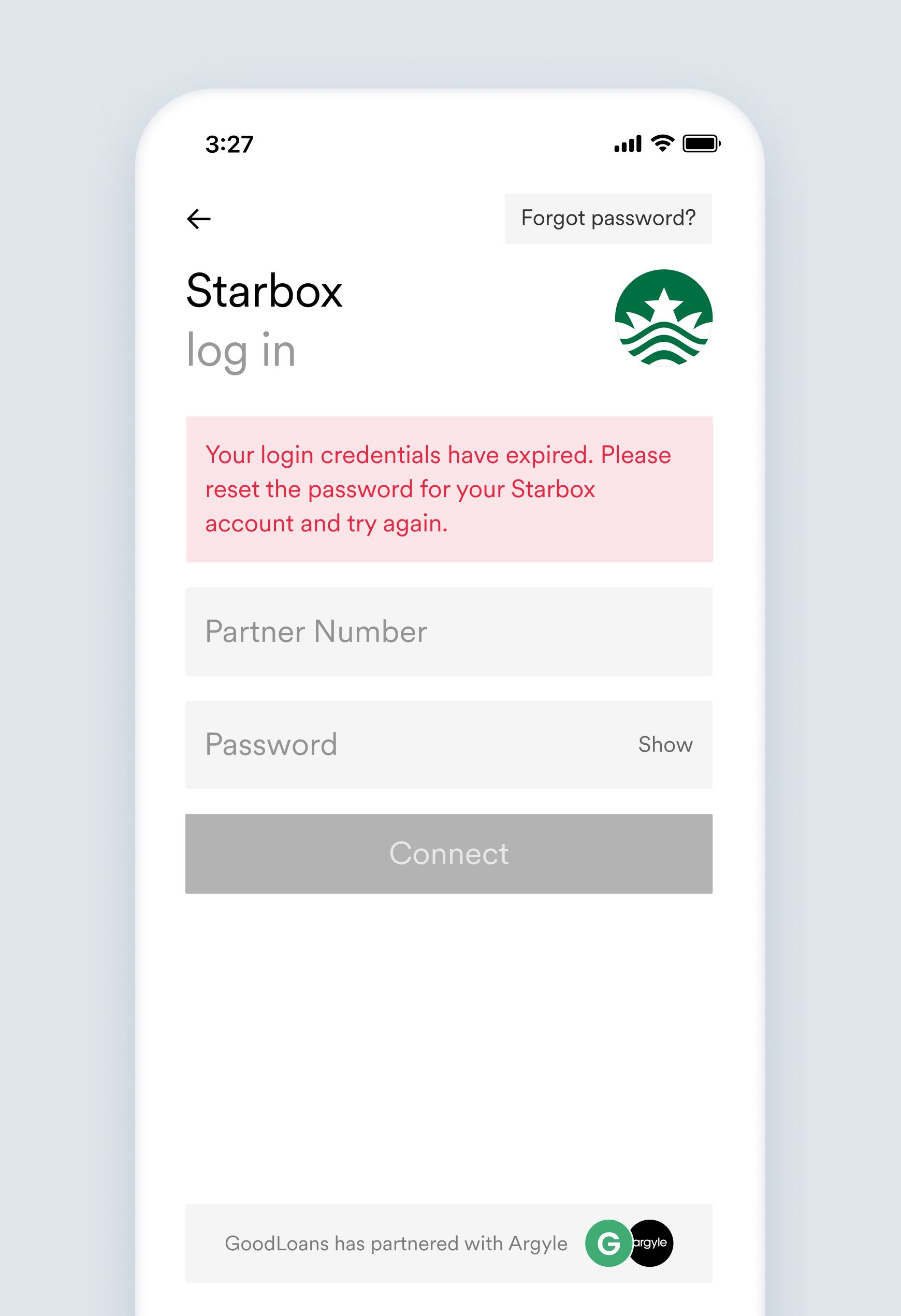
This user provided credentials which are out of date so a password reset is required.
Your login credentials have expired. Please reset the password for your `[Link item name]` account and try again.
Sometimes a platform may alert the user that someone has tried to connect their employment account and the user changes their password.
* Advise the user to use their newest password.
* Ask the user if they are able to log in directly to the platform's website or app.
* Advise the user to change their password and then try to connect their account again.
#### Account object:
```json theme={}
{
...
"connection": {
"status": "error",
"error_code": "expired_credentials",
"error_message": "This user provided credentials which are out of date (i.e., a password reset is required).",
"updated_at": "2019-11-29T08:37:42.164Z"
}
...
}
```
## `invalid_account_type`
This error triggers the [`accounts.failed`](/legacy/api-reference/accounts-webhooks#failed) webhook.
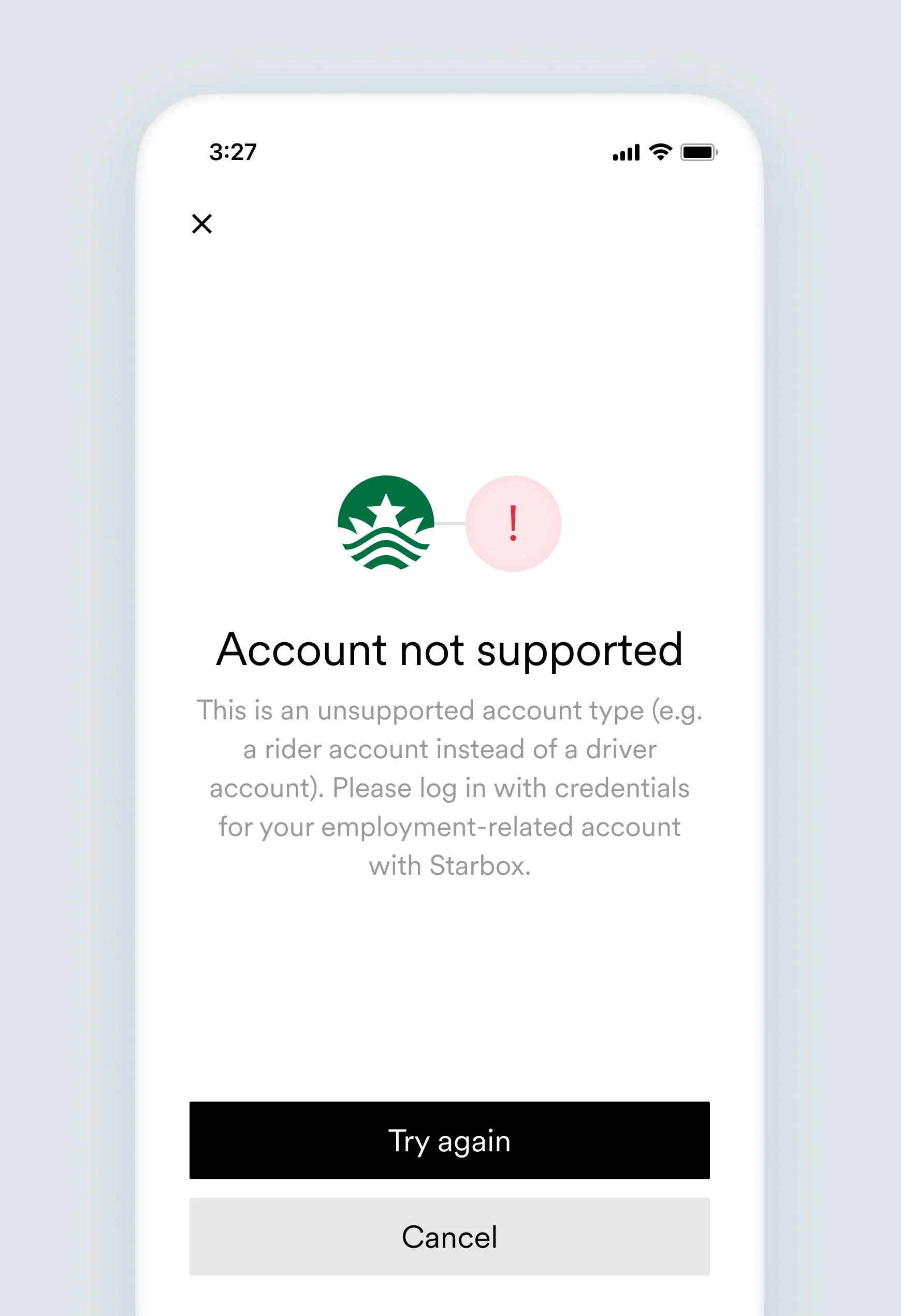
This user provided credentials for the wrong account type (e.g., a passenger account rather than a driver account, or an admin account rather than an employee account).
This is an unsupported account type (e.g. a rider account instead of a driver account). Please log in with credentials for your employment-related account with `[Link item name]`.
Sometimes users try to enter credentials of platforms they use as a service instead of using their payroll system credentials.
* Confirm if the user is able to log in directly to the platform's website or app.
* Confirm if the user is using their payroll system credentials and not credentials of a platform they use as a service.
#### Account object:
```json theme={}
{
...
"connection": {
"status": "error",
"error_code": "invalid_account_type",
"error_message": "This user provided credentials for the wrong account type (e.g., a passenger account rather than a driver account, or an admin account rather than an employee account).",
"updated_at": "2019-11-29T08:37:42.164Z"
}
...
}
```
## `invalid_auth`
This error triggers the [`accounts.failed`](/legacy/api-reference/accounts-webhooks#failed) webhook.
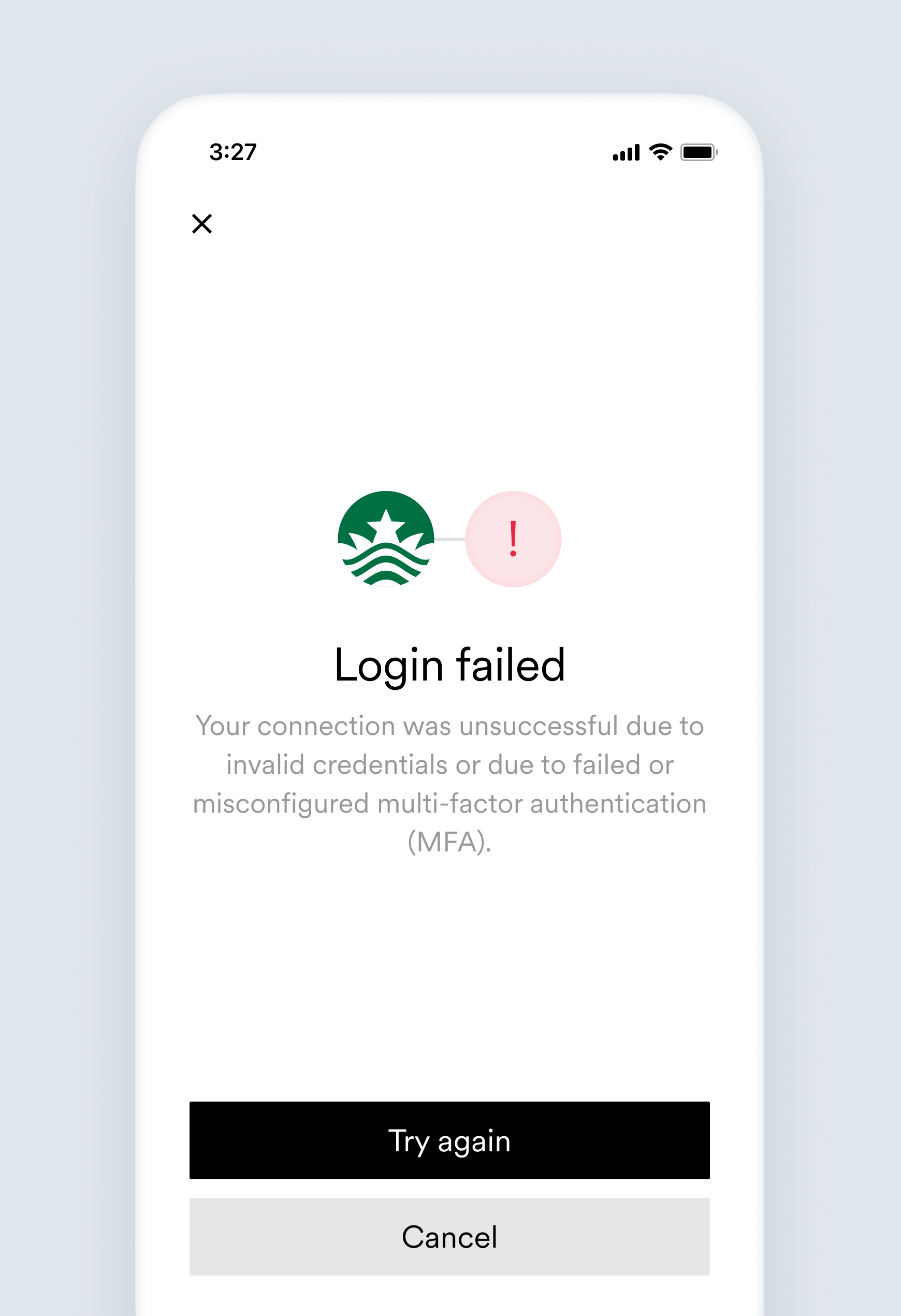
This user's account connection was unsuccessful due to invalid credentials or due to failed or misconfigured multi-factor authentication (MFA).
Your connection was unsuccessful due to invalid credentials or due to failed or misconfigured multi-factor authentication (MFA).
Some platforms do not provide visibility whether the connection failed due to invalid credentials or invalid multi-factor authentication (MFA).
* Check if the user is able to log in directly to the platform's website or app.
* Confirm the user is using their correct login credentials.
* Check if the user has received an MFA request.
* Confirm the user is using the correct MFA device.
#### Account object:
```json theme={}
{
...
"connection": {
"status": "error",
"error_code": "invalid_auth",
"error_message": "This user's account connection was unsuccessful due to invalid credentials or due to failed or misconfigured multi-factor authentication (MFA).",
"updated_at": "2019-11-29T08:37:42.164Z"
}
...
}
```
## `invalid_credentials`
This error triggers the [`accounts.failed`](/legacy/api-reference/accounts-webhooks#failed) webhook.
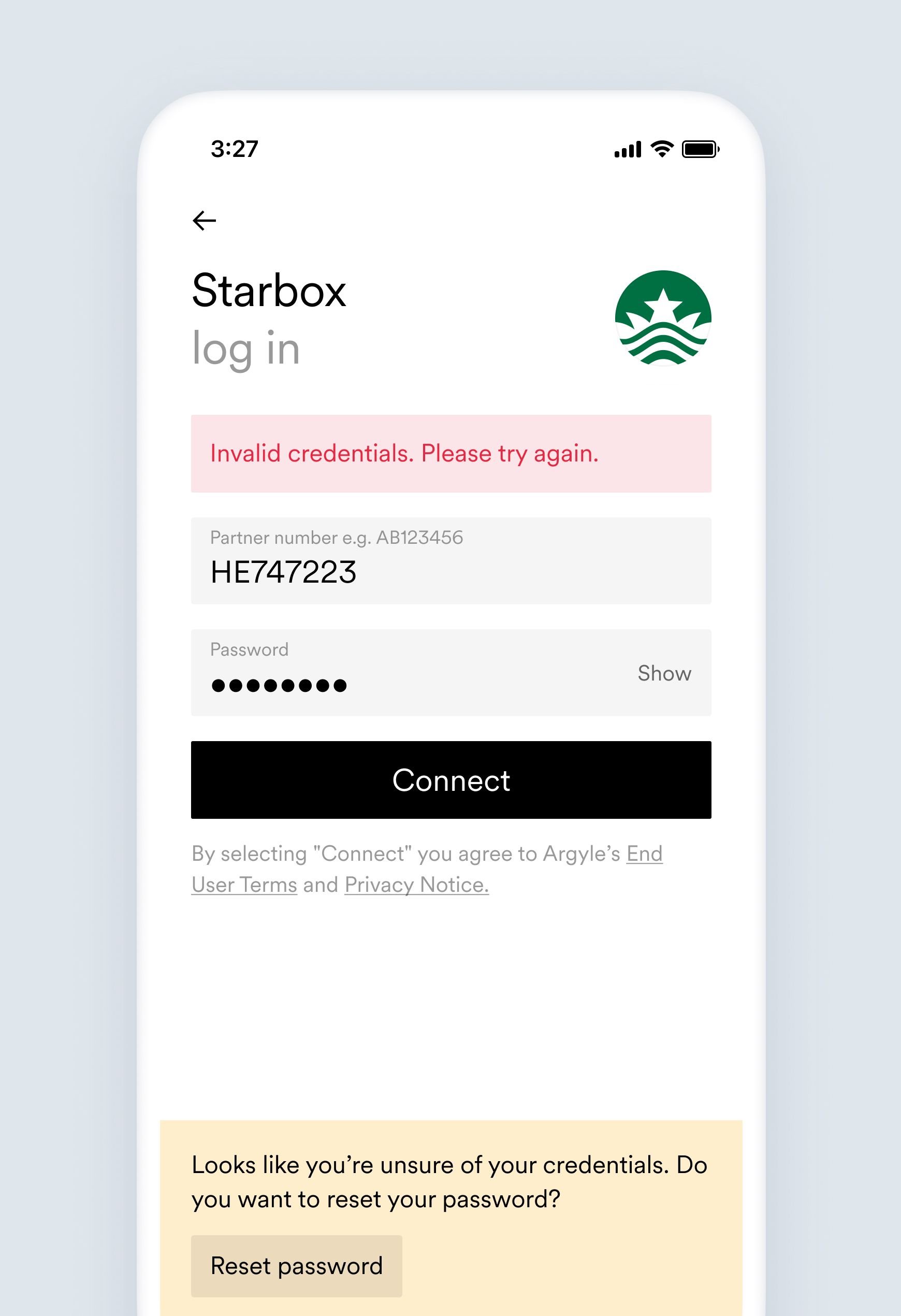
This user provided invalid credentials.
Invalid credentials. Please try again.
Sometimes a user may enter their credentials of a platform they use as a service instead of their payroll system credentials.
* Confirm if the user is able to log in directly to the platform's website or app.
* Confirm if the user is using their payroll system credentials and not credentials of a platform they use as a service.
* Advise the user to attempt connecting their account again.
* Advise the user to change their password and then try to connect their account again.
#### Account object:
```json theme={}
{
...
"connection": {
"status": "error",
"error_code": "invalid_credentials",
"error_message": "This user provided invalid credentials.",
"updated_at": "2019-11-29T08:37:42.164Z"
}
...
}
```
## `invalid_login_method`
This error triggers the [`accounts.failed`](/legacy/api-reference/accounts-webhooks#failed) webhook.
This user tried to log in using an authentication method that is not supported by employer.
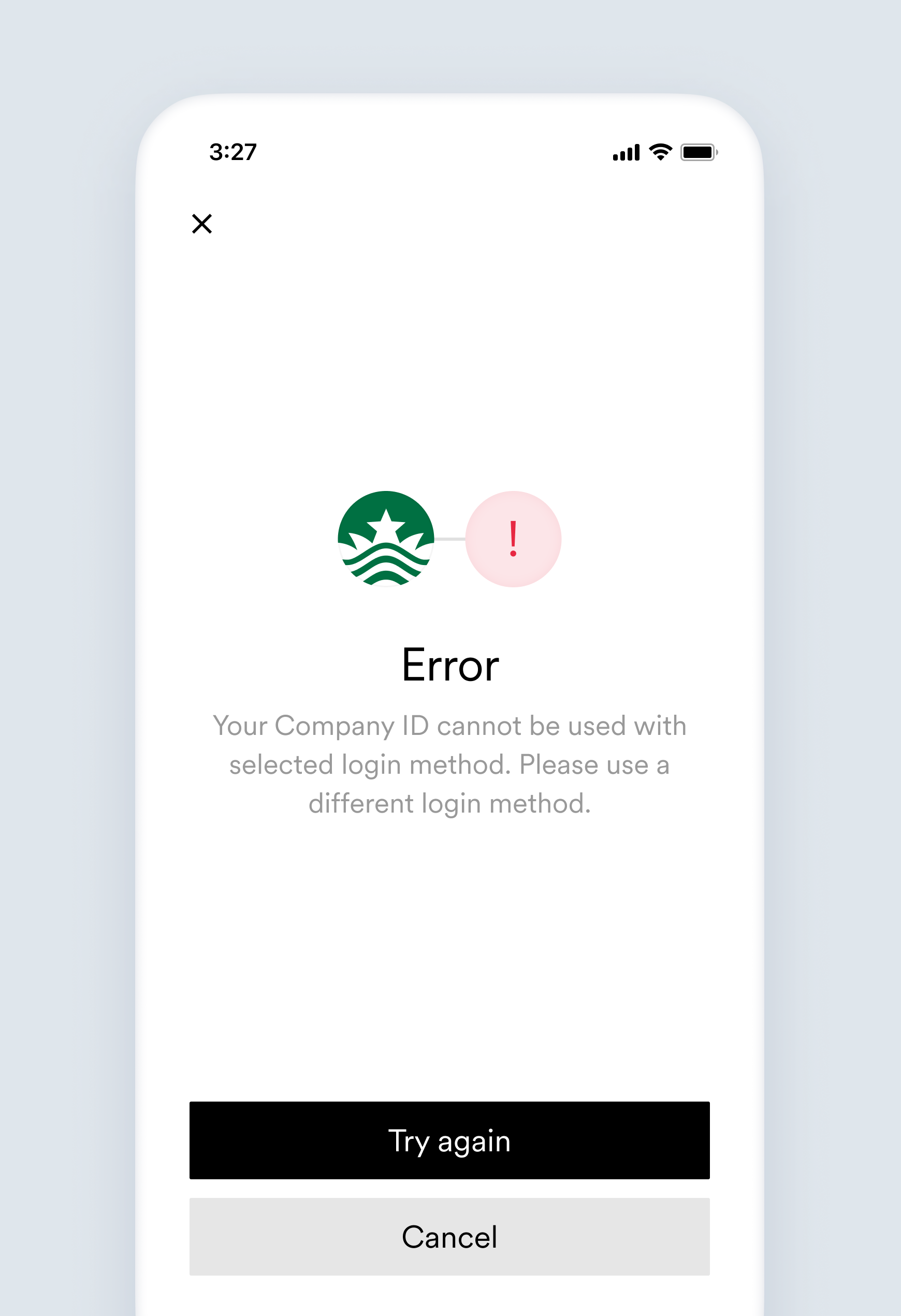
Your Company ID cannot be used with selected login method. Please use a different login method.
This platform currently supports login methods that are different than the one attempted by the user when trying to connect.
Advise the user to select different available login method. For example, some specific employers might only support default login methods and the others only support SSO.
#### Account object:
```json theme={}
{
...
"connection": {
"status": "error",
"error_code": "invalid_login_method",
"error_message": "This user tried to log in using an authentication method that is not supported by employer.",
"updated_at": "2022-11-27T04:12:42.154Z"
}
...
}
```
## `invalid_mfa`
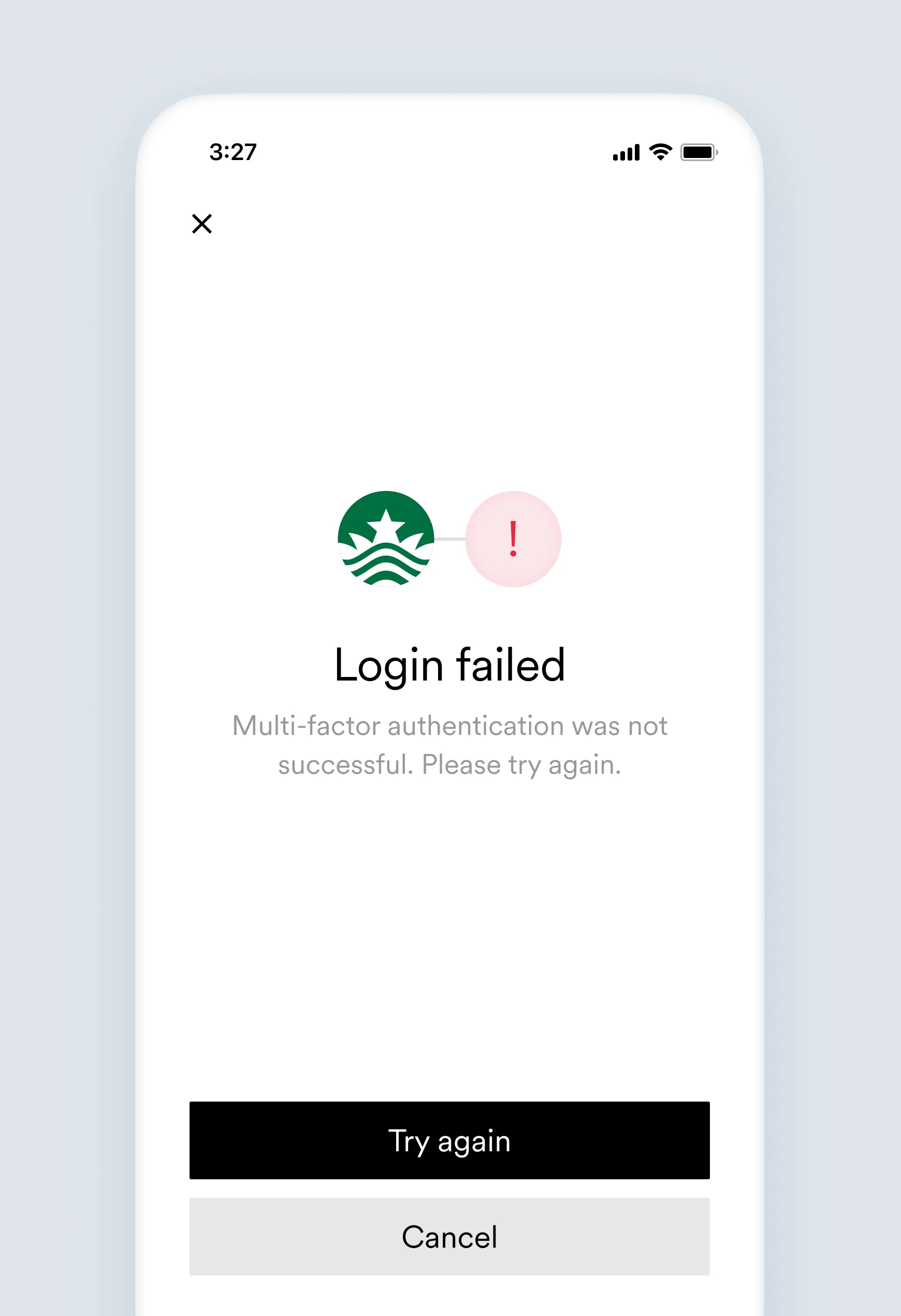
This user did not provide the correct multi-factor authentication response.
Multi-factor authentication was not successful. Please try again.
This user did not provide the correct multi-factor authentication (MFA) response that was requested by the platform (e.g. SMS code, click on the link in email, etc).
* Confirm if the user is able to log in directly to the platform's website or app.
* Check with the user if they have received the MFA request.
* Confirm the user is using the correct MFA device.
#### Account object:
```json theme={}
{
...
"connection": {
"status": "error",
"error_code": "invalid_mfa",
"error_message": "This user did not provide the correct multi-factor authentication response.",
"updated_at": "2019-11-29T08:37:42.164Z"
}
...
}
```
## `login_attempts_exceeded`
This error triggers the [`accounts.failed`](/legacy/api-reference/accounts-webhooks#failed) webhook.
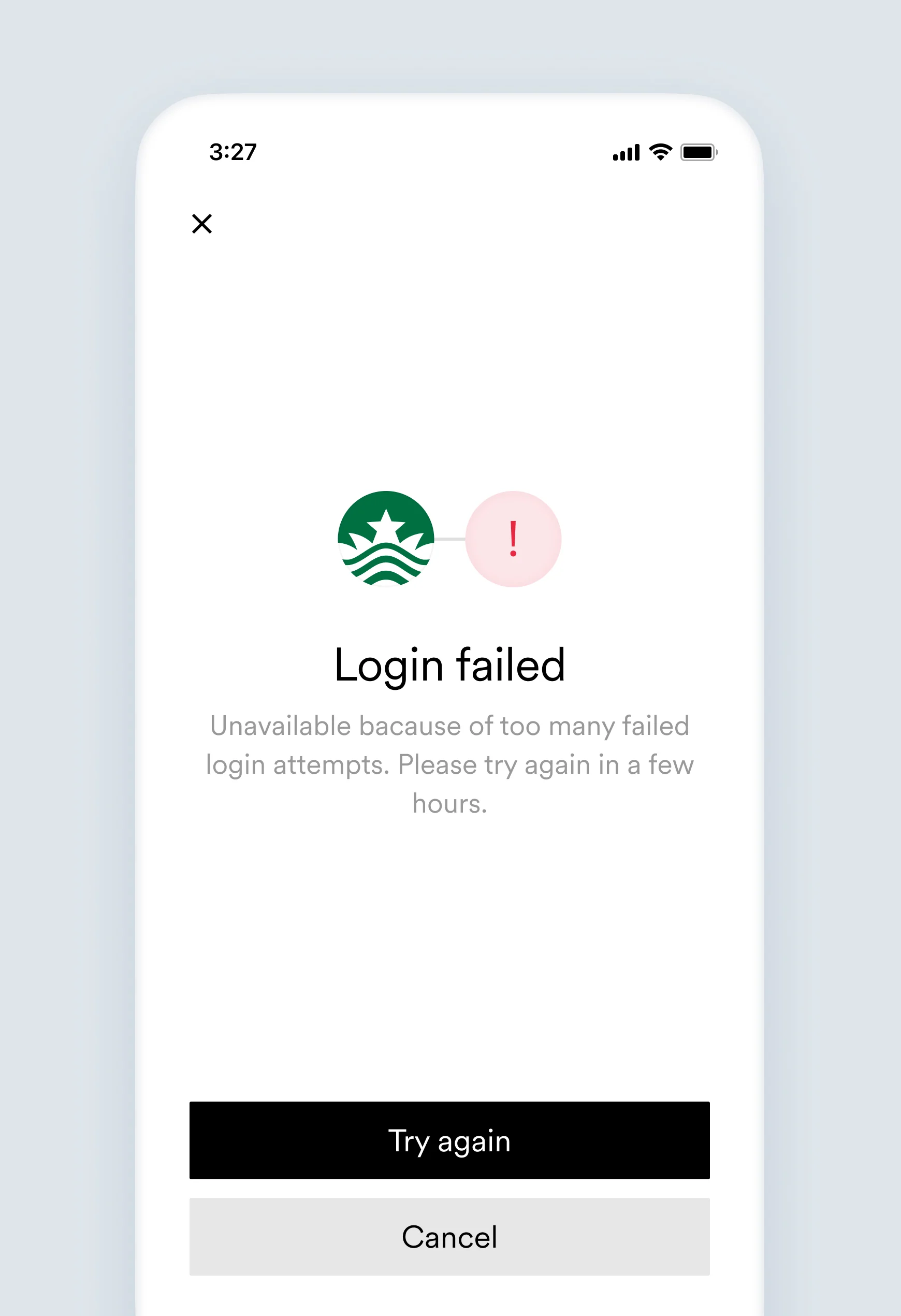
This user provided invalid credentials too many times, causing them to be temporarily unable to attempt further logins.
Unavailable because of too many failed login attempts. Please try again in a few hours.
The platform temporarily disabled login attempts for this employment account due to entering invalid credentials too many times.
* Advise the user to wait a few hours before attempting to connect their account again.
* Confirm if the user is able to log in directly to the platform's website or app.
#### Account object:
```json theme={}
{
...
"connection": {
"status": "error",
"error_code": "login_attempts_exceeded",
"error_message": "This user provided invalid credentials too many times, causing them to be temporarily unable to attempt further logins.",
"updated_at": "2019-11-29T08:37:42.164Z"
}
...
}
```
## `mfa_attempts_exceeded`
This error triggers the [`accounts.failed`](/legacy/api-reference/accounts-webhooks#failed) webhook.
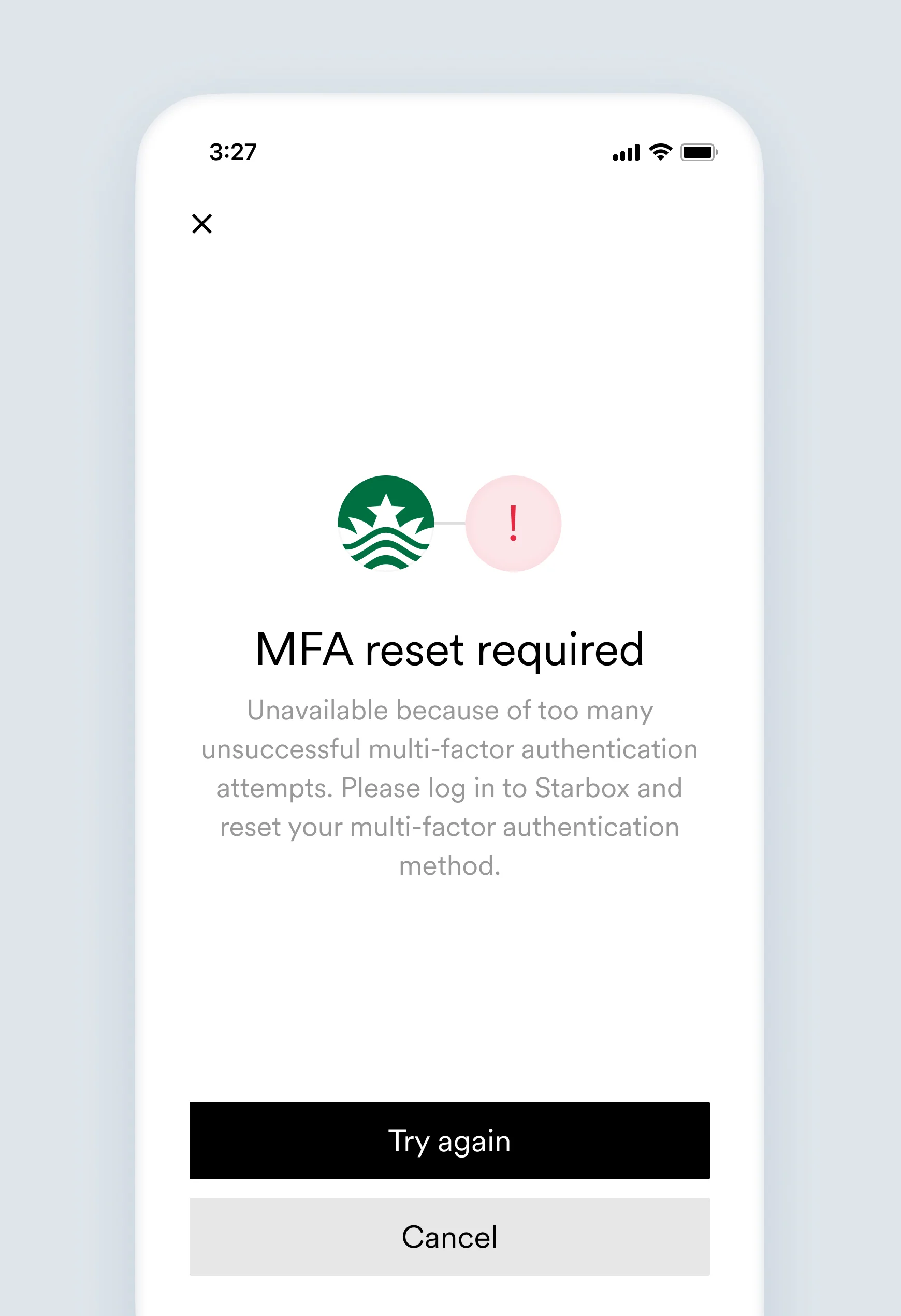
This user failed multi-factor authentication too many times, causing them to be unable to attempt further logins until multi-factor authentication method is reset.
Unavailable because of too many unsuccessful multi-factor authentication attempts. Please log in to `[Link item name]` and reset your multi-factor authentication method.
The platform permanently disabled login attempts for this employment account due to entering an invalid MFA too many times. It only can be resolved by the user resetting MFA directly on the payroll system.
* Check if the user is able to log in directly via the platform's website or app.
* Advise the user to reset their MFA method on the platform's website or app.
* Advise the user to attempt the account connection again using the new MFA.
#### Account object:
```json theme={}
{
...
"connection": {
"status": "error",
"error_code": "mfa_attempts_exceeded",
"error_message": "This user failed multi-factor authentication too many times, causing them to be unable to attempt further logins until multi-factor authentication method is reset.",
"updated_at": "2019-11-29T08:37:42.164Z"
}
...
}
```
## `mfa_exhausted`
This error triggers the [`accounts.failed`](/legacy/api-reference/accounts-webhooks#failed) webhook.
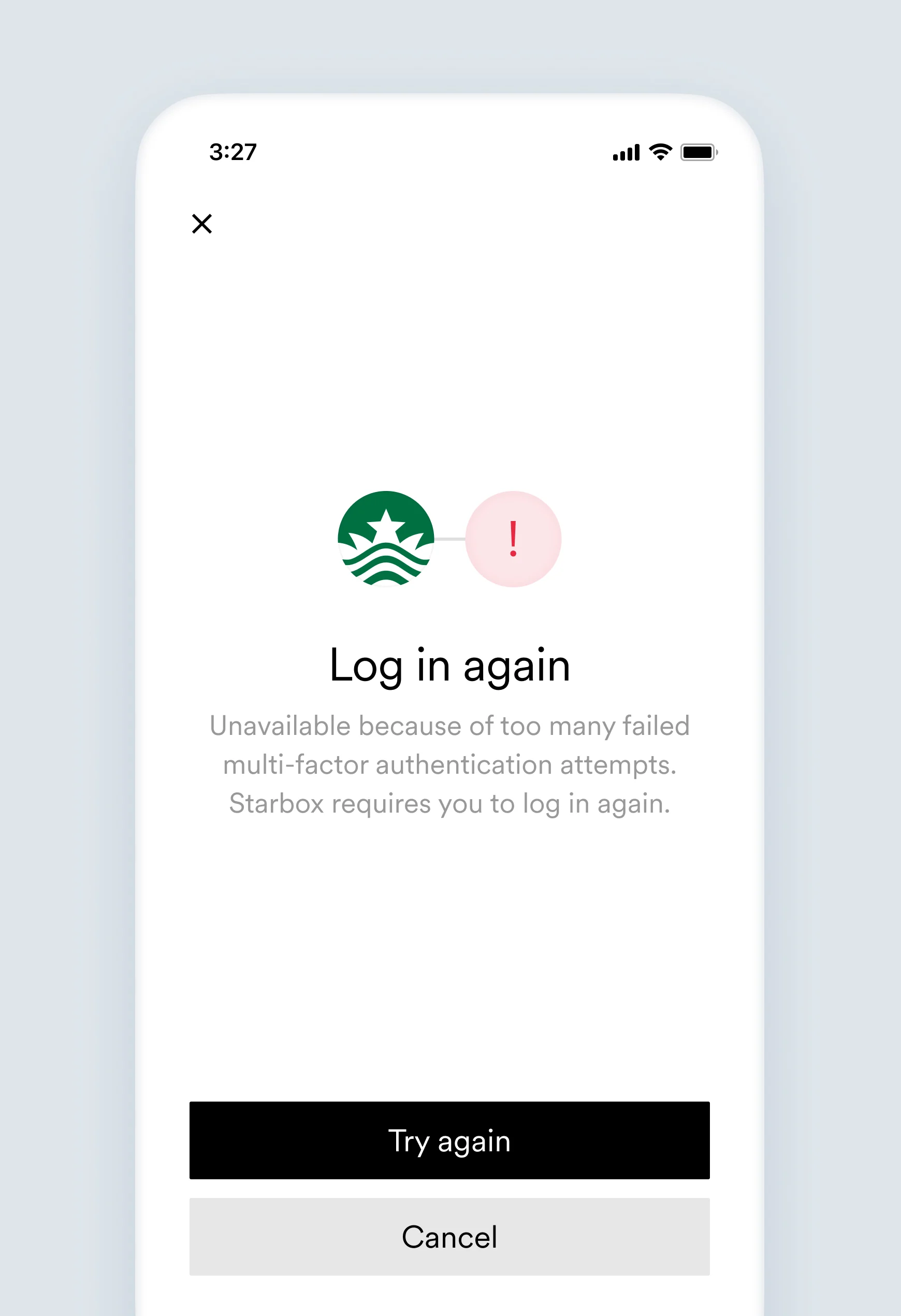
This user failed multi-factor authentication too many times, requiring them to re-authenticate.
Unavailable because of too many failed multi-factor authentication attempts. `[Link item name]` requires you to log in again.
The platform requires a full re-authentication for this employment account due to entering invalid MFA too many times.
Advise the user to attempt account connection again.
#### Account object:
```json theme={}
{
...
"connection": {
"status": "error",
"error_code": "mfa_exhausted",
"error_message": "This user failed multi-factor authentication too many times, requiring them to re-authenticate.",
"updated_at": "2019-11-29T08:37:42.164Z"
}
...
}
```
## `mfa_not_configured`
This error triggers the [`accounts.failed`](/legacy/api-reference/accounts-webhooks#failed) webhook.
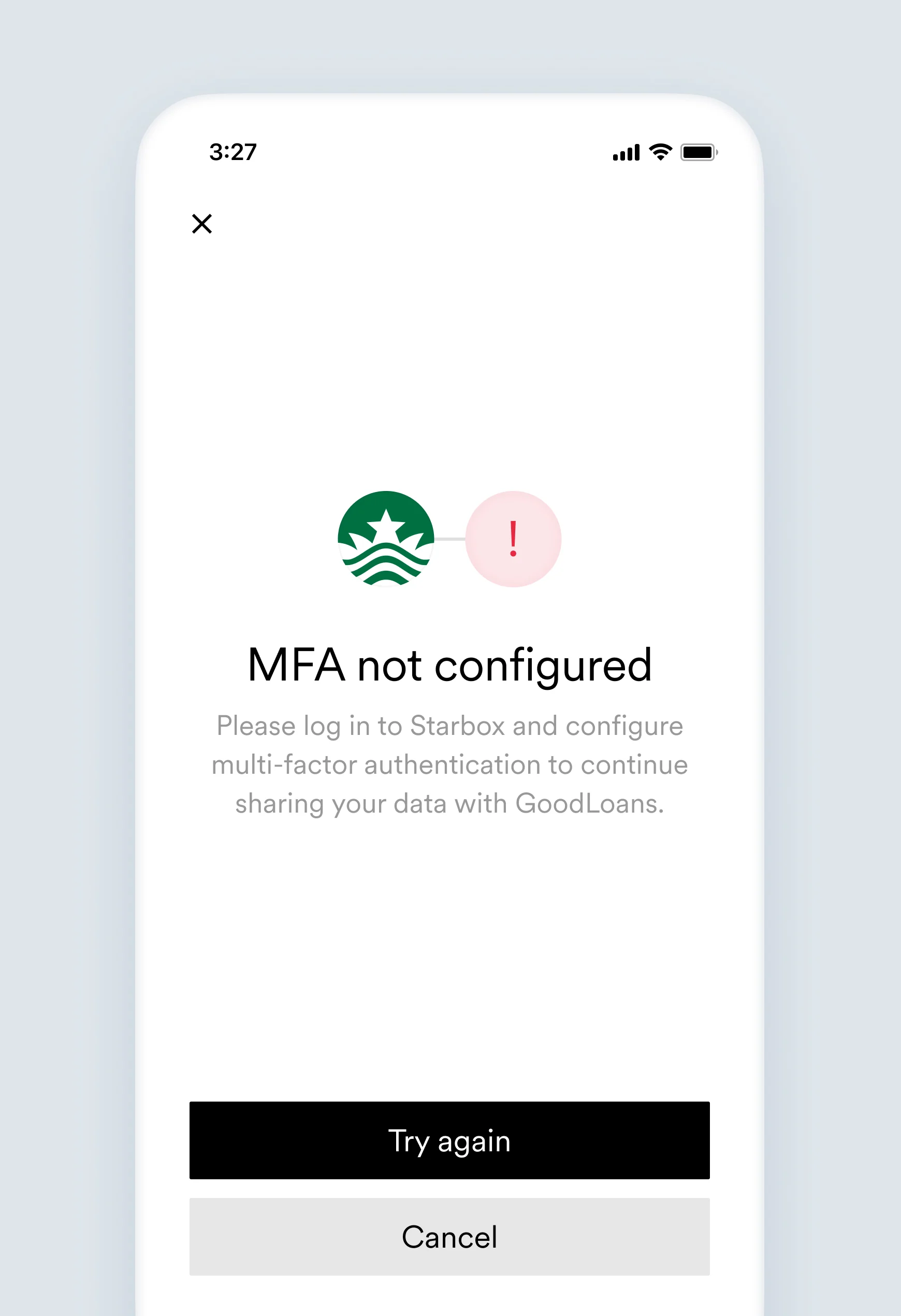
This user has not configured multi-factor authentication for their employment account, restricting access to the user's employment data.
Please log in to `[Link item name]` and configure multi-factor authentication to continue sharing your data with `[Company name]`.
The platform does not allow to access the employment data of this account as it does not have a mandatory multi-factor authentication set up.
Advise the user to configure a multi-factor authentication method on their payroll system and attempt account connection again.
#### Account object:
```json theme={}
{
...
"connection": {
"status": "error",
"error_code": "mfa_not_configured",
"error_message": "This user has not configured multi-factor authentication for their employment account, restricting access to the user's employment data.",
"updated_at": "2019-11-29T08:37:42.164Z"
}
...
}
```
## `mfa_timeout`
This error triggers the [`accounts.failed`](/legacy/api-reference/accounts-webhooks#failed) webhook.
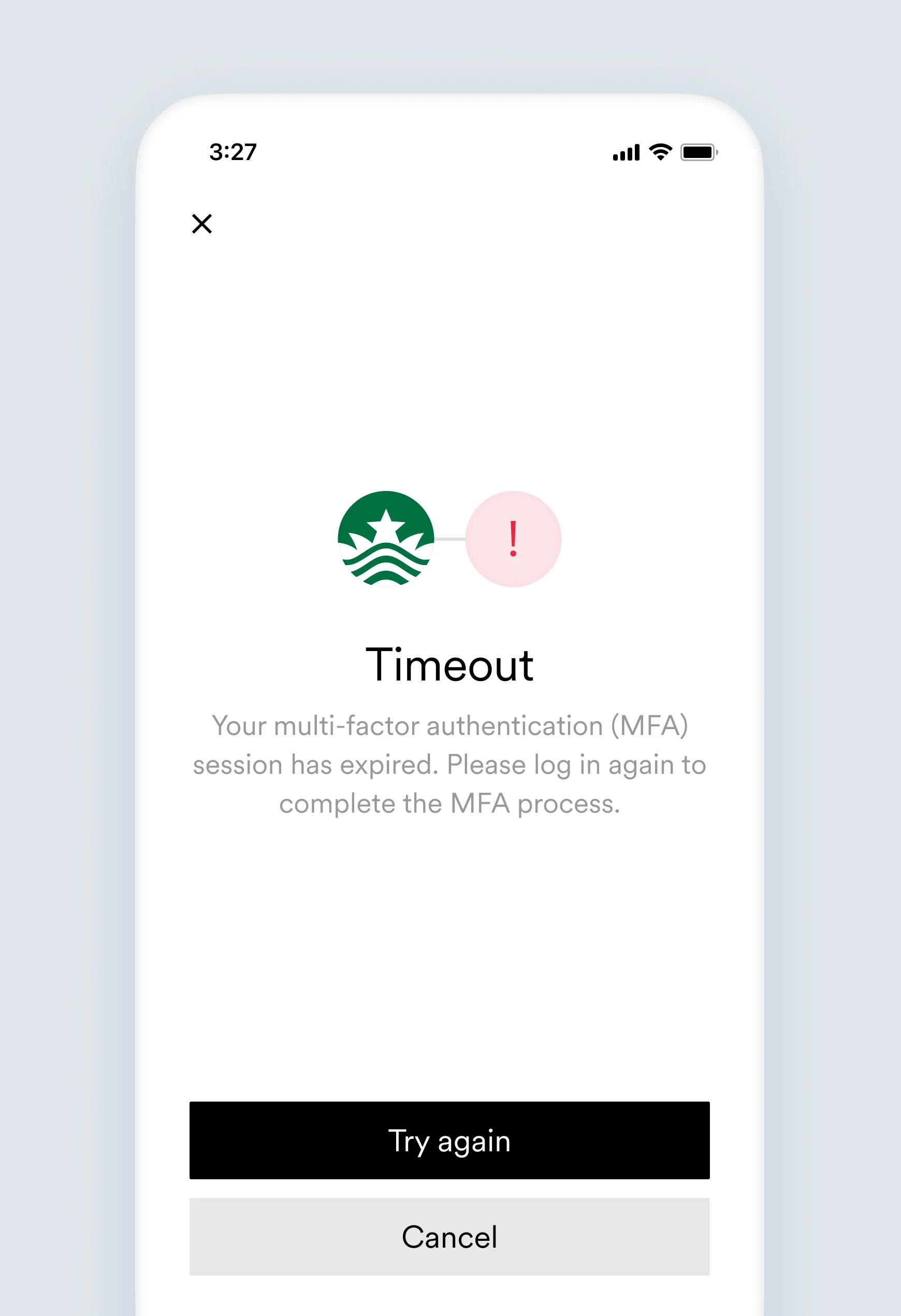
This user did not complete multi-factor authentication.
Your multi-factor authentication (MFA) session has expired. Please log in again to complete the MFA process.
The user did not submit the requested MFA response necessary to connect an account within the given time period.
* Confirm the user has received the MFA request.
* Have the user check if the information for their MFA device or phone number is correct.
* Have the user confirm they are able to log in directly via the platform's website or app.
* In the case of an SMS or Voice MFA, advise the user to make sure they are able to receive messages from the platform.
* If there is an issue, contact the platform's support.
* Advise the user to attempt the account connection again.
#### Account object:
```json theme={}
{
...
"connection": {
"status": "error",
"error_code": "mfa_timeout",
"error_message": "This user did not complete multi-factor authentication.",
"updated_at": "2019-11-29T08:37:42.164Z"
}
...
}
```
## `physical_mfa_unsupported`
This error triggers the [`accounts.failed`](/legacy/api-reference/accounts-webhooks#failed) webhook.
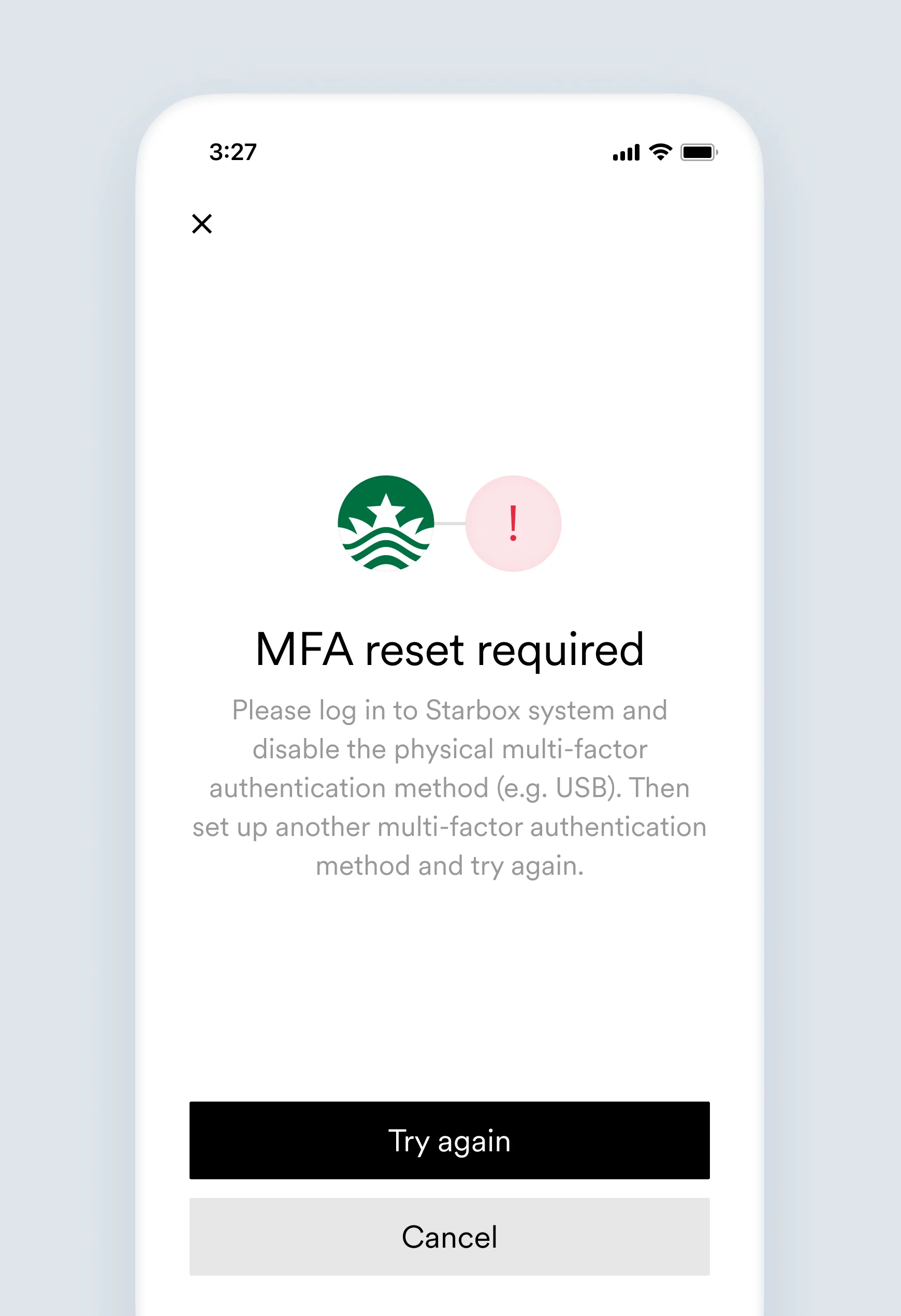
This user's employment account uses a physical multi-factor authentication method that Argyle does not currently support.
Please log in to `[Link item name]` system and disable the physical multi-factor authentication method (e.g. USB). Then set up another multi-factor authentication method and try again.
The user attempted to use a physical multi-factor authentication method that Argyle does not support.
The user should disable the physical multi-factor authentication method, then set up an alternative multi-factor authentication method and try again.
#### Account object:
```json theme={}
{
...
"connection": {
"status": "error",
"error_code": "physical_mfa_unsupported",
"error_message": "This user's employment account uses a physical multi-factor authentication method that Argyle does not currently support.",
"updated_at": "2019-11-29T08:37:42.164Z"
}
...
}
```
## `service_unavailable`
This error triggers the [`accounts.failed`](/legacy/api-reference/accounts-webhooks#failed) webhook.
The platform this user is attempting to connect to is currently unavailable. See the Coverage page in Argyle Console for additional information.
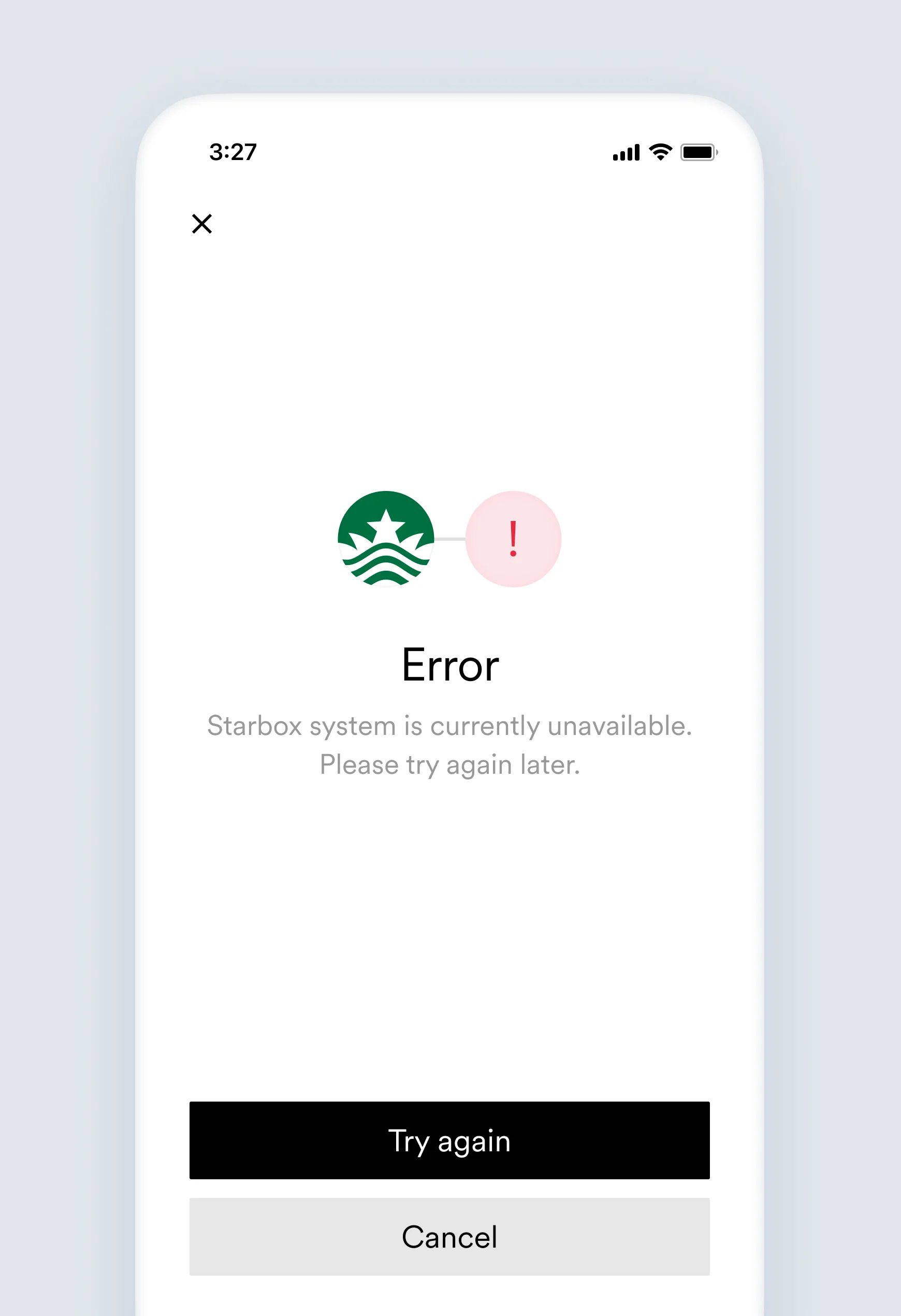
`[Link item name]` system is currently unavailable. Please try again later.
The platform may be fully or partially unavailable if it is experiencing downtime. This could be planned maintenance or an unexpected service degradation causing the account connection failure. See [Coverage](https://console.argyle.com/coverage) in Argyle Console for additional information.
* Have the user to check if they are able to log in directly to the platform's website or app.
* Advise the user to try connecting their account again.
#### Account object:
```json theme={}
{
...
"connection": {
"status": "error",
"error_code": "service_unavailable",
"error_message": "The platform this user is attempting to connect to is currently unavailable. See the Coverage page in Argyle Console for additional information.",
"updated_at": "2019-11-29T08:37:42.164Z"
}
...
}
```
## `system_error`
This error triggers the [`accounts.failed`](/legacy/api-reference/accounts-webhooks#failed) webhook.
Argyle encountered a problem connecting to this account. Our team has been notified and is investigating.
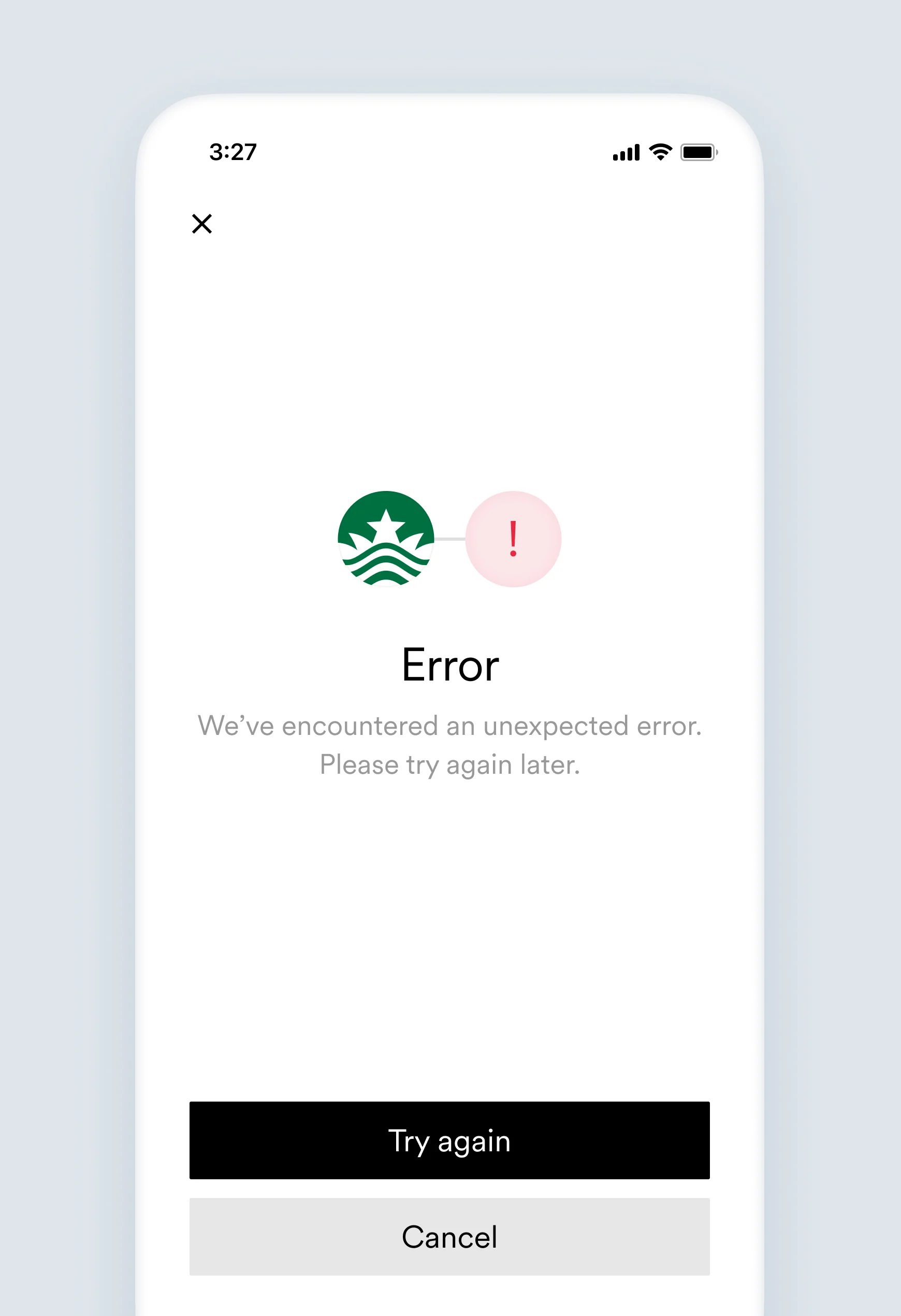
We've encountered an unexpected error. Please try again later.
Something unexpected happened (i.e. service unavailable, invalidated session, etc).
No action needed. Someone from Argyle is checking what happened. Please contact our support team for more details.
#### Account object:
```json theme={}
{
...
"connection": {
"status": "error",
"error_code": "system_error",
"error_message": "Argyle encountered a problem connecting to this account. Our team has been notified and is investigating.",
"updated_at": "2019-11-29T08:37:42.164Z"
}
...
}
```
## `tos_required`
This error triggers the [`accounts.failed`](/legacy/api-reference/accounts-webhooks#failed) webhook.
This user has not accepted the Terms of Service presented by their payroll provider, preventing access to their employment account.
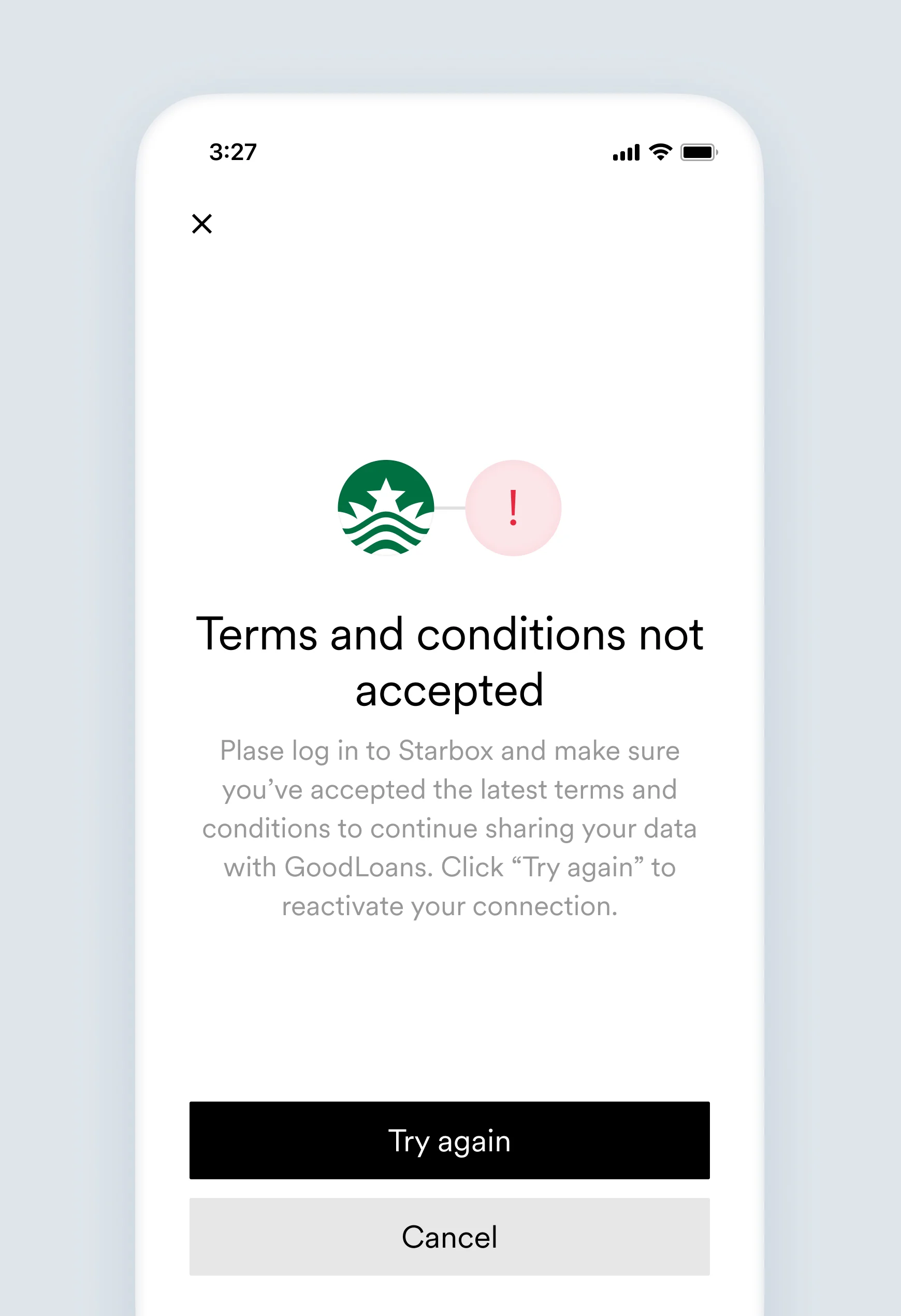
Please log in to `[Link item name]` and make sure you've accepted the latest terms and conditions to continue sharing your data with `[Company name]`. Click try again to reactivate your connection.
The payroll system requires the user to accept the Terms of Service to allow access to the employment account.
* Advise the user to log in to their payroll system to accept the latest Terms of Service and then try connecting an account again.
* Advise the user to contact their payroll provider for further clarification.
#### Account object:
```json theme={}
{
...
"connection": {
"status": "error",
"error_code": "tos_required",
"error_message": "This user has not accepted the Terms of Service presented by their payroll provider, preventing access to their employment account.",
"updated_at": "2019-11-29T08:37:42.164Z"
}
...
}
```
## `trial_connections_exhausted`
This account could not be connected because you've reached your limit for free account connections in trial mode. Reach out to Argyle or visit Argyle Console to enable full access and connect unlimited accounts.
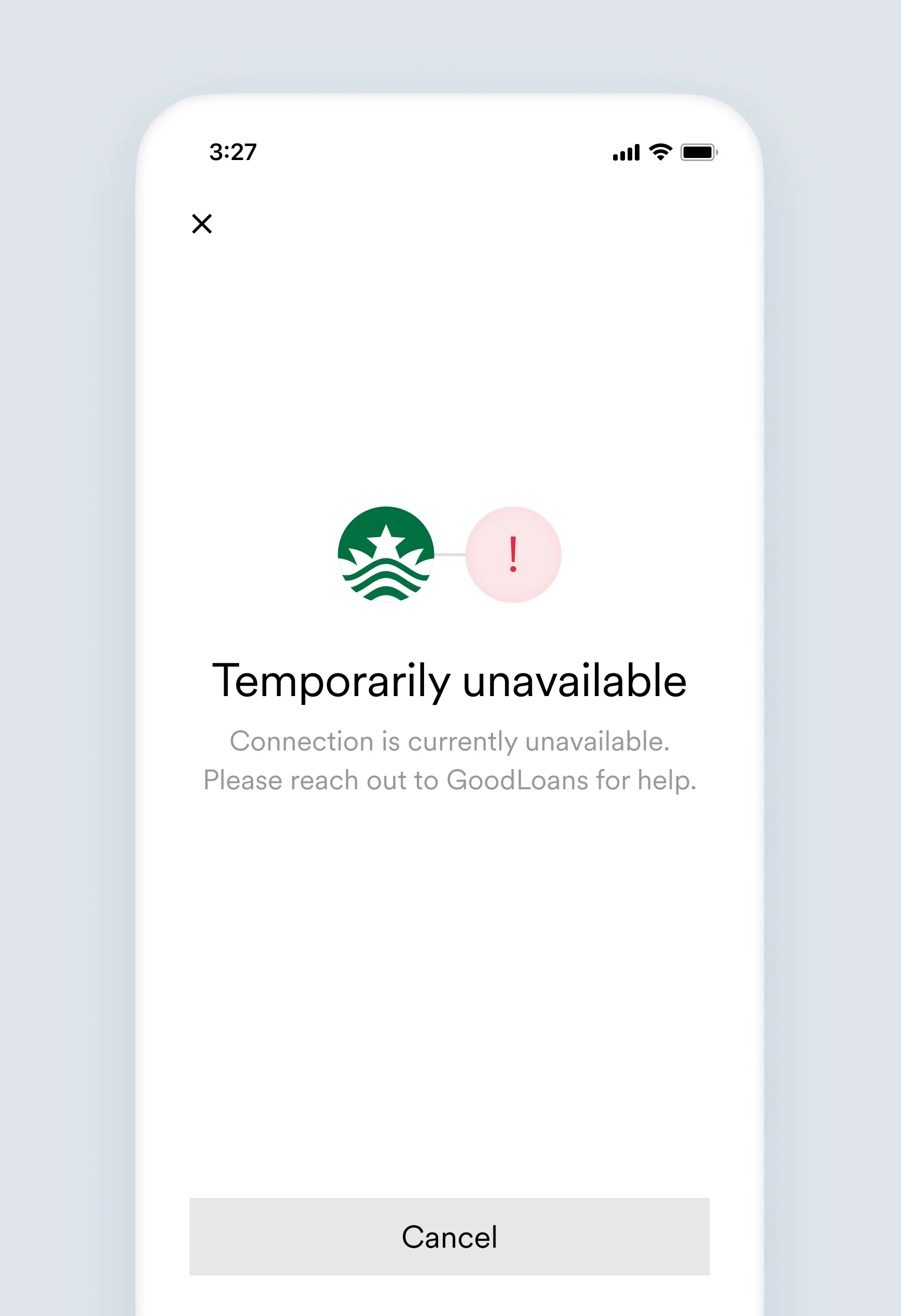
Connection is currently unavailable. Please reach out to `[Link item name]` for help.
This account could not be connected because you've reached your limit for free account connections in trial mode.
Contact Argyle or visit Argyle Console to enable full access and connect unlimited accounts.
#### Account object:
```json theme={}
{
...
"connection": {
"status": "error",
"error_code": "trial_connections_exhausted",
"error_message": "This account could not be connected because you've reached your limit for free account connections in trial mode. Reach out to Argyle or visit Argyle Console to enable full access and connect unlimited accounts.",
"updated_at": "2020-12-29T08:37:42.164Z"
}
...
}
```
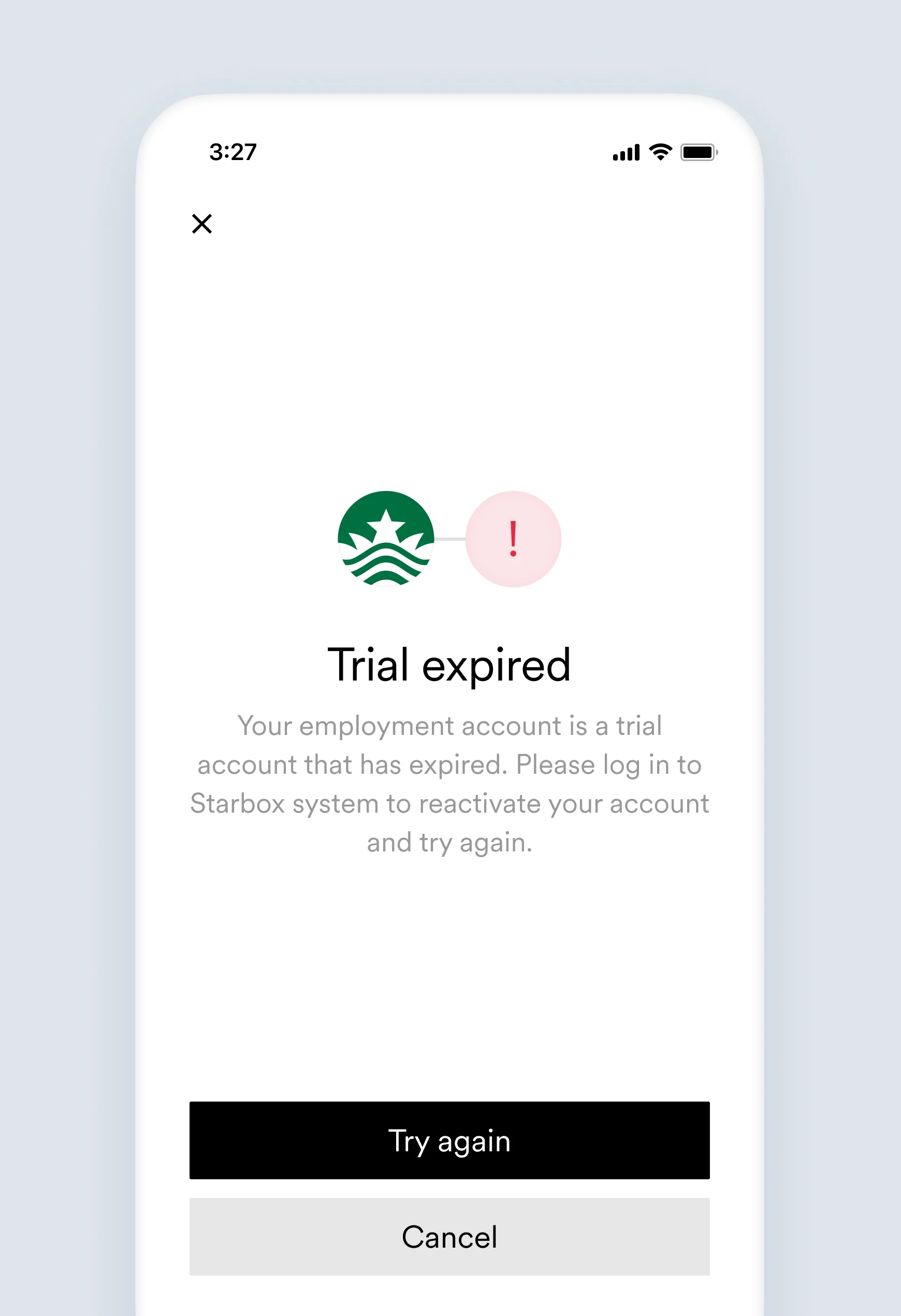
## `trial_period_expired`
This error triggers the [`accounts.failed`](/legacy/api-reference/accounts-webhooks#failed) webhook.
This user's employment account is in a trial account, and is currently disabled because the trial period has expired.
Your employment account is a trial account that has expired. Please log in to `[Link item name]` system to reactivate your account and try again.
This user's employment account was a trial account and is currently disabled because the trial period has expired.
Advise the user to contact their payroll provider for further clarification.
#### Account object:
```json theme={}
{
...
"connection": {
"status": "error",
"error_code": "trial_period_expired",
"error_message": "This user's employment account is in a trial account, and is currently disabled because the trial period has expired.",
"updated_at": "2019-11-29T08:37:42.164Z"
}
...
}
```
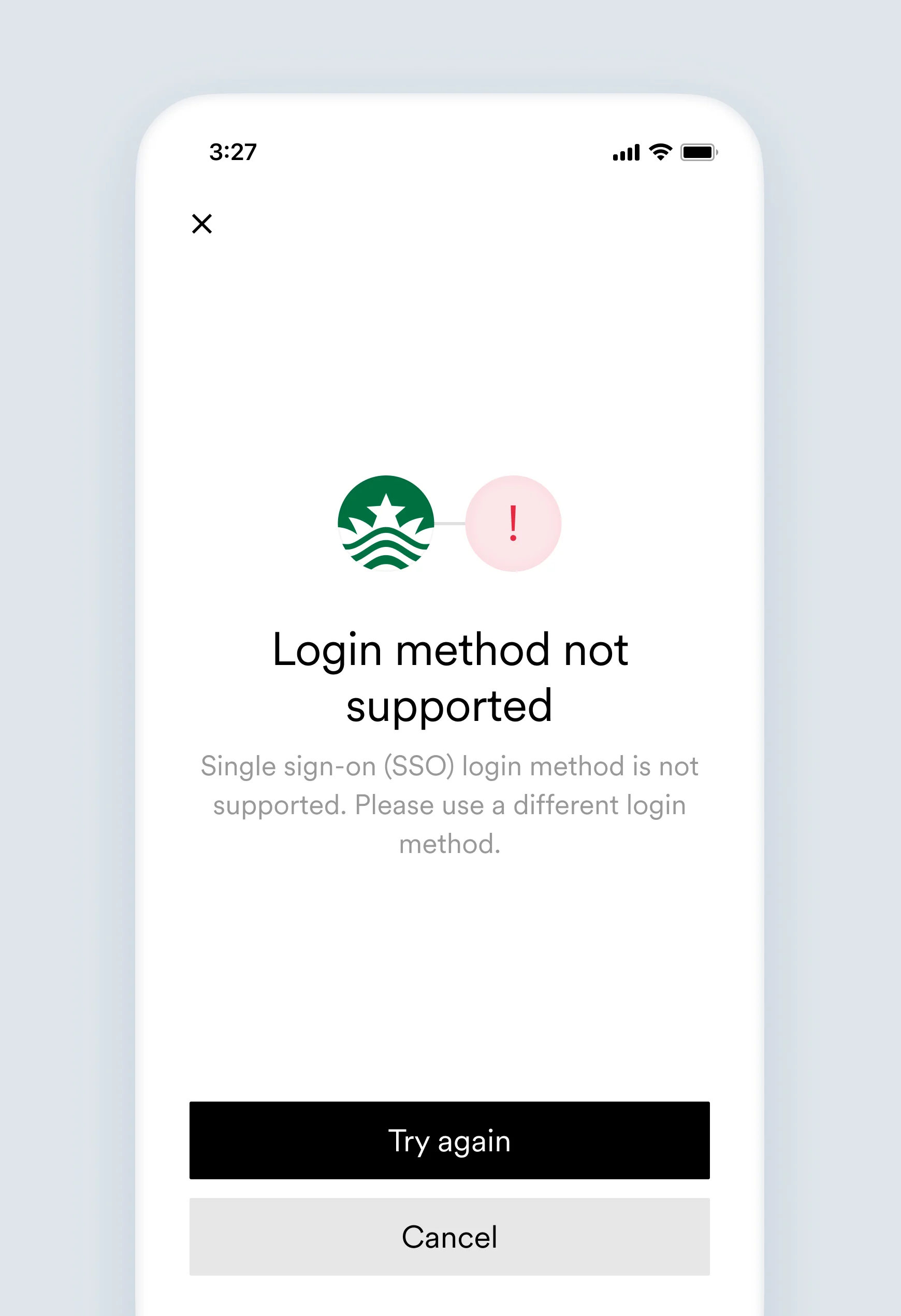
## `unsupported_auth_type`
This error triggers the [`accounts.failed`](/legacy/api-reference/accounts-webhooks#failed) webhook.
This user tried to log in using single sign-on (e.g., Google, Facebook), which Argyle does not currently support.
Single sign-on (SSO) login method is not supported. Please use a different login method.
Argyle currently does not support single sign-on authentication methods, therefore a direct authentication method should be used.
Advise the user to instead connect their account using a direct authentication method.
#### Account object:
```json theme={}
{
...
"connection": {
"status": "error",
"error_code": "unsupported_auth_type",
"error_message": "This user tried to log in using single sign-on (e.g., Google, Facebook), which Argyle does not currently support.",
"updated_at": "2019-11-29T08:37:42.164Z"
}
...
}
```
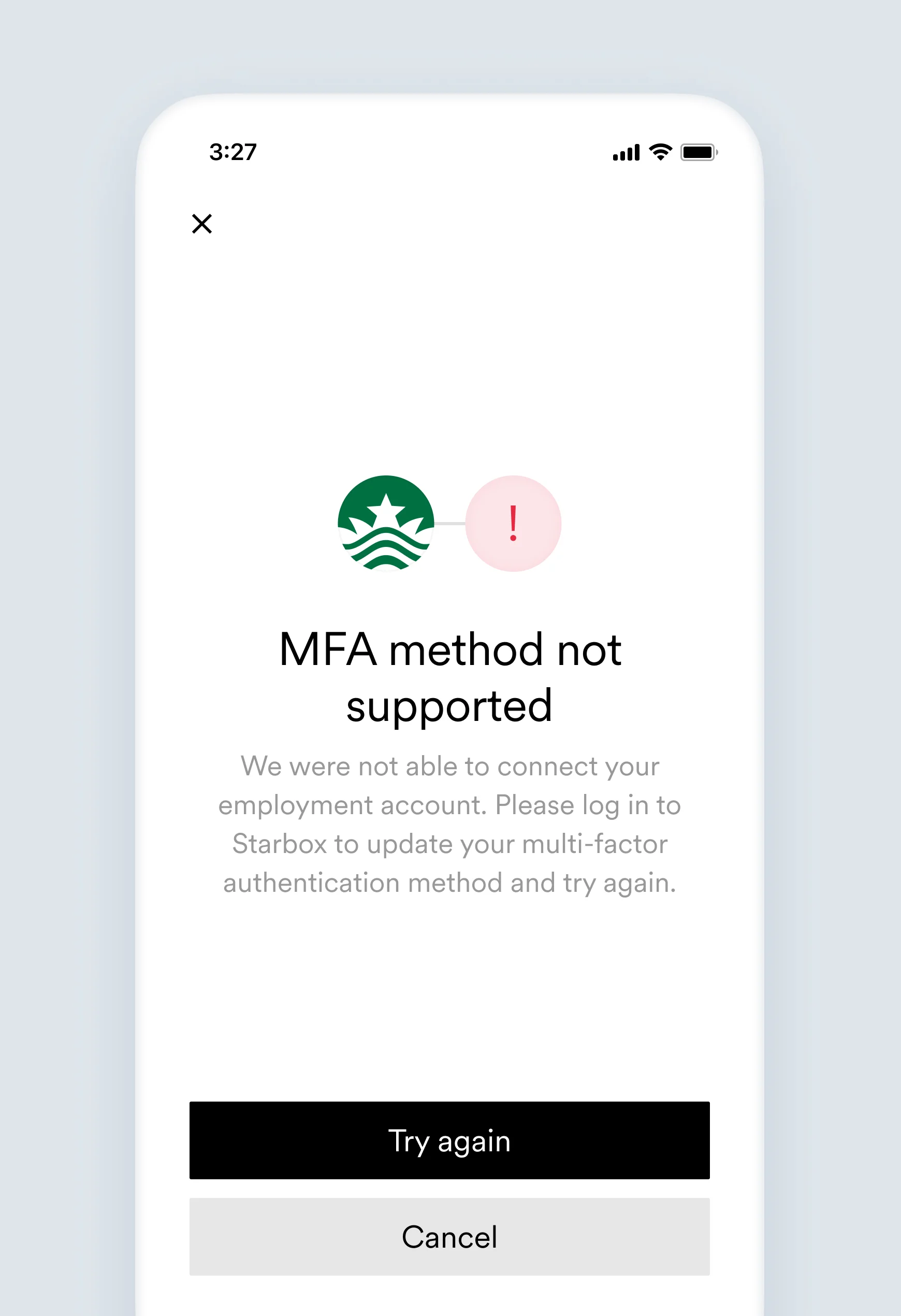
## `unsupported_mfa_method`
This error triggers the [`accounts.failed`](/legacy/api-reference/accounts-webhooks#failed) webhook.
This user's employment account uses a multi-factor authentication method that Argyle does not currently support.
We were not able to connect your employment account. Please log in to `[Link item name]` to update your multi-factor authentication method and try again.
The user's employment account uses an MFA method currently not supported by Argyle.
Advise the user to disable or change the MFA method.
#### Account object:
```json theme={}
{
...
"connection": {
"status": "error",
"error_code": "unsupported_mfa_method",
"error_message": "This user's employment account uses a multi-factor authentication method that Argyle does not currently support.",
"updated_at": "2019-11-29T08:37:42.164Z"
}
...
}
```