> ## Documentation Index
> Fetch the complete documentation index at: https://docs.argyle.com/llms.txt
> Use this file to discover all available pages before exploring further.
# Application Autofill
> Improve your customer experience by autofilling forms with payroll data.
We'll be updating our Sample App Github repositories for API v2 and Link 5 in 2023 Q3.
## Overview
Name, date of birth, address, current employer, and 160+ additional real-time data fields can be accessed with Argyle.
Once a user connects their payroll accounts, you can pre-populate any form or application they encounter. This speeds up your conversion process and minimizes input errors.
## Application Autofill
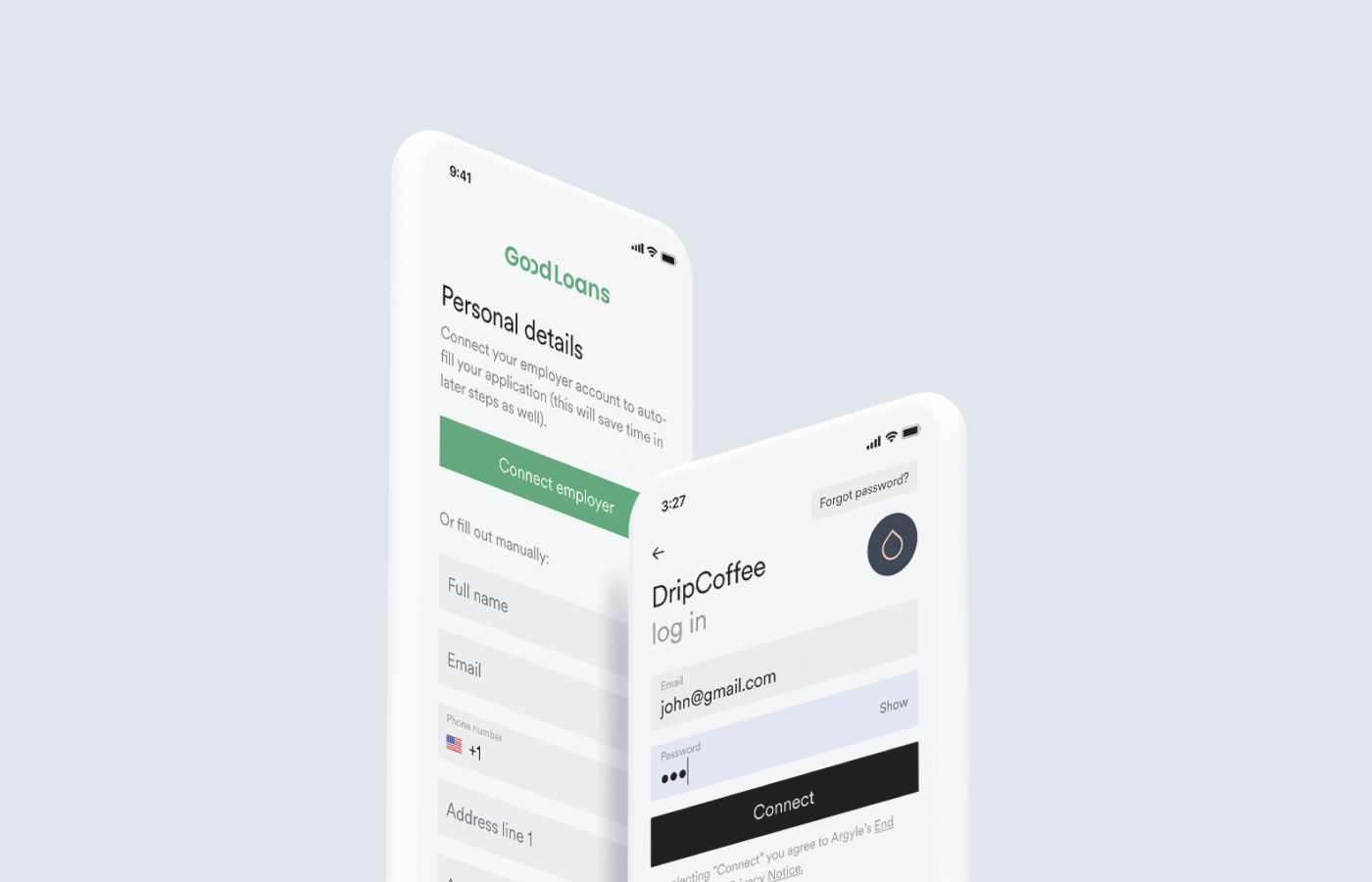
Application Autofill is a sample app that demonstrates this streamlined application process in action:
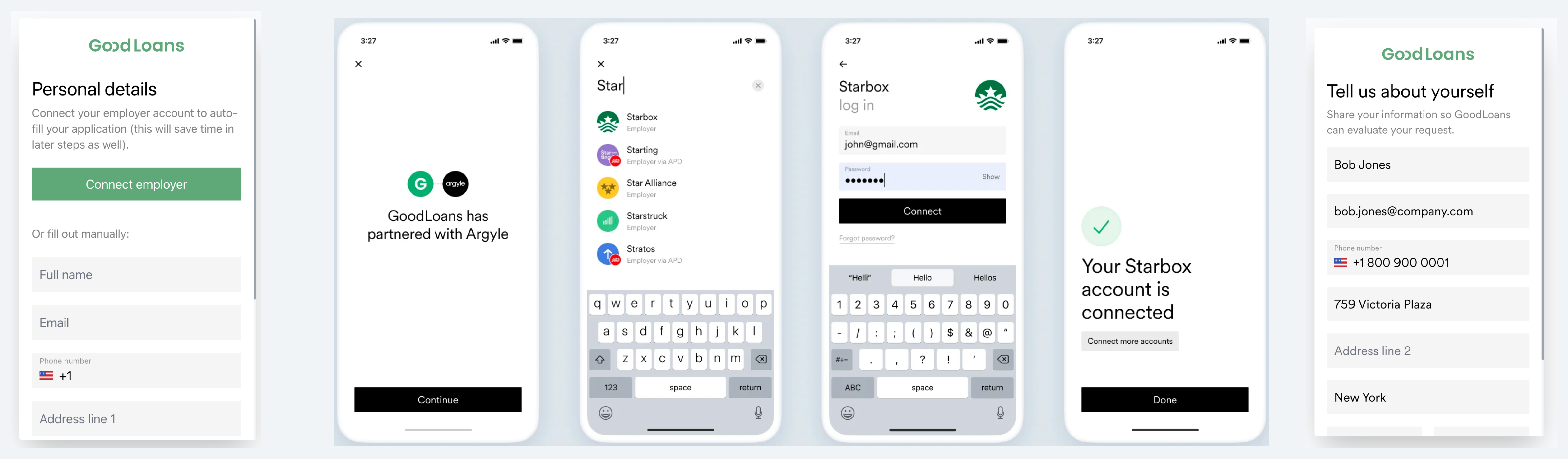
* One button at the top of the form invites users to connect their payroll accounts.
* One simple process to connect with just a username and password.
* One autofilled application for the user to review.
[Demo](https://sampleapps.argyle.com/application-autofill) Application Autofill in your browser, or visit our [Github repository](https://github.com/argyle-sample-apps/application-autofill) to clone and test Application Autofill in your local development environment.
## Connect once, autofill everywhere
Argyle's 160+ data fields can be used to complete a user's profile, autofill a variety of forms and applications, pull in banking information, and more.
Here are just a few of the key data fields Argyle makes available:
* [Profile information](/legacy/api-reference/profiles) including first name, last name, date of birth, email, phone number, address, profile photo, gender, and marital status.
* [Employment information](/legacy/api-reference/employments) including employer, job title, salary, and even their typical currency.
* [Bank account information](/legacy/api-reference/pay-allocations) including banks names, account numbers, routing numbers, and account types.
## Next steps
[Demo](https://sampleapps.argyle.com/application-autofill) Application Autofill in your browser, clone it from our [Github repository](https://github.com/argyle-sample-apps/application-autofill), or visit our other Sample Apps to see more of what you can do with user-permissioned income and employment data available through Argyle.
[Contact us](https://argyle.com/contact-sales) or reach out to your Customer Success Manager, an Account Executive, or the Support Team for more details on Application Autofill or getting started with Argyle.