> ## Documentation Index
> Fetch the complete documentation index at: https://docs.argyle.com/llms.txt
> Use this file to discover all available pages before exploring further.
# Postman
> The quickest way to test the Argyle API.
Copy our public Postman collection to get started testing each endpoint:
[](https://god.gw.postman.com/run-collection/24800167-2070eb9b-9e5a-4f37-acee-bbd086e82048?action=collection%2Ffork\&collection-url=entityId%3D24800167-2070eb9b-9e5a-4f37-acee-bbd086e82048%26entityType%3Dcollection%26workspaceId%3Da4918323-bf08-413d-b8d4-c8b7b7f39924)
## How to copy the collection
1. Click the button above.
2. Create or retrieve your Argyle API keys from Console.
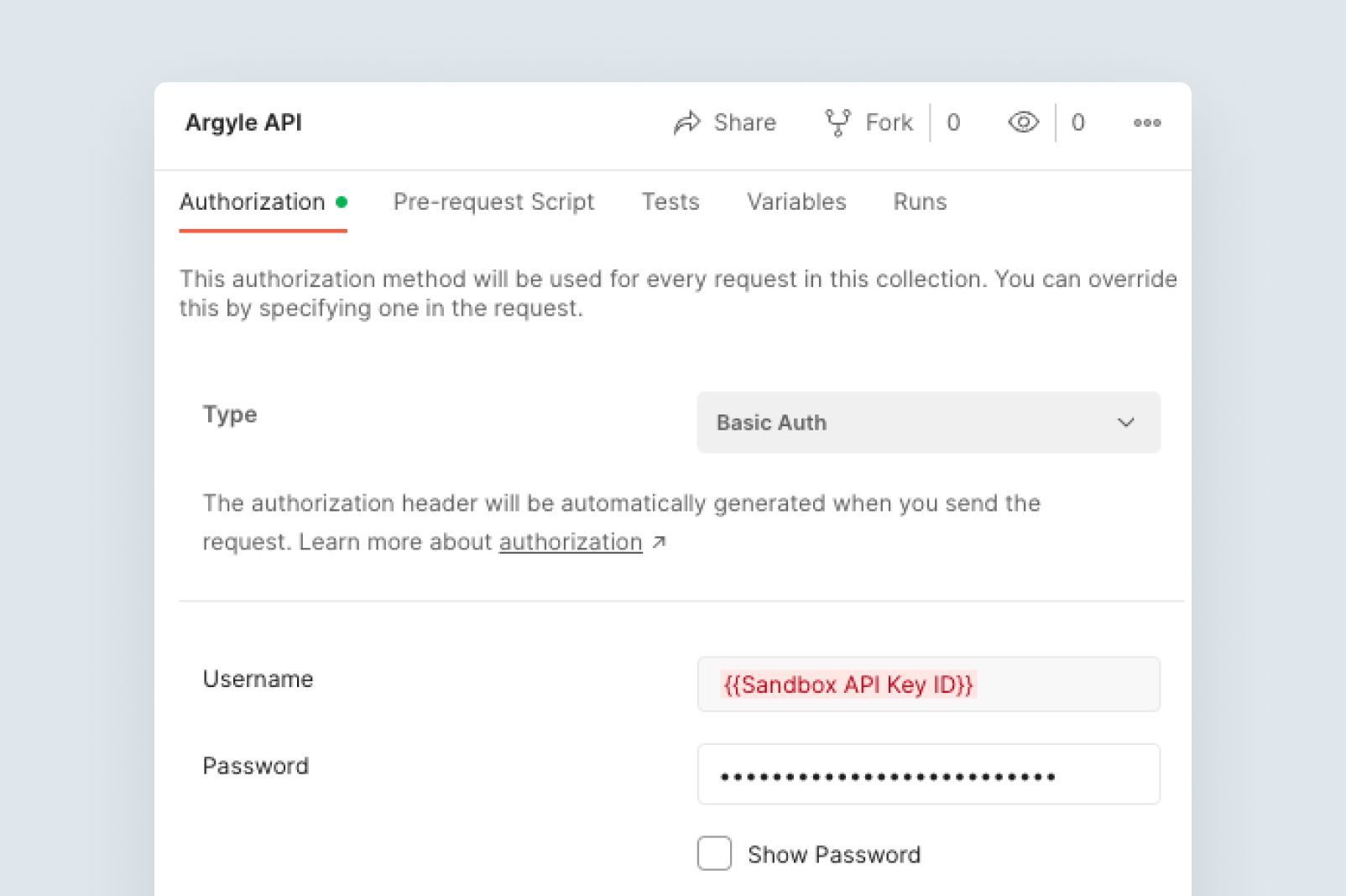
3. Replace the username field on Postman's authorization page with your `Sandbox API Key ID`.
4. Replace the password field on Postman's authorization page with your `Sandbox API key SECRET`.
## Documentation in Postman
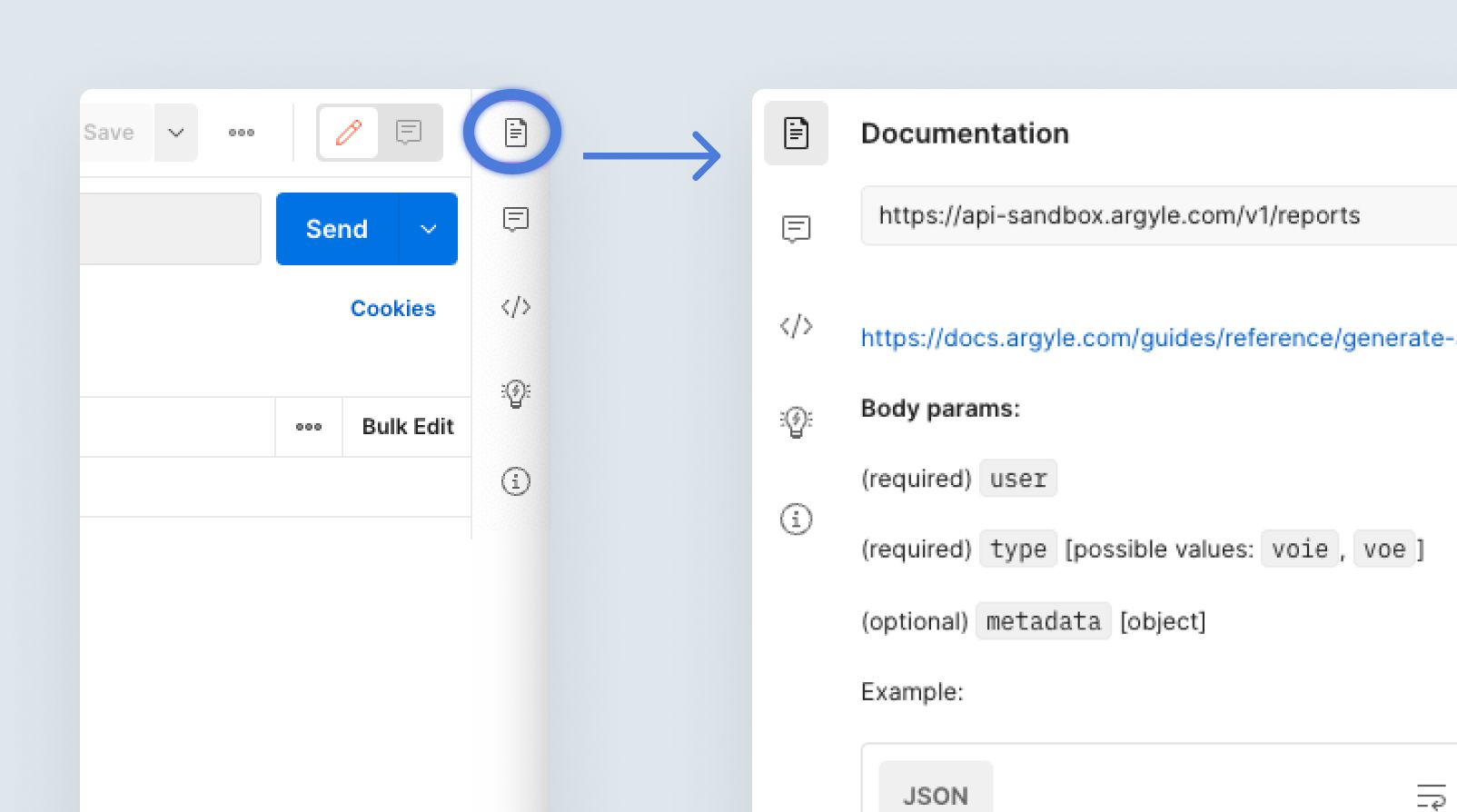
Clicking on the **Documentation** icon in the upper-right corner will display additional details for each endpoint.