> ## Documentation Index
> Fetch the complete documentation index at: https://docs.argyle.com/llms.txt
> Use this file to discover all available pages before exploring further.
# Manage your teams with Groups
> Today we're introducing a new Console setting: Groups.
May 15, 2024
Console
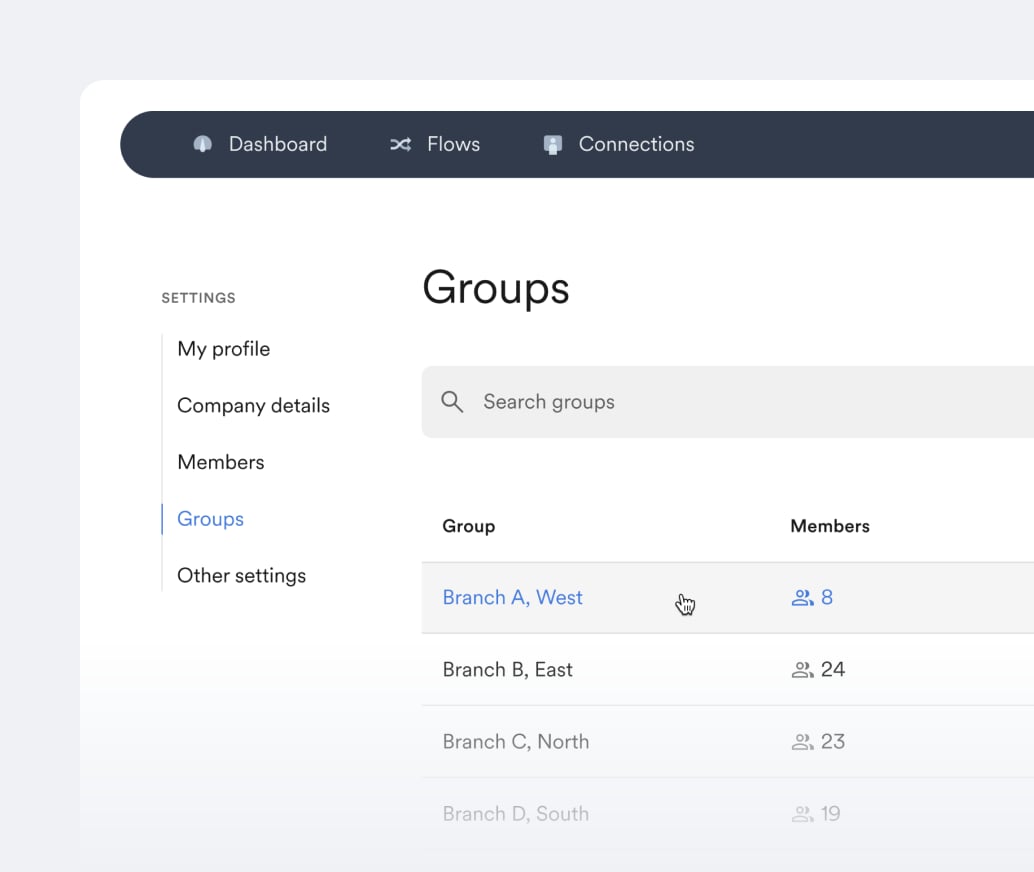
Today we're introducing a [new Console setting](https://console.argyle.com/settings/groups): Groups.
* Manage viewing permissions in Console by organizing your team into groups.
* Groups can be structured by branch, office, geographical location, or however best suits your organizational needs.
* Console members can be limited to viewing only invites or verifications ordered by other members of their group.
 *Please reach out to your Argyle Customer Success Manager to enable this setting. More information is also available in our [Groups Documentation](https://argyle.com/docs/console/management/groups).*