> ## Documentation Index
> Fetch the complete documentation index at: https://docs.argyle.com/llms.txt
> Use this file to discover all available pages before exploring further.
# Deposit Switch Errors
> Common causes and troubleshooting.
## Overview
When a deposit switch error occurs, the [account object](/api-reference/accounts) will update and display the error information within the `direct_deposit_switch` object.
To monitor for deposit switch errors:
1. Subscribe to both the [`direct_deposit_switches.failed`](/api-reference/direct-deposit-switches-webhooks/failed) and [`accounts.updated`](/api-reference/accounts-webhooks/updated) webhooks, and use the optional config parameter to receive an account object in these webhooks' delivery payloads.
2. When you receive the `direct_deposit_switches.failed` webhook or are encountering problems with a deposit switch, check the `status` within the account object's `direct_deposit_switch` object.
3. If the `status` is error, proceed to the troubleshooting steps below for the deposit switch error that matches the `error_code` in the `direct_deposit_switch` object.
The `accounts.updated` webhook is always sent when the `direct_deposit_switches.failed` webhook is sent.
## Deposit switch errors
### `account_disconnected`
The [`direct_deposit_switches.failed`](/api-reference/direct-deposit-switches-webhooks/failed) webhook is sent when this error occurs.
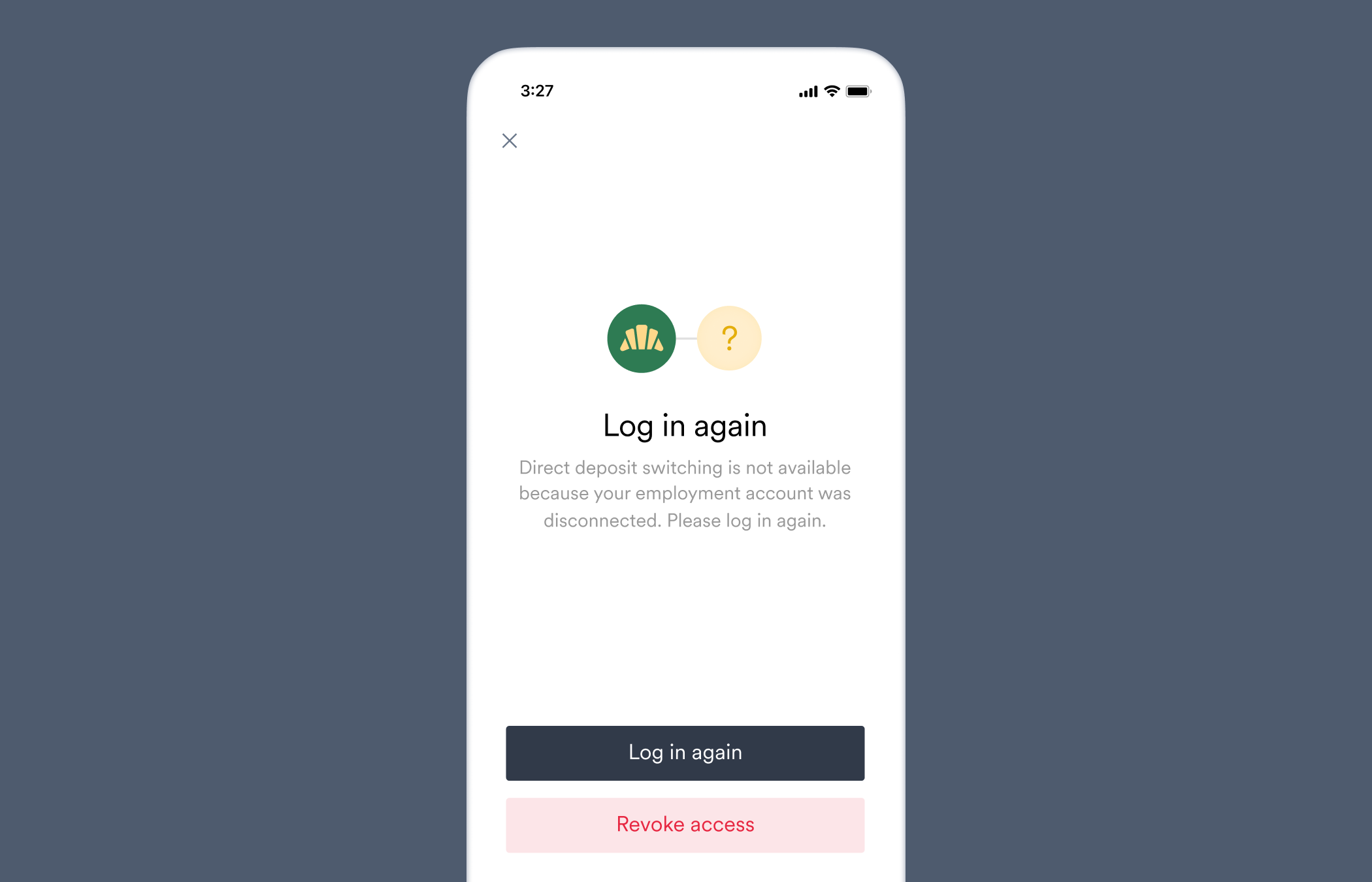
Direct deposit switching is not available because your employment account was disconnected. Please log in again.
This user's connection has expired and requires re-authentication.
The user's payroll account has become [disconnected](/workflows/reconnecting-accounts#why-accounts-disconnect), and needs to be re-connected before a deposit switch can take place.
Follow the steps in our [Reconnecting Accounts Guide](/workflows/reconnecting-accounts) to allow the user to reconnect their account through Link.
 ### `bank_and_card_update_failed`
The [`direct_deposit_switches.failed`](/api-reference/direct-deposit-switches-webhooks/failed) webhook is sent when this error occurs.
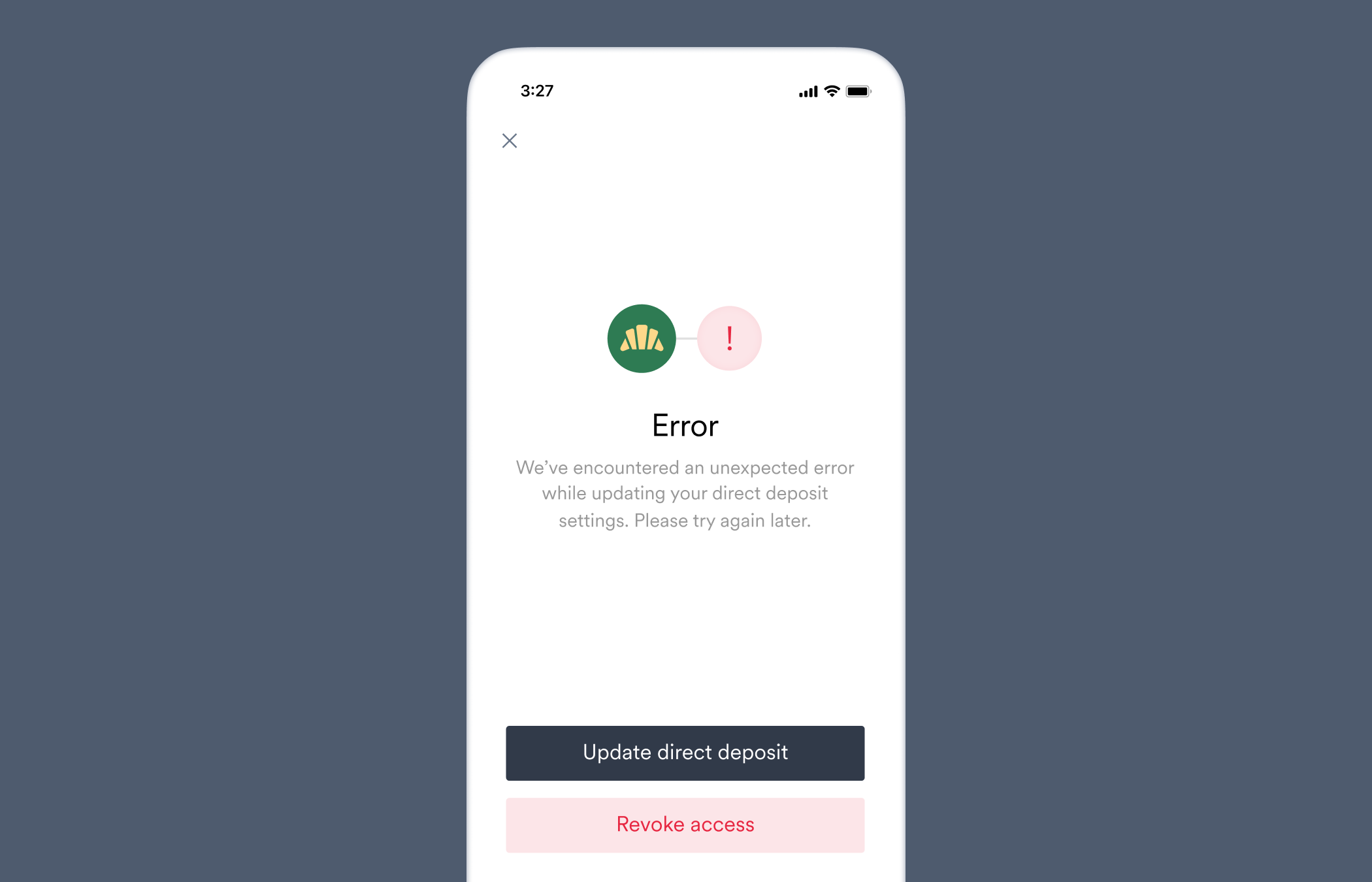
We've encountered an unexpected error while updating your direct deposit settings. Please try again later.
Argyle encountered a problem when updating the user's bank account settings. Our team has been notified and is investigating.
An unexpected error occurred during the deposit switch. We have automatically been notified and will investigate.
No action needed while we investigate. Reach out to our customer support team for more information.
### `bank_and_card_update_failed`
The [`direct_deposit_switches.failed`](/api-reference/direct-deposit-switches-webhooks/failed) webhook is sent when this error occurs.
We've encountered an unexpected error while updating your direct deposit settings. Please try again later.
Argyle encountered a problem when updating the user's bank account settings. Our team has been notified and is investigating.
An unexpected error occurred during the deposit switch. We have automatically been notified and will investigate.
No action needed while we investigate. Reach out to our customer support team for more information.
 ### `confirmation_timeout`
The [`direct_deposit_switches.failed`](/api-reference/direct-deposit-switches-webhooks/failed) webhook is sent when this error occurs.
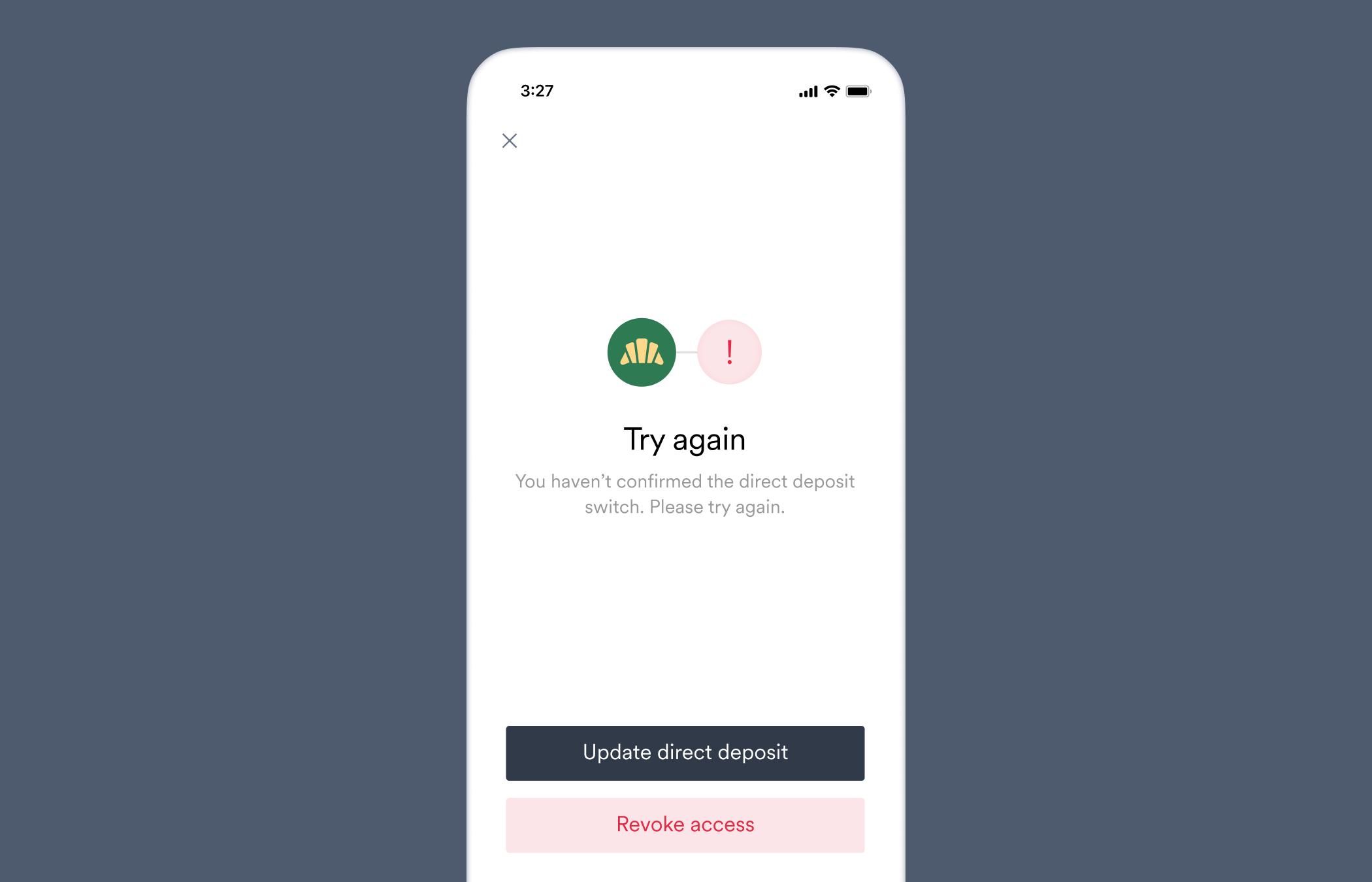
You haven't confirmed the direct deposit switch. Please try again.
This user did not finish confirming the direct deposit switch.
The user did not confirm the deposit switch in Link within the given time period.
Advise the user to confirm the deposit switch in Link, or ask if they encountered any issues.
### `confirmation_timeout`
The [`direct_deposit_switches.failed`](/api-reference/direct-deposit-switches-webhooks/failed) webhook is sent when this error occurs.
You haven't confirmed the direct deposit switch. Please try again.
This user did not finish confirming the direct deposit switch.
The user did not confirm the deposit switch in Link within the given time period.
Advise the user to confirm the deposit switch in Link, or ask if they encountered any issues.
 ### `incompatible_auth`
The [`direct_deposit_switches.failed`](/api-reference/direct-deposit-switches-webhooks/failed) webhook is sent when this error occurs.
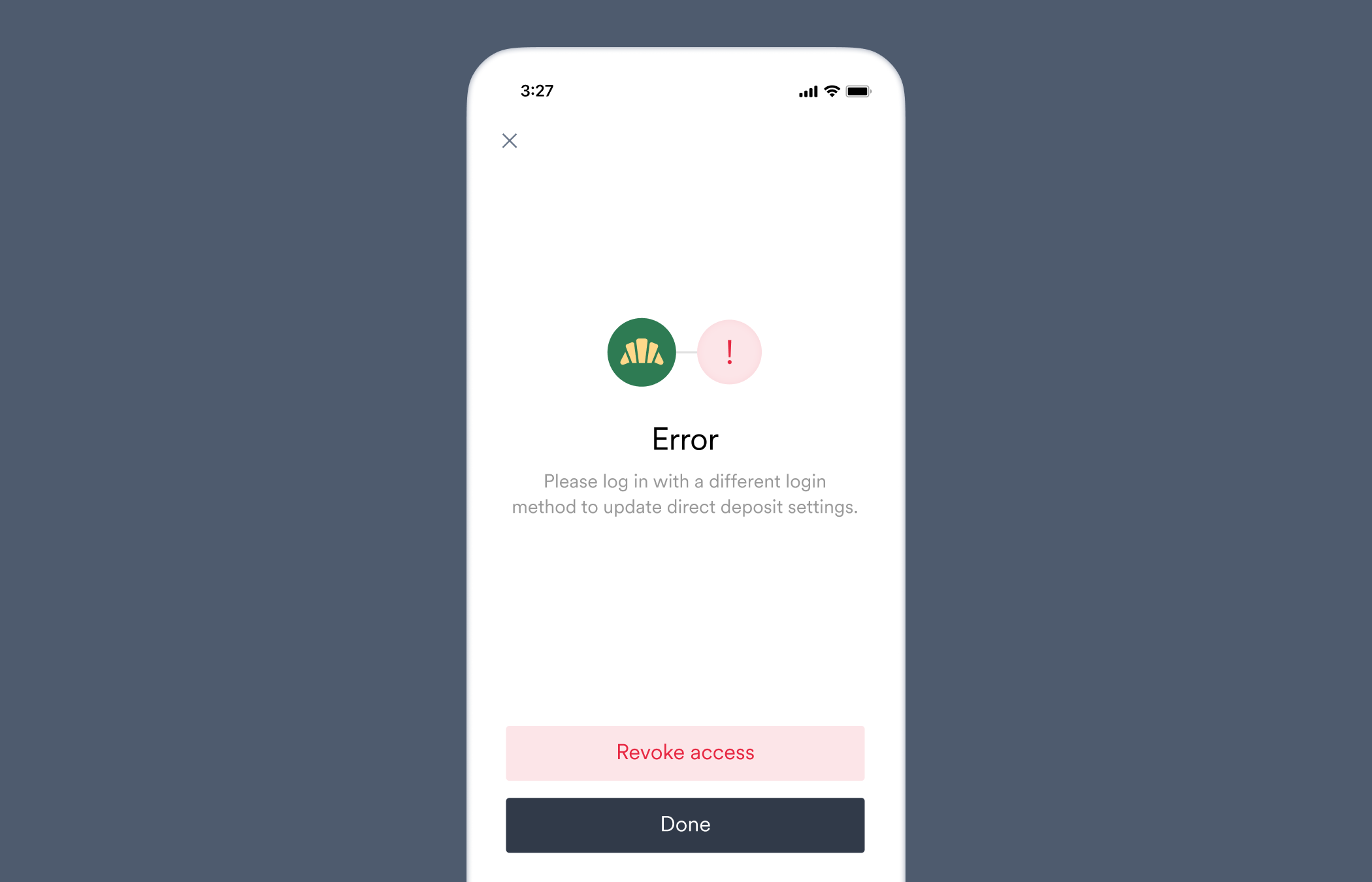
Please log in with a different login method to update direct deposit settings.
This user's employment platform does not support direct deposit switching with this user's selected login method.
The account was connected with login credentials that are not authorized on the payroll system for deposit switching.
Ask the user to revoke access to their account, and reconnect with different login credentials.
### `incompatible_auth`
The [`direct_deposit_switches.failed`](/api-reference/direct-deposit-switches-webhooks/failed) webhook is sent when this error occurs.
Please log in with a different login method to update direct deposit settings.
This user's employment platform does not support direct deposit switching with this user's selected login method.
The account was connected with login credentials that are not authorized on the payroll system for deposit switching.
Ask the user to revoke access to their account, and reconnect with different login credentials.
 ### `incompatible_config`
The [`direct_deposit_switches.failed`](/api-reference/direct-deposit-switches-webhooks/failed) webhook is sent when this error occurs.
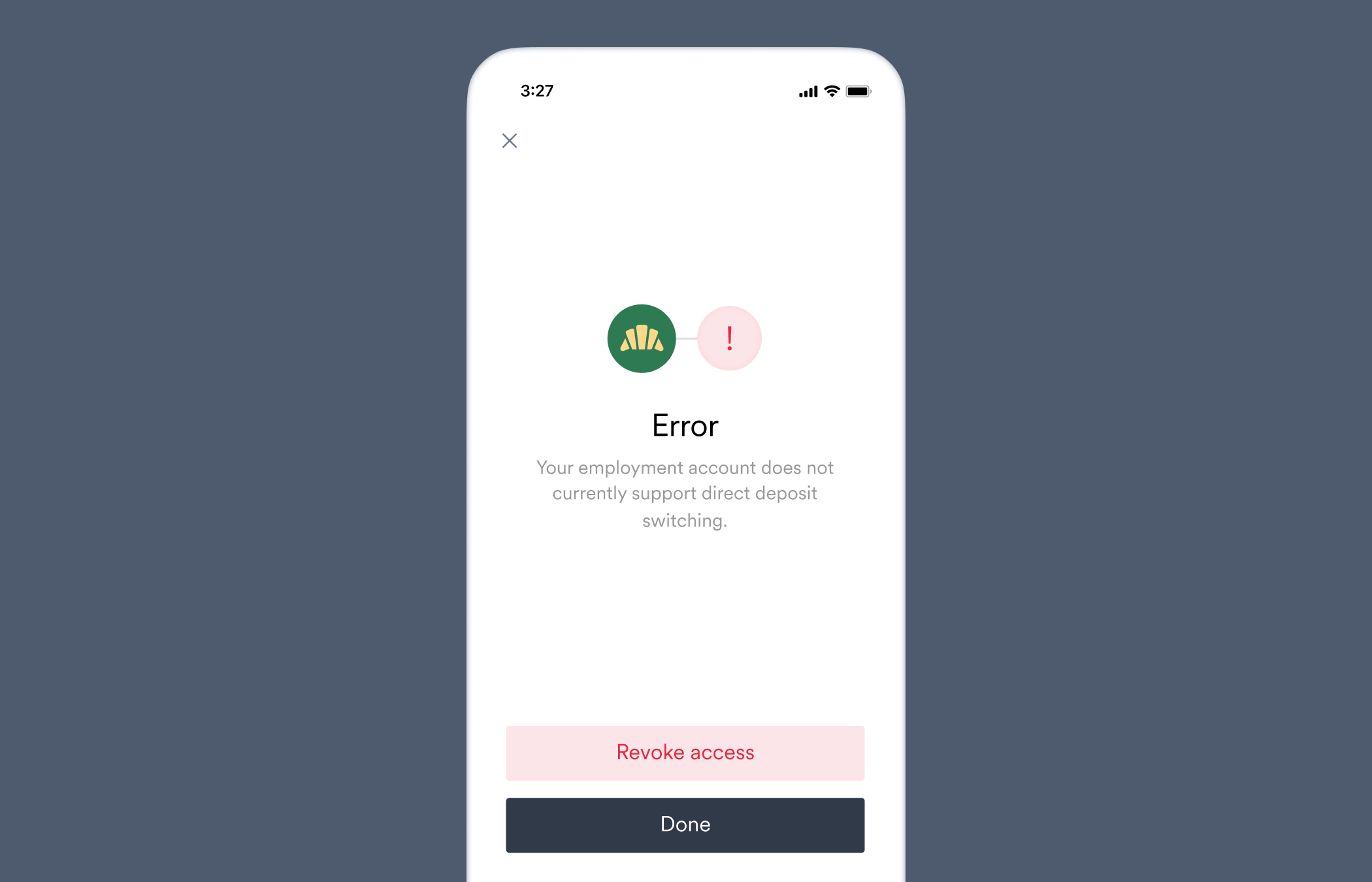
Your employment account does not currently support direct deposit switching.
The provided direct deposit switch configuration is not compatible with this user's employment account.
The settings in the [target deposit destination](/workflows/deposit-switching#structure-a-target-deposit-destination) used for this deposit switch are not supported by the payroll system.
Obtain the ID of the Item through which the user connected the account in Link via the `item` property of the [account](/api-reference/accounts). Then [retrieve the Item](/api-reference/items/retrieve-an-item) and check the `direct_deposit_switch` object to see if the deposit switch settings in your target deposit destination are `supported` by this Item.
### `incompatible_config`
The [`direct_deposit_switches.failed`](/api-reference/direct-deposit-switches-webhooks/failed) webhook is sent when this error occurs.
Your employment account does not currently support direct deposit switching.
The provided direct deposit switch configuration is not compatible with this user's employment account.
The settings in the [target deposit destination](/workflows/deposit-switching#structure-a-target-deposit-destination) used for this deposit switch are not supported by the payroll system.
Obtain the ID of the Item through which the user connected the account in Link via the `item` property of the [account](/api-reference/accounts). Then [retrieve the Item](/api-reference/items/retrieve-an-item) and check the `direct_deposit_switch` object to see if the deposit switch settings in your target deposit destination are `supported` by this Item.
 ### `invalid_account_state`
The [`direct_deposit_switches.failed`](/api-reference/direct-deposit-switches-webhooks/failed) webhook is sent when this error occurs.
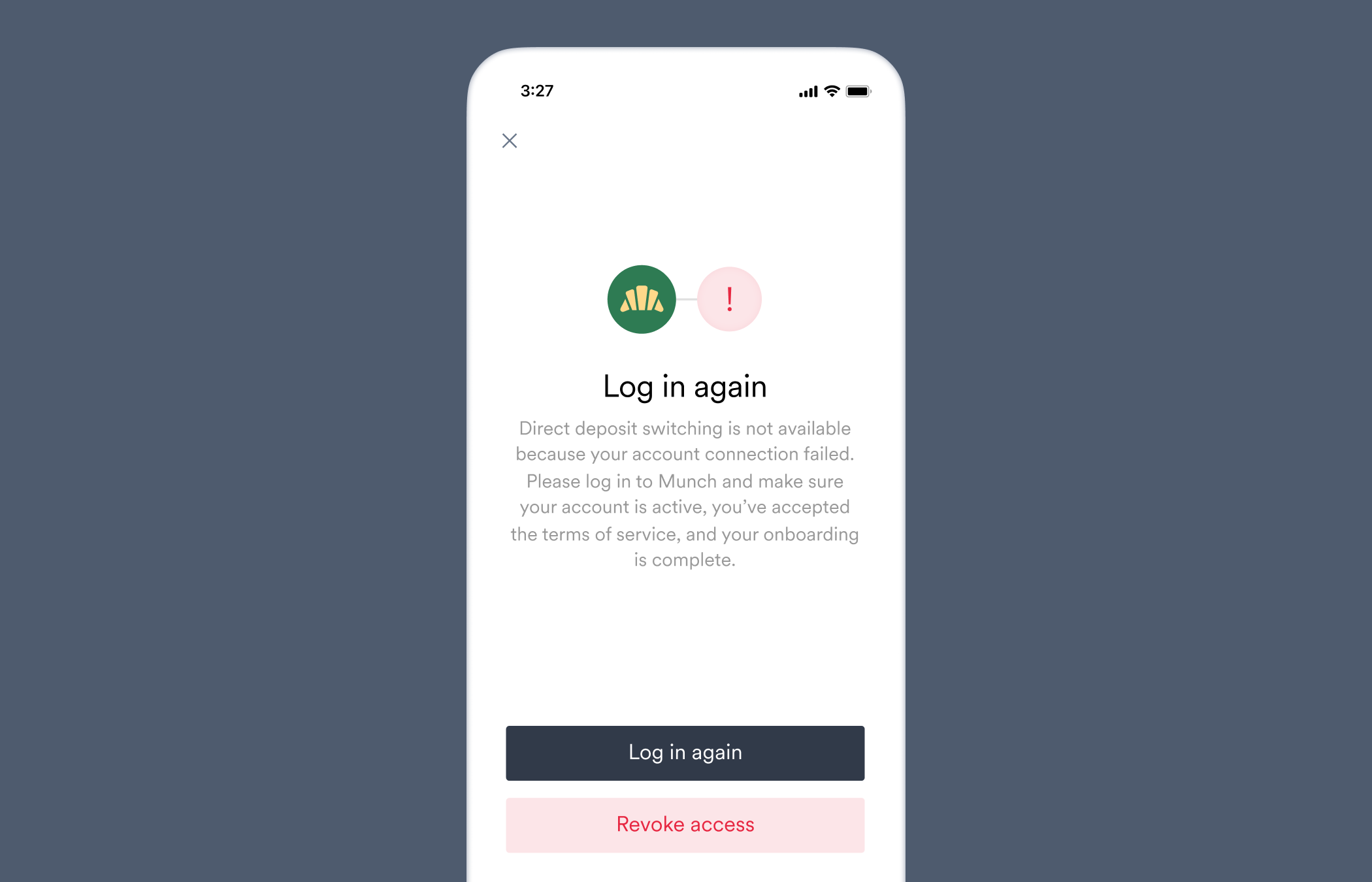
Direct deposit switching is not available because your account connection failed. Please log in to \[Company name] and make sure your account is active, you've accepted terms of service, and your onboarding is complete.
This user's account connection failed, preventing direct deposit switching.
An account connection error prevented the deposit switch.
Check the `status` value of the [account's](/api-reference/accounts) `connection` object for the account connection error that occurred. Follow the troubleshooting steps listed for that error in our [account connection errors reference](/api-reference/account-connection-errors).
### `invalid_account_state`
The [`direct_deposit_switches.failed`](/api-reference/direct-deposit-switches-webhooks/failed) webhook is sent when this error occurs.
Direct deposit switching is not available because your account connection failed. Please log in to \[Company name] and make sure your account is active, you've accepted terms of service, and your onboarding is complete.
This user's account connection failed, preventing direct deposit switching.
An account connection error prevented the deposit switch.
Check the `status` value of the [account's](/api-reference/accounts) `connection` object for the account connection error that occurred. Follow the troubleshooting steps listed for that error in our [account connection errors reference](/api-reference/account-connection-errors).
 ### `invalid_mfa`
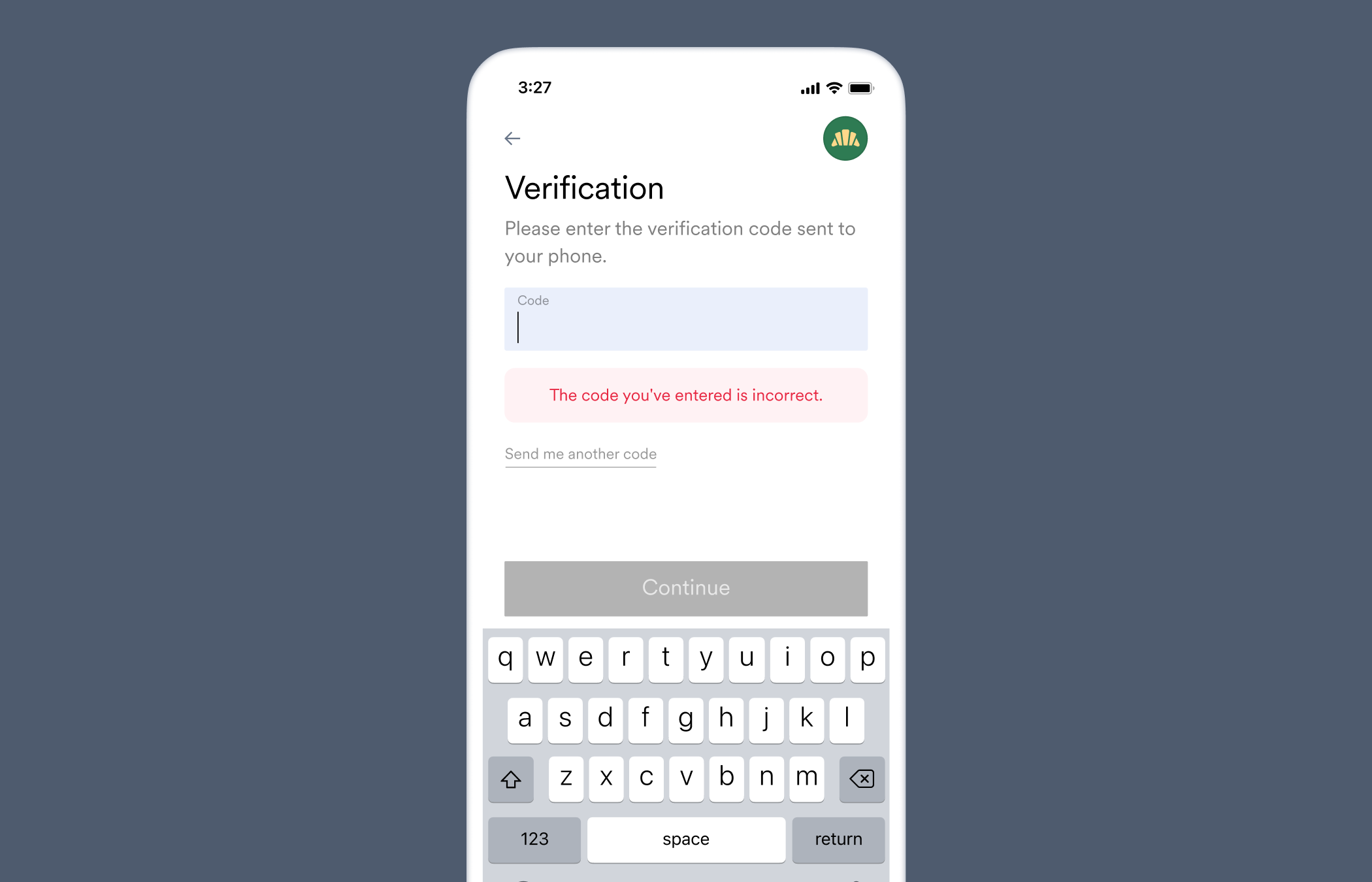
The code you've entered is incorrect.
This user did not provide the correct multi-factor authentication response.
The user entered an incorrect multi-factor authentication (MFA) response.
Check if the correct device was used to complete the MFA request, or if the user received an MFA code. Lastly, see if the user is able to use the same MFA process to directly log in to the payroll system.
### `invalid_mfa`
The code you've entered is incorrect.
This user did not provide the correct multi-factor authentication response.
The user entered an incorrect multi-factor authentication (MFA) response.
Check if the correct device was used to complete the MFA request, or if the user received an MFA code. Lastly, see if the user is able to use the same MFA process to directly log in to the payroll system.
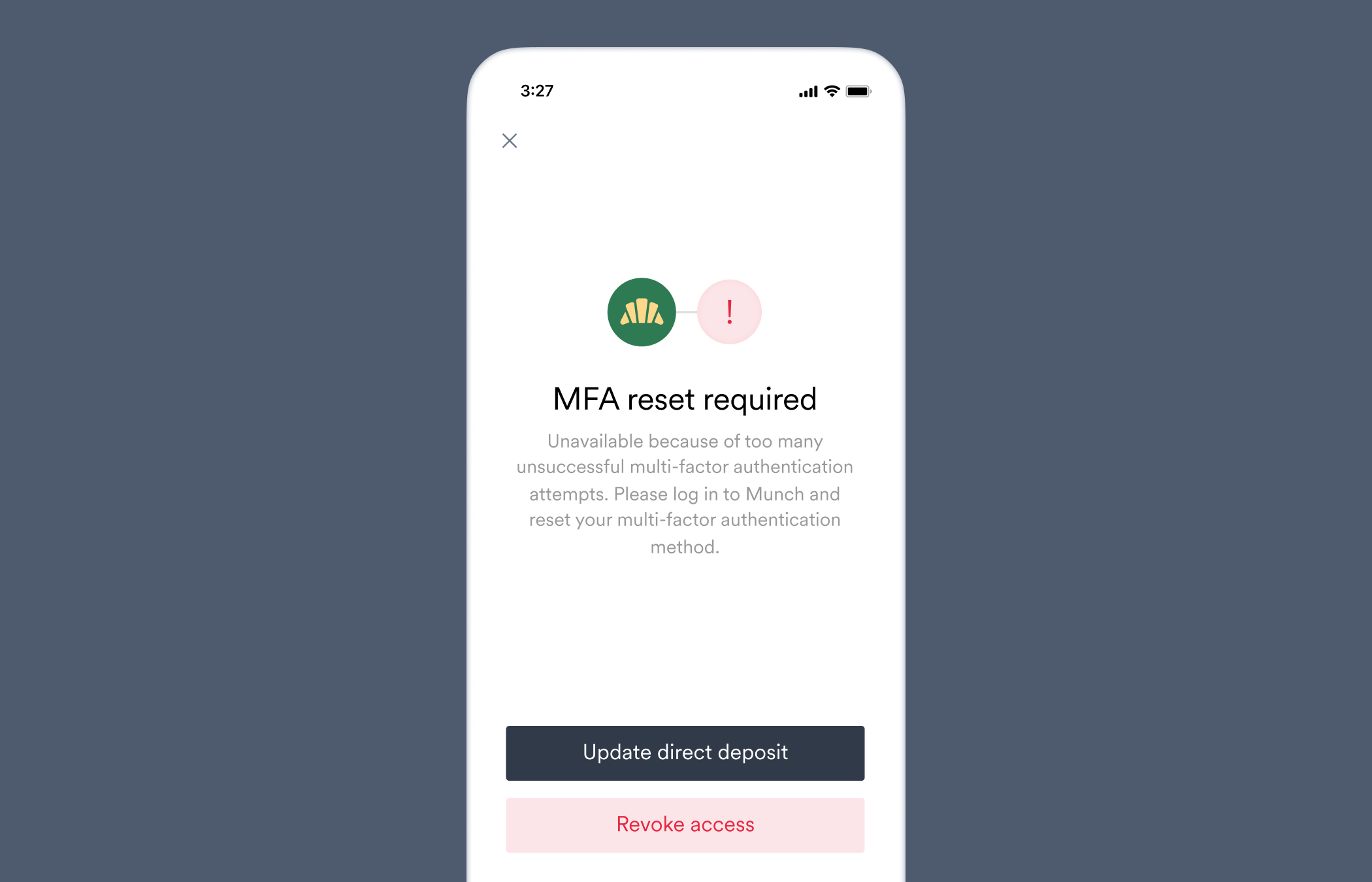
 ### `mfa_attempts_exceeded`
The [`direct_deposit_switches.failed`](/api-reference/direct-deposit-switches-webhooks/failed) webhook is sent when this error occurs.
Unavailable because of too many unsuccessful multi-factor authentication attempts. Please log in to \[Company name] and reset your multi-factor authentication method.
This user failed multi-factor authentication too many times, causing them to be unable to attempt further logins until multi-factor authentication method is reset.
The platform permanently disabled login attempts for this payroll account due to entering an invalid MFA too many times. It only can be resolved by the user resetting MFA directly on the payroll system.
Advise the user to reset their MFA method on the platform's website or app, and then re-attempt account connection.
### `mfa_attempts_exceeded`
The [`direct_deposit_switches.failed`](/api-reference/direct-deposit-switches-webhooks/failed) webhook is sent when this error occurs.
Unavailable because of too many unsuccessful multi-factor authentication attempts. Please log in to \[Company name] and reset your multi-factor authentication method.
This user failed multi-factor authentication too many times, causing them to be unable to attempt further logins until multi-factor authentication method is reset.
The platform permanently disabled login attempts for this payroll account due to entering an invalid MFA too many times. It only can be resolved by the user resetting MFA directly on the payroll system.
Advise the user to reset their MFA method on the platform's website or app, and then re-attempt account connection.
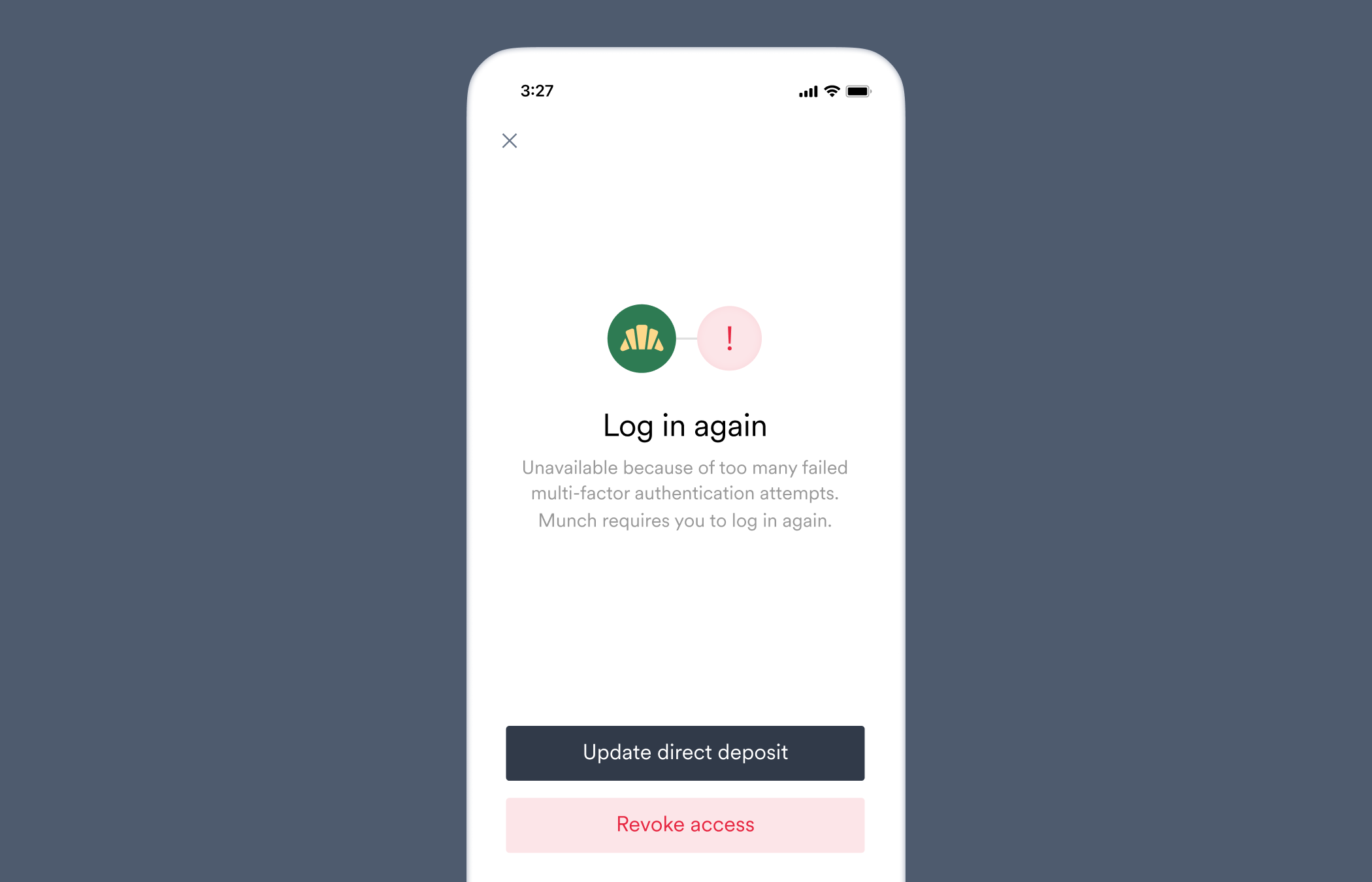
 ### `mfa_exhausted`
The [`direct_deposit_switches.failed`](/api-reference/direct-deposit-switches-webhooks/failed) webhook is sent when this error occurs.
Unavailable because of too many failed multi-factor authentication attempts. \[Company name] requires you to log in again.
This user failed multi-factor authentication too many times, requiring them to re-authenticate.
The platform requires a full re-authentication for this payroll account due to unsuccessfully completing MFA multiple times.
Typically the user needs to go back and re-enter their login credentials to enable additional attempts. Then advise the user to re-attempt account connection.
### `mfa_exhausted`
The [`direct_deposit_switches.failed`](/api-reference/direct-deposit-switches-webhooks/failed) webhook is sent when this error occurs.
Unavailable because of too many failed multi-factor authentication attempts. \[Company name] requires you to log in again.
This user failed multi-factor authentication too many times, requiring them to re-authenticate.
The platform requires a full re-authentication for this payroll account due to unsuccessfully completing MFA multiple times.
Typically the user needs to go back and re-enter their login credentials to enable additional attempts. Then advise the user to re-attempt account connection.
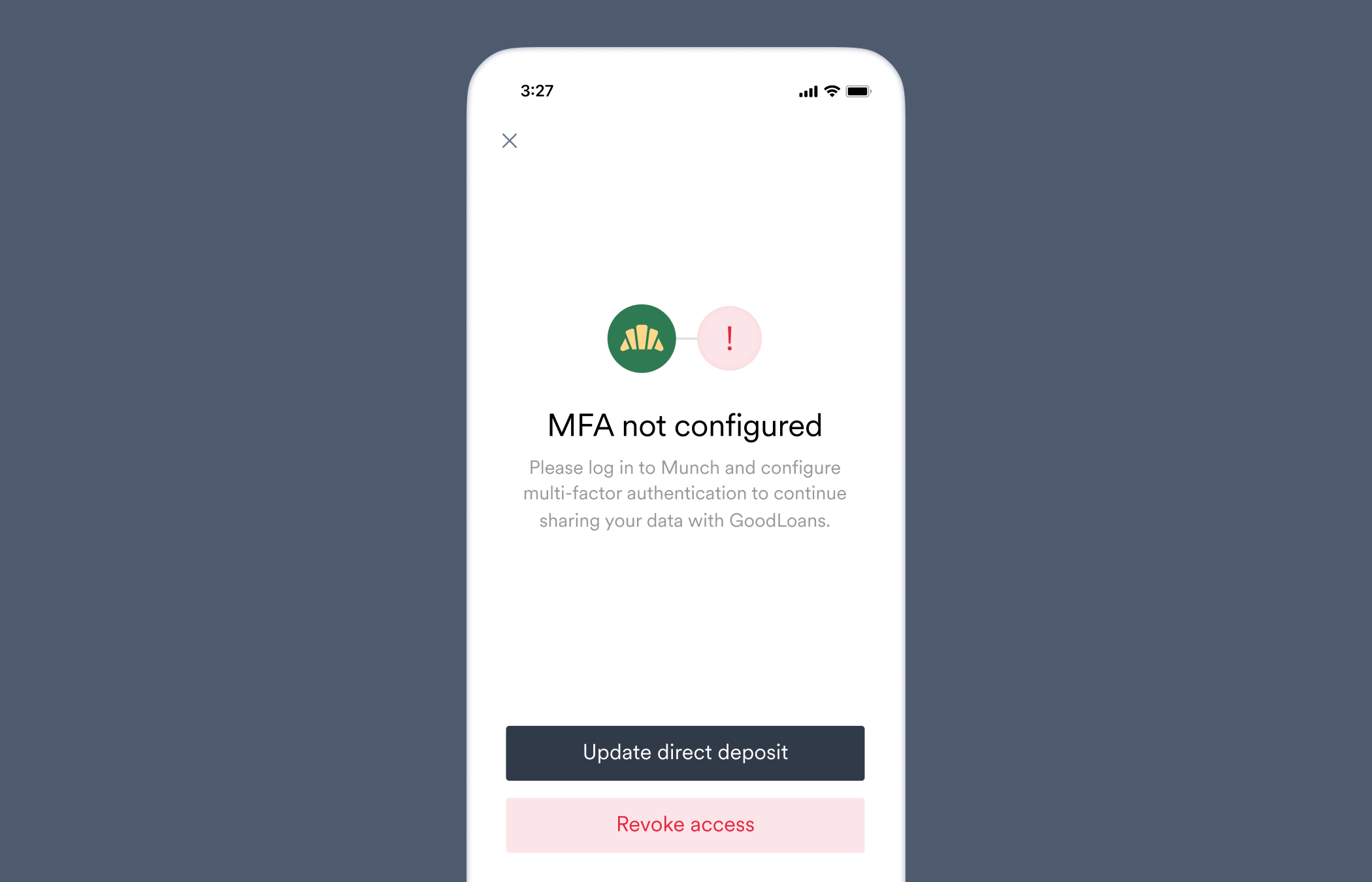
 ### `mfa_not_configured`
The [`direct_deposit_switches.failed`](/api-reference/direct-deposit-switches-webhooks/failed) webhook is sent when this error occurs.
Please log in to \[Company name] and configure multi-factor authentication to continue sharing your data with \[Your company name].
This user has not configured multi-factor authentication for their employment account, restricting access to the user's employment data.
The payroll platform requires multi-factor authentication (MFA) to access payroll data.
Advise the user to configure an MFA method on their payroll system and then re-attempt account connection.
### `mfa_not_configured`
The [`direct_deposit_switches.failed`](/api-reference/direct-deposit-switches-webhooks/failed) webhook is sent when this error occurs.
Please log in to \[Company name] and configure multi-factor authentication to continue sharing your data with \[Your company name].
This user has not configured multi-factor authentication for their employment account, restricting access to the user's employment data.
The payroll platform requires multi-factor authentication (MFA) to access payroll data.
Advise the user to configure an MFA method on their payroll system and then re-attempt account connection.
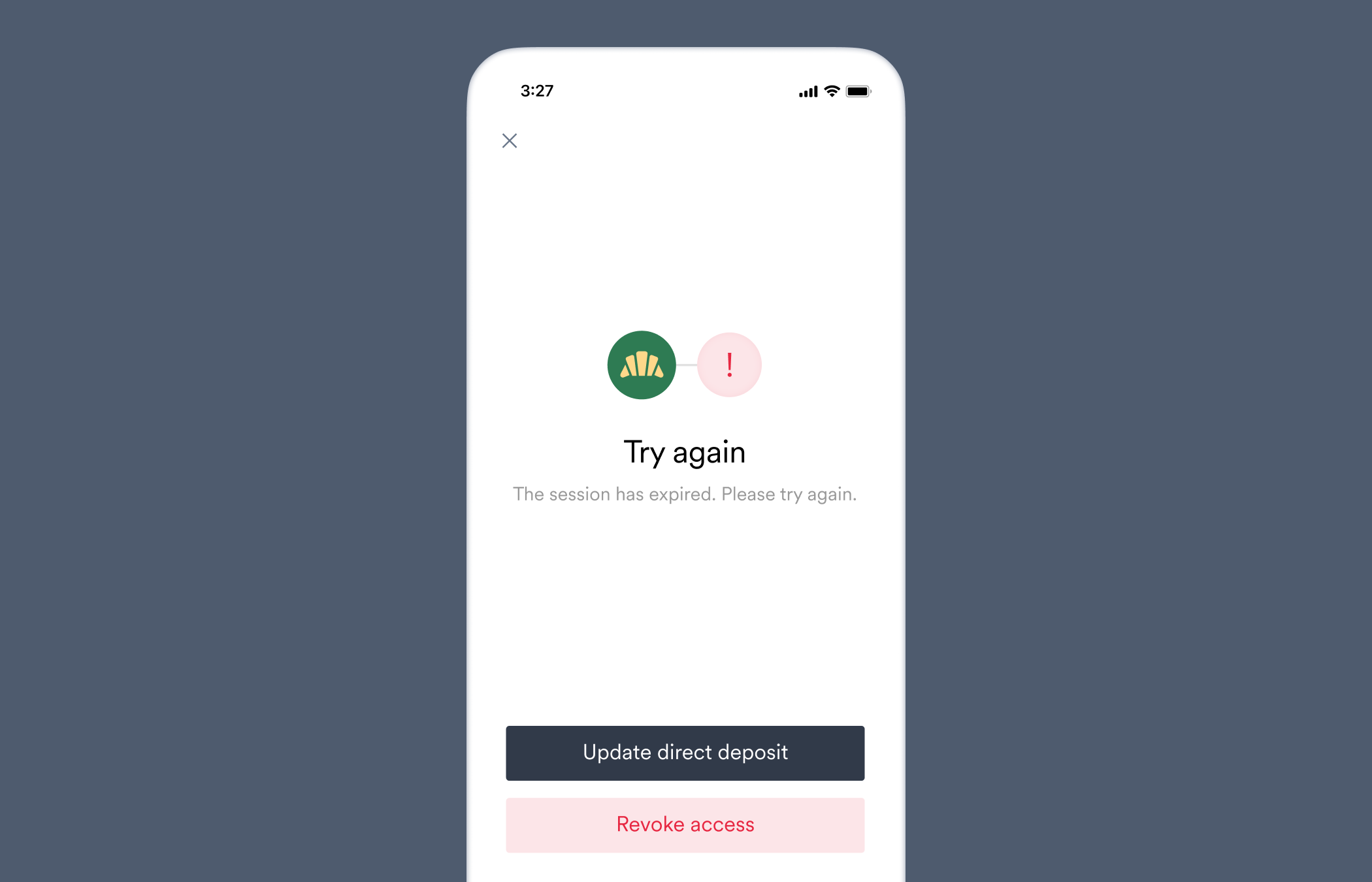
 ### `mfa_timeout`
The [`direct_deposit_switches.failed`](/api-reference/direct-deposit-switches-webhooks/failed) webhook is sent when this error occurs.
The session has expired. Please try again.
This user did not complete multi-factor authentication.
The user did not complete MFA within the given time period.
Confirm the user received the MFA request. Have the user check if their MFA device information is correct, and if their device is set up to receive the selected MFA message from the payroll platform (e.g. SMS). Lastly, check if the user can directly log in within the payroll platform.
### `mfa_timeout`
The [`direct_deposit_switches.failed`](/api-reference/direct-deposit-switches-webhooks/failed) webhook is sent when this error occurs.
The session has expired. Please try again.
This user did not complete multi-factor authentication.
The user did not complete MFA within the given time period.
Confirm the user received the MFA request. Have the user check if their MFA device information is correct, and if their device is set up to receive the selected MFA message from the payroll platform (e.g. SMS). Lastly, check if the user can directly log in within the payroll platform.
 ### `missing_allocation`
The [`direct_deposit_switches.failed`](/api-reference/direct-deposit-switches-webhooks/failed) webhook is sent when this error occurs.
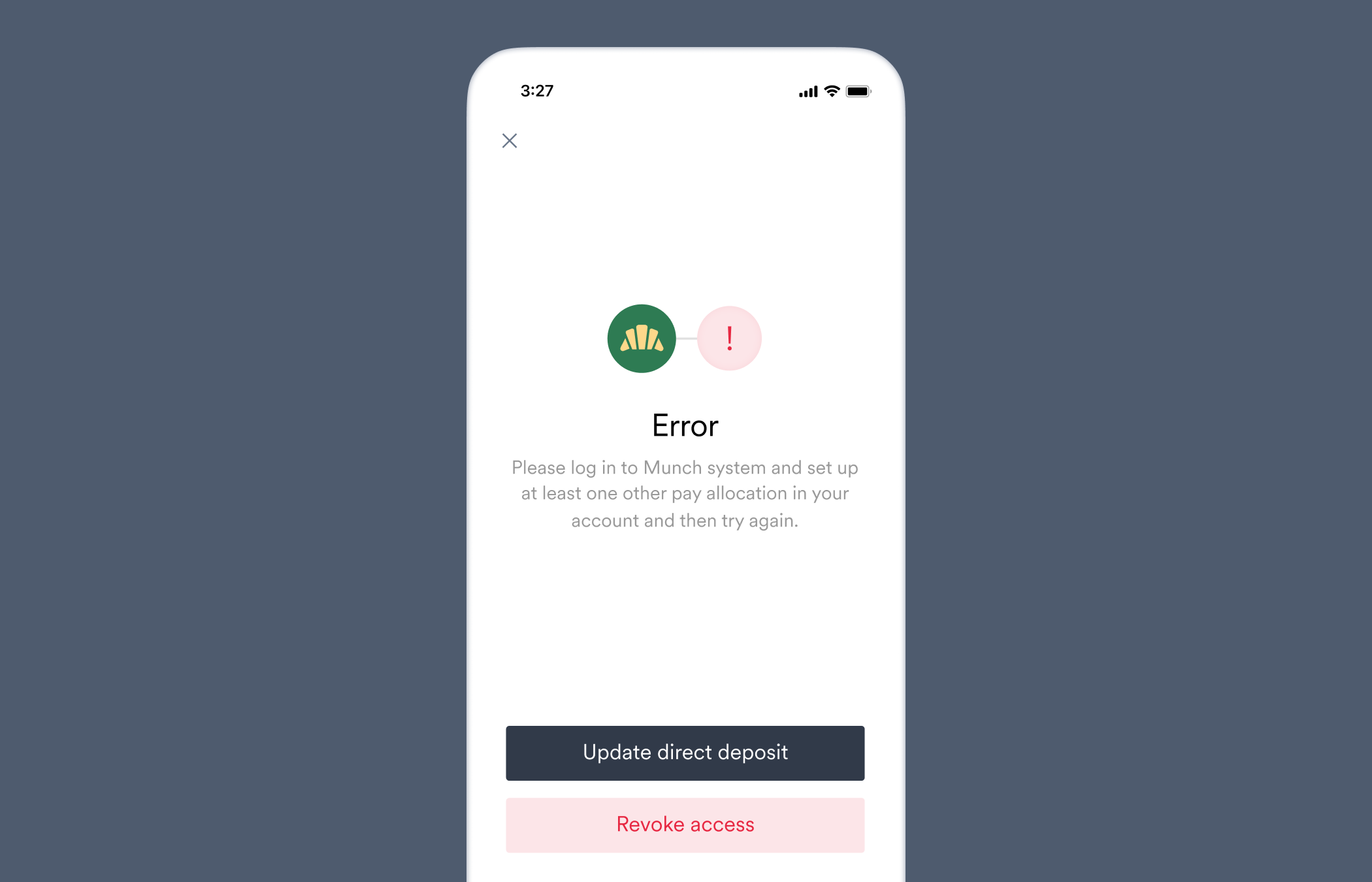
Please log in to \[Company name] system and set up at least one other pay allocation in your account and then try again.
This user's employment account does not have any allocation set up which is required to allocate the remainder.
A partial amount of the user's paycheck was allocated to a new bank account specified in the deposit switch, but there are no other deposit accounts the user has added on the payroll platform where the remaining paycheck amount can be allocated.
Advise the user to add another deposit account to their settings where the remaining pay can be sent, or change your deposit switch settings to receive the [entire paycheck](/workflows/deposit-switching#entire-paycheck). You can check which deposit accounts the user has added to their account by using the [deposit destinations](/api-reference/deposit-destinations) API endpoint.
### `missing_allocation`
The [`direct_deposit_switches.failed`](/api-reference/direct-deposit-switches-webhooks/failed) webhook is sent when this error occurs.
Please log in to \[Company name] system and set up at least one other pay allocation in your account and then try again.
This user's employment account does not have any allocation set up which is required to allocate the remainder.
A partial amount of the user's paycheck was allocated to a new bank account specified in the deposit switch, but there are no other deposit accounts the user has added on the payroll platform where the remaining paycheck amount can be allocated.
Advise the user to add another deposit account to their settings where the remaining pay can be sent, or change your deposit switch settings to receive the [entire paycheck](/workflows/deposit-switching#entire-paycheck). You can check which deposit accounts the user has added to their account by using the [deposit destinations](/api-reference/deposit-destinations) API endpoint.
 ### `missing_allocation_type`
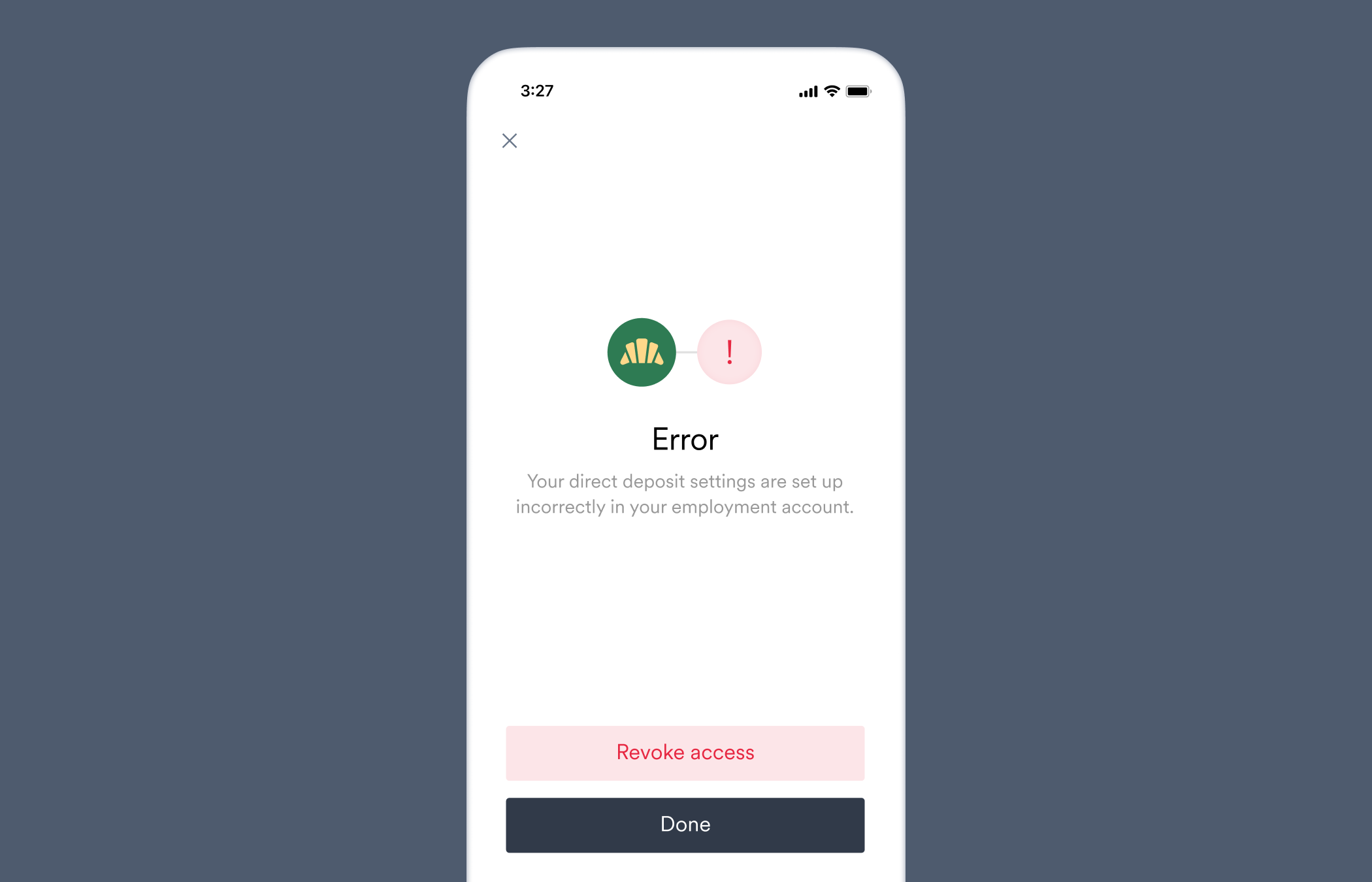
Your direct deposit settings are set up incorrectly in your employment account.
One or more of this account's pay allocations is missing a type (percent/amount/remainder), preventing direct deposit switching.
An allocation type setting (percent/amount/remainder) is missing from the user's payroll system.
Advise the user to check their payroll system's deposit settings, or contact their payroll provider for help.
### `missing_allocation_type`
Your direct deposit settings are set up incorrectly in your employment account.
One or more of this account's pay allocations is missing a type (percent/amount/remainder), preventing direct deposit switching.
An allocation type setting (percent/amount/remainder) is missing from the user's payroll system.
Advise the user to check their payroll system's deposit settings, or contact their payroll provider for help.
 ### `not_supported`
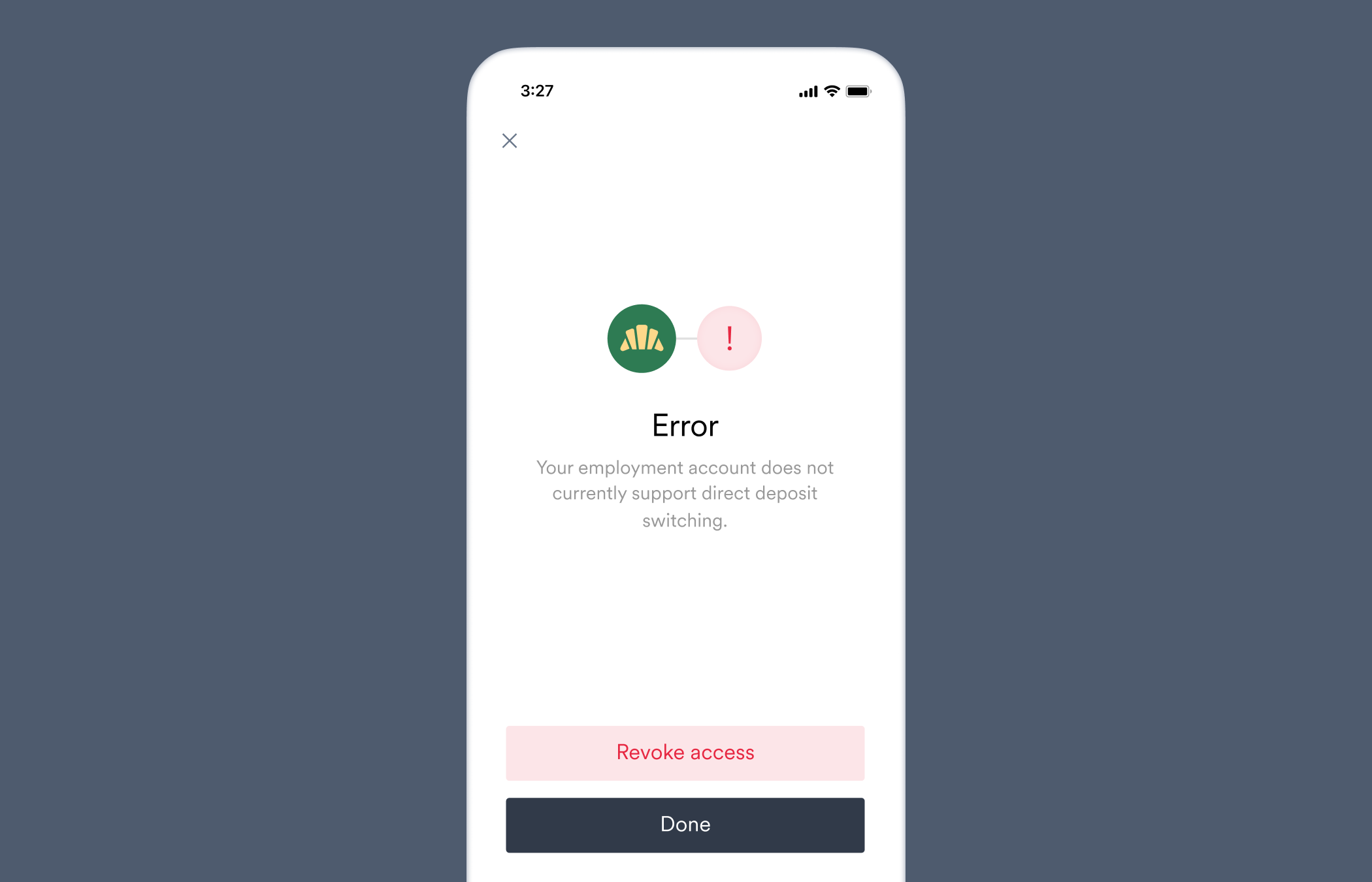
Your employment account does not currently support direct deposit switching.
This user's employment account does not support direct deposit switching.
The user's payroll system does not support deposit switching.
[Retrieve](/api-reference/items) the relevant Item and confirm the `supported` value of the Item's `deposit_account` object is `false`, meaning the Item does not support deposit switching. If so, ask the user if they have other sources of income which may use payroll systems that support deposit switching.
### `not_supported`
Your employment account does not currently support direct deposit switching.
This user's employment account does not support direct deposit switching.
The user's payroll system does not support deposit switching.
[Retrieve](/api-reference/items) the relevant Item and confirm the `supported` value of the Item's `deposit_account` object is `false`, meaning the Item does not support deposit switching. If so, ask the user if they have other sources of income which may use payroll systems that support deposit switching.
 ### `not_supported_by_employer`
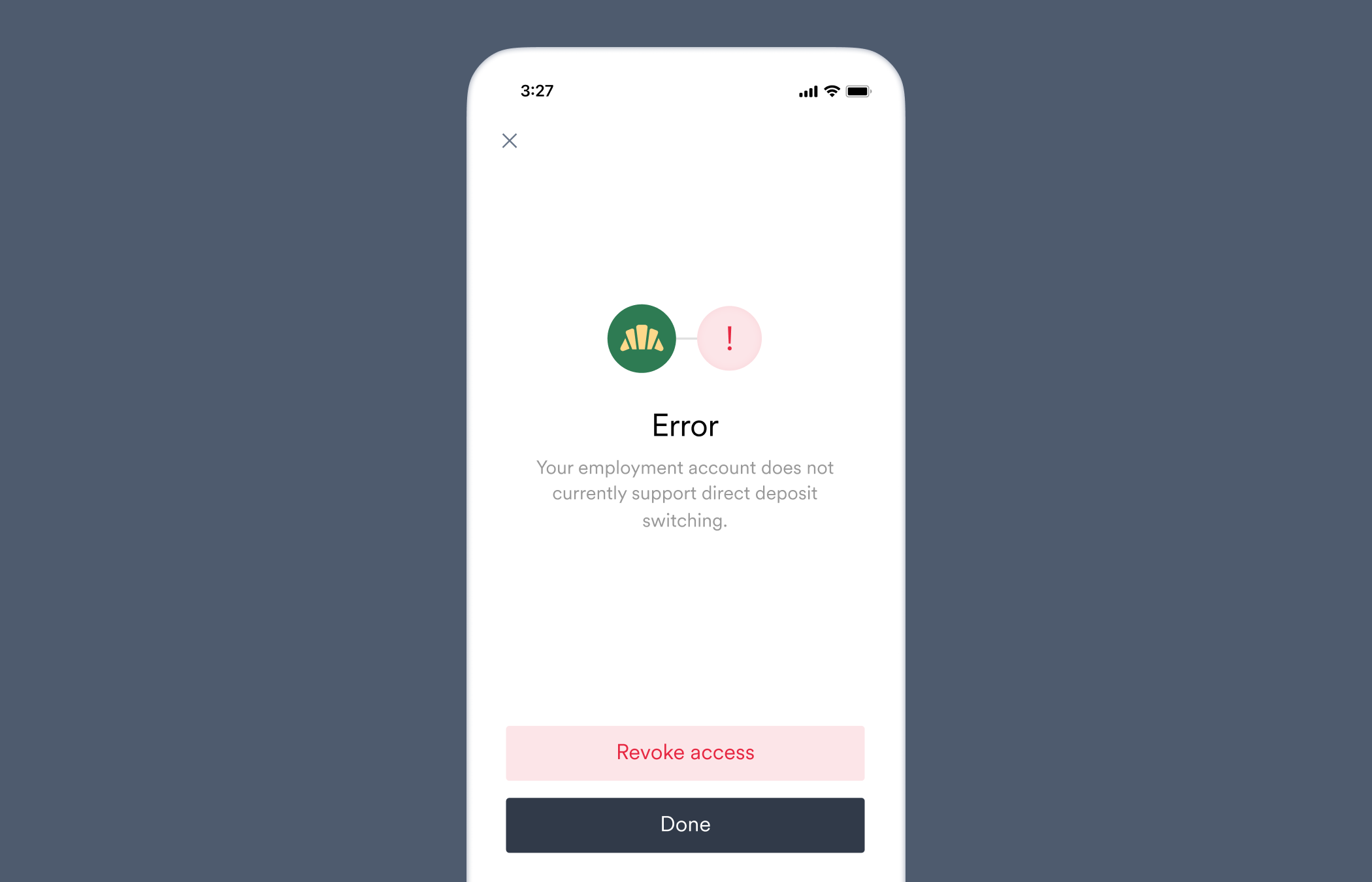
Your employment account does not currently support direct deposit switching.
This user's employment account does not support direct deposit switching because the employer has disabled users from editing this information.
The user's payroll system does not support deposit switching, possibly because it was disabled by the employer.
[Retrieve](/api-reference/items) the relevant Item and confirm the `supported` value of the Item's `deposit_account` object is `false`, meaning the Item does not support deposit switching. If the `supported` value is `true`, ask the user if their employer has disabled deposit switching for their account specifically and if it can be re-enabled.
### `not_supported_by_employer`
Your employment account does not currently support direct deposit switching.
This user's employment account does not support direct deposit switching because the employer has disabled users from editing this information.
The user's payroll system does not support deposit switching, possibly because it was disabled by the employer.
[Retrieve](/api-reference/items) the relevant Item and confirm the `supported` value of the Item's `deposit_account` object is `false`, meaning the Item does not support deposit switching. If the `supported` value is `true`, ask the user if their employer has disabled deposit switching for their account specifically and if it can be re-enabled.
 ### `physical_mfa_unsupported`
The [`direct_deposit_switches.failed`](/api-reference/direct-deposit-switches-webhooks/failed) webhook is sent when this error occurs.
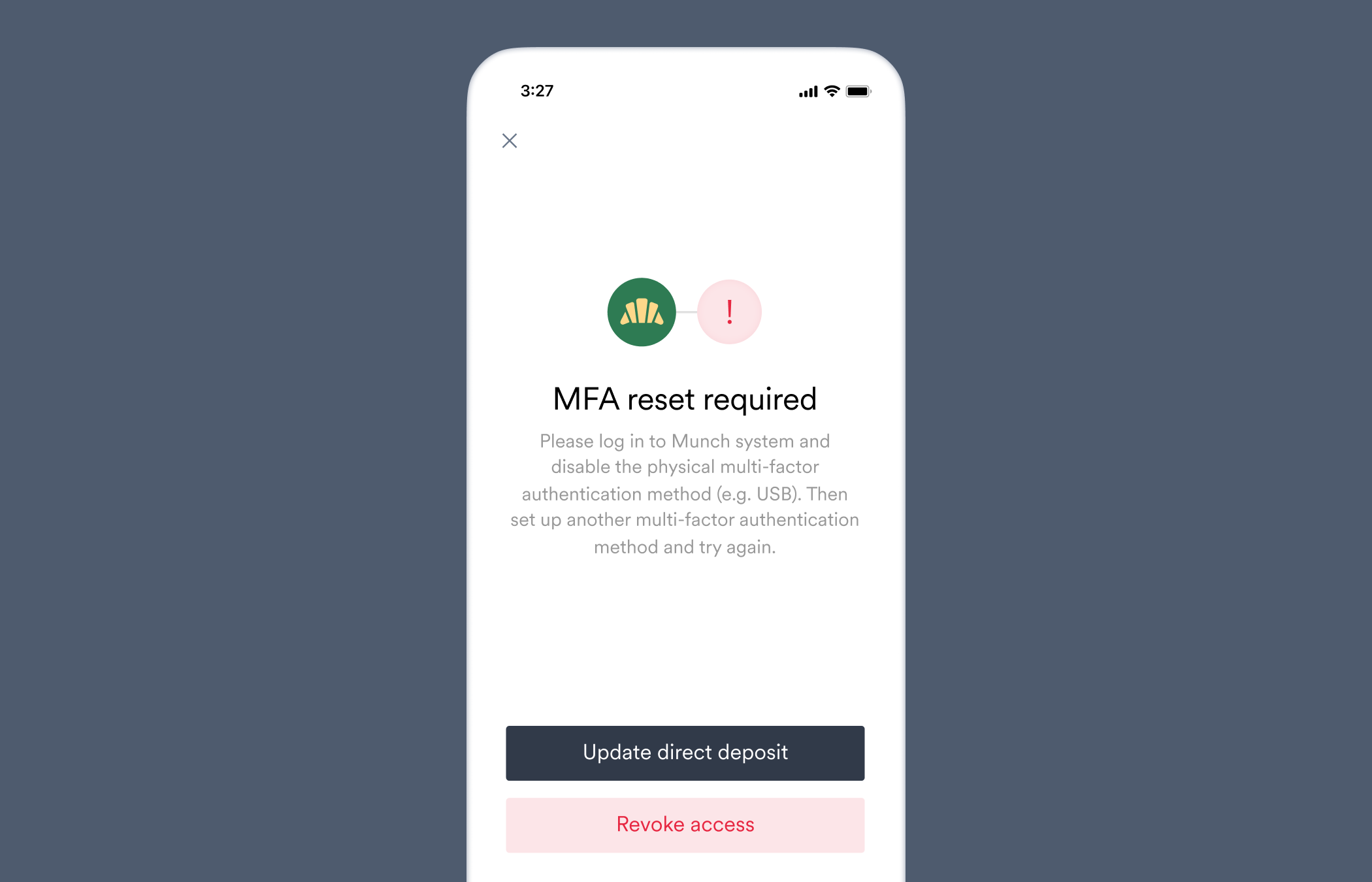
Please log in to \[Company name] system and disable the physical multi-factor authentication method (e.g. USB). Then set up another multi-factor authentication method and try again.
This user's employment account uses a physical multi-factor authentication method that Argyle does not currently support.
The user attempted to use a physical multi-factor authentication method that Argyle does not support.
Ask the user to set up an alternative multi-factor authentication method or disable the physical multi-factor authentication method, and try again.
### `physical_mfa_unsupported`
The [`direct_deposit_switches.failed`](/api-reference/direct-deposit-switches-webhooks/failed) webhook is sent when this error occurs.
Please log in to \[Company name] system and disable the physical multi-factor authentication method (e.g. USB). Then set up another multi-factor authentication method and try again.
This user's employment account uses a physical multi-factor authentication method that Argyle does not currently support.
The user attempted to use a physical multi-factor authentication method that Argyle does not support.
Ask the user to set up an alternative multi-factor authentication method or disable the physical multi-factor authentication method, and try again.
 ### `rejected_bank_account`
The [`direct_deposit_switches.failed`](/api-reference/direct-deposit-switches-webhooks/failed) webhook is sent when this error occurs.
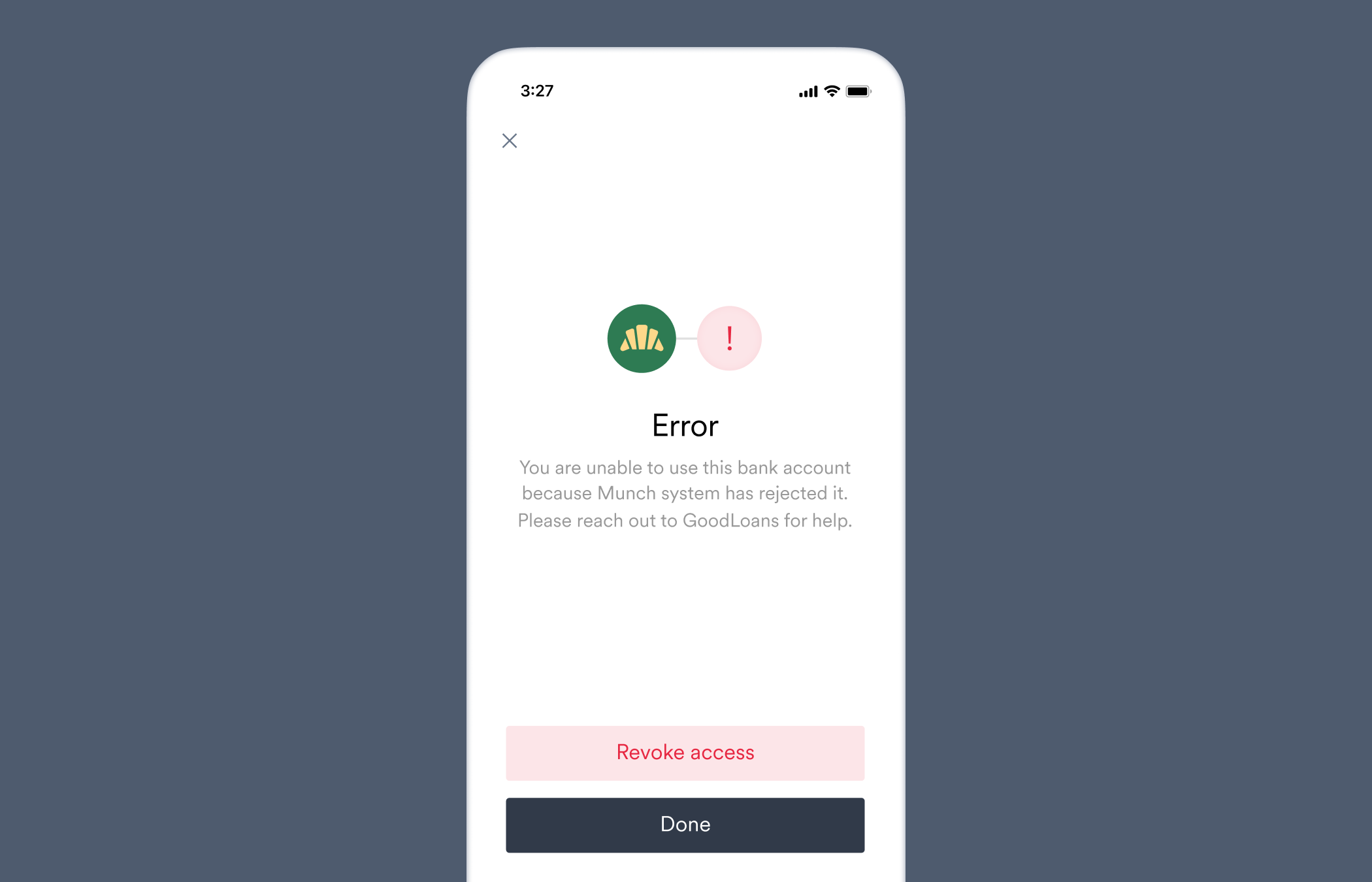
You are unable to use this bank account because \[Company name] system has rejected it. Please reach out to \[Your company name] for help.
The provided bank account was rejected by the user's employment platform. Please provide a different bank account.
The provided bank account details were valid, but were rejected by the payroll system for security reasons.
Ask the user to reach out to their payroll provider to allow the deposit switch to the specified bank account.
### `rejected_bank_account`
The [`direct_deposit_switches.failed`](/api-reference/direct-deposit-switches-webhooks/failed) webhook is sent when this error occurs.
You are unable to use this bank account because \[Company name] system has rejected it. Please reach out to \[Your company name] for help.
The provided bank account was rejected by the user's employment platform. Please provide a different bank account.
The provided bank account details were valid, but were rejected by the payroll system for security reasons.
Ask the user to reach out to their payroll provider to allow the deposit switch to the specified bank account.
 ### `rejected_routing_number`
The [`direct_deposit_switches.failed`](/api-reference/direct-deposit-switches-webhooks/failed) webhook is sent when this error occurs.
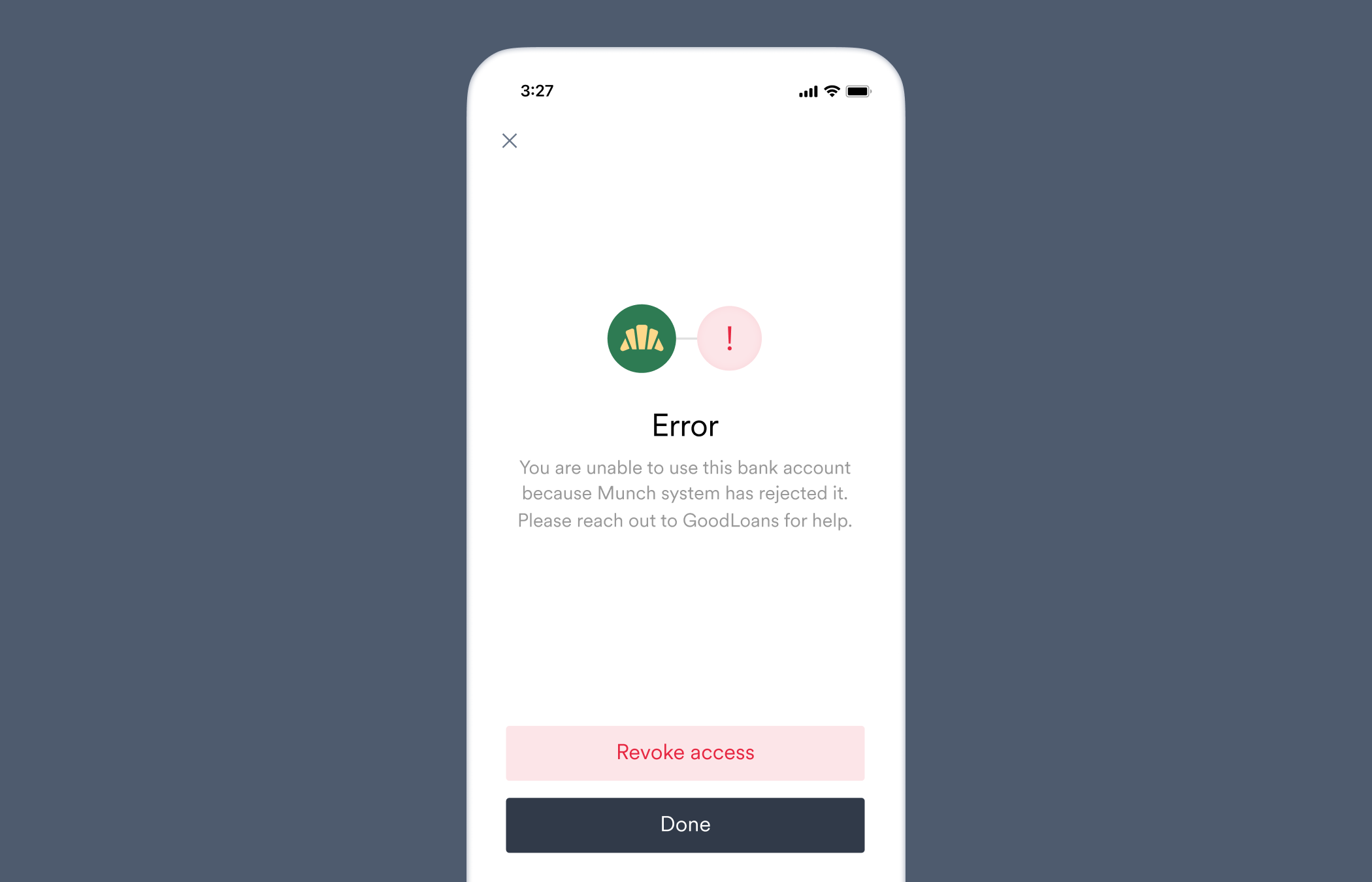
You are unable to use this bank account because \[Company name] system has rejected it. Please reach out to \[Your company name] for help.
The provided routing number is considered invalid by this user's employment account.
The provided routing number could not be validated by the user's payroll system.
Check the routing number provided in the deposit switch settings were correct. See if the user can manually add the deposit account directly within their payroll system, and if so, initiate a deposit switch again to this deposit account once added.
### `rejected_routing_number`
The [`direct_deposit_switches.failed`](/api-reference/direct-deposit-switches-webhooks/failed) webhook is sent when this error occurs.
You are unable to use this bank account because \[Company name] system has rejected it. Please reach out to \[Your company name] for help.
The provided routing number is considered invalid by this user's employment account.
The provided routing number could not be validated by the user's payroll system.
Check the routing number provided in the deposit switch settings were correct. See if the user can manually add the deposit account directly within their payroll system, and if so, initiate a deposit switch again to this deposit account once added.
 ### `service_unavailable`
The [`direct_deposit_switches.failed`](/api-reference/direct-deposit-switches-webhooks/failed) webhook is sent when this error occurs.
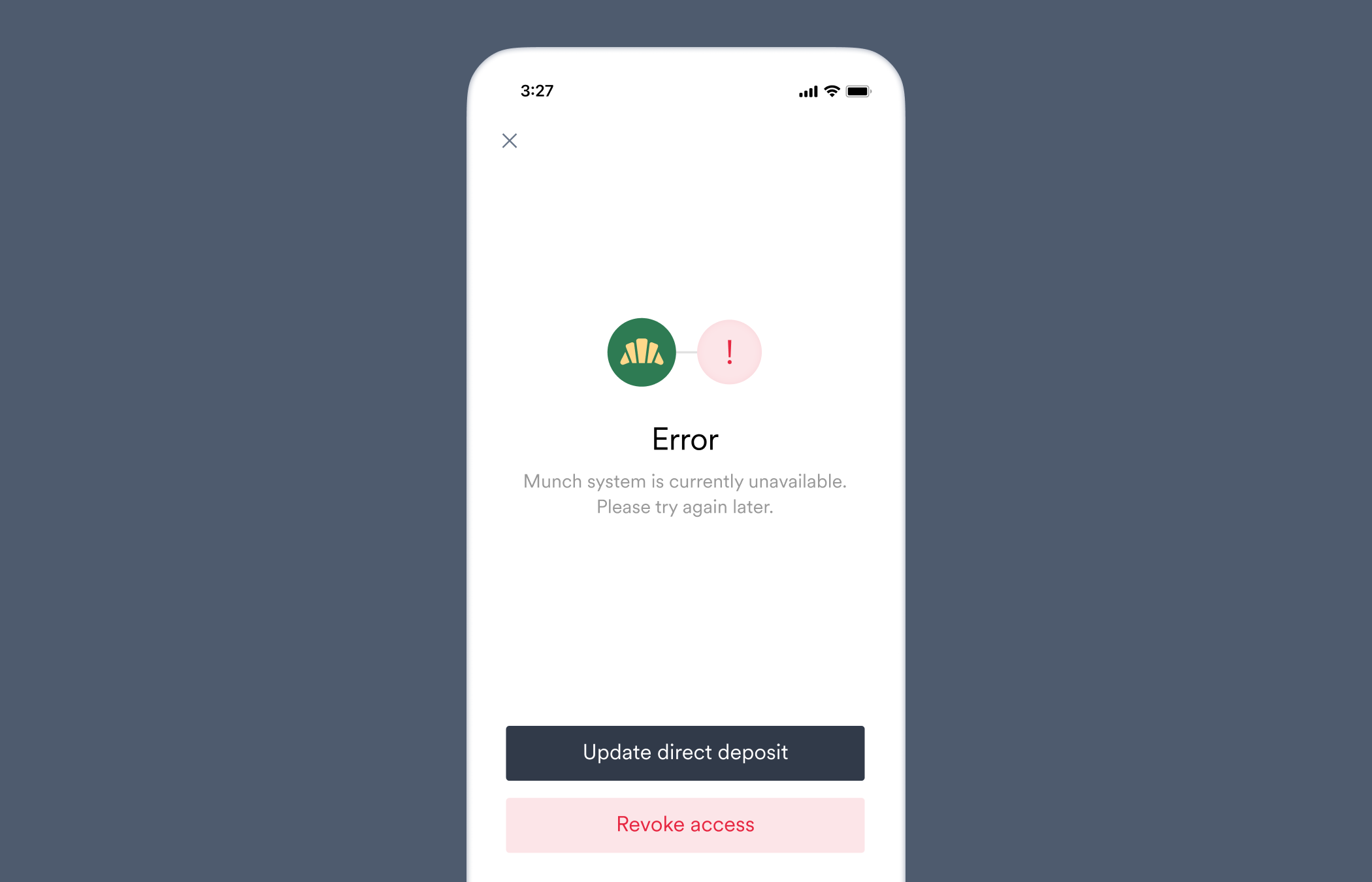
\[Company name] system is currently unavailable. Please try again later.
This user's employment platform is experiencing downtime and is currently unable to process direct deposit switching.
The user's payroll system is currently offline due to expected maintenance, or is otherwise experiencing degraded service as it relates to deposit switching.
Use the [Items](/api-reference/items) API endpoint to see if the Item is currently experiencing issues and obtain any related messaging. If not, ask the user if they can manually update their deposit settings directly within the payroll system, or to reach out to their payroll provider for more information.
### `service_unavailable`
The [`direct_deposit_switches.failed`](/api-reference/direct-deposit-switches-webhooks/failed) webhook is sent when this error occurs.
\[Company name] system is currently unavailable. Please try again later.
This user's employment platform is experiencing downtime and is currently unable to process direct deposit switching.
The user's payroll system is currently offline due to expected maintenance, or is otherwise experiencing degraded service as it relates to deposit switching.
Use the [Items](/api-reference/items) API endpoint to see if the Item is currently experiencing issues and obtain any related messaging. If not, ask the user if they can manually update their deposit settings directly within the payroll system, or to reach out to their payroll provider for more information.
 ### `system_error`
The [`direct_deposit_switches.failed`](/api-reference/direct-deposit-switches-webhooks/failed) webhook is sent when this error occurs.
We've encountered an unexpected error. Please try again later.
Argyle encountered a problem while updating user's deposit settings. Our team has been notified and is investigating.
An unexpected error occurred during the deposit switch. We have automatically been notified and will investigate.
No action needed while we investigate. Reach out to our customer support team for more information.
### `system_error`
The [`direct_deposit_switches.failed`](/api-reference/direct-deposit-switches-webhooks/failed) webhook is sent when this error occurs.
We've encountered an unexpected error. Please try again later.
Argyle encountered a problem while updating user's deposit settings. Our team has been notified and is investigating.
An unexpected error occurred during the deposit switch. We have automatically been notified and will investigate.
No action needed while we investigate. Reach out to our customer support team for more information.
 ### `unsupported_allocation_type`
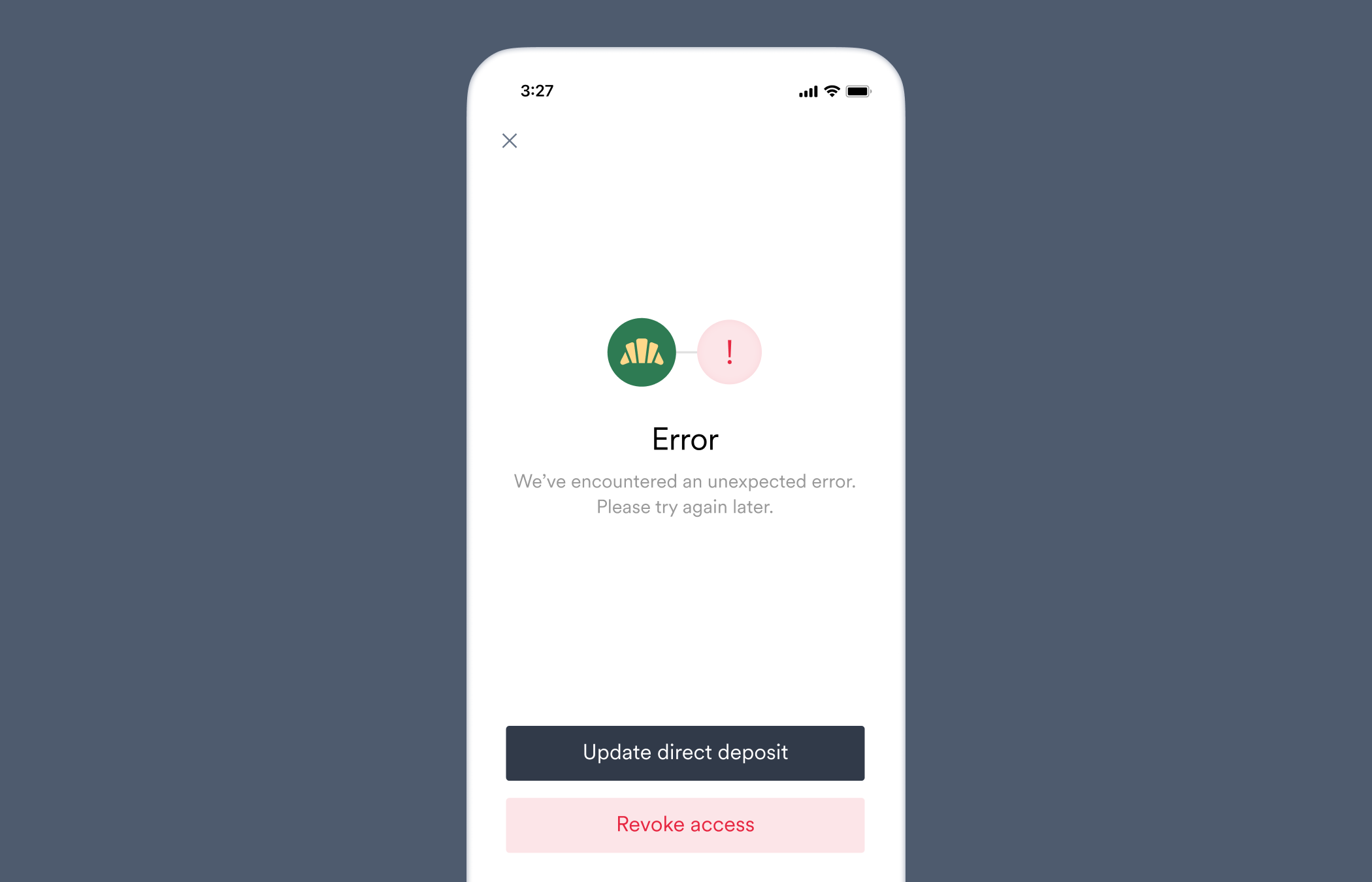
Your employment account does not currently support direct deposit switching.
This user's deposit settings contain pay allocations of unsupported types preventing the direct deposit switch. Supported allocation types are percent, amount and remainder.
A percent or amount allocation was specified in the deposit switch settings, but that allocation type is not supported by the user's payroll system.
Obtain the ID of the Item through which the user connected the account in Link via the `item` property of the [account](/api-reference/accounts). Then [retrieve the Item](/api-reference/items/retrieve-an-item) and check the `amount_allocation` and `percent_allocation` properties of the `direct_deposit_switch` object to see if the allocation settings in your [target deposit destination](/workflows/deposit-switching#structure-a-target-deposit-destination) are `supported` by this Item.
### `unsupported_allocation_type`
Your employment account does not currently support direct deposit switching.
This user's deposit settings contain pay allocations of unsupported types preventing the direct deposit switch. Supported allocation types are percent, amount and remainder.
A percent or amount allocation was specified in the deposit switch settings, but that allocation type is not supported by the user's payroll system.
Obtain the ID of the Item through which the user connected the account in Link via the `item` property of the [account](/api-reference/accounts). Then [retrieve the Item](/api-reference/items/retrieve-an-item) and check the `amount_allocation` and `percent_allocation` properties of the `direct_deposit_switch` object to see if the allocation settings in your [target deposit destination](/workflows/deposit-switching#structure-a-target-deposit-destination) are `supported` by this Item.
 ### `unsupported_bank_accounts`
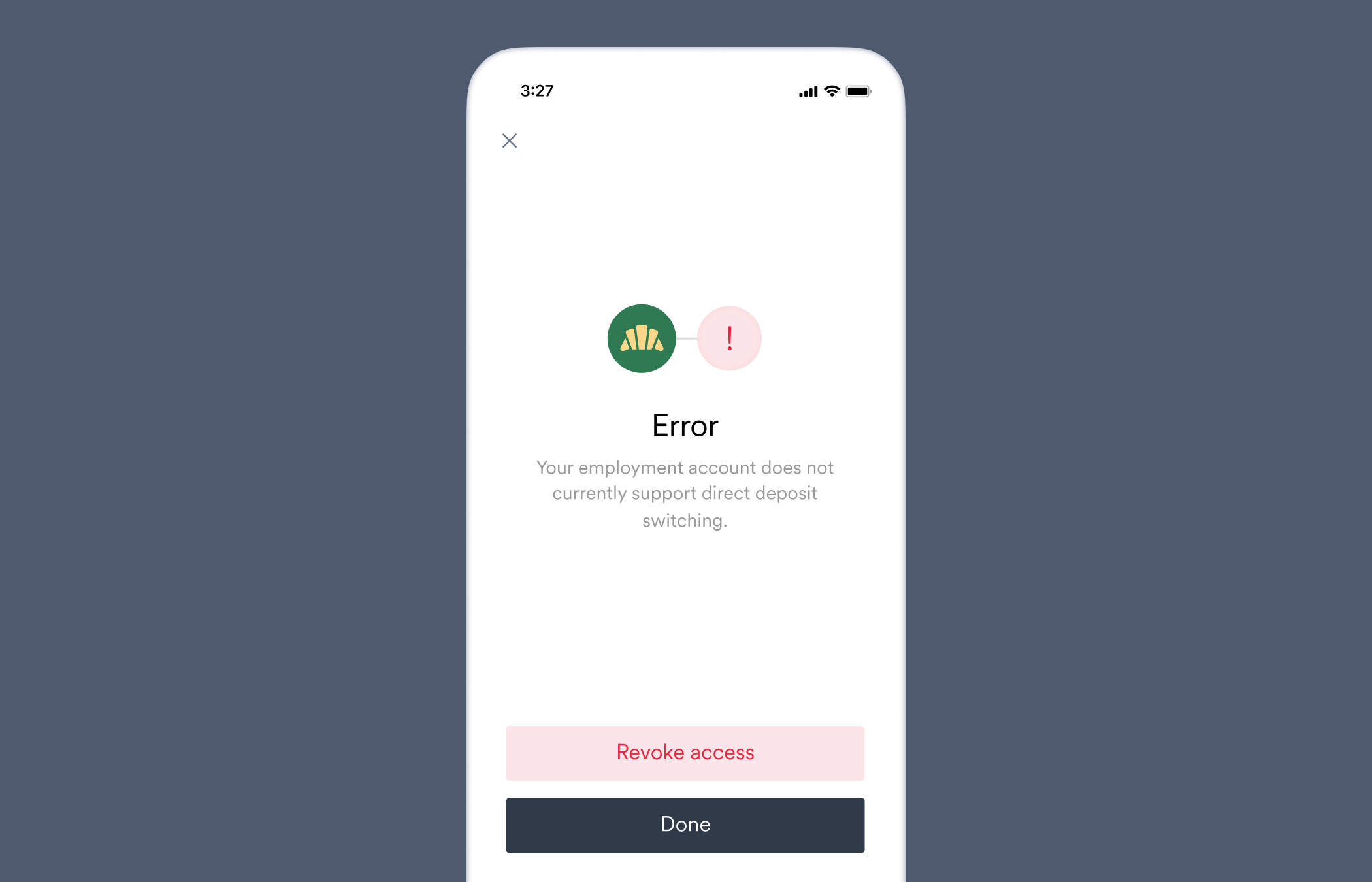
Your employment account does not currently support direct deposit switching.
This user's deposit settings contain pay allocations of unsupported bank account types like HSAs, preventing the direct deposit switch.
Other bank accounts present on the user's payroll system are of a type not supported by Argyle.
Confirm the user's other bank accounts are not a checking or savings `ach_deposit_account` (U.S.). If using a partial paycheck allocation in your deposit switch settings, consider using a [full paycheck allocation](/workflows/deposit-switching#entire-paycheck) to avoid a remainder amount needing to be allocated to an unsupported bank account type.
### `unsupported_bank_accounts`
Your employment account does not currently support direct deposit switching.
This user's deposit settings contain pay allocations of unsupported bank account types like HSAs, preventing the direct deposit switch.
Other bank accounts present on the user's payroll system are of a type not supported by Argyle.
Confirm the user's other bank accounts are not a checking or savings `ach_deposit_account` (U.S.). If using a partial paycheck allocation in your deposit switch settings, consider using a [full paycheck allocation](/workflows/deposit-switching#entire-paycheck) to avoid a remainder amount needing to be allocated to an unsupported bank account type.
 ### `unsupported_bank_account_country`
The [`direct_deposit_switches.failed`](/api-reference/direct-deposit-switches-webhooks/failed) webhook is sent when this error occurs.
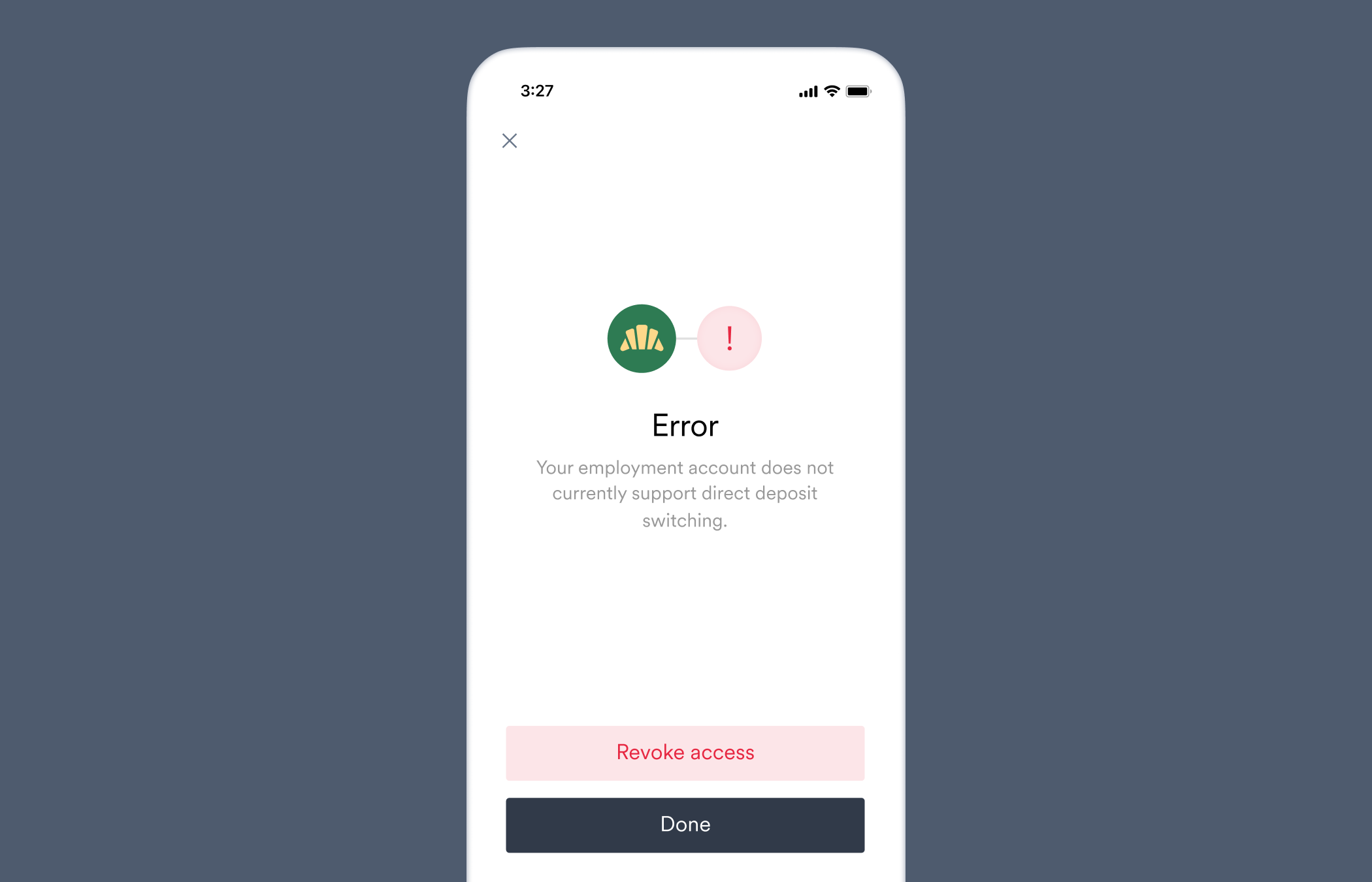
Your employment account does not currently support direct deposit switching.
This user's deposit settings contain pay allocations of unsupported countries, preventing direct deposit switching.
Other bank accounts present on the user's payroll system are of country types not supported by Argyle.
Confirm the user's other bank accounts are not U.S. `ach_deposit_accounts`. If using a partial paycheck allocation in your deposit switch settings, consider using a [full paycheck allocation](/workflows/deposit-switching#entire-paycheck) to avoid a remainder amount needing to be allocated to an unsupported bank account country type.
### `unsupported_bank_account_country`
The [`direct_deposit_switches.failed`](/api-reference/direct-deposit-switches-webhooks/failed) webhook is sent when this error occurs.
Your employment account does not currently support direct deposit switching.
This user's deposit settings contain pay allocations of unsupported countries, preventing direct deposit switching.
Other bank accounts present on the user's payroll system are of country types not supported by Argyle.
Confirm the user's other bank accounts are not U.S. `ach_deposit_accounts`. If using a partial paycheck allocation in your deposit switch settings, consider using a [full paycheck allocation](/workflows/deposit-switching#entire-paycheck) to avoid a remainder amount needing to be allocated to an unsupported bank account country type.
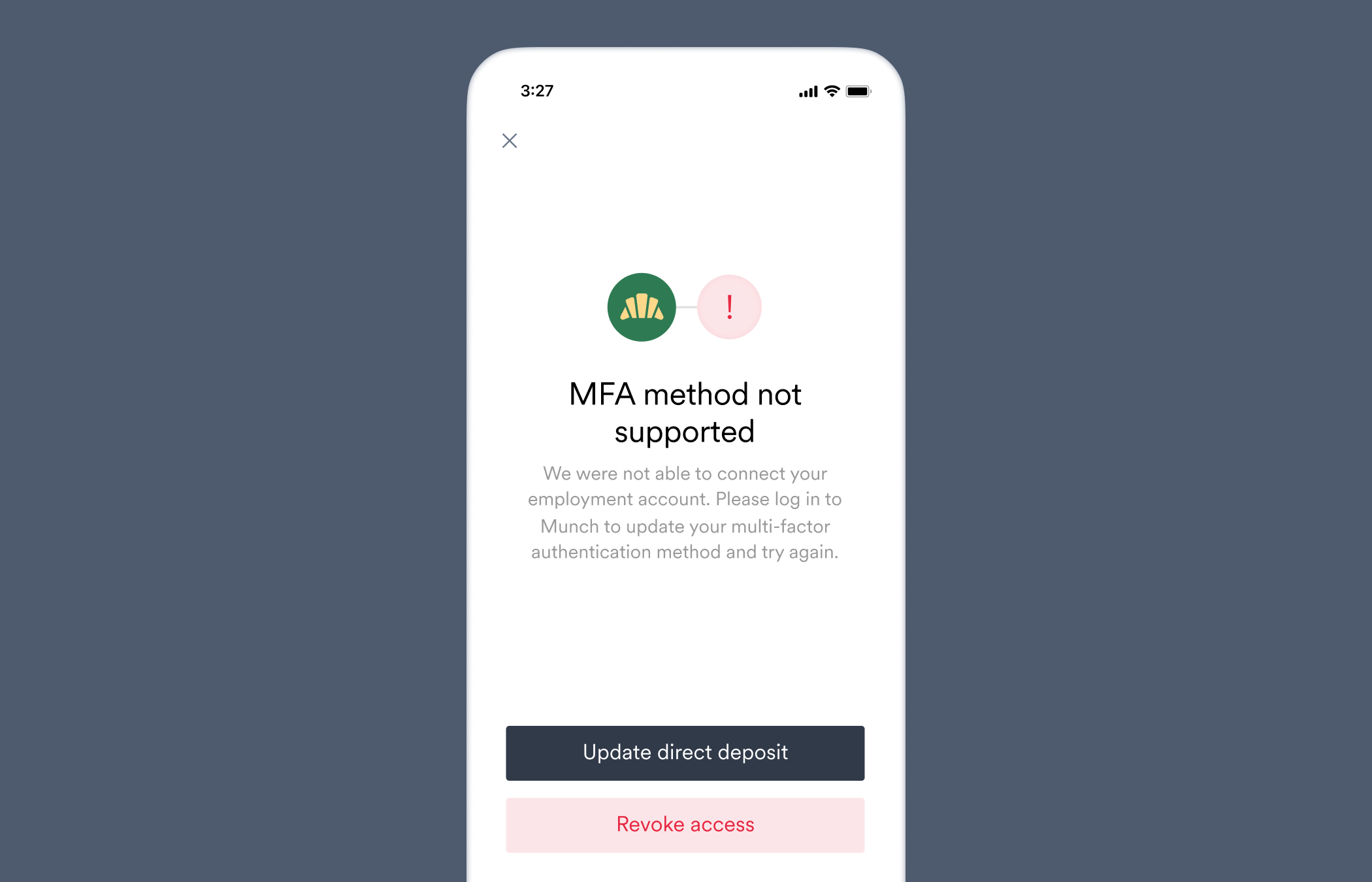
 ### `unsupported_mfa_method`
The [`direct_deposit_switches.failed`](/api-reference/direct-deposit-switches-webhooks/failed) webhook is sent when this error occurs.
We were not able to connect your employment account. Please log in to \[Company name] to update your multi-factor authentication method and try again.
This user's employment account uses a multi-factor authentication method that Argyle does not currently support.
The user's payroll system uses an MFA method that Argyle does not currently support.
Advise the user to change or temporarily disable the MFA method.
### `unsupported_mfa_method`
The [`direct_deposit_switches.failed`](/api-reference/direct-deposit-switches-webhooks/failed) webhook is sent when this error occurs.
We were not able to connect your employment account. Please log in to \[Company name] to update your multi-factor authentication method and try again.
This user's employment account uses a multi-factor authentication method that Argyle does not currently support.
The user's payroll system uses an MFA method that Argyle does not currently support.
Advise the user to change or temporarily disable the MFA method.
 ### `waiting_period`
The [`direct_deposit_switches.failed`](/api-reference/direct-deposit-switches-webhooks/failed) webhook is sent when this error occurs.
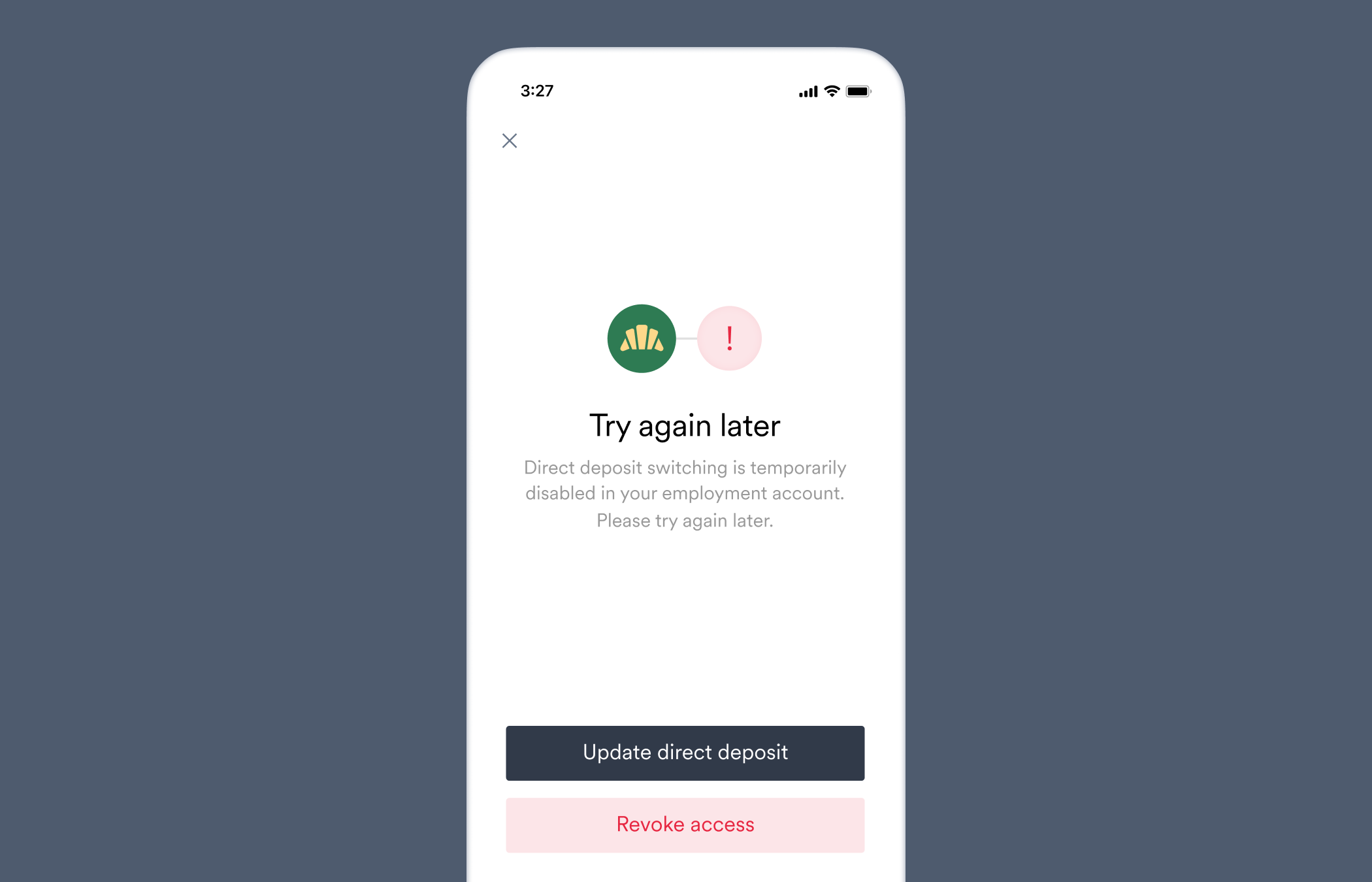
Direct deposit switching is temporarily disabled in your employment account. Please try again later.
Direct deposit switching is temporarily unavailable due to employer requiring a waiting period after a recent direct deposit switch or initial account connection.
The user's payroll system requires a waiting period after a recent deposit switch or initial account creation.
Advise the user to return later to re-attempt the deposit switch.
### `waiting_period`
The [`direct_deposit_switches.failed`](/api-reference/direct-deposit-switches-webhooks/failed) webhook is sent when this error occurs.
Direct deposit switching is temporarily disabled in your employment account. Please try again later.
Direct deposit switching is temporarily unavailable due to employer requiring a waiting period after a recent direct deposit switch or initial account connection.
The user's payroll system requires a waiting period after a recent deposit switch or initial account creation.
Advise the user to return later to re-attempt the deposit switch.